
Screen Ruler - Measure and Inspect the Web
Hover over any web element to measure sizes, margins, paddings, and inspect CSS, colors, and more.
What it does
Permissions and access
Taken from the extension's own manifest file inside the package. The store listing does not spell this out, so it is worth reading before you install.
| Permission | What it allows |
|---|---|
activeTab | Access the current tab when you click the extension |
contextMenus | Add items to the right-click menu |
declarativeContent | React to page content without reading it |
declarativeNetRequestWithHostAccess | Block or modify requests on sites it can access |
offscreen | Run hidden pages for background work |
scripting | Run its own code on pages |
sidePanel | Show a panel beside the page |
storage | Store its own settings and data |
Asks for these only when you use the matching feature:
clipboardWrite, downloads
Requests 8 permissions — extensions doing the same job average 4.2.
Technical details
Show all 10 languages
Keyboard shortcuts
| Shortcut | Action |
|---|---|
| Alt+Shift+S | _execute_action |
| Alt+Shift+Up | Move selection to parent element. |
| Alt+Shift+Down | Move selection to child element. |
Description
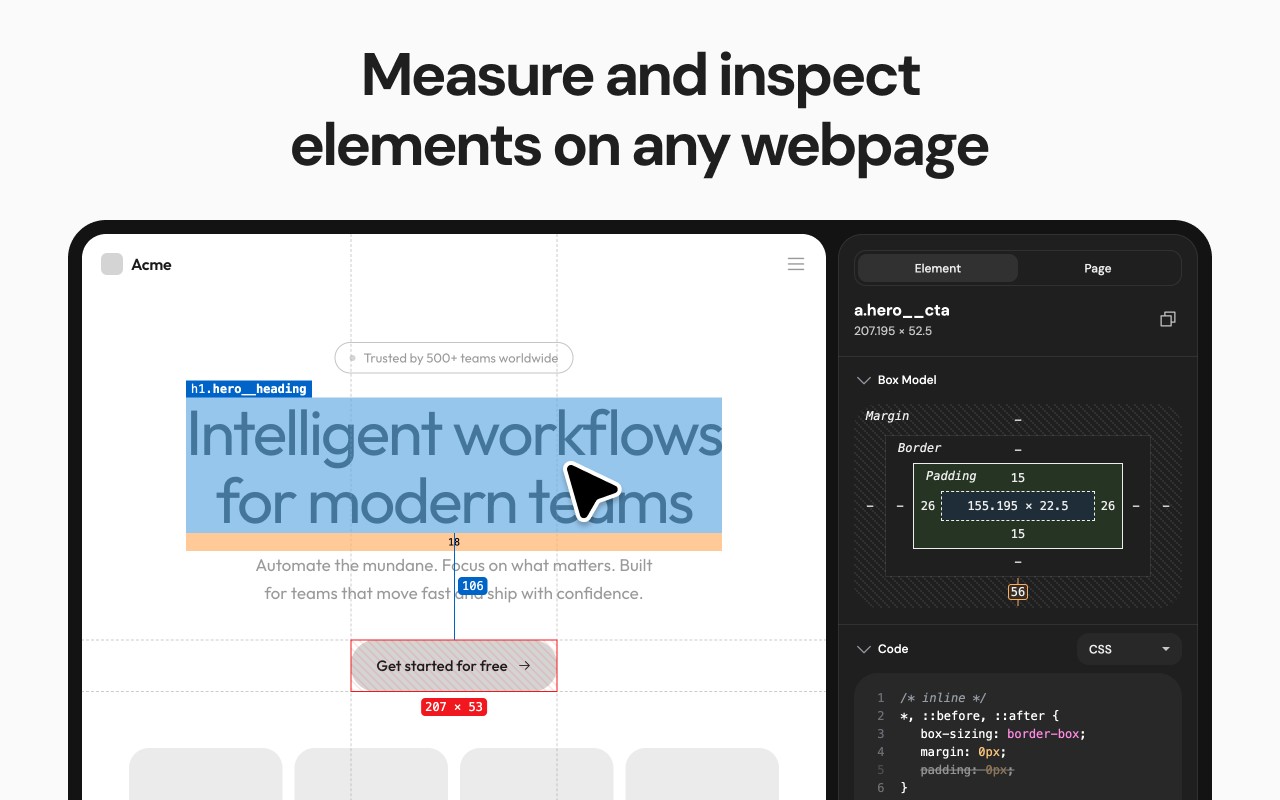
Screen Ruler is a web inspector tool designed for web developers and designers to validate website implementations. Once activated, hovering over any web content displays its size, margins, paddings, tag name, ID, and class. Clicking an element selects it, turning the highlight red, and you can measure distances between selected elements. The extension can be toggled via the toolbar icon, right-click context menu, or the shortcut Alt/Option + Shift + R. To deselect an element, click again, press Escape, or select another. Use Alt/Option + Up to select the parent element, and Alt/Option + Down to reverse selection. The side panel shows the computed CSS of the selected item, with a "Copy CSS" button to copy it to the clipboard.
Features
- Measure the pixel size of any element: useful for checking exact dimensions during layout validation.
- Measure pixel distance between any two elements: helps verify spacing and alignment.
- Display HTML tag names, class names, and IDs: quickly identify element structure.
- Parent/child selection shortcuts: navigate the DOM tree efficiently.
- Responsive selections that resize with the browser window: ensures measurements adapt to viewport changes.
- Access from the context menu: convenient right-click activation.
- Computed CSS inspection: view all computed styles for the selected element.
- Copy CSS to clipboard: easily transfer styles for reuse or documentation.
- Page rulers with horizontal and vertical guides and crosshair: precise manual measurements.
- Color picker tool to sample and copy colors from anywhere on the page: ideal for extracting brand colors.
- Element Screenshots: capture cropped screenshots of selected items using Ctrl/Cmd + Shift + S.
- Accessibility Issues: automatically detect and highlight WCAG contrast failures in the selection, with actionable recommendations.
- Works on any web page: universal compatibility.
- Customizable keyboard shortcuts via chrome://extensions/shortcuts.
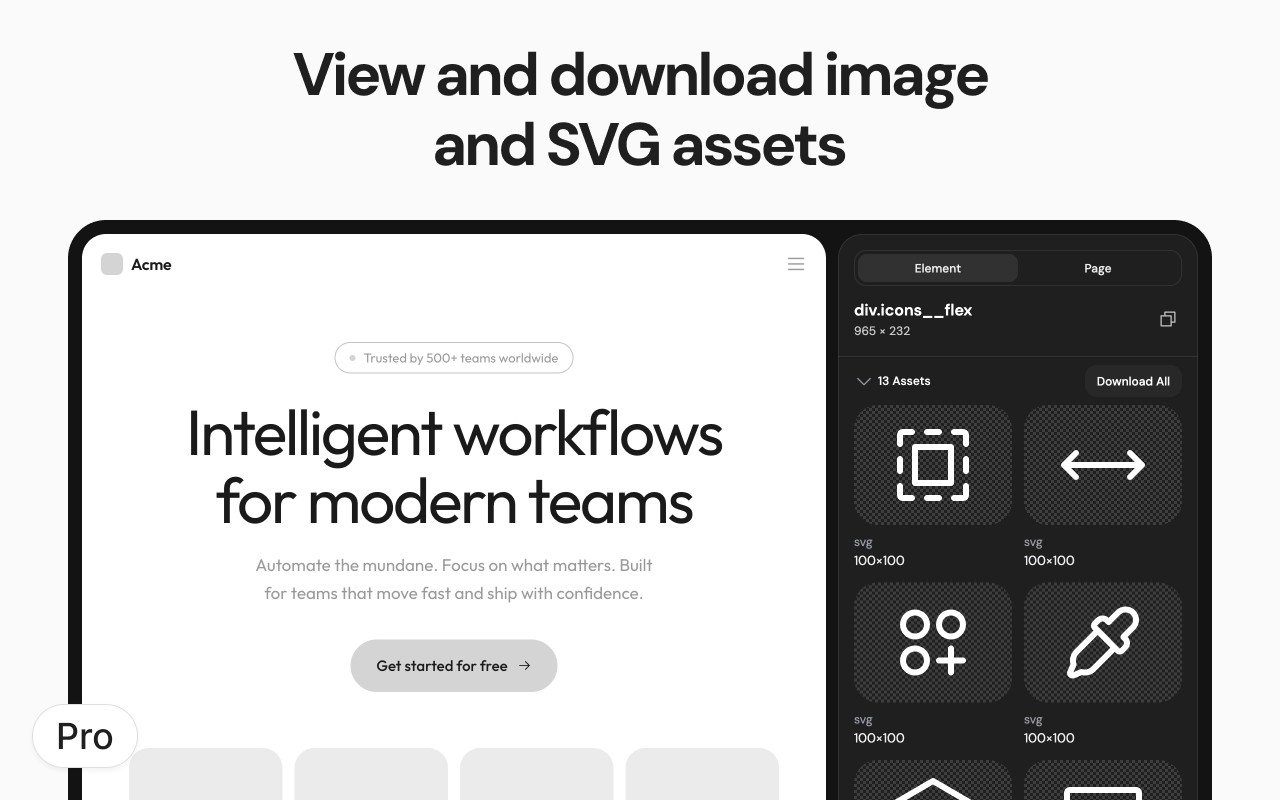
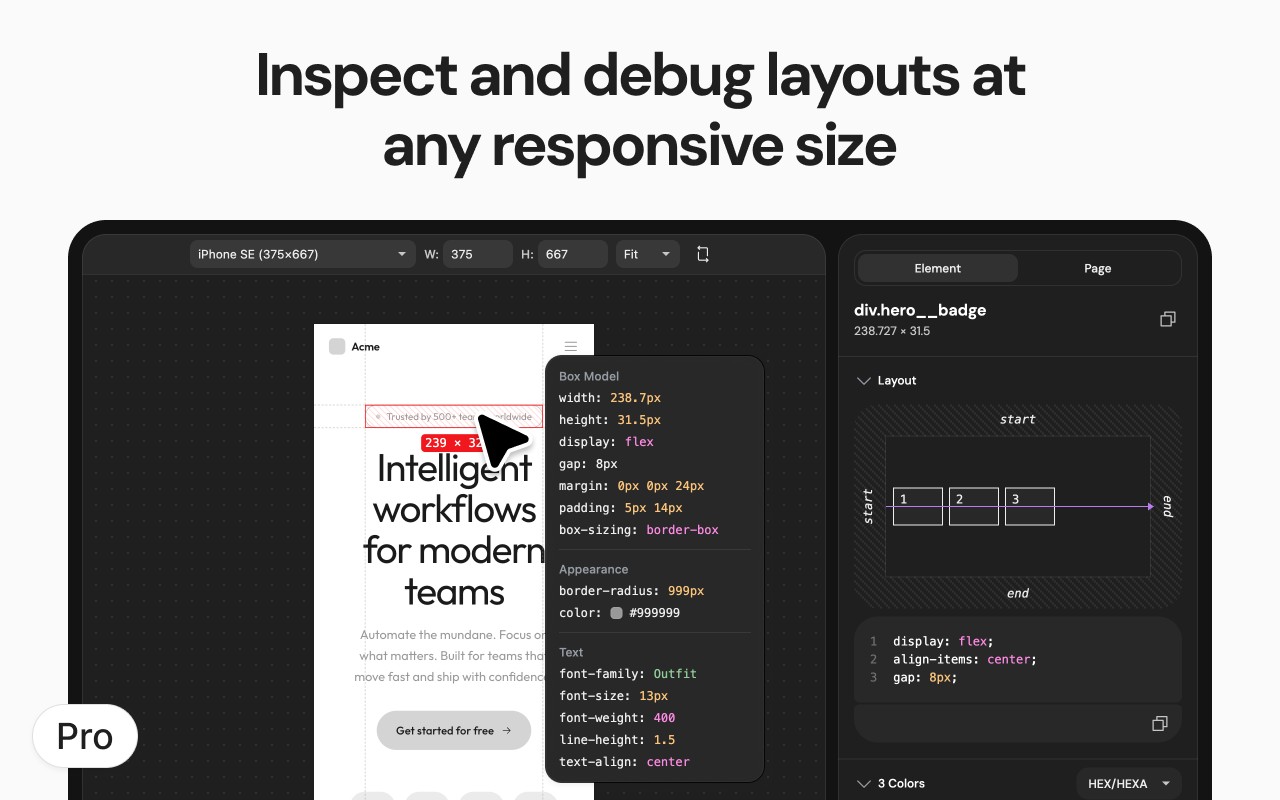
Screen Ruler also offers a PRO tier with a one-off payment for lifetime access. PRO features include: Floating Inspector that shows detailed properties on hover (position, size, font, colors, etc.); Responsive Mode with an interactive device emulator and custom dimensions; Box Shadow Visualization with an exploded view of multi-layer shadows; Animation Analysis to visualize CSS animation timing curves and copy properties; Asset Extraction to download images, SVGs, and vector assets; Color Extraction to copy color palettes in hex, RGB, and HSL; Layout Grid Overlay for customizable alignment grids; CSS Selector Search to find and highlight elements by selector; Typography analysis to extract all type styles; and X-Ray Mode to outline all content and reveal page structure. The free version covers essential measurement and inspection needs, while PRO adds advanced design and development utilities.
Extensions that do the same job
Matched by what these extensions actually do, not by store category, and sorted so the ones asking for the least access come first.
| Extension | Site access | Permissions | Users | Rating |
|---|---|---|---|---|
| Screen Ruler - Measure and Inspect the Web — this page | Limited | 8 | 50K | 4.4★ |
| Figma | Limited | 4 | 200K | 4.2★ |
| HeadingsMap | All sites | 3 | 100K | 4.5★ |
| Site Palette | All sites | 3 | 80K | 3.6★ |
| BlazeMeter | The Continuous Testing Platform | All sites | 10 | 100K | 4.1★ |
| Axiom Browser Automation & Web Scraping | All sites | 8 | 100K | 4.5★ |
| GitZip for github | Limited | 2 | 100K | 4.1★ |
Want the same thing with less access? Figma, GitZip for github, IP Address and Domain Information ask for fewer permissions than this one.
Store data last checked August 14, 2026.