
Clear Cache for Current Tab
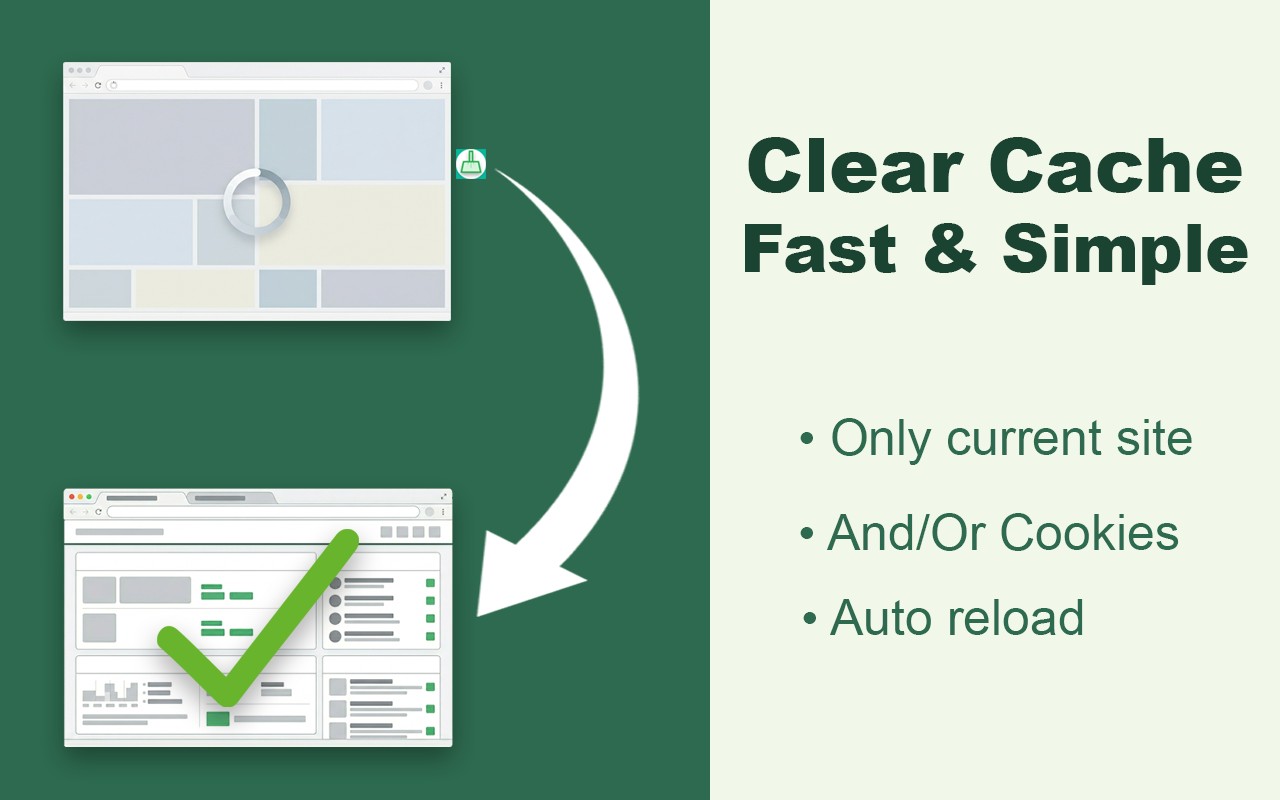
Clears cache and optionally cookies for the current website only, then reloads the page with one click.
What it does
Permissions and access
Taken from the extension's own manifest file inside the package. The store listing does not spell this out, so it is worth reading before you install.
| Permission | What it allows |
|---|---|
browsingData | Clear your browsing data |
cookies | Read and change cookies for the sites it runs on |
scripting | Run its own code on pages |
storage | Store its own settings and data |
tabs | See the addresses and titles of your open tabs |
Requests 5 permissions — extensions doing the same job average 4.8.
Technical details
Show all 52 languages
Keyboard shortcuts
| Shortcut | Action |
|---|---|
| Alt+X | __MSG_appName__ |
Description
Clear Cache for Current Tab is a lightweight Chrome extension that clears stored website data and cookies exclusively for the active tab with a single click. Instead of navigating through browser settings or wiping data for all open pages, this tool targets only the origin of the page you are currently viewing. It is designed for developers, QA engineers, support specialists, and regular users who encounter stale pages, broken sessions, or outdated content without affecting other websites or their login states.
Key Features
- One-click clear cache with automatic page refresh: Press the Clear button in the popup, and the extension removes cached files and optionally cookies for the current origin, then reloads the page to fetch the latest version. This eliminates the need to manually refresh after clearing data.
- Selective removal of stored files and cookies: You can choose to clear only the HTTP cache, only cookies, or both. The cookies checkbox is off by default to protect your sessions on the current site. This granularity ensures you stay logged into other websites and keep their data intact.
- Live data display: The popup shows the real storage usage of the current origin (e.g., cache size) and the exact number of cookies set by the site. This transparency helps you understand how much data the website has stored before deciding to clear it.
- Keyboard shortcut Alt+X: For instant action without opening the popup, you can press Alt+X (configurable) to clear cache and reload the active tab. This is especially useful for developers who need rapid hard refreshes during development.
- Minimalistic UI with light and dark theme support: The interface is clean and simple, with a toggle in the popup header to switch between light and dark themes. Your preference is remembered across sessions.
- Automatic origin detection and restrictions: The extension automatically identifies the active page's origin and warns you on restricted pages like chrome://, the Chrome Web Store, and extension pages where clearing cache is not applicable or allowed.
- Remembers your last selection: The popup retains your previous choice (cache only, cookies only, or both) between sessions, so you don't have to reconfigure each time.
- Visual confirmation: After clearing, a brief visual indicator confirms the action succeeded.
Typical use cases include web developers who need a hard reload without opening DevTools, designers verifying fresh CSS and JS after a deploy, QA engineers reproducing bugs on a clean session, users fixing login loops or broken checkout pages, and anyone who needs a fast, per-site cache clearing shortcut. Unlike a full browser wipe, this extension preserves your login on other sites, keeps other tabs' data and sessions intact, and does not affect autofill, history, or saved passwords. The operation is surgical and faster than navigating Chrome's settings. Additionally, the extension does not collect personal data, has zero analytics or tracking, and runs entirely locally with minimal permissions.
Extensions that do the same job
Matched by what these extensions actually do, not by store category, and sorted so the ones asking for the least access come first.
| Extension | Site access | Permissions | Users | Rating |
|---|---|---|---|---|
| Clear Cache for Current Tab — this page | All sites | 5 | 400 | 5.0★ |
| Refined GitHub | Limited | 5 | 100K | 4.8★ |
| SN Utils - Tools for ServiceNow | Limited | 6 | 100K | 4.9★ |
| Browser History Plus | All sites | 7 | 60K | 4.2★ |
| Open Multiple URLs | Limited | 3 | 700K | 4.7★ |
| Plugins | Limited | 3 | 400K | 3.8★ |
| Extensity | Limited | 2 | 200K | 4.8★ |
Want the same thing with less access? Refined GitHub, SN Utils - Tools for ServiceNow, Open Multiple URLs ask for fewer permissions than this one.
Store data last checked August 14, 2026.