
Site Palette
Extracts a color palette from any website using multiple algorithms, with export to Figma, Sketch, and Adobe Swatch.
What it does
Permissions and access
Taken from the extension's own manifest file inside the package. The store listing does not spell this out, so it is worth reading before you install.
| Permission | What it allows |
|---|---|
scripting | Run its own code on pages |
storage | Store its own settings and data |
tabs | See the addresses and titles of your open tabs |
Requests 3 permissions — extensions doing the same job average 4.2.
Technical details
Description
Site Palette is a browser extension that automatically generates a color palette from any webpage. It is designed for designers and front-end developers who need to extract, analyze, and reuse colors from existing websites. Unlike simple eyedropper tools that pick one color at a time, Site Palette scans the entire page and produces a coherent set of colors using multiple extraction algorithms. You can save palettes to your account, access them from any device, and share them via unique links. The extension also offers exports to popular design tools, making it a practical reference for projects like competitor audits, brand discovery, design system seeding, or mood board creation.
Features
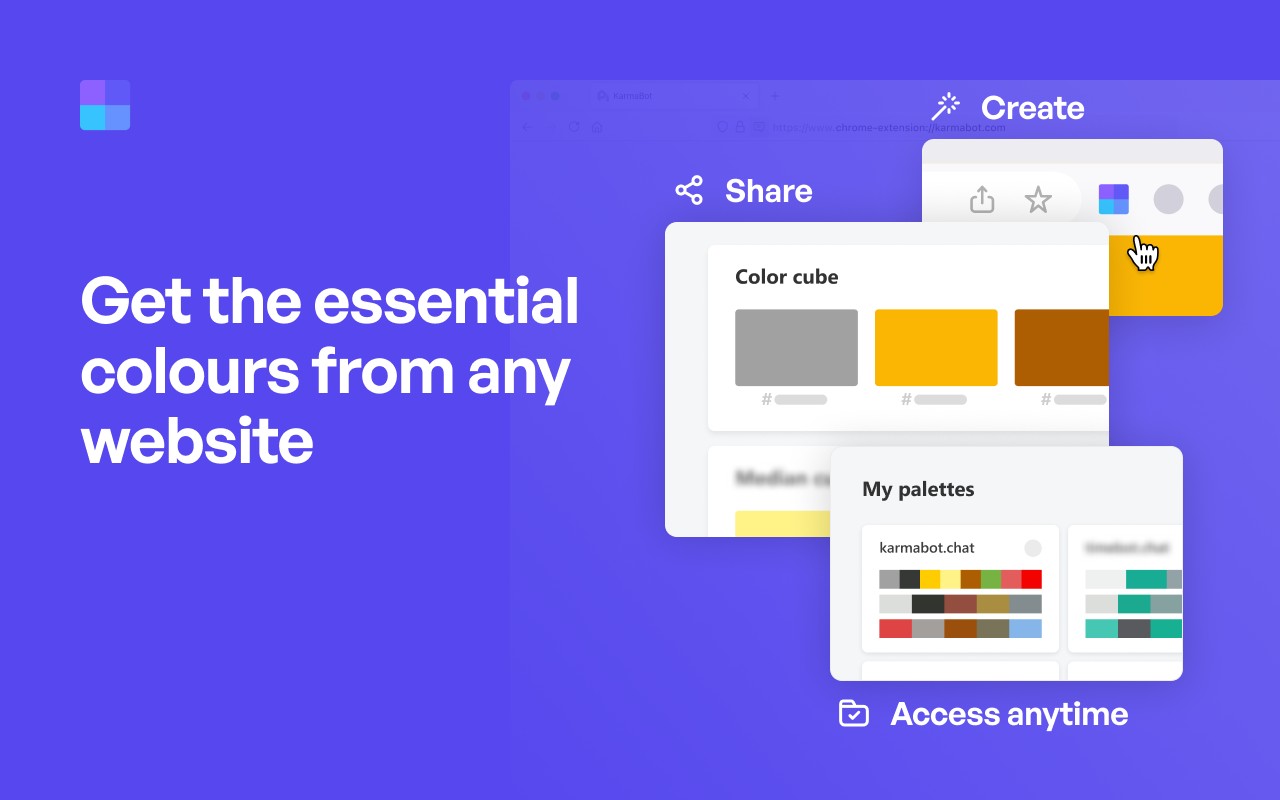
- Multiple extraction algorithms: Choose from Color Cube, Median Cut, Material Design mode, or live viewport extraction (ranked by on-screen area) to get the most relevant palette for your needs. Each algorithm analyzes the page differently, so you can pick the one that best matches your use case-for example, Material Design mode is ideal for extracting colors that align with Material Design guidelines, while live viewport extraction focuses on the most visible colors in the current view.
- Figma plugin integration: With the official Site Palette Figma plugin, you can import your saved palettes directly into Figma as local variables. This eliminates the need to manually copy-paste hex codes and enables you to use the palette for tokens, themes, and design systems seamlessly.
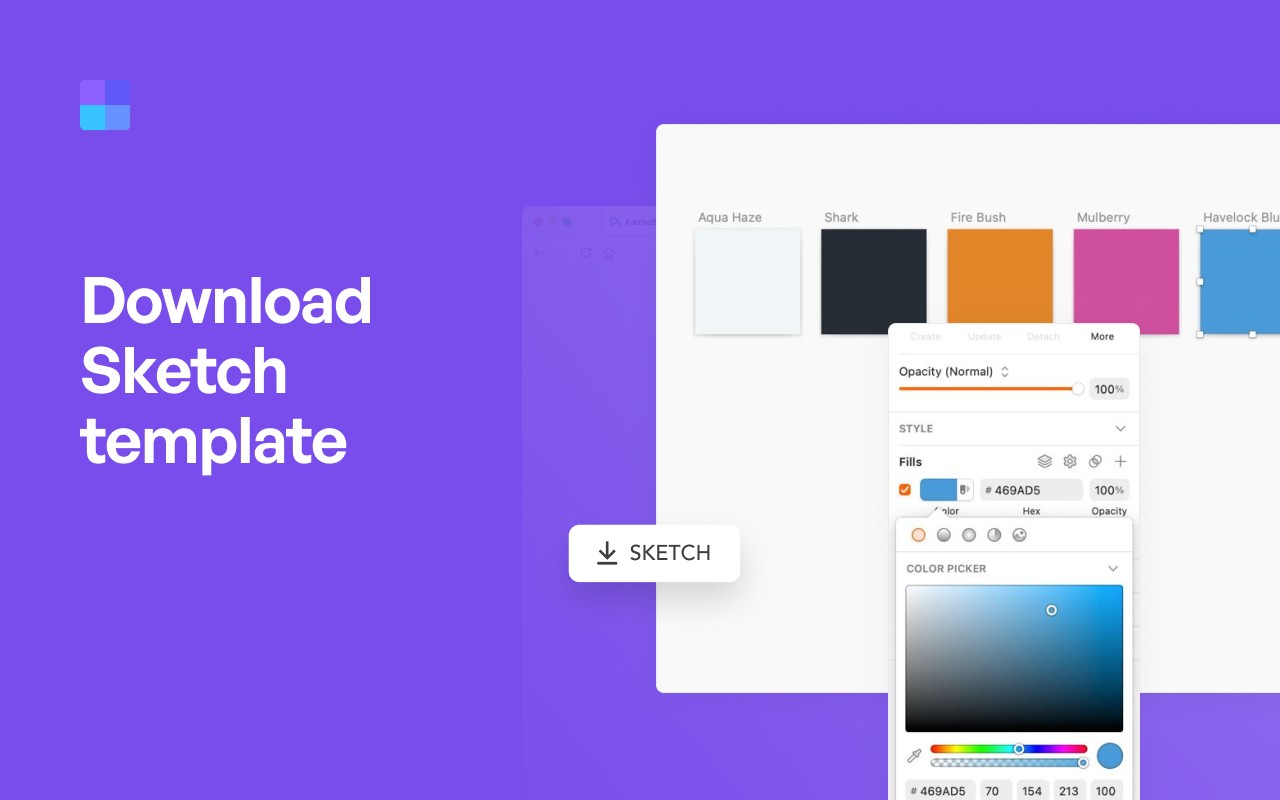
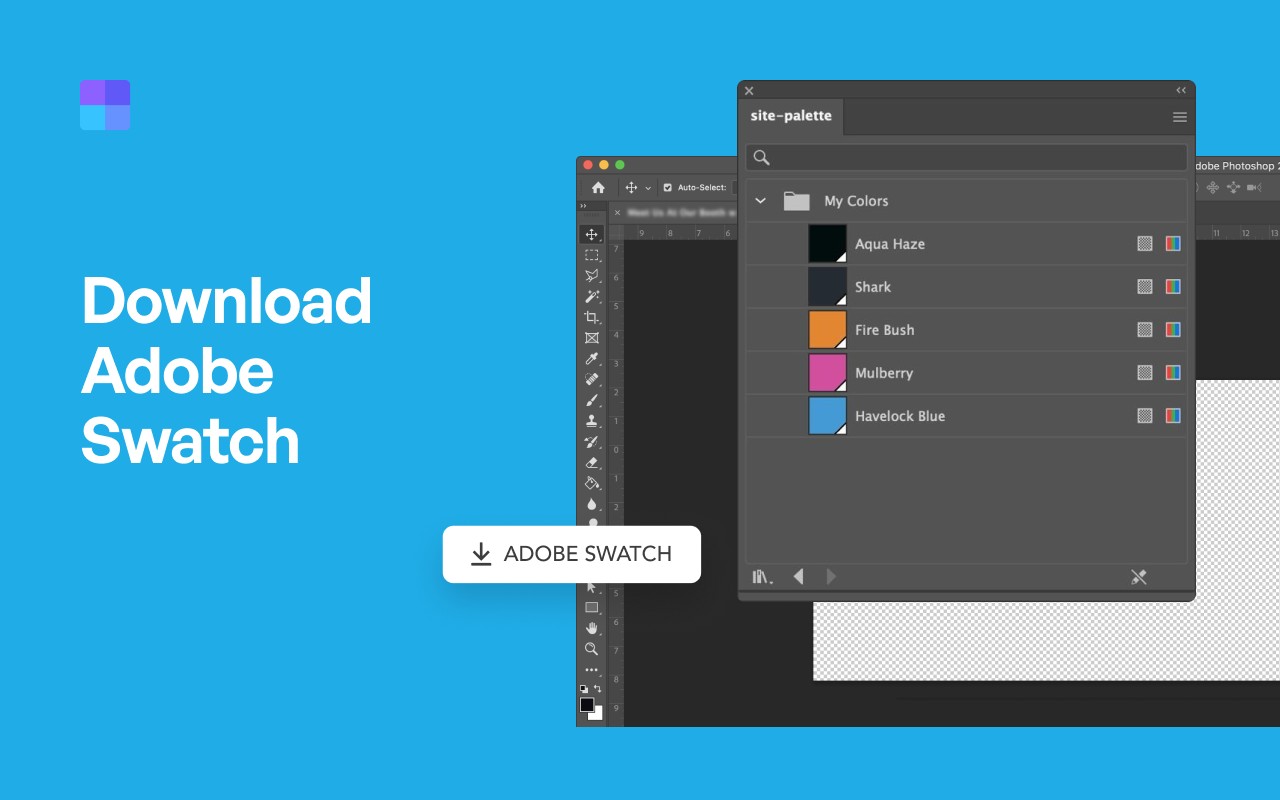
- Export to multiple formats: Export palettes as a Sketch template, Adobe Swatch (.ase) file, or SVG. These formats are widely supported in design tools, allowing you to transfer colors to other applications without losing accuracy.
- Integration with color tools: Use Google Art Palette and Coolors.co to fine-tune your extracted palette. For example, you can search for similar color schemes on Coolors.co or find art-inspired palettes via Google Art Palette.
- MagicLink sign-in: Log in without a password by receiving a magic link via email. This simplifies access and enhances security.
- Personal Palette History: Every palette you generate is automatically saved to your history, which is synced across devices. You can revisit, share, or export any past palette at any time.
- Unique shareable links: Generate a unique URL for each palette to share with colleagues or clients. The recipient can view the palette without needing the extension.
- Subscription management: Manage your plan from the My Profile section, including upgrading or canceling.
Site Palette offers a 24-hour free trial to explore its features. After the trial, the subscription costs $2.50 per month or $30 per year. A lifetime license is available for a limited time at $79 (regularly $99). The extension works on Chrome, Microsoft Edge, Brave, and Opera via the Chrome Web Store. For support, contact [email protected].
Extensions that do the same job
Matched by what these extensions actually do, not by store category, and sorted so the ones asking for the least access come first.
| Extension | Site access | Permissions | Users | Rating |
|---|---|---|---|---|
| Site Palette — this page | All sites | 3 | 80K | 3.6★ |
| Figma | Limited | 4 | 200K | 4.2★ |
| Visual CSS Editor | Limited | 4 | 50K | 3.5★ |
| Refined GitHub | Limited | 5 | 100K | 4.8★ |
| Screen Ruler - Measure and Inspect the Web | Limited | 8 | 50K | 4.4★ |
| BlazeMeter | The Continuous Testing Platform | All sites | 10 | 100K | 4.1★ |
| Auto Clicker - AutoFill | All sites | 11 | 200K | 4.0★ |
Want the same thing with less access? Figma, Visual CSS Editor, BetterTTV ask for fewer permissions than this one.
Store data last checked August 14, 2026.