
Open incognito tab
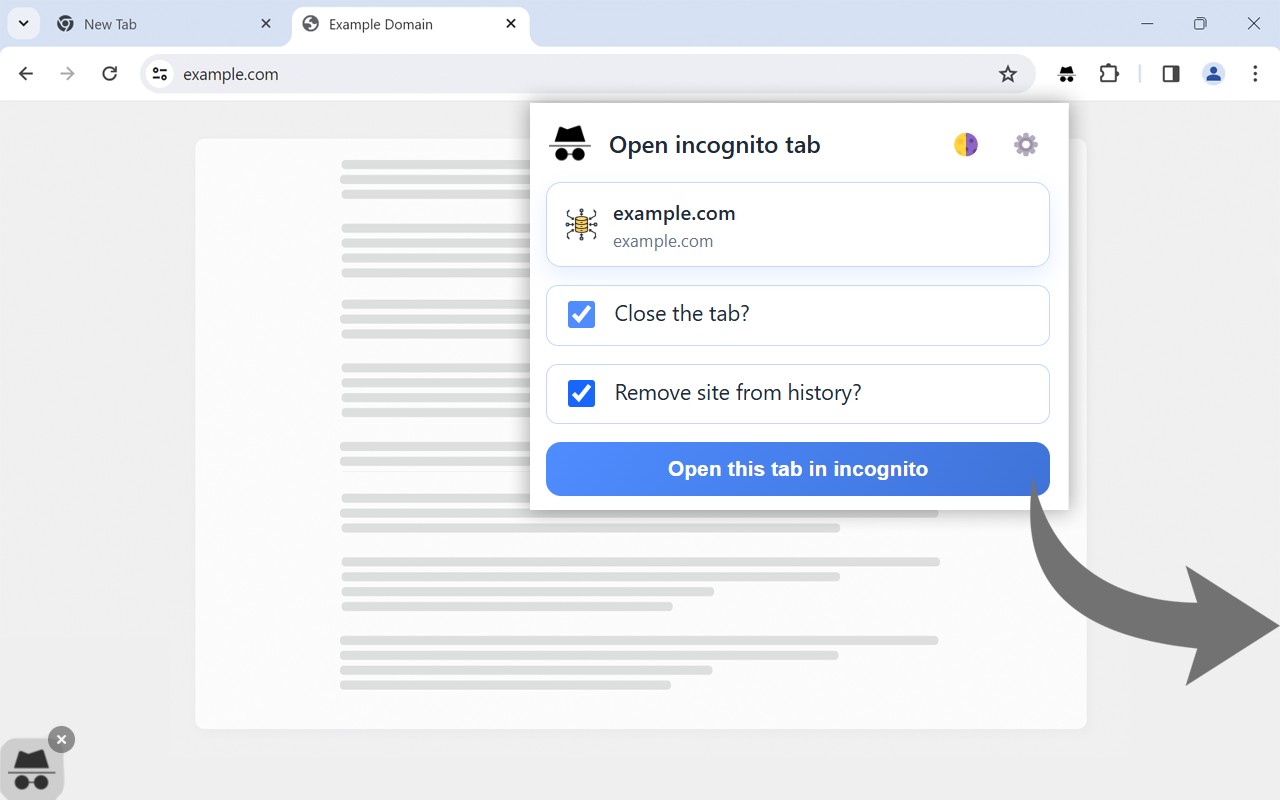
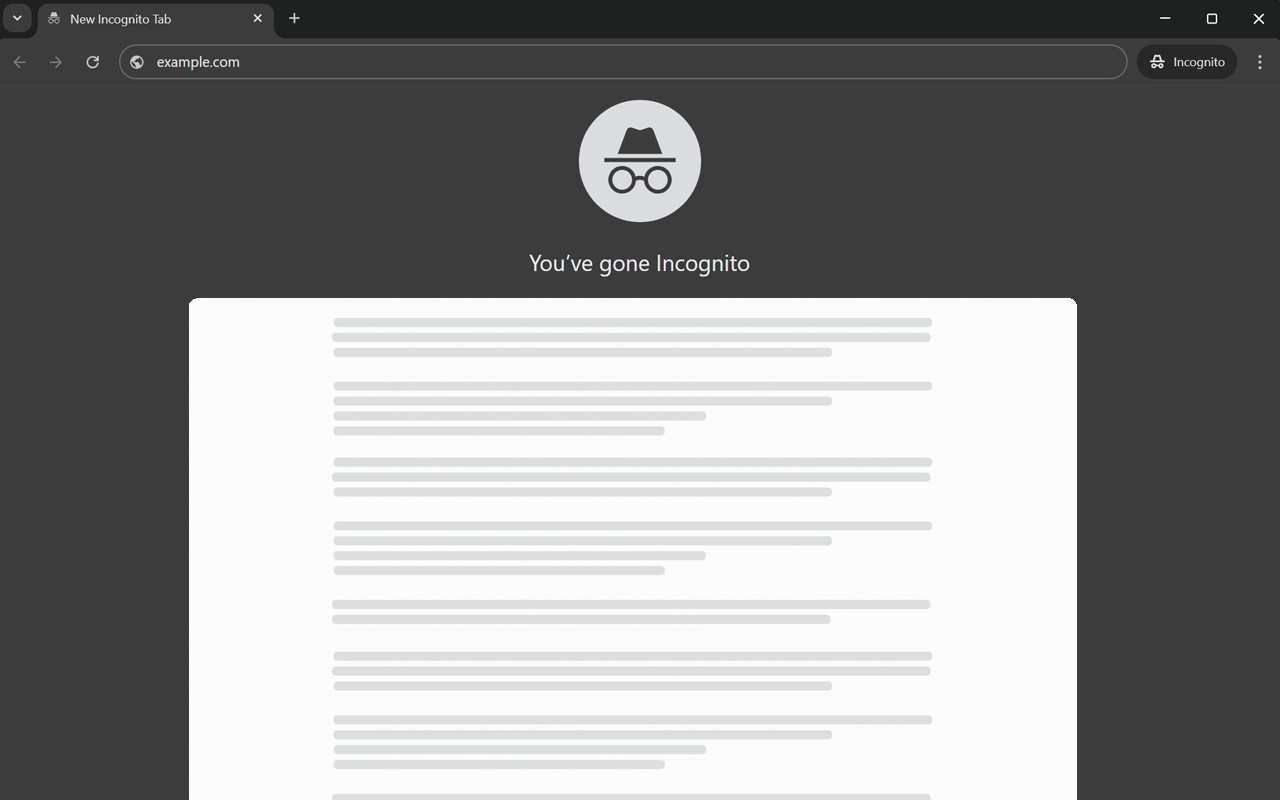
Opens the current Chrome tab in an incognito window via icon, context menu, or keyboard shortcut.
What it does
Permissions and access
Taken from the extension's own manifest file inside the package. The store listing does not spell this out, so it is worth reading before you install.
| Permission | What it allows |
|---|---|
browsingData | Clear your browsing data |
contextMenus | Add items to the right-click menu |
history | Read and change your browsing history |
storage | Store its own settings and data |
Requests 4 permissions — extensions doing the same job average 7.0.
Technical details
Show all 52 languages
Keyboard shortcuts
| Shortcut | Action |
|---|---|
| Alt+I | __MSG_openInIncognitoTab__ |
Description
The Open Incognito Tab extension provides a fast way to switch the current tab into private browsing mode. Instead of manually opening a new incognito window and typing the URL, users can activate incognito mode for the current page with a single click, right-click menu option, or keyboard shortcut. This is especially useful when you want to view a page without leaving traces in your browsing history, cookies, or site data-for example, when checking a sensitive email, comparing prices without personalized results, or logging into a secondary account.
Features
- Icon click: Click the extension icon in the Chrome toolbar to instantly open the current tab in an incognito window. This is the quickest method when you're already using the mouse.
- Context menu: Right-click anywhere on the webpage and select "Open this tab in incognito" from the menu. Useful when you want to keep your hands on the mouse and avoid reaching for the toolbar.
- Keyboard shortcut: Press Alt+I (Windows) or Option+I (macOS) to open the current tab in incognito mode without touching the mouse. Ideal for power users who prefer keyboard navigation and want maximum speed.
- Fullscreen mode: In the extension settings, you can enable fullscreen mode so that the incognito window opens in fullscreen. This is helpful for presentations, reading articles without distractions, or immersive browsing sessions.
- Automatic history clearance: When enabled, the extension automatically deletes the URL of the original tab from your browsing history after switching to incognito. This ensures that no trace of the page remains in your regular browsing history, providing an extra layer of privacy.
- Tab closure choice: You can decide whether the original (non-incognito) tab should be closed after the incognito window opens. This gives you control over your tab clutter-close it for a clean workspace, or keep it open if you need to refer back to the regular session.
- Compatibility with all websites: The extension works on any webpage, regardless of the site. Whether you are on a news article, social media platform, online store, or academic journal, you can instantly open it in incognito mode.
- Intuitive user interface: The settings page is straightforward, allowing users of any technical level to customize the behavior. There are no complex options-just checkboxes and simple choices.
In summary, Open Incognito Tab streamlines the process of entering private browsing mode for the current page. It offers multiple activation methods to suit different workflows, and its customization options let you tailor the incognito experience to your privacy needs. By automating tasks like history cleanup and tab management, it saves time and reduces friction when you need to browse privately.
Extensions that do the same job
Matched by what these extensions actually do, not by store category, and sorted so the ones asking for the least access come first.
| Extension | Site access | Permissions | Users | Rating |
|---|---|---|---|---|
| Open incognito tab — this page | Limited | 4 | 200K | 4.6★ |
| Plugins | Limited | 3 | 400K | 3.8★ |
| L.O.C | Limited | 5 | 300K | 4.3★ |
| Extension Guard - Manage and secure extensions | Limited | 5 | 4K | 3.7★ |
| Browser History Plus | All sites | 7 | 60K | 4.2★ |
| MEGA | Limited | 2 | 1M | 4.3★ |
| Open Multiple URLs | Limited | 3 | 700K | 4.7★ |
Want the same thing with less access? Plugins, MEGA, Open Multiple URLs ask for fewer permissions than this one.
Store data last checked August 14, 2026.