
GitZip for github
Downloads selected sub-directories or files from GitHub repositories as a ZIP archive.
What it does
Permissions and access
Taken from the extension's own manifest file inside the package. The store listing does not spell this out, so it is worth reading before you install.
| Permission | What it allows |
|---|---|
contextMenus | Add items to the right-click menu |
storage | Store its own settings and data |
Requests 2 permissions — extensions doing the same job average 3.9.
Technical details
Description
GitZip for GitHub is a Chrome extension that lets you download specific sub-directories or files from any GitHub repository as a ZIP archive. Instead of cloning or downloading the entire repository, you can pick only the items you need, saving time and bandwidth.
Features
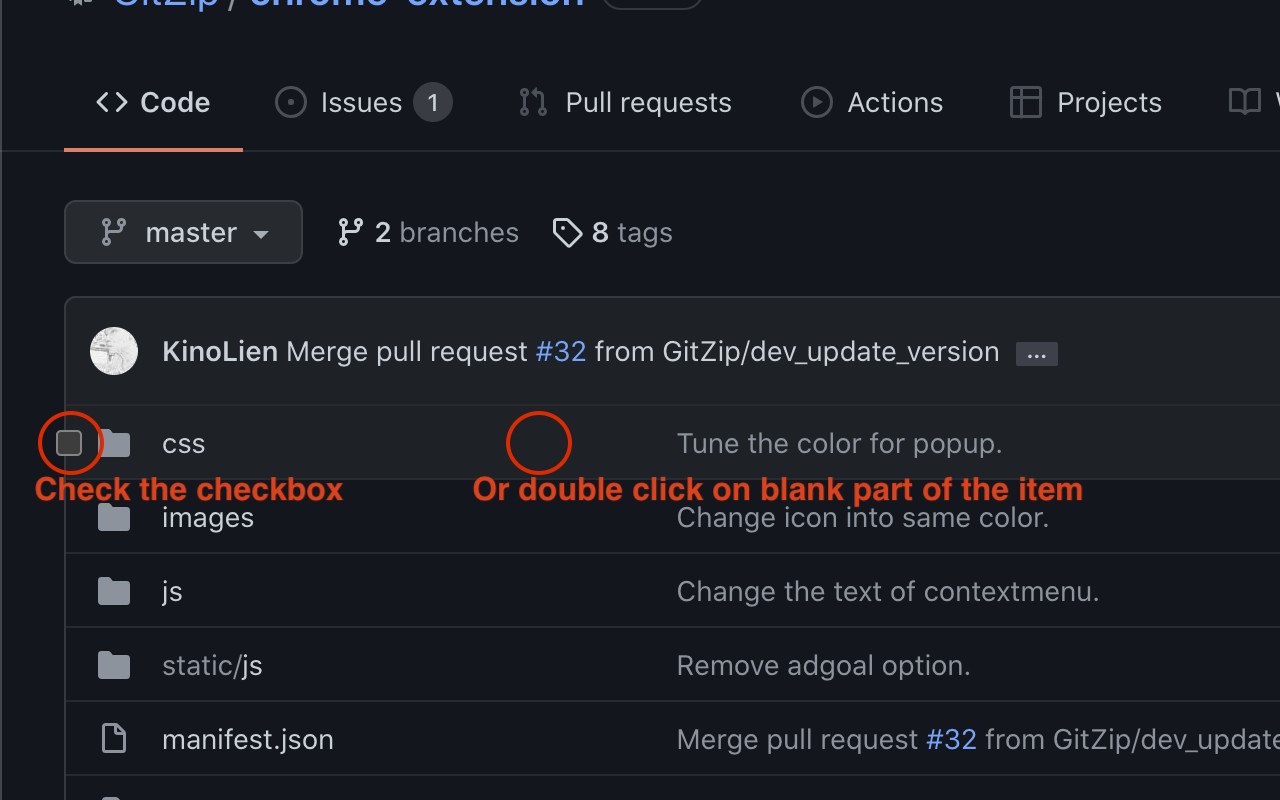
- Selective Download: On any GitHub repository page, you can double-click on a file or folder, or check the checkbox next to items to mark them for download. After selection, click the download button that appears at the bottom-right corner of the page to get a ZIP containing only those items.
- Context Menu Integration: Right-click anywhere on the page to access the "GitZip Download" context menu. Options include downloading the whole repository, the current folder, or a specific selected folder/file by hovering over it. You can also download items you have checked via the context menu after selection.
- Progress Dashboard: After initiating a download, a dashboard shows the progress of fetching files from GitHub. Once complete, your browser triggers the ZIP download automatically.
- Customizable Behavior: In the extension's options page, you can adjust how items are selected (e.g., double-click vs. single-click) and choose between a dark or light theme for the interface.
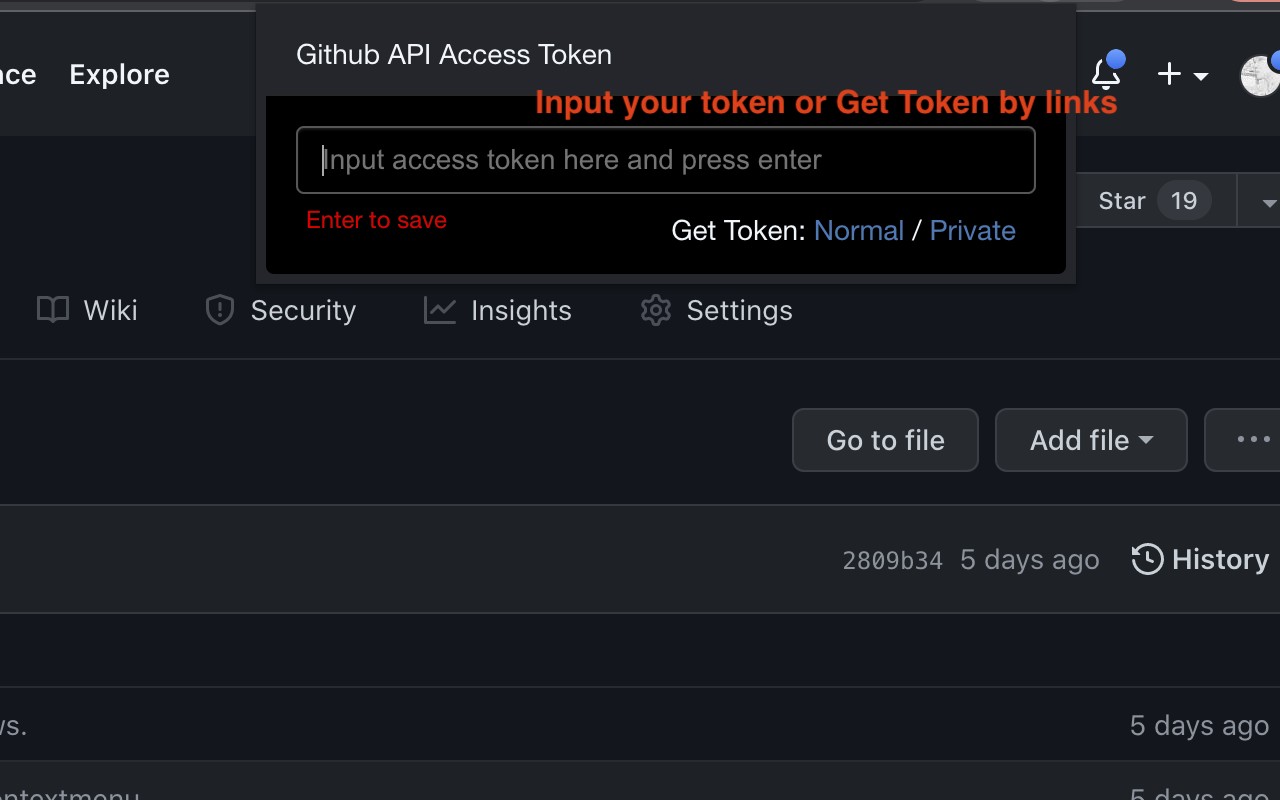
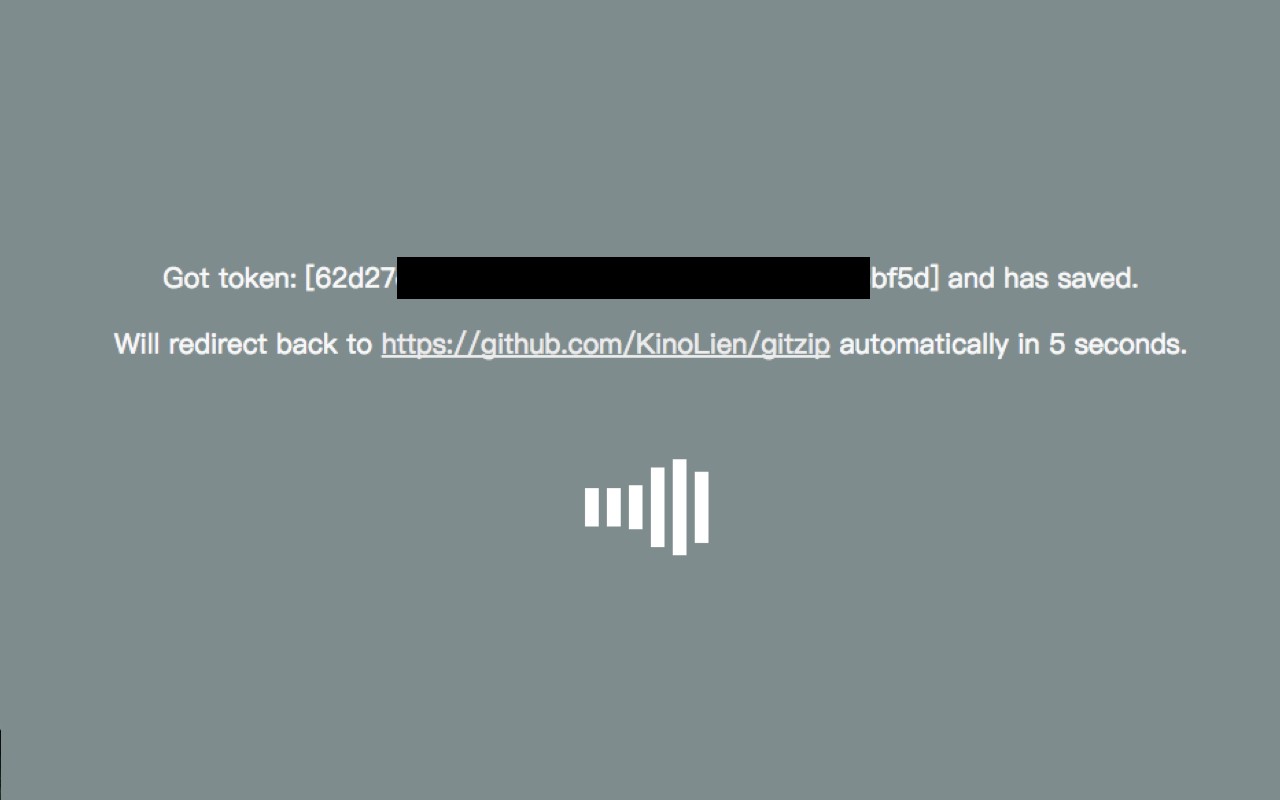
- GitHub API Token Support: If you encounter a "Rate Limit" warning due to GitHub API limits, you can easily obtain a personal access token. Click the GitZip extension icon, then click "Normal" or "Private" next to "Get Token" to authorize via GitHub. After authorization, you return to the repository page and can continue downloading without rate limits.
- Privacy and Data Collection: The extension uses Google Analytics by default for anonymous usage statistics. Due to Manifest V3 restrictions, no other information is collected.
- Ongoing Improvements: The extension has been updated to fix branch detection errors with slashes, improve selection in root views, disable whole project downloads from context menu, adjust checkbox positions in table cells, support GitHub's new UI preview, and migrate to Manifest V3. These updates ensure compatibility and reliability.
GitZip is ideal for developers who need only a few files from a large repository, such as configuration files, documentation, or specific code snippets. It streamlines the download process and integrates seamlessly with GitHub's interface.
Extensions that do the same job
Matched by what these extensions actually do, not by store category, and sorted so the ones asking for the least access come first.
| Extension | Site access | Permissions | Users | Rating |
|---|---|---|---|---|
| GitZip for github — this page | Limited | 2 | 100K | 4.1★ |
| Figma | Limited | 4 | 200K | 4.2★ |
| IP Address and Domain Information | Limited | 1 | 100K | 4.4★ |
| Lightning Studio | Limited | 3 | 100K | 3.9★ |
| Pixel Measurement | Limited | 3 | 100K | 4.5★ |
| AI Code Finder, Alerts, Ask Questions about Papers: CatalyzeX | Limited | 3 | 50K | 4.8★ |
| Visual CSS Editor | Limited | 4 | 50K | 3.5★ |
Store data last checked August 14, 2026.