
Axiom Browser Automation & Web Scraping
No-code browser automation and web scraping extension for creating bots, scraping data, and integrating with ChatGPT
What it does
Permissions and access
Taken from the extension's own manifest file inside the package. The store listing does not spell this out, so it is worth reading before you install.
| Permission | What it allows |
|---|---|
activeTab | Access the current tab when you click the extension |
cookies | Read and change cookies for the sites it runs on |
identity | Sign you in with your Google account |
notifications | Show desktop notifications |
scripting | Run its own code on pages |
storage | Store its own settings and data |
tabs | See the addresses and titles of your open tabs |
unlimitedStorage | Store unlimited data on your computer |
Requests 8 permissions — extensions doing the same job average 4.8.
Technical details
Keyboard shortcuts
| Shortcut | Action |
|---|---|
| Alt+Shift+X | _execute_action |
Description
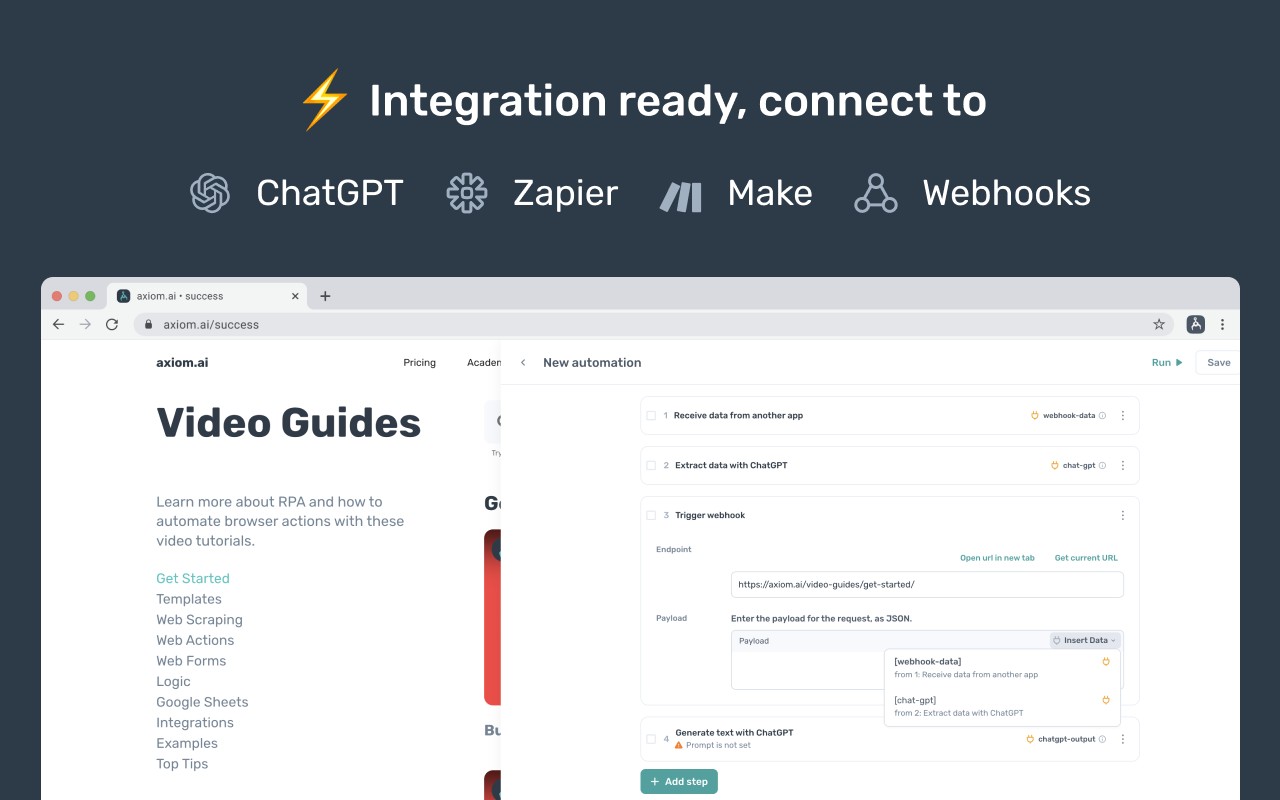
Axiom Browser Automation & Web Scraping is a no-code extension that lets you create browser bots to automate repetitive tasks on websites and extract data from web pages. Designed for users without programming skills, it works by simulating clicks and keystrokes on any website or web application interface. This approach eliminates the need for APIs, custom code, or developer involvement. The tool is backed by Y Combinator and SAP, and it supports integration with popular automation platforms like Zapier, Make (formerly Integromat), and webhooks, allowing you to trigger bots from external services. Additionally, Axiom integrates ChatGPT to enable AI-powered automations and intelligent data scraping, where natural language instructions can guide the bot's actions.
Key Features
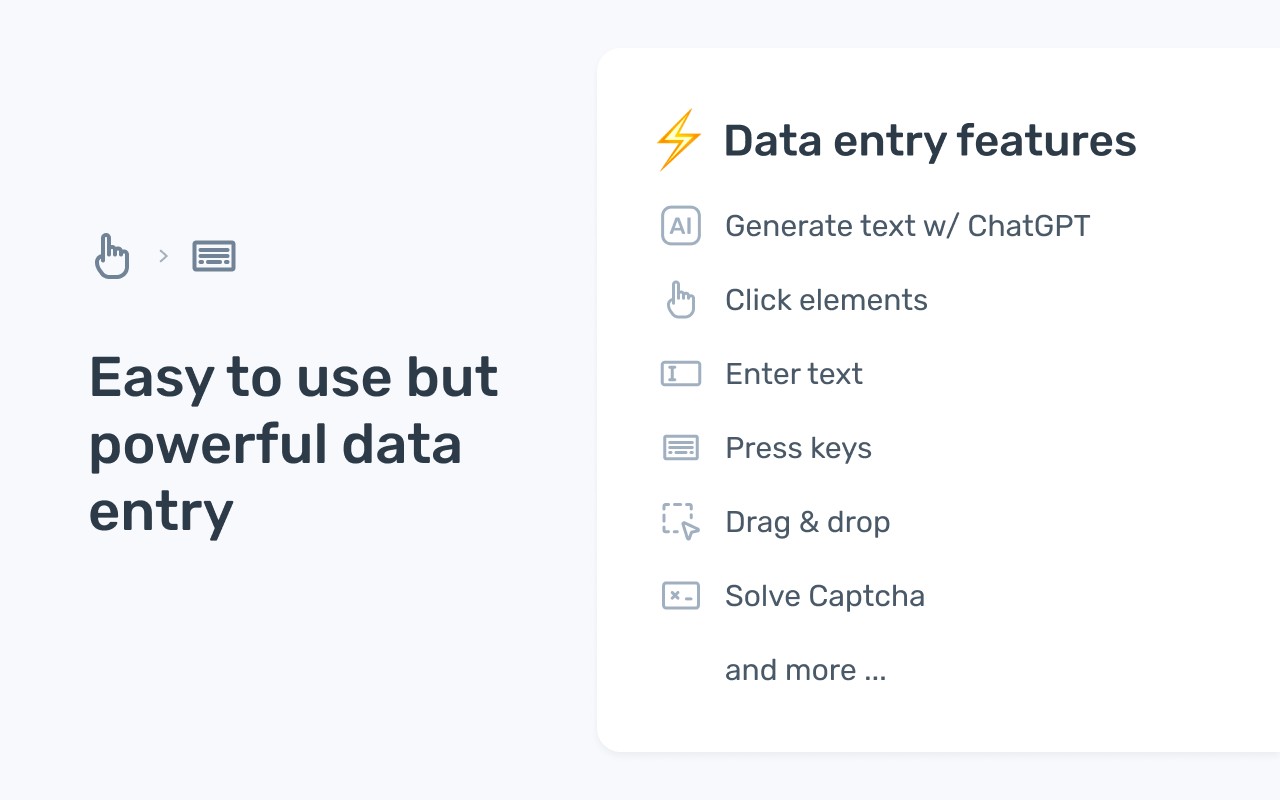
- Automate website actions: Record and replay sequences of interactions such as clicking buttons, filling forms, navigating pages, and extracting text or data. Useful for recurring tasks like logging into accounts, submitting forms, or monitoring changes on a page.
- Scrape any website: Extract structured data from web pages without writing selectors or parsing HTML. Ideal for gathering product listings, prices, contact information, or any visible content. Works with dynamic, JavaScript-heavy sites.
- Input data into web forms: Automatically populate form fields with data from spreadsheets or other sources. Useful for data entry tasks like submitting orders, updating records, or registering for events in bulk.
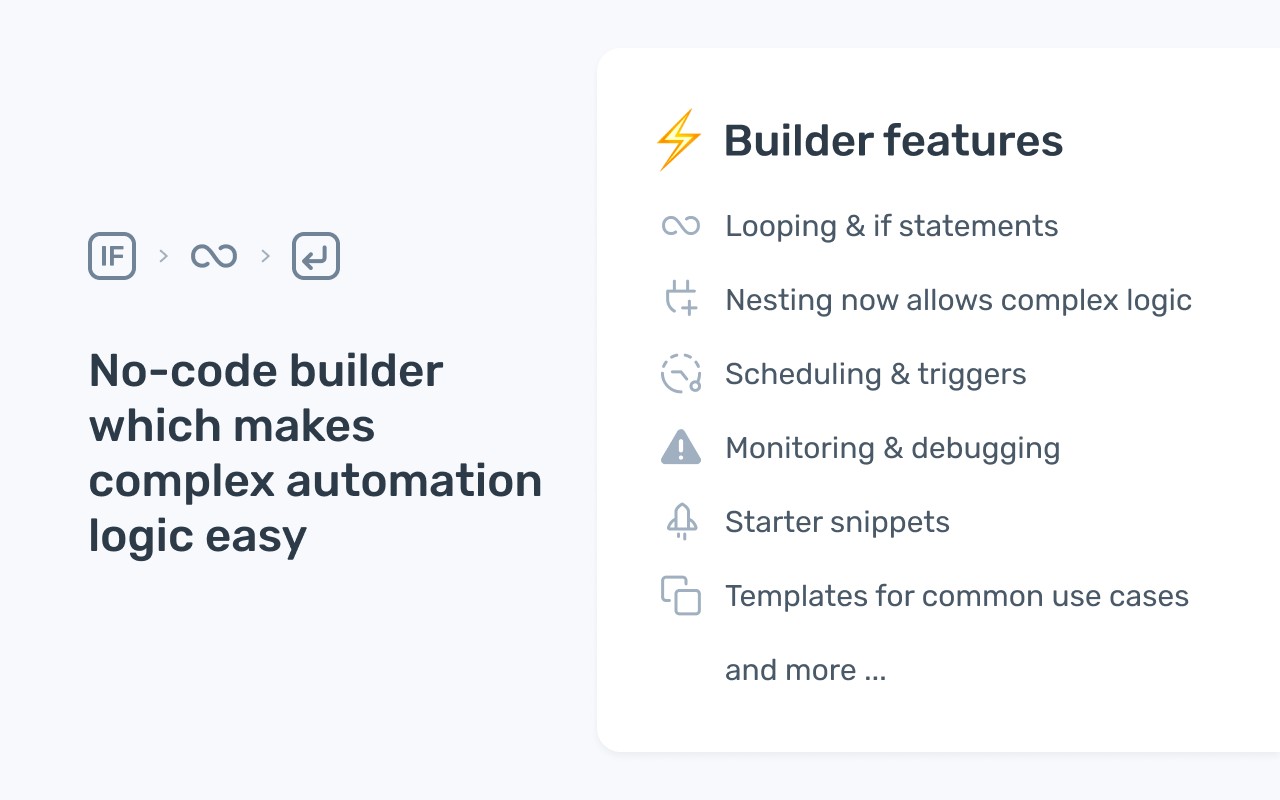
- Schedule bots: Set bots to run at specific times or intervals (e.g., daily, hourly). Great for regular data extraction, monitoring, or maintenance tasks that need to happen without manual intervention.
- Webhook integration: Send and receive data from external services like Zapier, Make, or custom webhooks. Enables triggering bots from events (e.g., new email, form submission) and passing results to other apps.
- AI-powered bots with ChatGPT: Use natural language to define scraping rules or automation logic. For example, tell the bot to “extract all email addresses on this page” or “fill the form with data from this spreadsheet.” Reduces the need for manual step-by-step configuration.
- Google Sheets read/write: Import data from Google Sheets to use as input for automations, or export scraped data directly into a sheet. Useful for merging web data with existing spreadsheets or updating sheets with results.
- Download and share automations: Export bots as files to share with colleagues or deploy on other machines. Facilitates team collaboration and reuse of common automation templates.
Common use cases include data scraping for market research or lead generation, data entry for CRM updates, ETL tasks that move data between web sources and databases, building social media bots for posting or engagement, moving data between applications that lack APIs, automating workflows within web apps like project management tools or CRMs, and general robotic process automation (RPA) to streamline business processes. If you encounter any issues, support is available via email at [email protected].
Extensions that do the same job
Matched by what these extensions actually do, not by store category, and sorted so the ones asking for the least access come first.
| Extension | Site access | Permissions | Users | Rating |
|---|---|---|---|---|
| Axiom Browser Automation & Web Scraping — this page | All sites | 8 | 100K | 4.5★ |
| BlazeMeter | The Continuous Testing Platform | All sites | 10 | 100K | 4.1★ |
| Screenity - Screen Recorder & Annotation Tool | All sites | 10 | 200K | 4.4★ |
| Fathom AI Note Taker for Google Meet | Limited | 4 | 500K | 4.9★ |
| Figma | Limited | 4 | 200K | 4.2★ |
| CocoShot: Screenshot & Screen Recorder | Limited | 4 | 70K | 4.9★ |
| AI Code Finder, Alerts, Ask Questions about Papers: CatalyzeX | Limited | 3 | 50K | 4.8★ |
Want the same thing with less access? BlazeMeter | The Continuous Testing Platform, Fathom AI Note Taker for Google Meet, Figma ask for fewer permissions than this one.
Store data last checked August 14, 2026.