
Figma
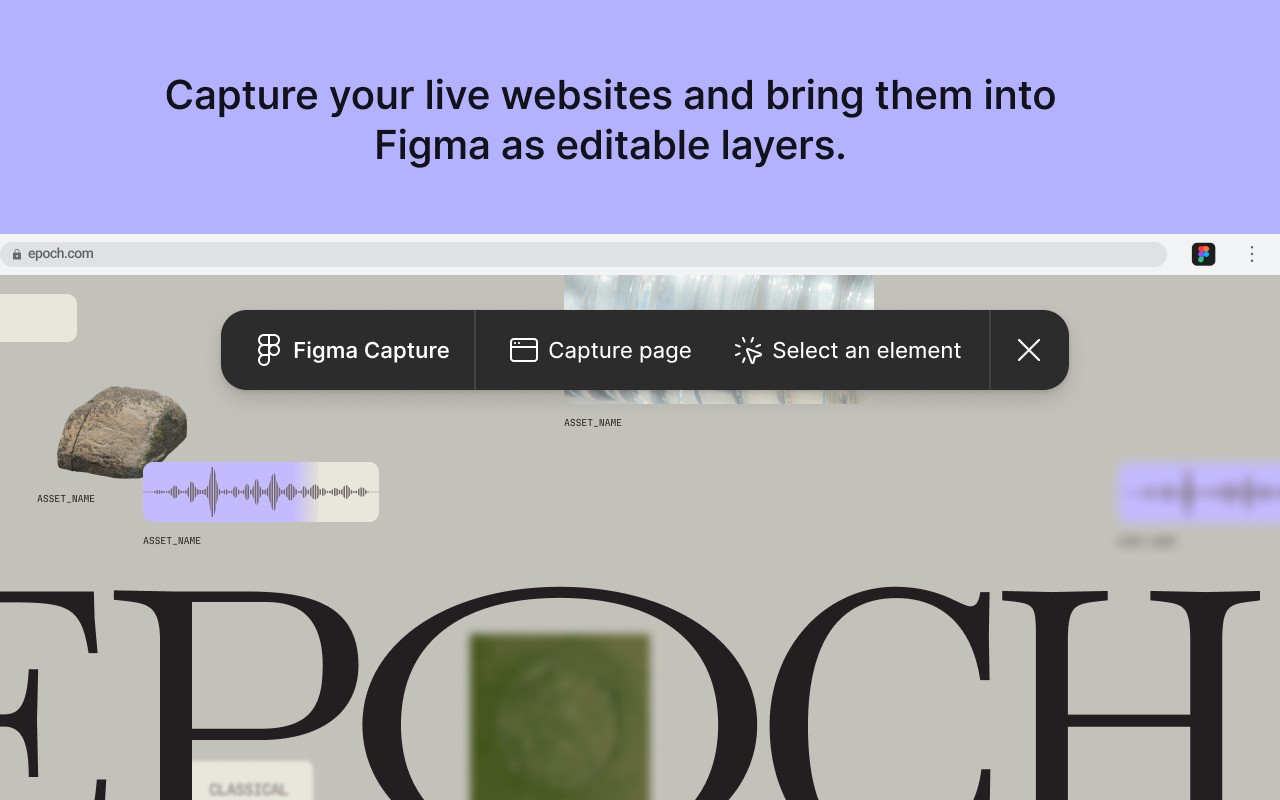
Capture live websites and bring them into Figma as editable layers.
What it does
Permissions and access
Taken from the extension's own manifest file inside the package. The store listing does not spell this out, so it is worth reading before you install.
| Permission | What it allows |
|---|---|
identity | Sign you in with your Google account |
storage | Store its own settings and data |
tabs | See the addresses and titles of your open tabs |
unlimitedStorage | Store unlimited data on your computer |
Asks for these only when you use the matching feature:
clipboardWrite, scripting
Requests 4 permissions — extensions doing the same job average 4.3.
Technical details
Description
Figma is a browser extension that bridges the gap between live web content and design work in Figma. It allows you to capture live websites and bring them directly into Figma as editable layers, rather than static screenshots. This tool is particularly useful for designers who want to base their work on real, production-ready UI elements without manually recreating them.
Key Features
- Capture Live Pages or Elements: You can grab an entire web page or select specific elements from your browser. This works without needing access to the codebase, terminal, or any coding agent, making it accessible to designers and non-developers alike.
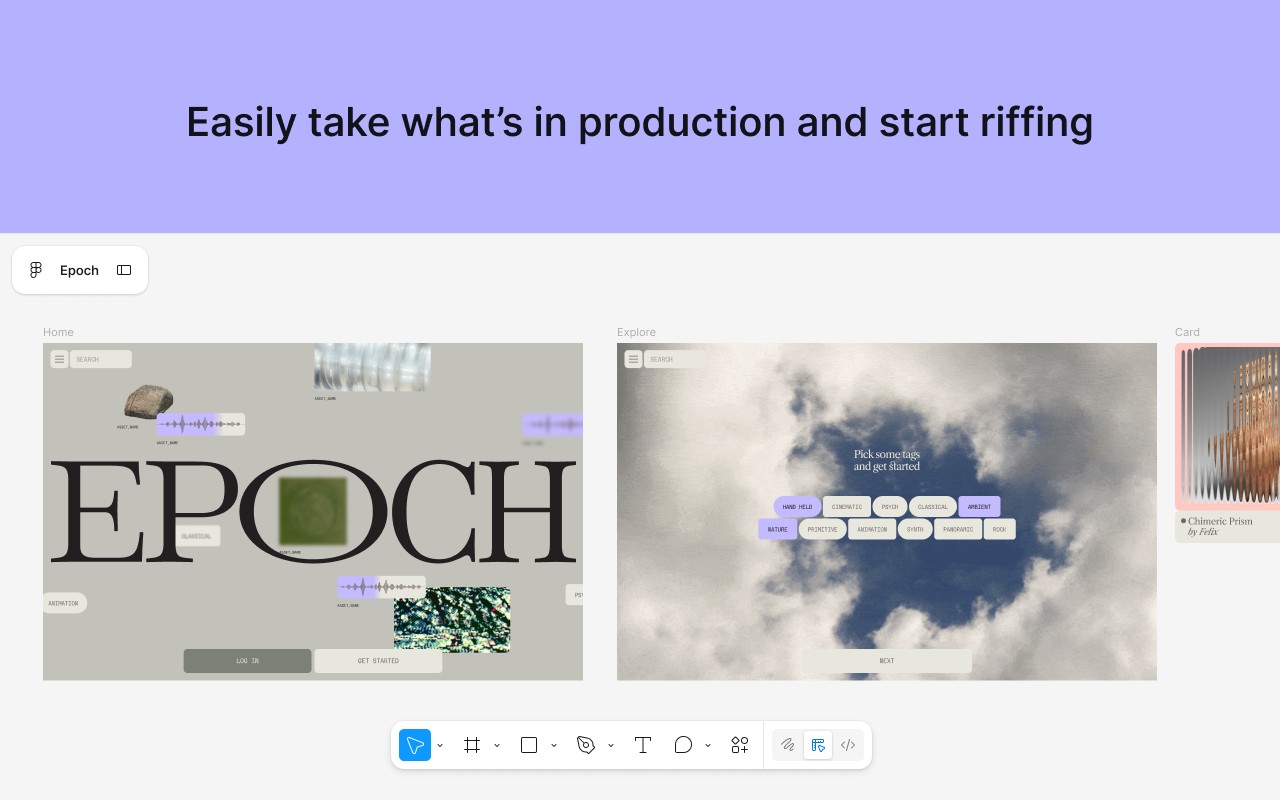
- Start from Production UI: Pull the latest production interface, a teammate's shipped modal, or any live page onto the Figma canvas. This allows you to iterate on real, current UI rather than starting from scratch or working from outdated mockups.
- Send to Figma as Editable Layers: Captured content is pasted into Figma as editable layers, not just images. This means you can manipulate, restyle, and build upon the captured elements, saving time and ensuring accuracy.
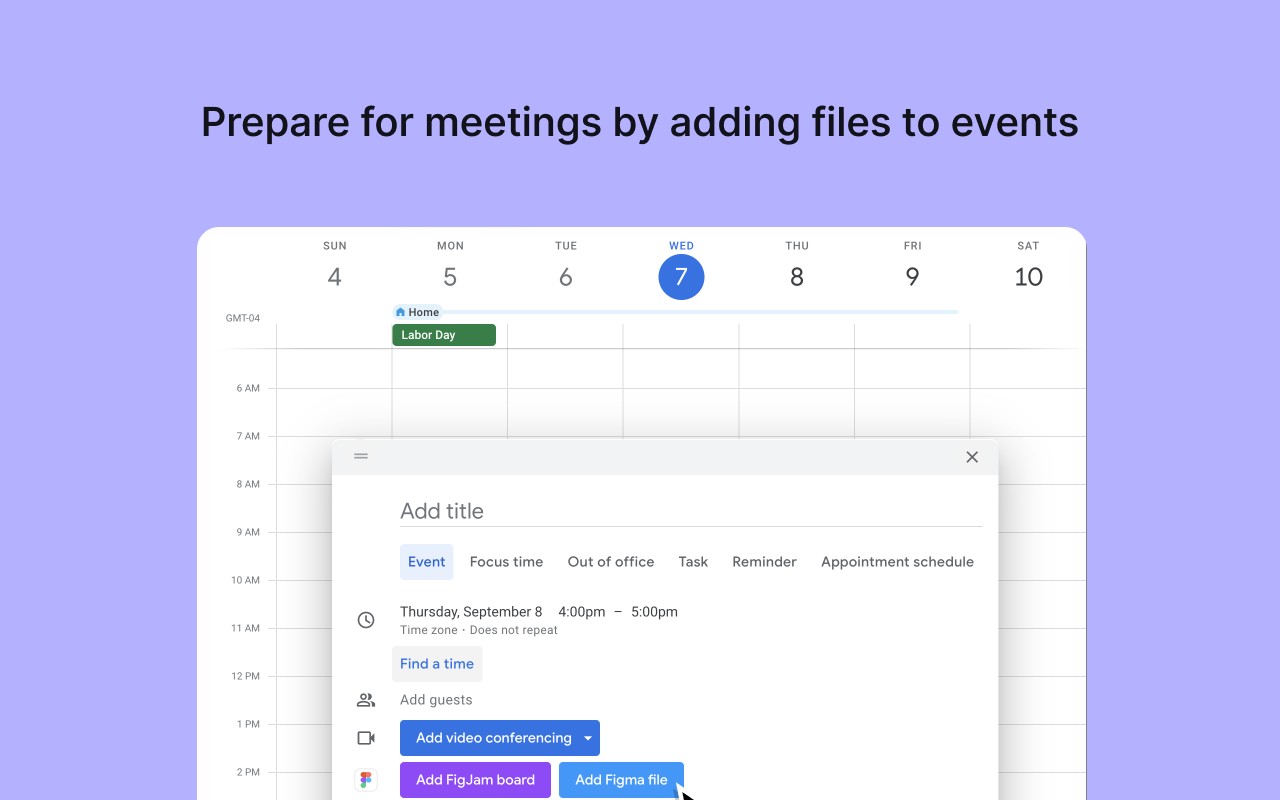
- Share Files in Calendar Events: Quickly add Figma or FigJam files to your Google Calendar events, so attendees have direct access to the relevant design resources. This streamlines collaboration and ensures everyone is on the same page.
Screen capture is currently in beta. For more information about how Figma helps teams build better products, visit figma.com.
Extensions that do the same job
Matched by what these extensions actually do, not by store category, and sorted so the ones asking for the least access come first.
| Extension | Site access | Permissions | Users | Rating |
|---|---|---|---|---|
| Figma — this page | Limited | 4 | 200K | 4.2★ |
| Site Palette | All sites | 3 | 80K | 3.6★ |
| Screen Ruler - Measure and Inspect the Web | Limited | 8 | 50K | 4.4★ |
| BlazeMeter | The Continuous Testing Platform | All sites | 10 | 100K | 4.1★ |
| Axiom Browser Automation & Web Scraping | All sites | 8 | 100K | 4.5★ |
| GitZip for github | Limited | 2 | 100K | 4.1★ |
| IP Address and Domain Information | Limited | 1 | 100K | 4.4★ |
Store data last checked August 14, 2026.