
Plugins
Manage Chrome extensions, apps, and themes with a toolbar button, permission scanner, and quick links.
What it does
Permissions and access
Taken from the extension's own manifest file inside the package. The store listing does not spell this out, so it is worth reading before you install.
| Permission | What it allows |
|---|---|
activeTab | Access the current tab when you click the extension |
contextMenus | Add items to the right-click menu |
storage | Store its own settings and data |
Asks for these only when you use the matching feature:
management
Requests 3 permissions — extensions doing the same job average 7.0.
Technical details
Keyboard shortcuts
| Shortcut | Action |
|---|---|
| Ctrl+Shift+E | _execute_action |
Description
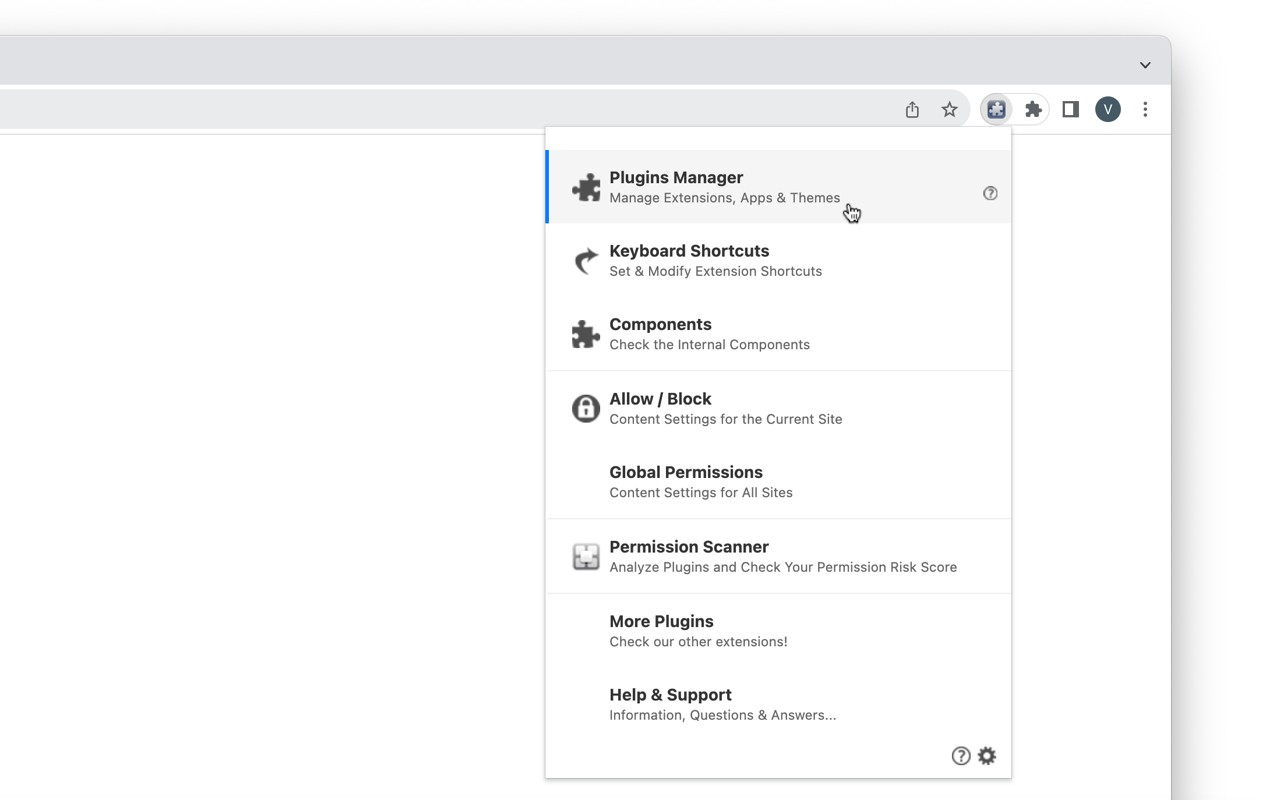
Plugins is a comprehensive extension manager that gives you direct control over your Chrome extensions, apps, and themes. Once installed, it places a convenient button on your toolbar. Clicking this button or pressing Ctrl+Shift+E opens a central menu where you can access all its tools and links. This extension is designed to replace the need to navigate multiple Chrome settings pages, saving you time and effort.
Features
- Plugins Manager: A fully-featured manager that lists all installed extensions, apps, and themes. From here, you can quickly view details, enable or disable items, or remove them entirely. This is especially useful when you need to troubleshoot a conflict, free up resources, or clean up unused extensions.
- Permission Scanner: This tool scans all your installed extensions and apps, displaying their granted permissions in a simple table view. You can easily identify which plugins use sensitive permissions (like camera, microphone, or browsing history). This helps you make informed decisions about privacy and security, for example when you want to limit access to sensitive data.
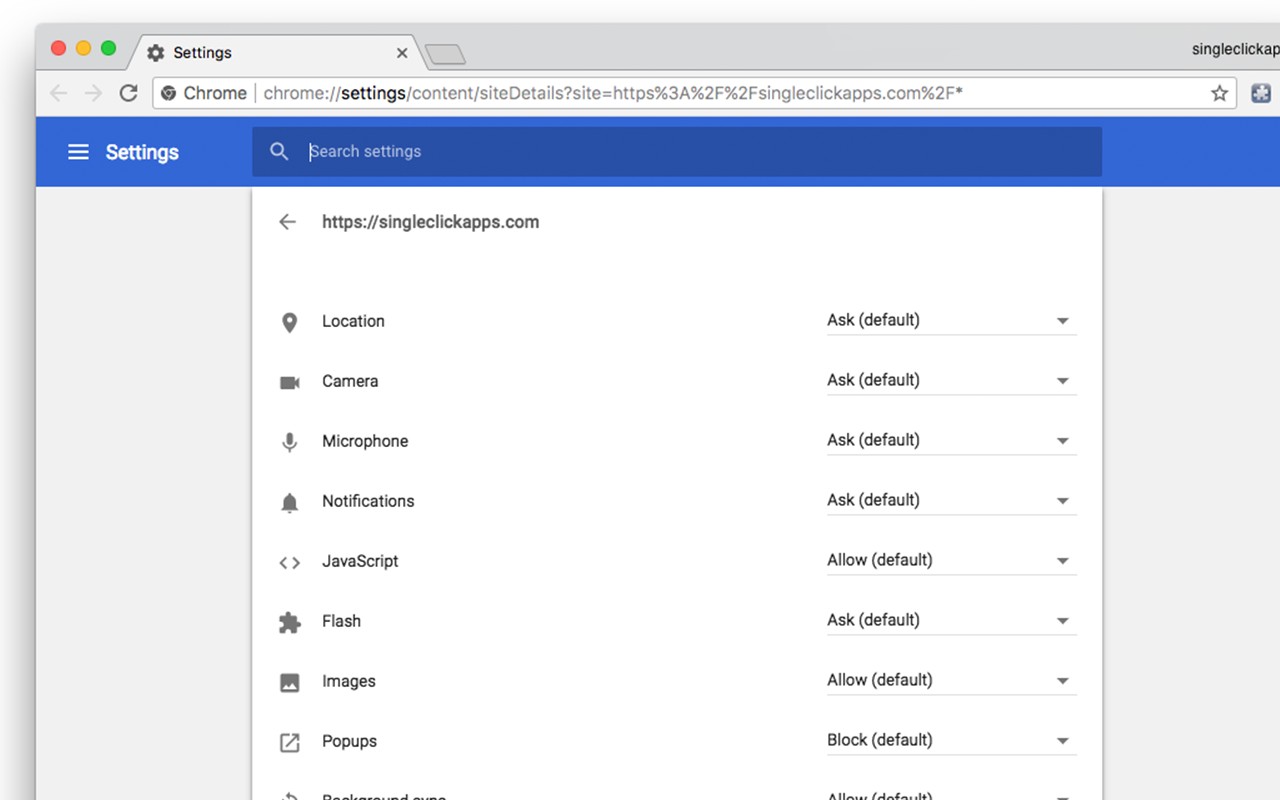
- Quick Links to Chrome Features: The menu includes shortcuts to several Chrome pages: "Keyboard Shortcuts" lets you manage extension shortcuts without digging through settings; "Components" page (which replaced the old plugins page) shows built-in components; "Global permissions" allows you to allow or block plugins globally; and "Allow/Block" provides quick access to content permissions for the current tab. These links are useful when you need to adjust settings for a specific site or manage shortcuts efficiently.
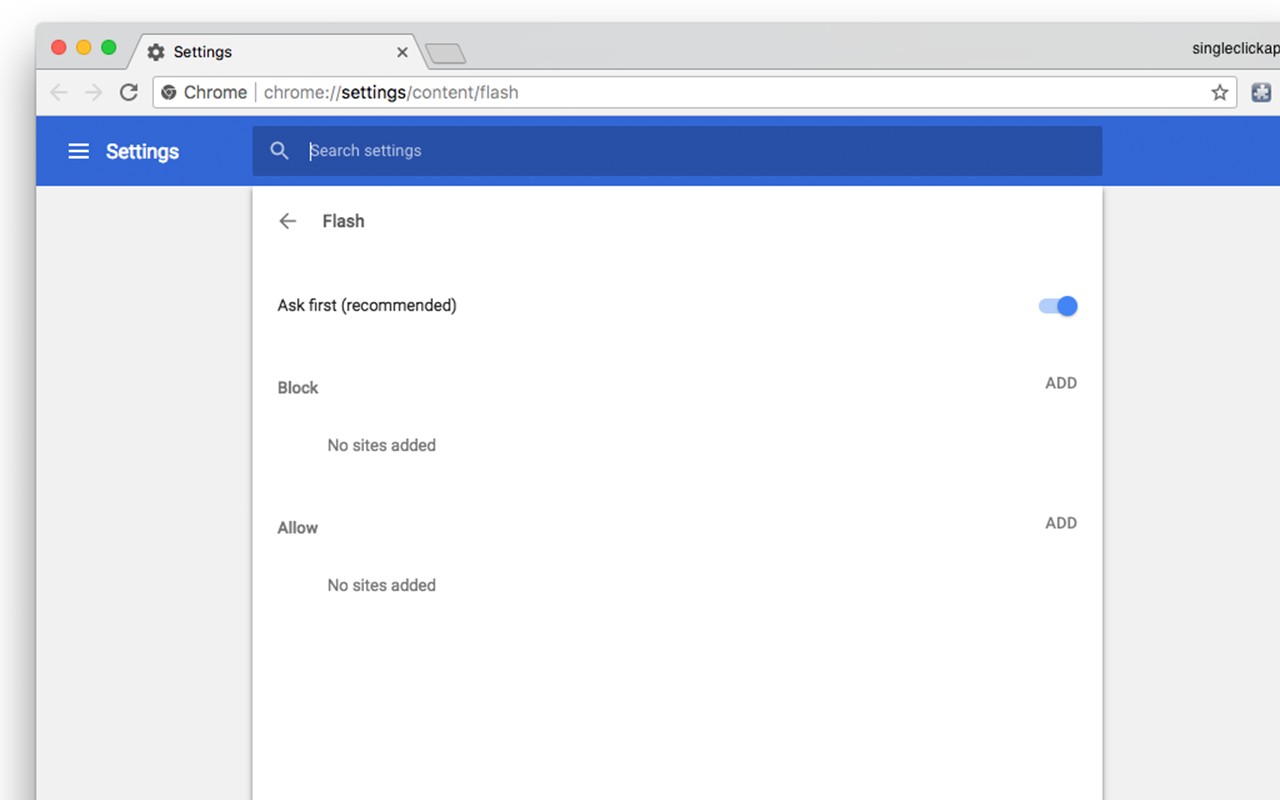
The extension evolved from a simple Flash plugin button over a decade ago. After Flash was retired, the developer transformed it into a one-stop control center for plugins. The latest version 7.0 introduced the Permission Scanner. Future versions plan to add more management and security features. Note that the extension requires permissions for context menu (to add links in right-click), active tab (for Allow/Block on current site), and management (to access installed extensions). It does not collect any data or communicate with external servers. However, it includes affiliate links to "Guardio Protection for Chrome" - clicking those may compensate the developer.
Extensions that do the same job
Matched by what these extensions actually do, not by store category, and sorted so the ones asking for the least access come first.
| Extension | Site access | Permissions | Users | Rating |
|---|---|---|---|---|
| Plugins — this page | Limited | 3 | 400K | 3.8★ |
| L.O.C | Limited | 5 | 300K | 4.3★ |
| Open incognito tab | Limited | 4 | 200K | 4.6★ |
| Extension Guard - Manage and secure extensions | Limited | 5 | 4K | 3.7★ |
| Browser History Plus | All sites | 7 | 60K | 4.2★ |
| MEGA | Limited | 2 | 1M | 4.3★ |
| Open Multiple URLs | Limited | 3 | 700K | 4.7★ |
Store data last checked August 14, 2026.