
Extensity
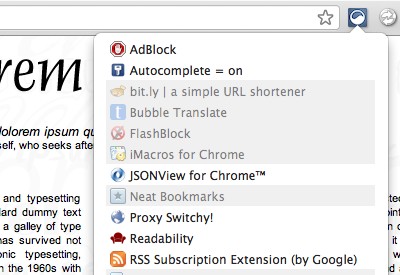
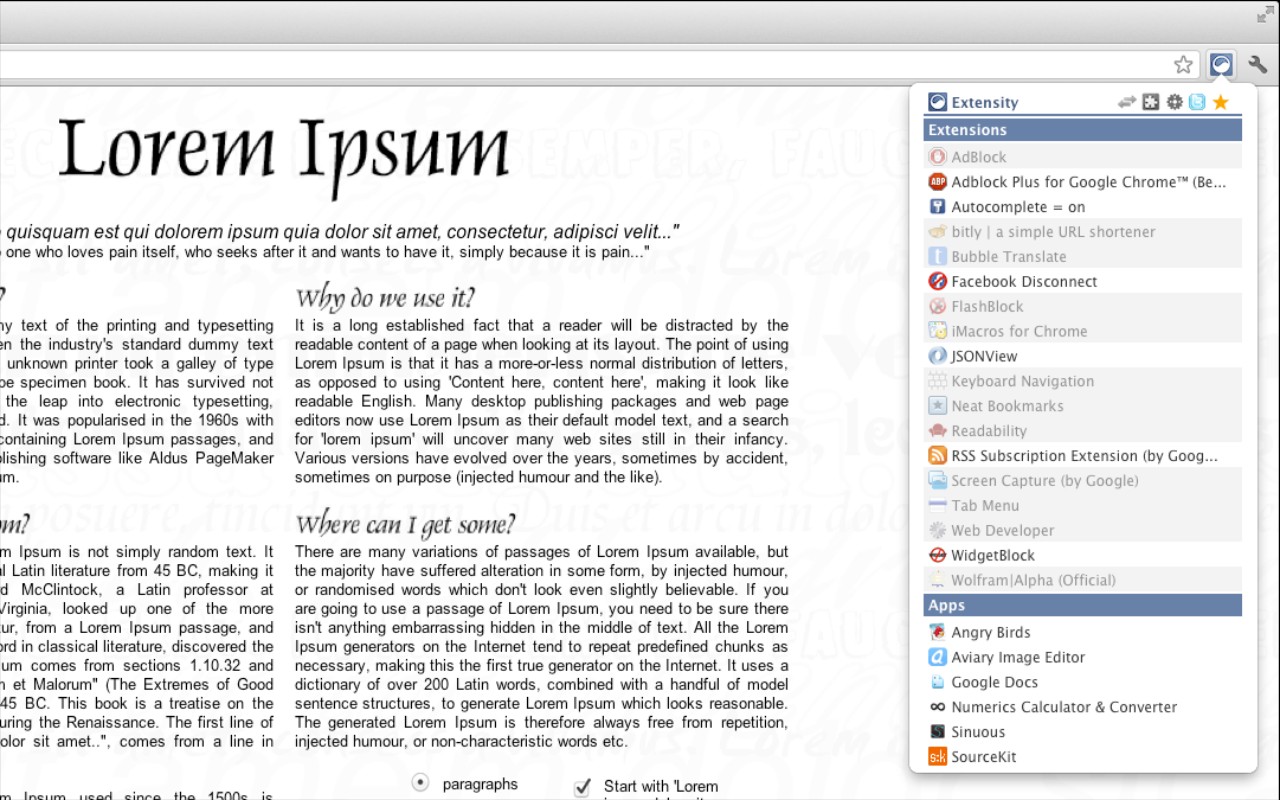
Quickly enable/disable Chrome extensions, manage profiles, and launch apps from one popup.
What it does
Permissions and access
Taken from the extension's own manifest file inside the package. The store listing does not spell this out, so it is worth reading before you install.
| Permission | What it allows |
|---|---|
management | See and manage your other extensions |
storage | Store its own settings and data |
Requests 2 permissions — extensions doing the same job average 4.8.
Technical details
Description
Extensity is a Chrome extension management tool designed to help you quickly enable or disable your installed extensions. Instead of manually toggling each extension in Chrome's settings, you can use Extensity to control them all from one convenient popup. This is especially useful when you want to keep your browser lean and fast by disabling extensions that are not needed at the moment, or to declutter your toolbar for a cleaner browsing experience.
Features
- One-click enable/disable: Turn individual extensions on or off directly from the Extensity list. No need to navigate to Chrome's extension management page.
- Bulk toggle: Disable all extensions with a single click, and re-enable them just as easily. This is handy when you need to troubleshoot extension conflicts or temporarily run a minimal browser setup.
- Profiles for extension groups: Create named profiles to quickly switch between different sets of active extensions. For example, you could have a "Work" profile with productivity tools and a "Entertainment" profile with media-related extensions, and switch between them instantly.
- Always-enabled extensions: Pin important extensions (e.g., password managers or ad blockers) to keep them active even when you disable all others. This ensures essential functionality is never accidentally turned off.
- Launch Chrome Apps: Extensity lists your installed Chrome Apps, allowing you to launch them directly from the same interface. This saves time by avoiding the Chrome Apps page or launcher.
- Cloud sync: Your extension settings and profiles are synced across devices using Chrome Cloud Storage. This means you can maintain the same extension configuration on multiple computers without manual setup.
- Clean toolbar: By disabling extensions you don't need, Extensity helps reduce clutter in your browser's toolbar, making it easier to find the icons you actually use.
Extensity is ideal for users who collect many extensions but only need a subset at any given time. It eliminates the need to constantly install and uninstall extensions, providing a flexible way to manage your browser's functionality. The tool is free and open-source, with its full source code available on GitHub for transparency and community contributions.
Extensions that do the same job
Matched by what these extensions actually do, not by store category, and sorted so the ones asking for the least access come first.
| Extension | Site access | Permissions | Users | Rating |
|---|---|---|---|---|
| Extensity — this page | Limited | 2 | 200K | 4.8★ |
| Open Multiple URLs | Limited | 3 | 700K | 4.7★ |
| Plugins | Limited | 3 | 400K | 3.8★ |
| Split Screen for Google Chrome | Limited | 4 | 200K | 3.7★ |
| Genie - Extemp, Congress, Debate | Limited | 3 | 20K | 4.7★ |
| ChromeTabsPlus | Limited | 3 | 1K | 3.1★ |
| Full Screen | Limited | 2 | 1K | 3.6★ |
Store data last checked August 14, 2026.