
Vidyard - Screen Recorder & Screen Capture
Record your screen and webcam, share videos via link, and track who watches them, all from Chrome.
What it does
Permissions and access
Taken from the extension's own manifest file inside the package. The store listing does not spell this out, so it is worth reading before you install.
| Permission | What it allows |
|---|---|
activeTab | Access the current tab when you click the extension |
alarms | Schedule background tasks |
notifications | Show desktop notifications |
offscreen | Run hidden pages for background work |
scripting | Run its own code on pages |
storage | Store its own settings and data |
system.display | Read display information |
tabGroups | Manage tab groups |
tabs | See the addresses and titles of your open tabs |
webNavigation | See which pages you navigate to |
Asks for these only when you use the matching feature:
downloads
Requests 10 permissions — extensions doing the same job average 4.3.
Technical details
Keyboard shortcuts
| Shortcut | Action |
|---|---|
| Shift+Alt+V | _execute_action |
| Shift+Ctrl+1 | Pause/Resume Recording |
| Shift+Ctrl+2 | Stop Recording |
| Shift+Ctrl+0 | Restart Recording |
Description
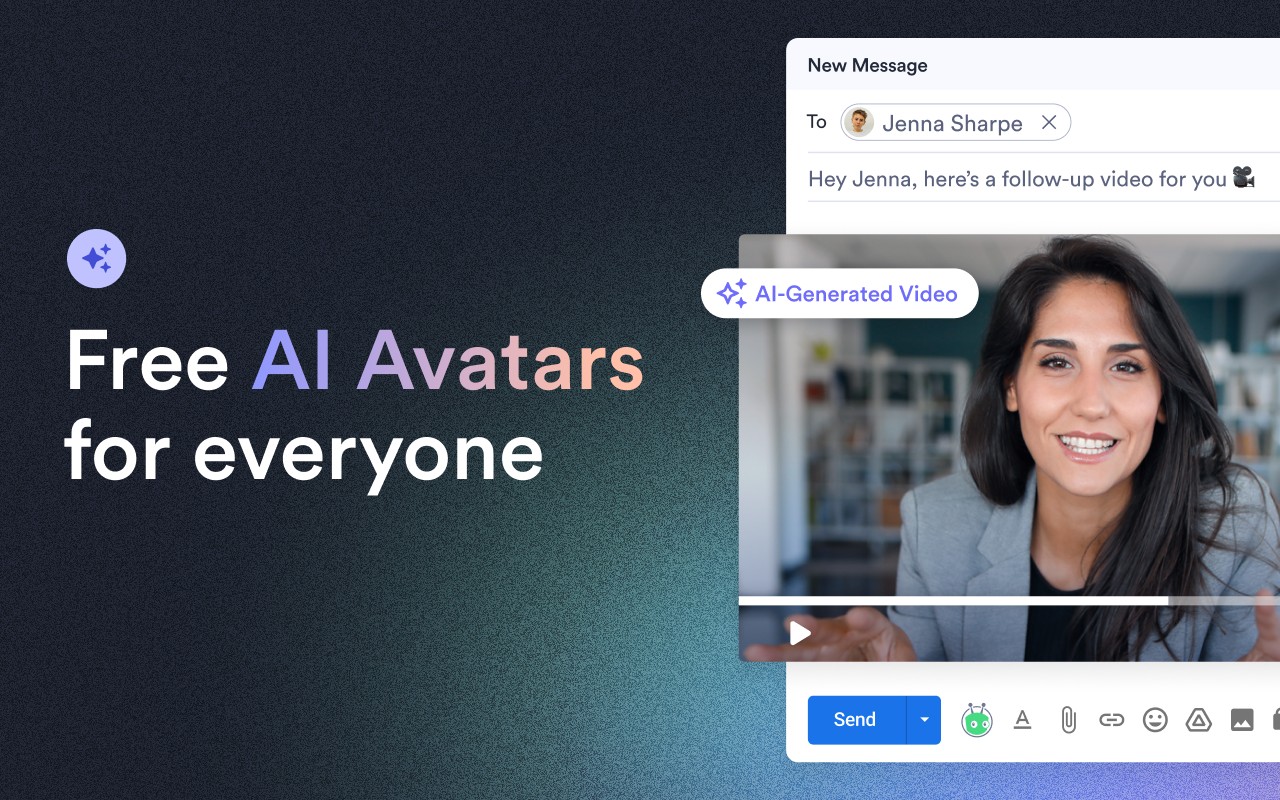
Vidyard is a screen recorder and screen capture extension for Chrome that helps you create, share, and track videos for business communication. It is designed for sales, marketing, and customer success teams to engage prospects and customers through personalized video messages. The extension allows you to record your screen, webcam, or both directly from your browser, with options to customize your background and use on-screen drawing tools to highlight key information. AI automatically generates clear video titles from your transcript, so every video is ready to share immediately. You can record in HD and access additional recording capabilities through Vidyard's iOS, Android, and desktop apps.
Features
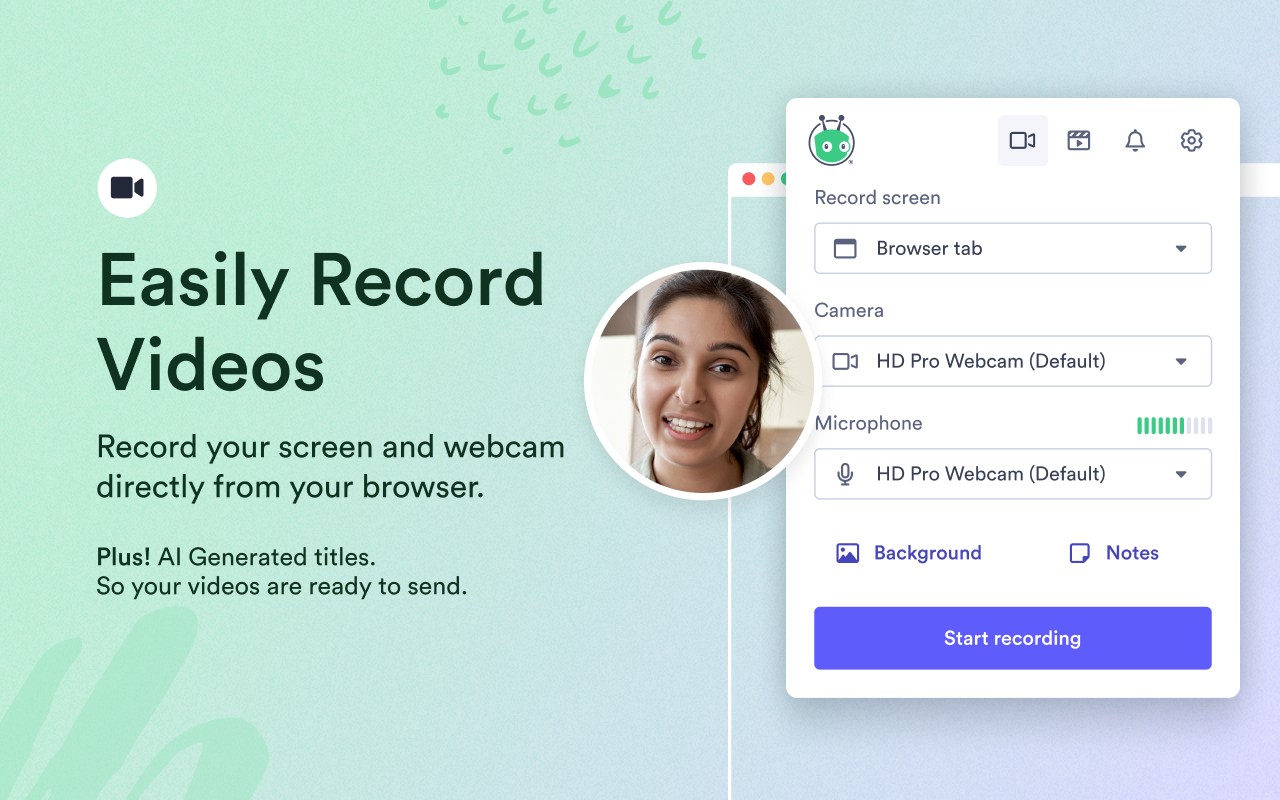
- Record your screen or webcam directly from your browser: Capture your entire screen, a specific window, or just your webcam feed. This is useful for creating walkthroughs, demos, or personalized messages without needing external software.
- AI-generated video titles: The extension automatically creates descriptive titles based on your video transcript, saving you time and ensuring each video is clearly labeled. This is especially helpful when recording multiple videos in a row.
- Custom background: Choose a custom background image or blur your surroundings to maintain a professional appearance, regardless of your physical environment. This is ideal for remote workers or those in shared spaces.
- On-screen drawing tools: Annotate your screen with highlights, arrows, or text to draw attention to important details during a recording. This is useful for tutorials or when explaining complex concepts.
- Share via link: After recording, you get a shareable link that can be sent via email, social media, or any messaging platform. Recipients can view the video without downloading files or installing plugins, making it convenient for outreach.
- Get notified when someone views your video: Receive notifications when a prospect or customer watches your video, allowing you to follow up at the right time. This helps prioritize leads and measure engagement.
- Manage all videos in one place: The Vidyard dashboard lets you organize, search, and access your videos across devices and teams. You can also edit videos by trimming unwanted sections, stitching multiple clips together, or choosing an animated thumbnail.
- Integrate with CRM and marketing tools: Vidyard integrates with HubSpot, Salesforce, Microsoft Dynamics, and other platforms to sync video engagement data. This allows you to see which videos are influencing pipeline, revenue, and ROI directly within your CRM.
- Embed videos on websites or social media: You can embed videos for inline playback on your website, blog, or landing pages, and share directly to Facebook, Twitter, and LinkedIn with a couple of clicks.
Vidyard's free screen recording platform is used by over 12 million people and more than 250,000 companies, including teams at HubSpot, Microsoft, LinkedIn, and Salesforce. It is built to support revenue teams throughout the customer lifecycle, from first outreach to renewal, by making it easy to create and share personalized video content that builds trust and drives engagement.
Extensions that do the same job
Matched by what these extensions actually do, not by store category, and sorted so the ones asking for the least access come first.
| Extension | Site access | Permissions | Users | Rating |
|---|---|---|---|---|
| Vidyard - Screen Recorder & Screen Capture — this page | All sites | 10 | 300K | 4.2★ |
| CocoShot: Screenshot & Screen Recorder | Limited | 4 | 70K | 4.9★ |
| Screenity - Screen Recorder & Annotation Tool | All sites | 10 | 200K | 4.4★ |
| Ulti - Downloader for Instagram | Limited | 5 | 10K | 3.7★ |
| BlazeMeter | The Continuous Testing Platform | All sites | 10 | 100K | 4.1★ |
| Axiom Browser Automation & Web Scraping | All sites | 8 | 100K | 4.5★ |
| BetterTTV | Limited | 2 | 3M | 4.6★ |
Want the same thing with less access? CocoShot: Screenshot & Screen Recorder, Ulti - Downloader for Instagram, BetterTTV ask for fewer permissions than this one.
Store data last checked August 14, 2026.