
CocoShot: Screenshot & Screen Recorder
Capture full-page screenshots and record screen to MP4 with annotations, AI subtitles, and PDF export with clickable
What it does
Permissions and access
Taken from the extension's own manifest file inside the package. The store listing does not spell this out, so it is worth reading before you install.
| Permission | What it allows |
|---|---|
activeTab | Access the current tab when you click the extension |
scripting | Run its own code on pages |
storage | Store its own settings and data |
unlimitedStorage | Store unlimited data on your computer |
Asks for these only when you use the matching feature:
desktopCapture, downloads, tabCapture, tabs, webNavigation
Requests 4 permissions — extensions doing the same job average 4.4.
Technical details
Show all 55 languages
Keyboard shortcuts
| Shortcut | Action |
|---|---|
| Alt+Shift+X | Capture a screenshot of the current page |
Description
CocoShot is an all-in-one browser extension that combines screenshot capture, screen recording, and AI-powered video editing. It allows users to take full-page screenshots, record desktop or browser tabs in high definition, and export recordings as MP4 files. The extension also includes annotation tools for both screenshots and recordings, making it suitable for creating tutorials, bug reports, and meeting recordings.
Key Features
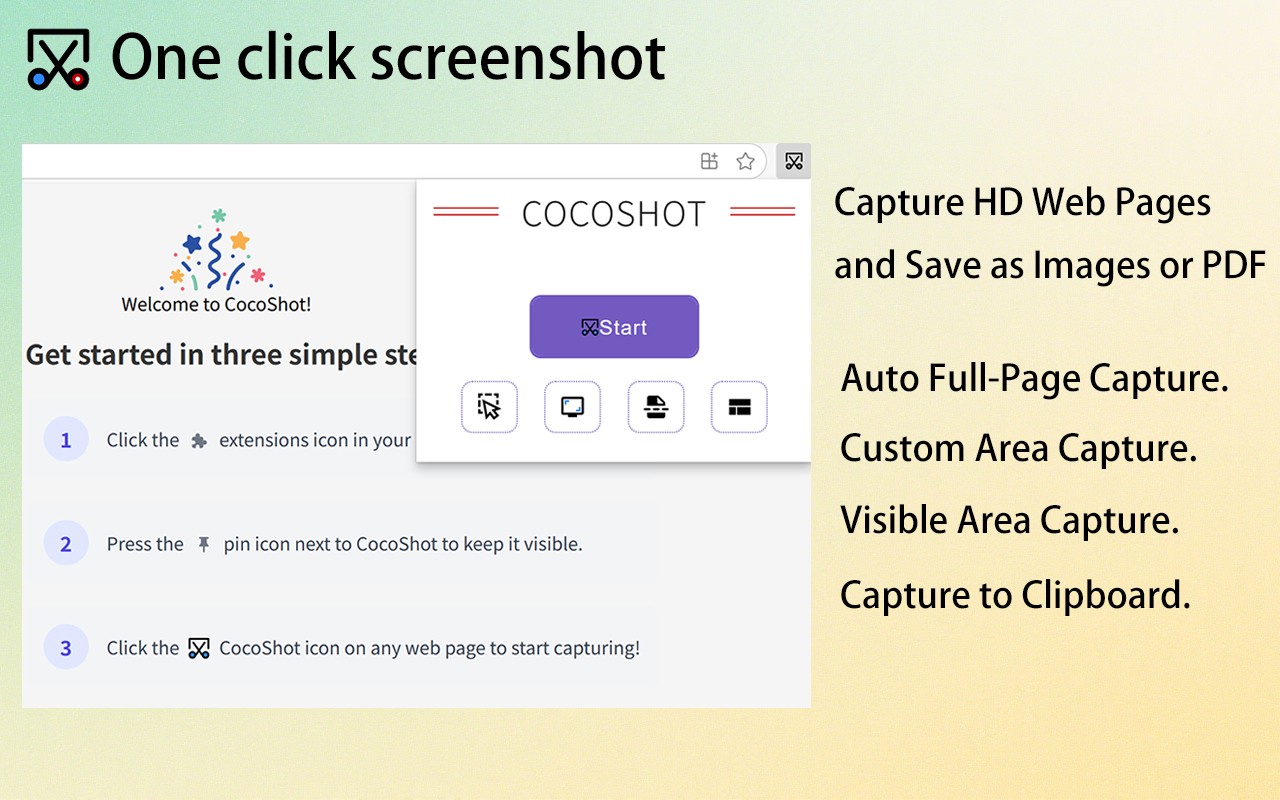
- Full-Page Screenshot Capture: Automatically scroll and capture entire web pages, including content that extends beyond the visible viewport. This is useful for saving long articles, documentation, or social media feeds without manually stitching multiple images.
- Smart PDF Export with Clickable Links: Convert screenshots into PDF files while preserving hyperlinks. When you capture a page with clickable URLs, the exported PDF retains those links, making it ideal for research, web clipping, or archiving interactive content.
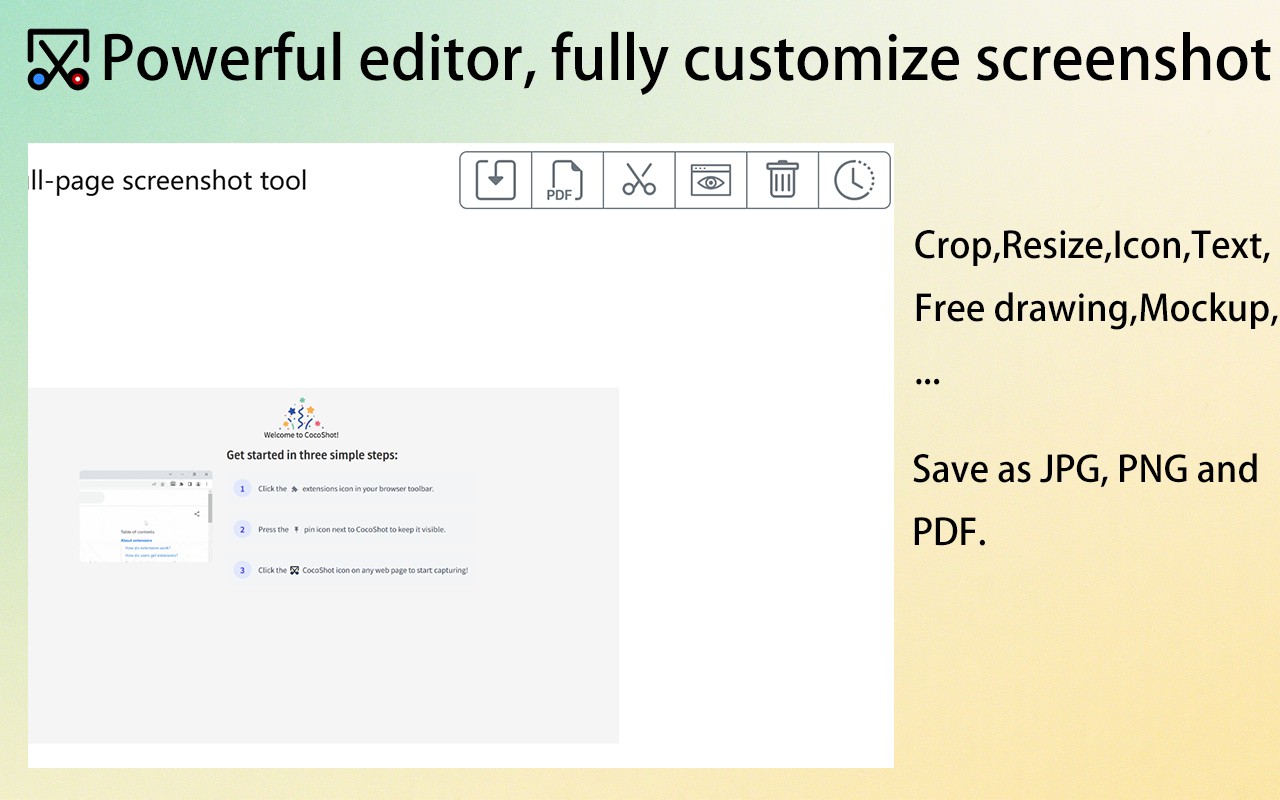
- Image Annotation and Editing: After capturing a screenshot, use the built-in editor to blur sensitive information (e.g., personal data, passwords), add arrows, text, shapes, or apply filters. This helps in creating clear visual instructions or redacting private details before sharing.
- High-Quality Screen Recording: Record your entire desktop, a specific application window, or a browser tab in crisp HD resolution. The recording captures audio from your microphone and system sound, suitable for recording Zoom, Google Meet, or Microsoft Teams meetings, as well as software demonstrations.
- AI Auto-Subtitles: Automatically generate subtitles for your screen recordings using speech recognition. This feature saves time compared to manual captioning and improves accessibility for viewers who are deaf or hard of hearing, or for those watching without sound.
- Video Editor in Browser: Trim, crop, split, and merge recordings directly within the extension without needing separate software. This allows quick editing of meeting recordings to remove pauses or mistakes before sharing.
- Real-Time Markup during Recording: Annotate with arrows, text, and highlights while recording. This is particularly useful for creating step-by-step tutorials or documenting bugs with visual cues for developers.
- Export Recordings to MP4: Save finished videos in the widely compatible MP4 format, ready for sharing on platforms like YouTube, Slack, or Google Drive.
Common use cases include recording remote meetings with automatic captions for minutes, creating video tutorials with subtitles for content creators, documenting software bugs with annotations for developers, and producing accessible educational materials with subtitles for educators. The extension streamlines workflows by combining capture, editing, and export in one tool.
Extensions that do the same job
Matched by what these extensions actually do, not by store category, and sorted so the ones asking for the least access come first.
| Extension | Site access | Permissions | Users | Rating |
|---|---|---|---|---|
| CocoShot: Screenshot & Screen Recorder — this page | Limited | 4 | 70K | 4.9★ |
| Vidyard - Screen Recorder & Screen Capture | All sites | 10 | 300K | 4.2★ |
| Screenity - Screen Recorder & Annotation Tool | All sites | 10 | 200K | 4.4★ |
| Snippet Highlighter - Web & PDF | All sites | 4 | 10K | 4.2★ |
| Ulti - Downloader for Instagram | Limited | 5 | 10K | 3.7★ |
| Immersive Translate: AI Web, PDF & Video Translator | All sites | 9 | 3M | 4.1★ |
| NCapture | All sites | 6 | 400K | 3.1★ |
Store data last checked August 14, 2026.