
Screenity - Screen Recorder & Annotation Tool
Privacy-friendly screen recorder and annotation tool for capturing, editing, and sharing videos without sign-in.
What it does
Permissions and access
Taken from the extension's own manifest file inside the package. The store listing does not spell this out, so it is worth reading before you install.
| Permission | What it allows |
|---|---|
activeTab | Access the current tab when you click the extension |
downloads | Manage your downloads |
identity | Sign you in with your Google account |
power | Keep your screen awake |
scripting | Run its own code on pages |
storage | Store its own settings and data |
system.display | Read display information |
tabCapture | Capture the contents of a tab |
tabs | See the addresses and titles of your open tabs |
unlimitedStorage | Store unlimited data on your computer |
Asks for these only when you use the matching feature:
alarms, clipboardWrite, desktopCapture, offscreen
Requests 10 permissions — extensions doing the same job average 5.2.
Technical details
Show all 18 languages
Keyboard shortcuts
| Shortcut | Action |
|---|---|
| Alt+Shift+G | Start recording |
| Alt+Shift+X | Cancel recording |
| Alt+Shift+M | Pause/Resume recording |
Description
Screenity is a free and privacy-focused screen recorder and annotation tool that runs entirely in your browser without requiring any sign-up or login. It enables you to create professional-quality videos for work, education, and personal projects, such as product demonstrations, tutorials, presentations, or collaborative feedback sessions. The extension is open source and can be self-hosted via its GitHub repository, ensuring full control over your data.
Key Features
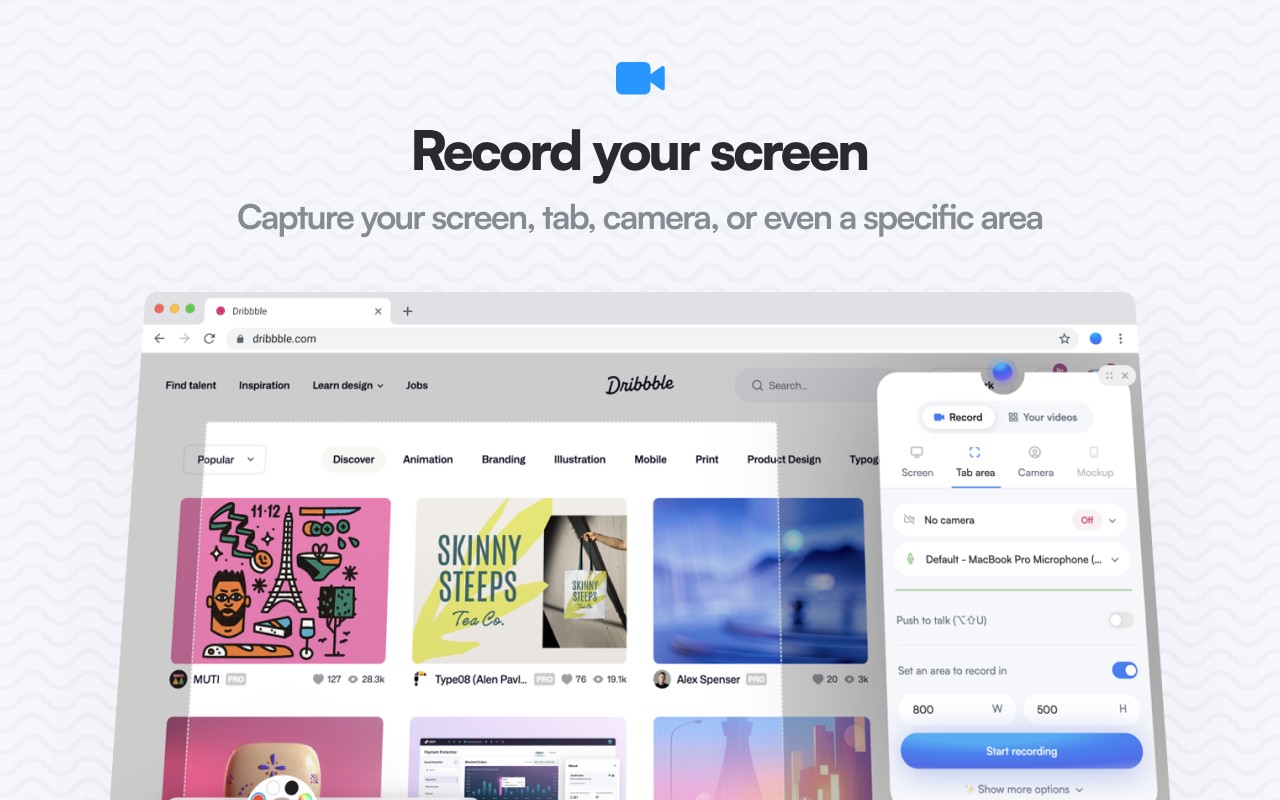
- Unlimited Recording Options: Capture your entire browser tab, a specific area of the screen, your desktop, any application window, or your camera feed. There are no limits on the number or length of recordings you can make.
- Audio Recording with Push-to-Talk: Record from your microphone or internal system audio, and use the push-to-talk feature to control when your voice is captured, which is useful for narrations or commentary.
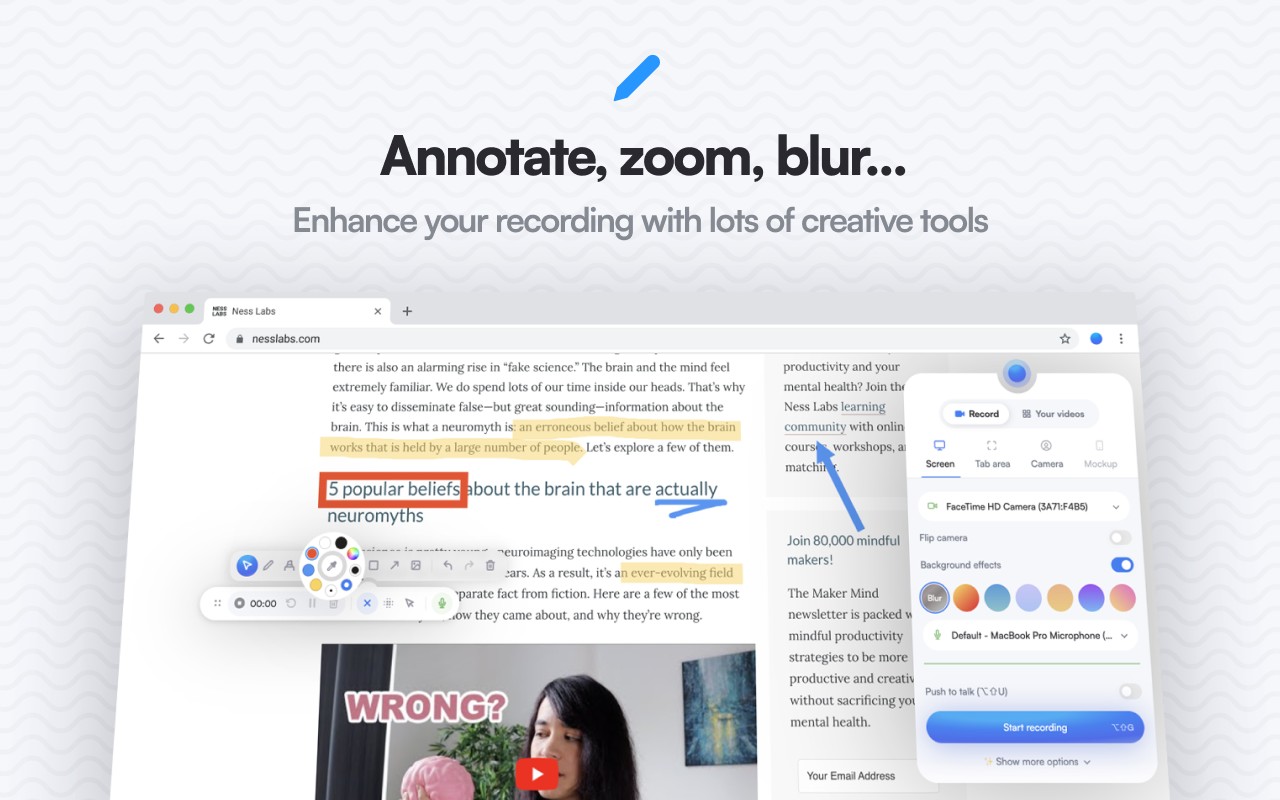
- Real-Time Annotation Tools: Draw freehand, add text labels, arrows, shapes, and other annotations directly onto the screen during recording. This is ideal for highlighting key points in tutorials or providing visual feedback.
- AI-Powered Camera Backgrounds: Enhance your video recordings by applying AI-generated virtual backgrounds or blur effects to your camera feed, helping to maintain privacy or create a professional look.
- Smooth Zoom: Zoom in seamlessly during recordings to focus on specific details, such as small UI elements or code snippets, making your content clearer for viewers.
- Content Blurring: Blur out sensitive information on any webpage, such as personal data, passwords, or confidential text, to keep your recordings private.
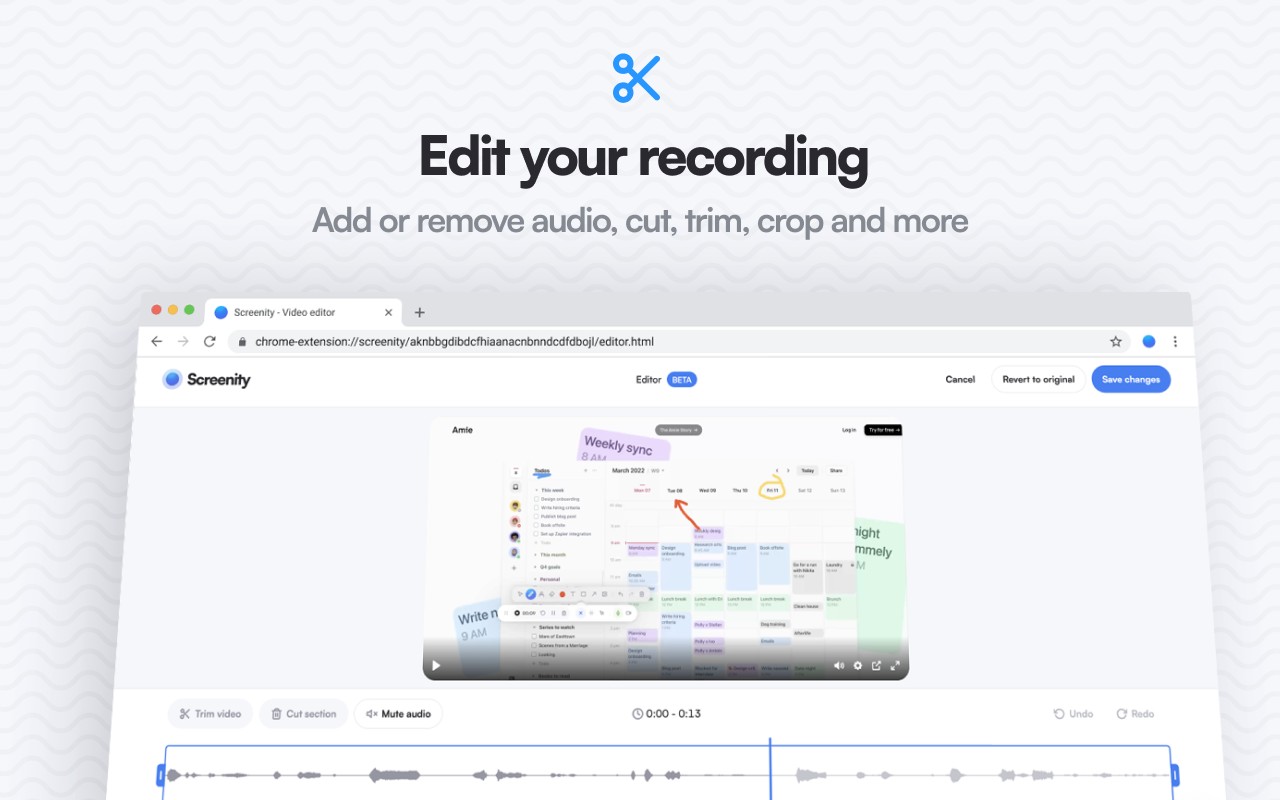
- Comprehensive Video Editor: After recording, you can remove or add audio tracks, cut, trim, and crop your video. The editor also supports splitting clips and rearranging segments.
- Cursor and Click Highlighting: Emphasize mouse clicks and cursor movements, and use spotlight mode to draw attention to specific areas of the screen, which is especially helpful for software demos.
- Alarm-Based Auto-Stop: Set a timer to automatically stop the recording after a specified duration, preventing excessively long captures and saving storage space.
- Multiple Export Formats: Save your recordings as MP4, GIF, or WebM files. You can also export directly to Google Drive for easy sharing via a link.
- Customizable Recording UI: Configure a countdown timer before recording starts, hide or reposition UI elements like the recording toolbar to suit your workflow.
- Privacy and Offline Mode: All recordings are stored locally on your device. Screenity does not collect any personal data, and you can use it entirely offline without an internet connection.
For advanced capabilities, Screenity Pro offers a subscription-based platform with additional features such as 50GB of cloud storage for sharing videos via links, multi-scene editing for complex projects, customizable animated templates and camera layouts, keyframes and automatic zoom on click, auto-generated captions with style options, and the ability to add frames, device mockups, and backgrounds. Pro infrastructure is hosted in the EU to avoid US data transfers. However, the core extension remains free, private, and open source, making Screenity accessible to everyone.
Extensions that do the same job
Matched by what these extensions actually do, not by store category, and sorted so the ones asking for the least access come first.
| Extension | Site access | Permissions | Users | Rating |
|---|---|---|---|---|
| Screenity - Screen Recorder & Annotation Tool — this page | All sites | 10 | 200K | 4.4★ |
| CocoShot: Screenshot & Screen Recorder | Limited | 4 | 70K | 4.9★ |
| Vidyard - Screen Recorder & Screen Capture | All sites | 10 | 300K | 4.2★ |
| Axiom Browser Automation & Web Scraping | All sites | 8 | 100K | 4.5★ |
| Fathom AI Note Taker for Google Meet | Limited | 4 | 500K | 4.9★ |
| Record, Transcribe & ChatGPT/Claude for Google Meet | All sites | 3 | 400K | 4.6★ |
| Ulti - Downloader for Instagram | Limited | 5 | 10K | 3.7★ |
Want the same thing with less access? CocoShot: Screenshot & Screen Recorder, Vidyard - Screen Recorder & Screen Capture, Fathom AI Note Taker for Google Meet ask for fewer permissions than this one.
Store data last checked August 14, 2026.