
Video Speed Controller - video manager
Adjust playback speed of HTML5 videos on any website with keyboard shortcuts.
What it does
Permissions and access
Taken from the extension's own manifest file inside the package. The store listing does not spell this out, so it is worth reading before you install.
| Permission | What it allows |
|---|---|
storage | Store its own settings and data |
Requests 1 permission — extensions doing the same job average 3.7.
Technical details
Show all 34 languages
Description
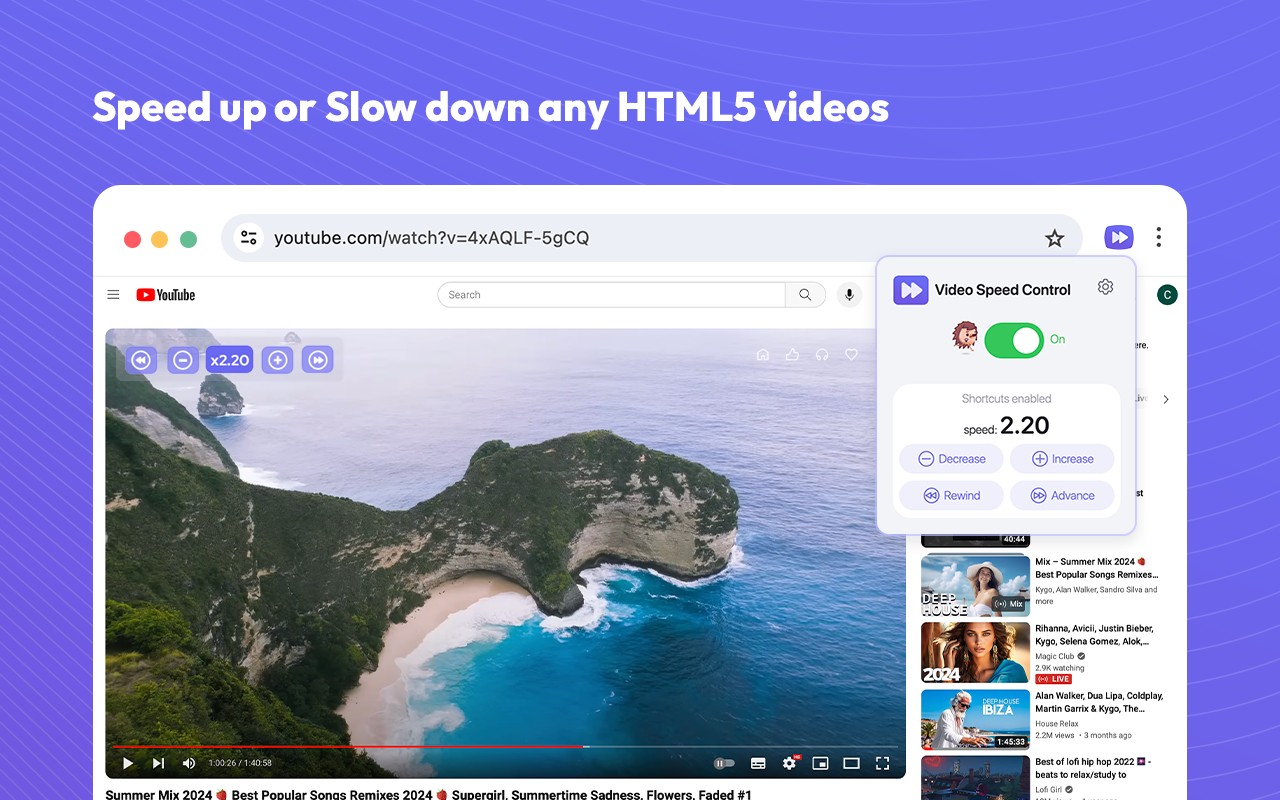
Video Speed Controller is a Chrome extension designed to give you precise control over the playback speed of HTML5 videos across the web. Whether you're watching a lecture, a tutorial, or a movie, this tool lets you adjust the speed to match your needs, from a leisurely 0.25x to a fast 4x. It works on almost any website that uses HTML5 video players, including popular streaming services like YouTube, Netflix, and Amazon Prime Video.
Key Features
- Universal Compatibility: Works with virtually all websites that embed HTML5 videos, so you can control speed on YouTube, Vimeo, Coursera, and countless others without needing separate tools.
- Precise Speed Adjustment: Set the playback speed with an accuracy of up to 1%, allowing you to fine-tune the rate to your exact preference. This is particularly useful when you want to slow down a complex explanation or speed up repetitive content.
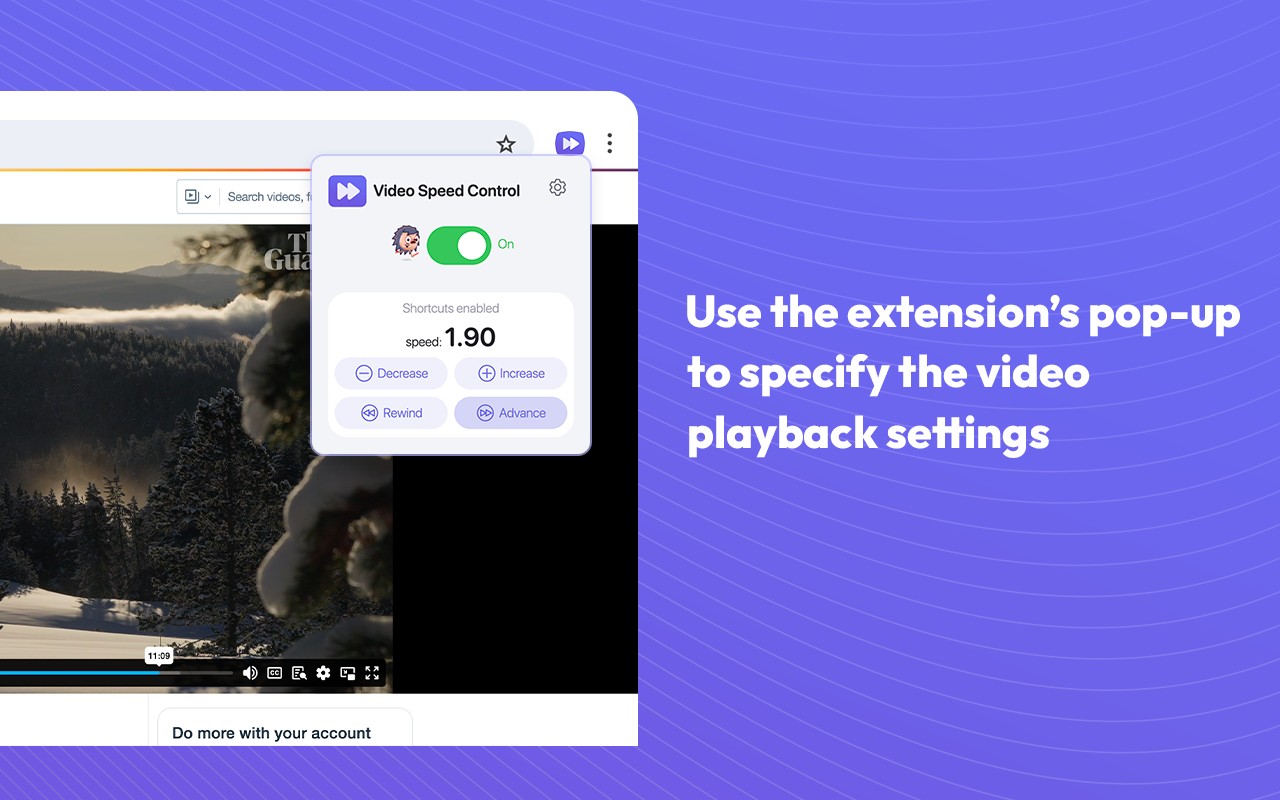
- Intuitive Interface: The extension's popup provides a simple and user-friendly way to adjust speed. Just click the extension icon, use the slider or input field, and the changes apply instantly to the video.
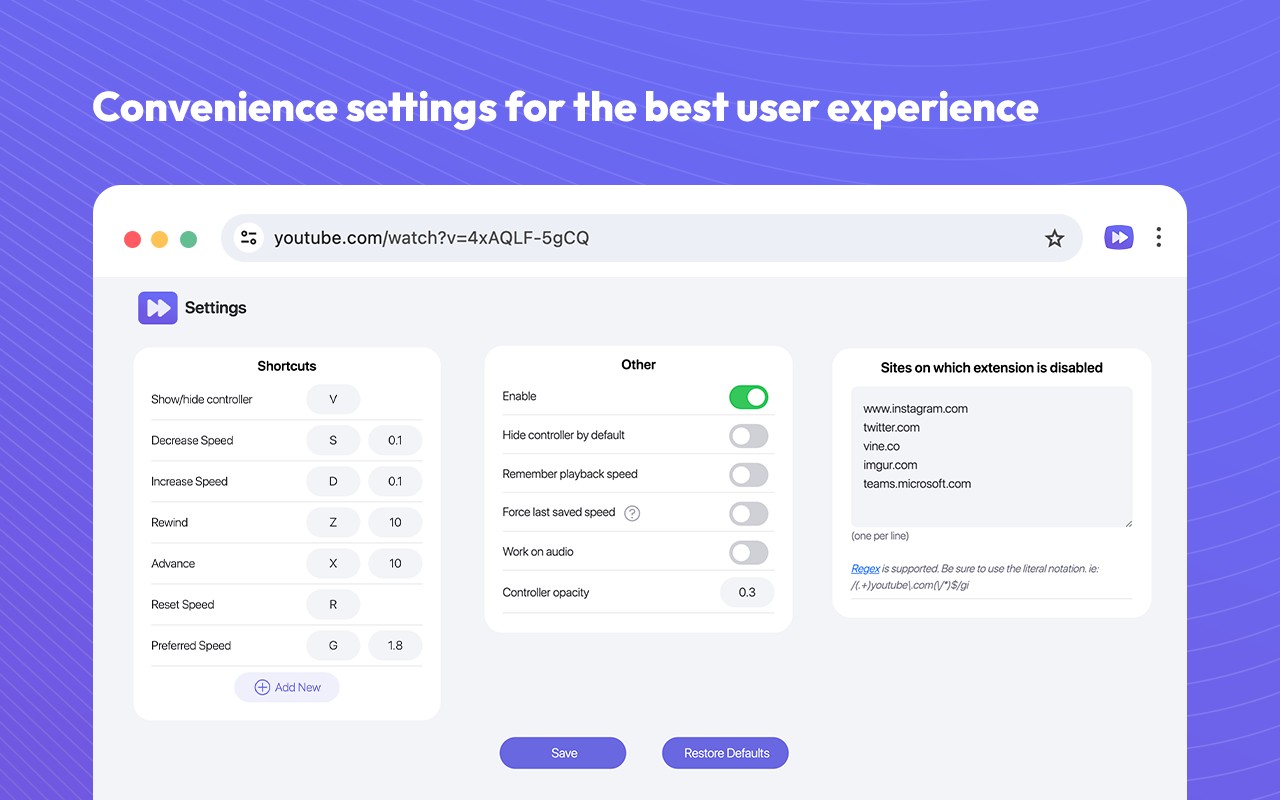
- Keyboard Shortcuts: For quick adjustments, you can use customizable keyboard shortcuts to increase or decrease the speed without interrupting your viewing. This is handy when you need to switch speeds frequently, such as skipping through slow sections or rewatching a fast segment.
- No Limits: Unlike some players that restrict speed ranges, this extension allows you to freely increase or decrease the speed as many times as you need, and even fast-forward or rewind with the same shortcuts.
Using the extension is straightforward: install it from the Chrome Web Store, pin it to your toolbar for easy access, then open any video on a supported site. Click the extension's icon, adjust the speed via the popup, and enjoy your customized playback. The extension is built to be reliable and responsive, making it a valuable tool for students, professionals, and casual viewers alike.
Extensions that do the same job
Matched by what these extensions actually do, not by store category, and sorted so the ones asking for the least access come first.
| Extension | Site access | Permissions | Users | Rating |
|---|---|---|---|---|
| Video Speed Controller - video manager — this page | All sites | 1 | 400K | 4.6★ |
| BetterTTV | Limited | 2 | 3M | 4.6★ |
| Looper for YouTube | Limited | 1 | 400K | 4.6★ |
| Subtitles for Language Learning (Prime Video) | Limited | 3 | 100K | 3.8★ |
| CocoShot: Screenshot & Screen Recorder | Limited | 4 | 70K | 4.9★ |
| EasySubs - Learn languages by watching films and series | Limited | 3 | 4K | 4.3★ |
| YouTube Fast Fullscreen Toggle | Limited | 0 | 3K | 4.6★ |
Want the same thing with less access? BetterTTV, Looper for YouTube, Subtitles for Language Learning (Prime Video) ask for fewer permissions than this one.
Store data last checked August 14, 2026.