
Looper for YouTube
Adds a loop button to YouTube to auto-repeat videos, with options for custom loop counts, segments, and keyboard
What it does
Permissions and access
Taken from the extension's own manifest file inside the package. The store listing does not spell this out, so it is worth reading before you install.
| Permission | What it allows |
|---|---|
storage | Store its own settings and data |
Requests 1 permission — extensions doing the same job average 3.7.
Technical details
Show all 19 languages
Description
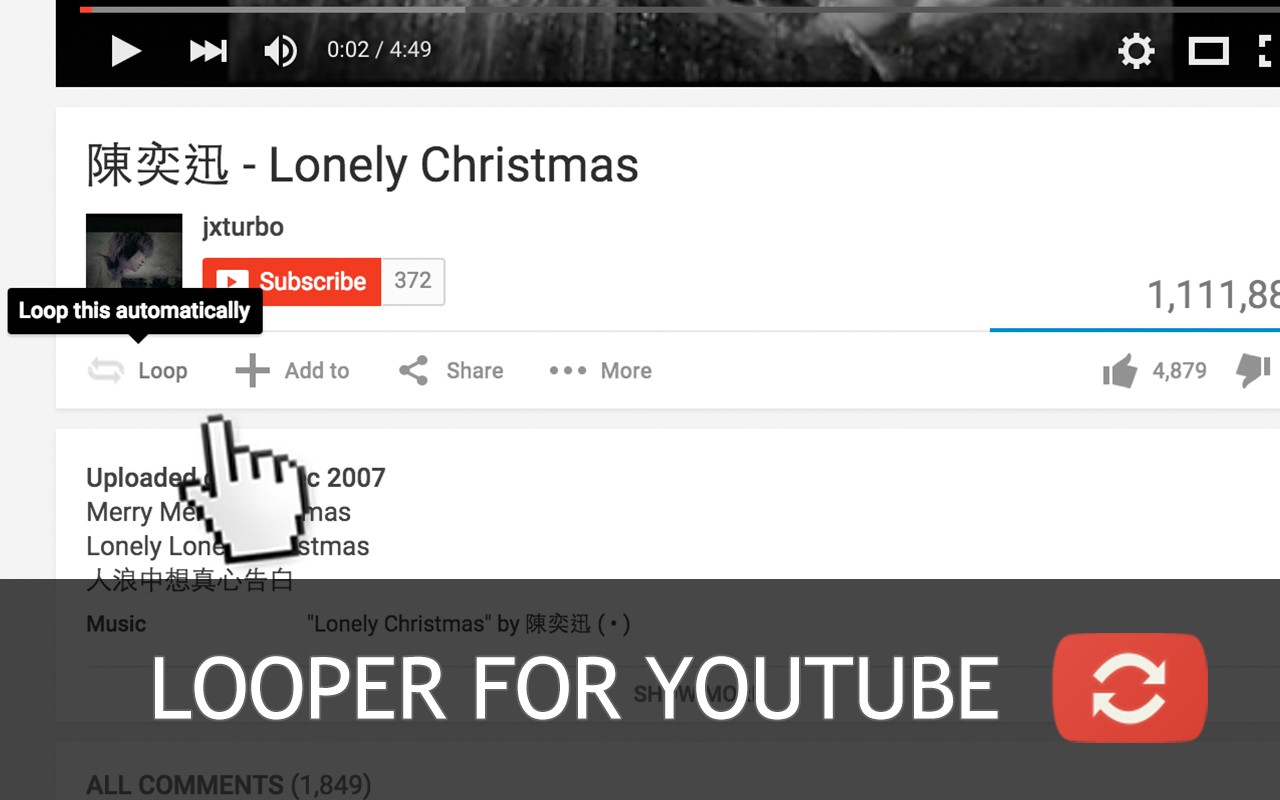
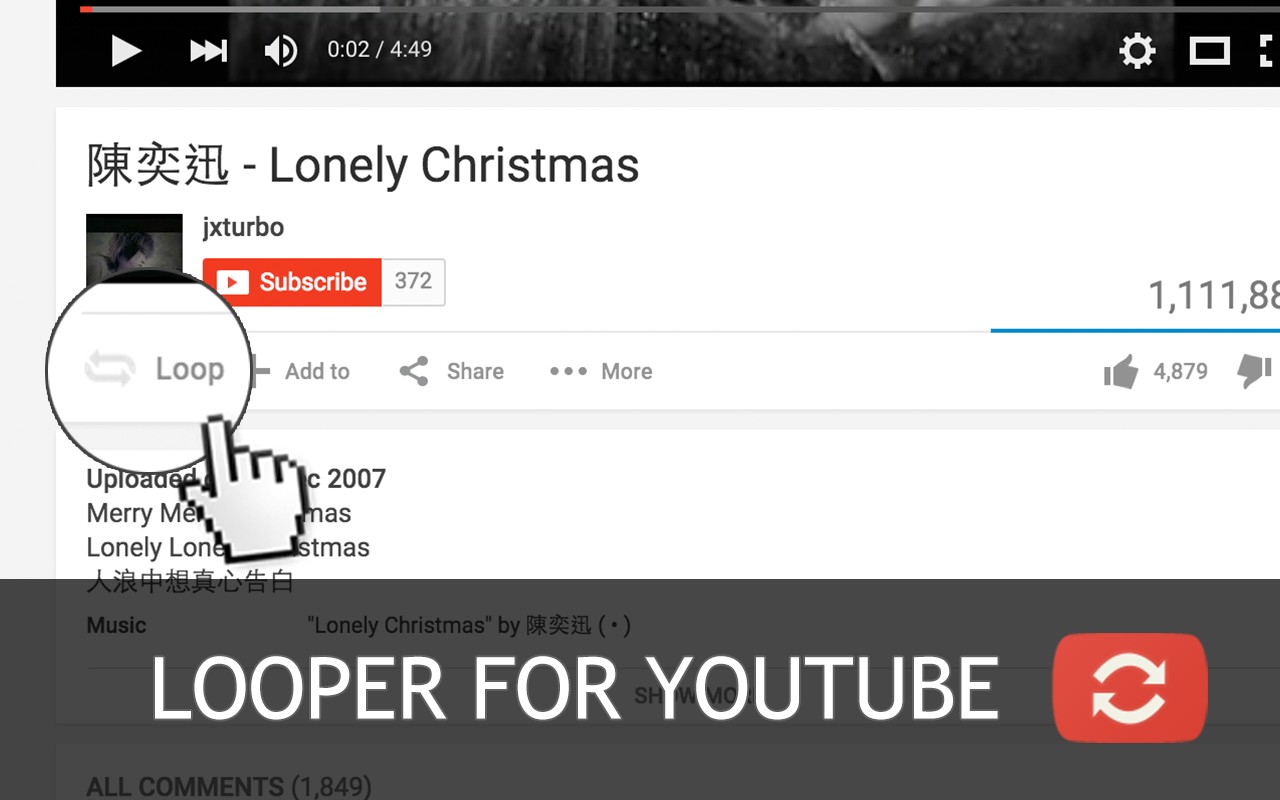
Looper for YouTube is a browser extension that adds a convenient loop button directly beneath the YouTube player interface. This eliminates the need to manually click the replay button each time a video ends, allowing for uninterrupted viewing of your favorite content. Whether you are watching a music video, a tutorial, or a motivational clip, this tool ensures the video repeats automatically, providing a seamless and hands-free experience.
Key Features
- One-Click Loop Activation: With a single click on the loop button, the current video will repeat indefinitely. This is ideal for situations where you want continuous playback without any interruptions, such as when listening to music or white noise in the background.
- Customizable Auto Loop Default: You can set the extension to automatically enable looping for every video by default. This is particularly useful if you frequently watch videos that you always want to repeat, saving you the extra step of clicking the loop button each time.
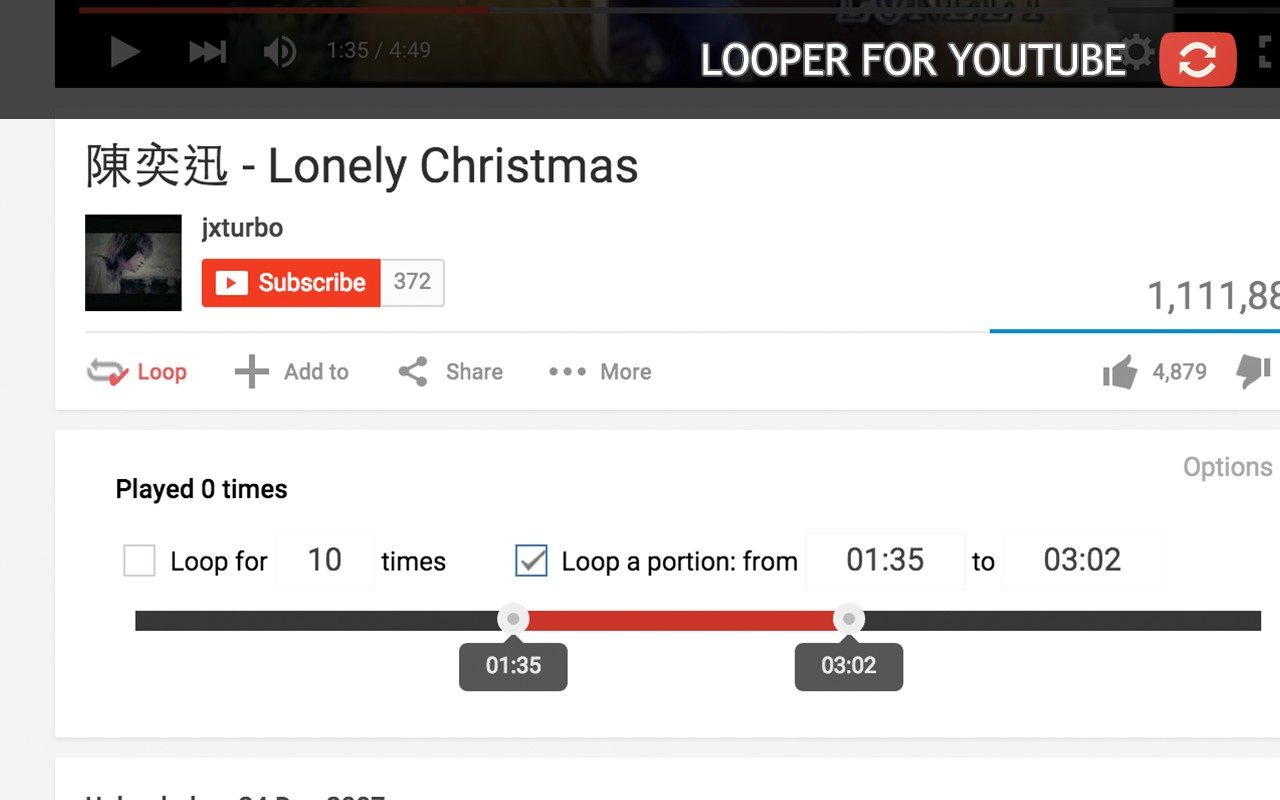
- Loop Specific Portions: Instead of looping the entire video, you can define a specific start and end time to loop only a particular segment. For example, you can loop a specific scene in a movie or a particular section of a lecture, making it easy to focus on and review key parts.
- Set Loop Count: You can specify exactly how many times the video should repeat before stopping. This is perfect for scenarios where you want a video to play a set number of times, such as for timed exercises or repeated listening sessions.
- Keyboard Shortcut: Press the 'P' key on your keyboard to start looping the current video. This provides a quick and efficient way to toggle looping without having to move your mouse to the button, which is especially handy when you are in full-screen mode or multitasking.
- URL Parameters for Advanced Control: You can control looping directly through the video URL. Adding '&loop=10' to the end of a YouTube URL will make the video loop 10 times. Similarly, using '&start=00:10&end=01:00' will loop the video from the 10-second mark to the 1-minute mark. This feature is great for sharing links with specific looping behavior.
- Playlist Integration: When the loop button is activated, the playlist auto-play feature is automatically disabled to prevent the playlist from advancing to the next video. Additionally, you have the option to continue playing the rest of the playlist after the loop count is reached, giving you control over whether to stay on the current video or proceed with the queue.
- Lightweight Performance: The extension uses content scripts only, without a background page, which means it consumes less memory compared to other similar extensions. This ensures that your browser remains fast and responsive while the extension is active.
- Modern Interface: The extension matches the latest YouTube style (as of 2026), ensuring that the loop button looks and feels like a native part of the YouTube interface. It also adapts its display language according to the language settings of YouTube, providing a localized experience for users worldwide.
Looper for YouTube is designed to be simple yet powerful, catering to both casual users who want a quick loop toggle and advanced users who need precise control over looping behavior. It addresses common use cases such as repeating music, reviewing educational content, and creating custom playback loops. The extension is continuously updated, and users are encouraged to submit support requests for any issues or suggestions, ensuring that it remains reliable and feature-rich.
Extensions that do the same job
Matched by what these extensions actually do, not by store category, and sorted so the ones asking for the least access come first.
| Extension | Site access | Permissions | Users | Rating |
|---|---|---|---|---|
| Looper for YouTube — this page | Limited | 1 | 400K | 4.6★ |
| BetterTTV | Limited | 2 | 3M | 4.6★ |
| Subtitles for Language Learning (Prime Video) | Limited | 3 | 100K | 3.8★ |
| CocoShot: Screenshot & Screen Recorder | Limited | 4 | 70K | 4.9★ |
| EasySubs - Learn languages by watching films and series | Limited | 3 | 4K | 4.3★ |
| YouTube Fast Fullscreen Toggle | Limited | 0 | 3K | 4.6★ |
| YouTube Keyboard Shortcuts Plus | Limited | 1 | 3K | 4.1★ |
Store data last checked August 16, 2026.