
Record, Transcribe & ChatGPT/Claude for Google Meet
Automatically record and transcribe Google Meet calls with AI summaries and search.

What it does
Permissions and access
Taken from the extension's own manifest file inside the package. The store listing does not spell this out, so it is worth reading before you install.
| Permission | What it allows |
|---|---|
alarms | Schedule background tasks |
storage | Store its own settings and data |
tabs | See the addresses and titles of your open tabs |
Asks for these only when you use the matching feature:
clipboardWrite
Requests 3 permissions — extensions doing the same job average 5.4.
Technical details
Keyboard shortcuts
| Shortcut | Action |
|---|---|
| Ctrl+Period | Create a highlight during a meeting |
Description
Record, Transcribe & ChatGPT/Claude for Google Meet is a browser extension designed to automate the entire meeting documentation process for Google Meet users. It provides free, automatic recording and transcription of video calls, eliminating the need for manual note-taking. With over 500,000 users and trusted by more than one million people worldwide, this tool transforms every meeting into a searchable, actionable resource. Whether you are conducting sales calls, hiring interviews, coaching sessions, or team syncs, the extension captures every word and generates AI-powered summaries that highlight key decisions and action items.
Key Features
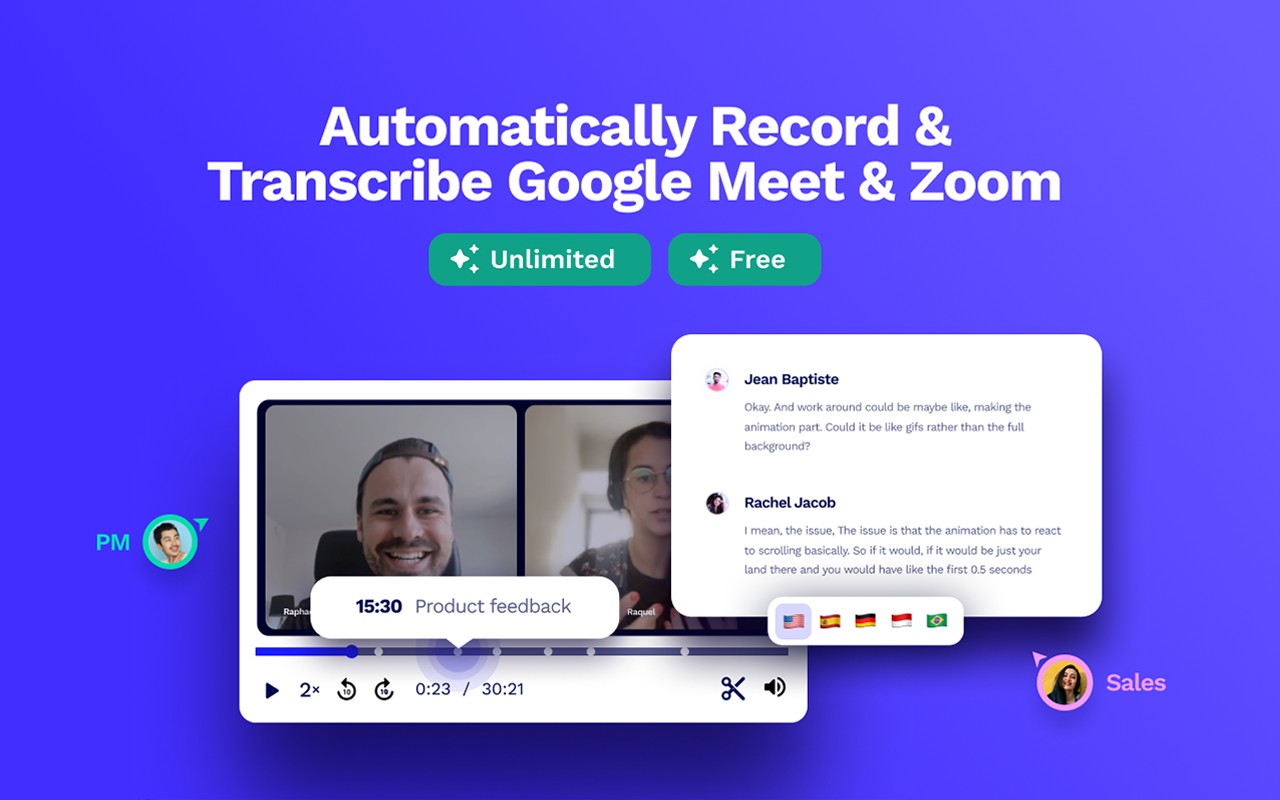
- Automatic Recording: The extension starts recording your Google Meet calls automatically as soon as you join, with no need for host permission. You can choose between an invisible bot that records in the background or a visible bot that joins the call, giving you full control over the recording experience.
- Accurate Transcription with Speaker Labels: Every meeting is transcribed in real time, with clear speaker identification. The transcription supports over 20 languages, making it ideal for international teams and multilingual conversations.
- AI Meeting Summaries: After each call, the AI generates a concise summary that captures the main points, decisions, and action items. You can customize the summary templates for different use cases such as sales, hiring, coaching, or project management, ensuring the output matches your specific needs.
- Multi-Meeting AI Search: Ask natural language questions across your entire meeting library. For example, you can query "What are our top three objections this quarter?" and receive an instant, synthesized answer drawn from all recorded calls, saving hours of manual review.
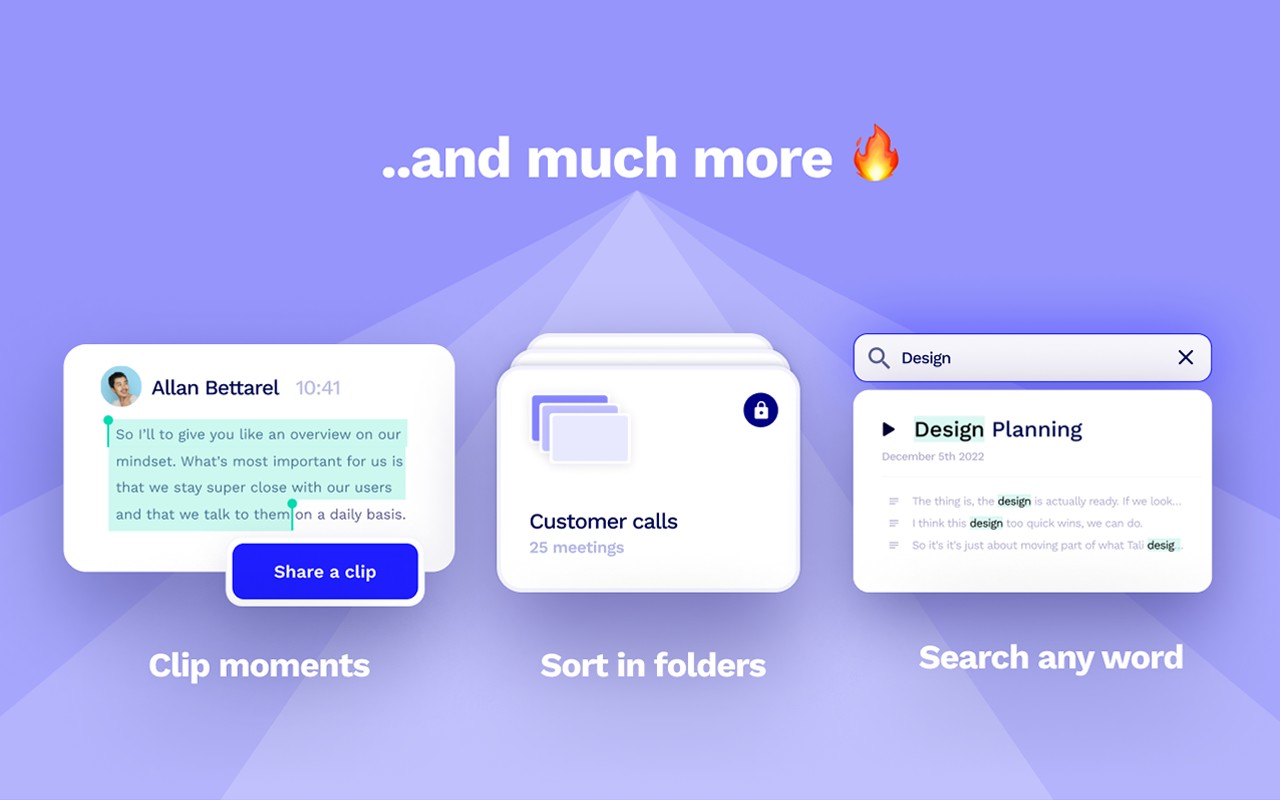
- Full-Text Search: Search your call library for any word, theme, or pattern. This makes it easy to find a specific discussion point or revisit a particular moment from any past meeting.
- Instant Sharing: Automatically share recordings and summaries to Slack, email, or Zapier the moment a call ends, ensuring your team stays informed without extra effort.
- Integrations: Push call context, action items, and deal updates directly into your CRM, Slack, or other business tools, keeping your workflows seamless and up-to-date.
- Clip and Timestamp: Highlight key moments during a meeting and create short clips with timestamps. You can share these clips with colleagues who missed the call or use them for training and reference.
- In-Call Note Taking: Take notes directly within the extension during the meeting and sync action points to your team instantly, ensuring nothing falls through the cracks.
This extension works not only with Google Meet but also with Zoom and Microsoft Teams, making it a versatile solution for organizations that use multiple video conferencing platforms. It serves as a free alternative to tools like Otter.ai, Fireflies, and Gong, offering comparable functionality without the cost. Privacy is a top priority: your data is never sold, and the full privacy policy is available at tldv.io/privacy. Setting up the extension takes less than a minute, and from then on, it quietly handles the documentation work you would otherwise spend hours on.
Extensions that do the same job
Matched by what these extensions actually do, not by store category, and sorted so the ones asking for the least access come first.
| Extension | Site access | Permissions | Users | Rating |
|---|---|---|---|---|
| Record, Transcribe & ChatGPT/Claude for Google Meet — this page | All sites | 3 | 400K | 4.6★ |
| Fathom AI Note Taker for Google Meet | Limited | 4 | 500K | 4.9★ |
| NoteGPT: YouTube Summary, Chat with AI Assistant, ChatGPT DeepSeek Claude | Limited | 3 | 400K | 4.9★ |
| NotebookLM Web Importer | Limited | 5 | 300K | 4.7★ |
| Careerflow AI Job Application Tracker, ATS Resume Checker, Autofill & more | All sites | 3 | 200K | 4.4★ |
| AI Chrome Extension powered by ChatGPT - Magictool AI | All sites | 3 | 9K | 4.8★ |
| Merlin AI | All sites | 8 | 900K | 4.8★ |
Want the same thing with less access? Fathom AI Note Taker for Google Meet, NoteGPT: YouTube Summary, Chat with AI Assistant, ChatGPT DeepSeek Claude, AI Code Finder, Alerts, Ask Questions about Papers: CatalyzeX ask for fewer permissions than this one.
Store data last checked August 14, 2026.