
Picture in Picture - Floating player
Opens any HTML5 video in a floating picture-in-picture window with playback controls.
What it does
Permissions and access
Taken from the extension's own manifest file inside the package. The store listing does not spell this out, so it is worth reading before you install.
| Permission | What it allows |
|---|---|
scripting | Run its own code on pages |
storage | Store its own settings and data |
system.display | Read display information |
Requests 3 permissions — extensions doing the same job average 3.6.
Technical details
Show all 25 languages
Description
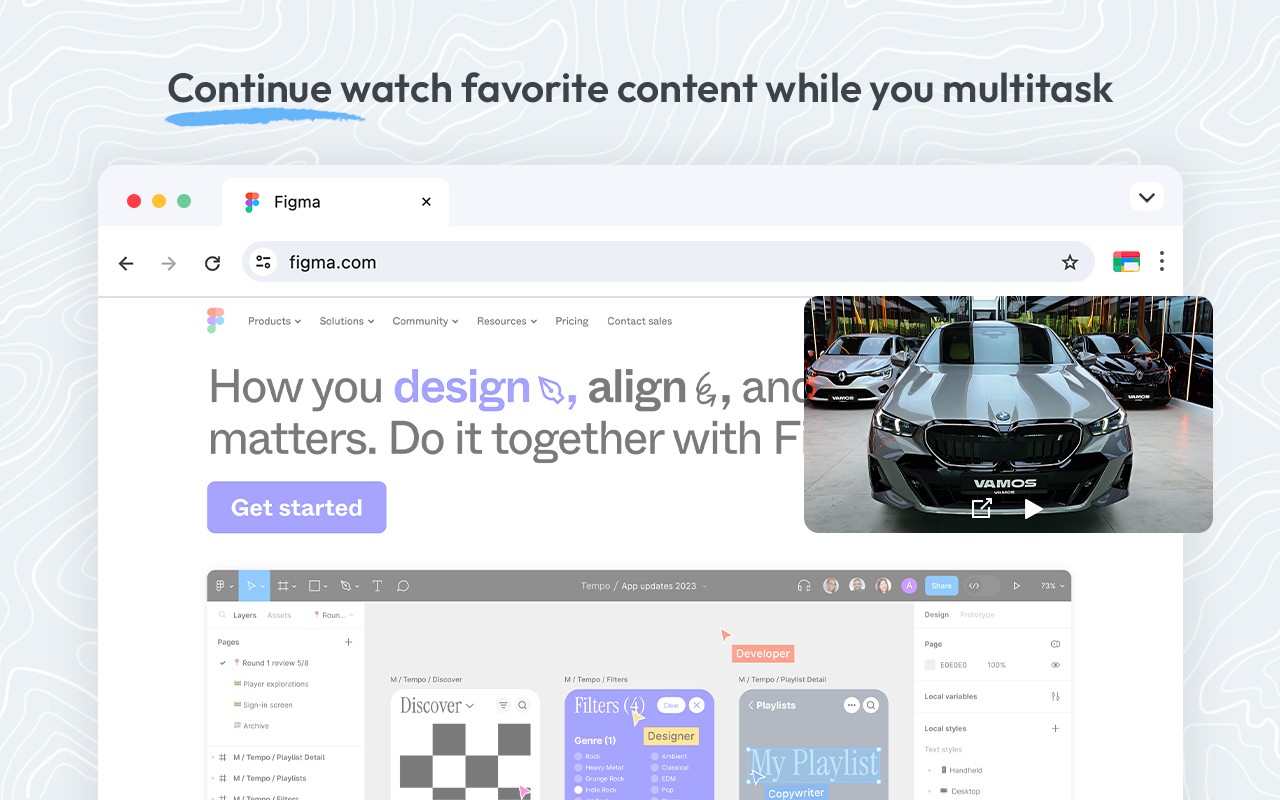
The Picture in Picture - Floating player extension enables a floating video window that stays on top of all other applications and browser tabs, allowing you to watch videos while multitasking. It works on any website that contains an HTML video element, including major streaming platforms like YouTube, Netflix, and others. When you click the extension icon, it automatically detects the active video player on the current tab and opens it in a resizable floating window. This is particularly useful when you need to follow a tutorial while coding, watch a live sports event while browsing other content, or keep a movie playing while chatting or working in another tab.
Key Features
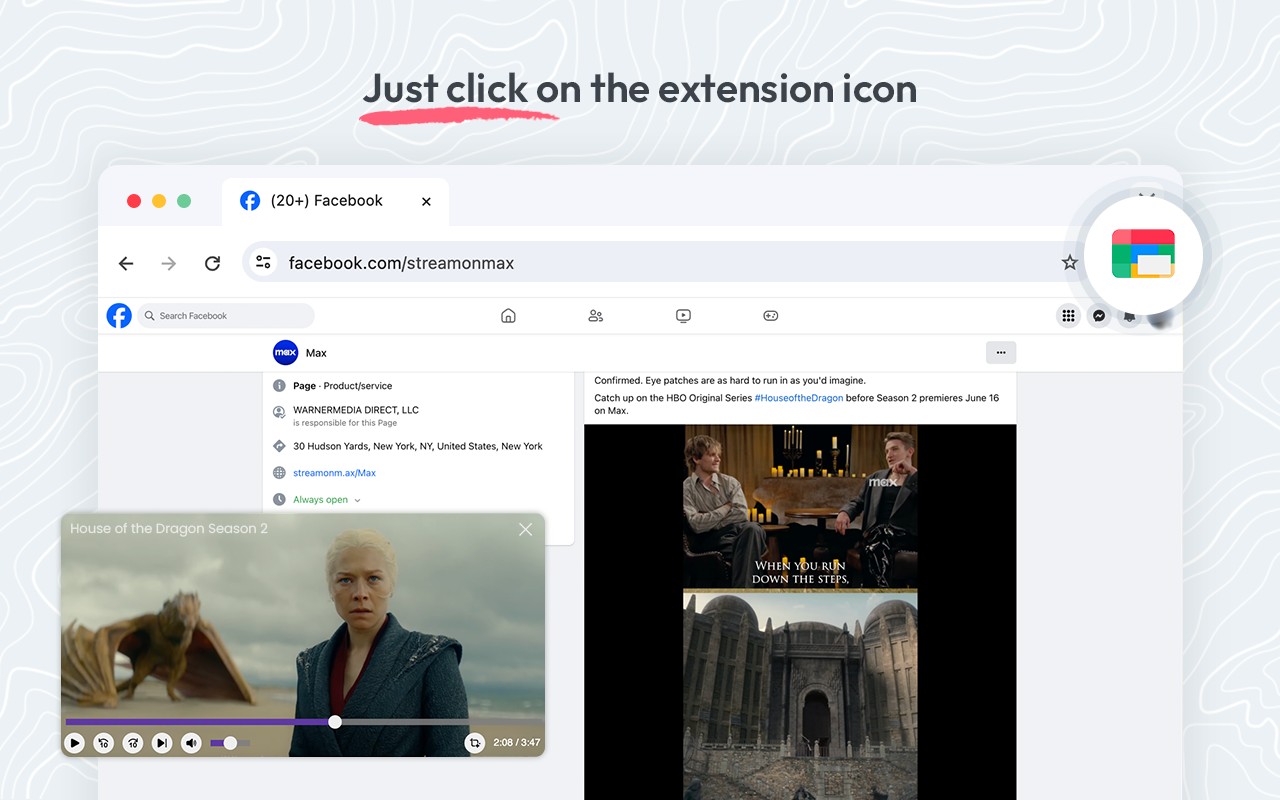
- One-click activation: Simply click the extension icon to instantly convert the current video into a floating picture-in-picture window. No need to right-click or navigate through menus.
- Automatic player detection: The extension intelligently identifies the active video player on the page. If multiple videos are present, it defaults to the one currently playing or the most prominent player.
- YouTube-specific button: On YouTube, an additional button appears next to the settings gear icon in the video player. Clicking this button opens the video in picture-in-picture mode directly, without using the extension icon.
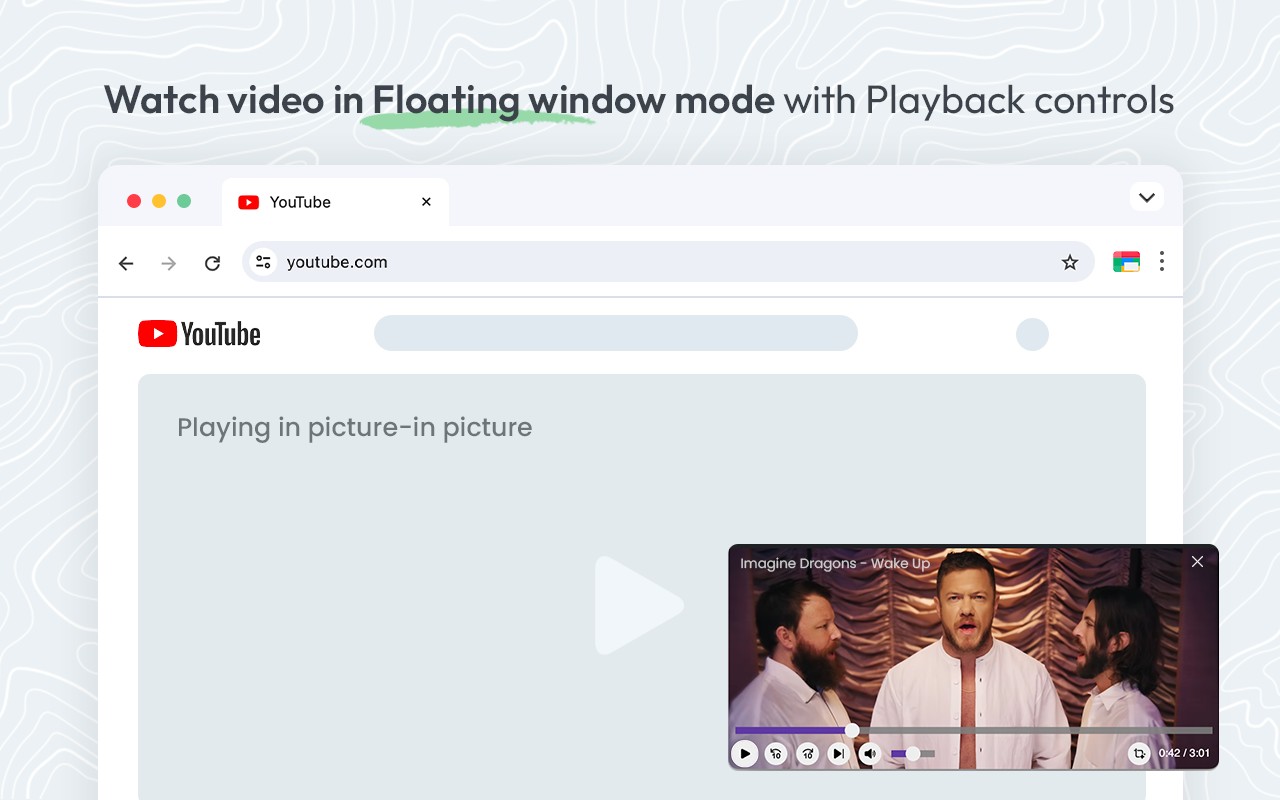
- Playback controls in the floating window: The floating player includes essential controls: play/pause toggle, volume slider, video speed adjustment (e.g., 0.5x, 1x, 1.5x, 2x), and a button to skip to the next video if available on the page.
- Exit anytime: You can close the floating window by clicking the close button (X) or by pressing the extension icon again. The original video on the page remains unaffected.
- Works across all tabs: The floating window persists even when you switch to a different tab or window, as long as the original video is still playing. This allows you to monitor a video while browsing other sites.
- Compatibility with all video formats: Supports any HTML5 video, regardless of the codec or streaming protocol. Works on popular hubs like YouTube, Netflix, Hulu, Vimeo, and many others.
- No extra permissions required: The extension only needs access to video elements on the page; it does not collect personal data or require login credentials.
To use the extension, start playing a video on any supported site, then click the extension icon in the toolbar. The video will immediately appear in a floating window that you can drag to any corner of the screen. You can resize the window by dragging its edges. All playback controls are accessible by hovering over the floating player. This feature is ideal for students watching lectures while taking notes, professionals monitoring live streams while working, or anyone who wants to keep a video visible without dedicating a full tab to it.
Extensions that do the same job
Matched by what these extensions actually do, not by store category, and sorted so the ones asking for the least access come first.
| Extension | Site access | Permissions | Users | Rating |
|---|---|---|---|---|
| Picture in Picture - Floating player — this page | All sites | 3 | 200K | 4.5★ |
| BetterTTV | Limited | 2 | 3M | 4.6★ |
| Looper for YouTube | Limited | 1 | 400K | 4.6★ |
| Subtitles for Language Learning (Prime Video) | Limited | 3 | 100K | 3.8★ |
| CocoShot: Screenshot & Screen Recorder | Limited | 4 | 70K | 4.9★ |
| EasySubs - Learn languages by watching films and series | Limited | 3 | 4K | 4.3★ |
| YouTube Fast Fullscreen Toggle | Limited | 0 | 3K | 4.6★ |
Want the same thing with less access? BetterTTV, Looper for YouTube, Subtitles for Language Learning (Prime Video) ask for fewer permissions than this one.
Store data last checked August 14, 2026.