
LastPass: Free Password Manager
LastPass securely stores, autofills, and generates passwords across devices with one master password.
What it does
Permissions and access
Taken from the extension's own manifest file inside the package. The store listing does not spell this out, so it is worth reading before you install.
| Permission | What it allows |
|---|---|
alarms | Schedule background tasks |
contextMenus | Add items to the right-click menu |
cookies | Read and change cookies for the sites it runs on |
declarativeNetRequest | Block or modify network requests |
notifications | Show desktop notifications |
offscreen | Run hidden pages for background work |
scripting | Run its own code on pages |
storage | Store its own settings and data |
tabs | See the addresses and titles of your open tabs |
unlimitedStorage | Store unlimited data on your computer |
webNavigation | See which pages you navigate to |
webRequest | Watch your network requests |
webRequestAuthProvider | webRequestAuthProvider |
Asks for these only when you use the matching feature:
clipboardWrite, privacy
Requests 13 permissions — extensions doing the same job average 9.1.
Technical details
Show all 7 languages
Description
LastPass is a password manager that helps users store, generate, and autofill credentials across devices. It encrypts all data with AES-256 bit encryption so that only the user can access their vault. The extension integrates with Chrome to automatically fill login forms and capture new passwords as they are created. Users only need to remember one master password to unlock their vault, which can also hold payment cards, secure notes, and personal identification numbers. For families or teams, LastPass allows secure sharing of passwords without revealing the actual credentials. The built-in password generator creates strong, random passwords to improve account security. Multi-factor authentication options add an extra layer of protection when logging into the vault. The free version works on one device type (e.g., computers or mobile), while Premium unlocks unlimited device sync, cross-browser support on Edge and Firefox, unlimited sharing, 1GB of encrypted file storage, advanced MFA like YubiKey, emergency access for trusted contacts, and priority support. LastPass is used by millions of individuals and thousands of businesses to simplify password management and reduce the risk of weak or reused passwords. It is consistently recommended by tech publications such as Forbes, PCMag, and TechRadar for its ease of use and security features.
Key Features
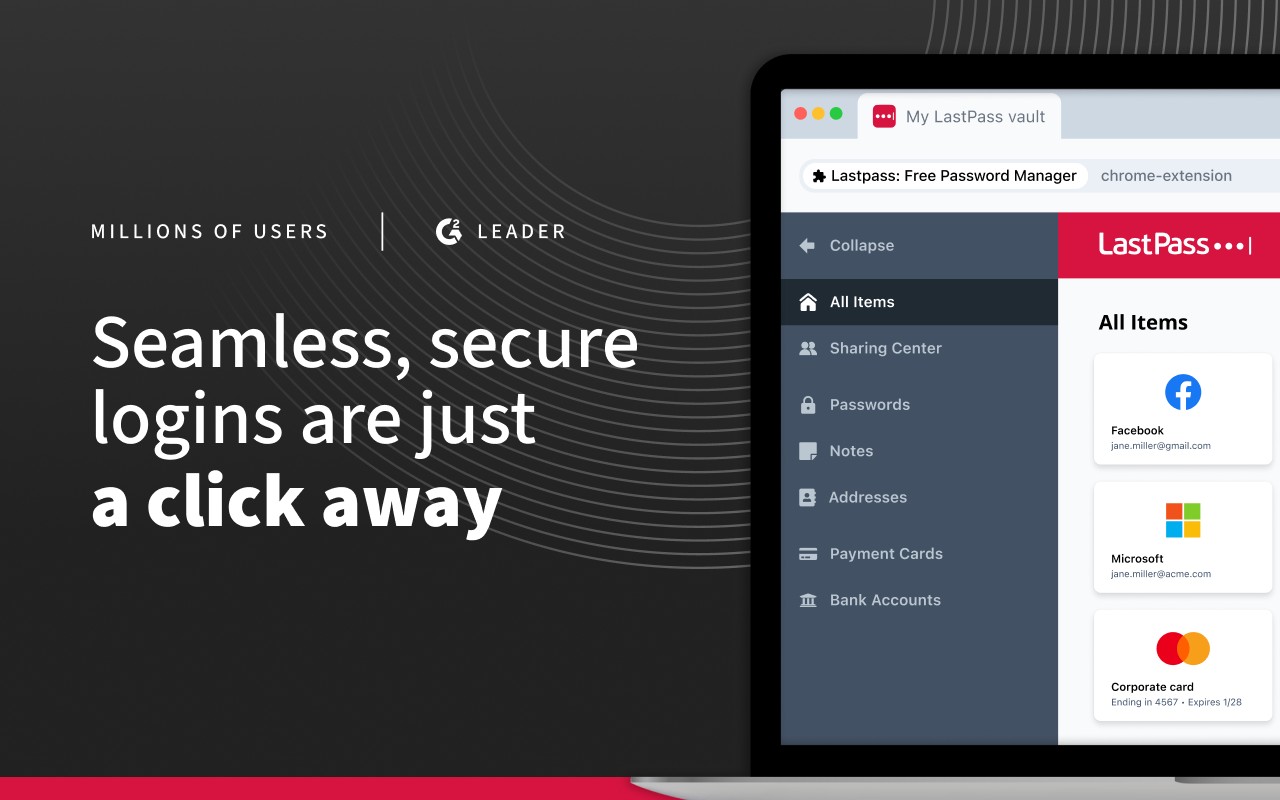
- Secure Password Vault: All passwords, passkeys, usernames, and payment methods are stored in one encrypted location. The vault is accessible only with the master password, and LastPass cannot see its contents.
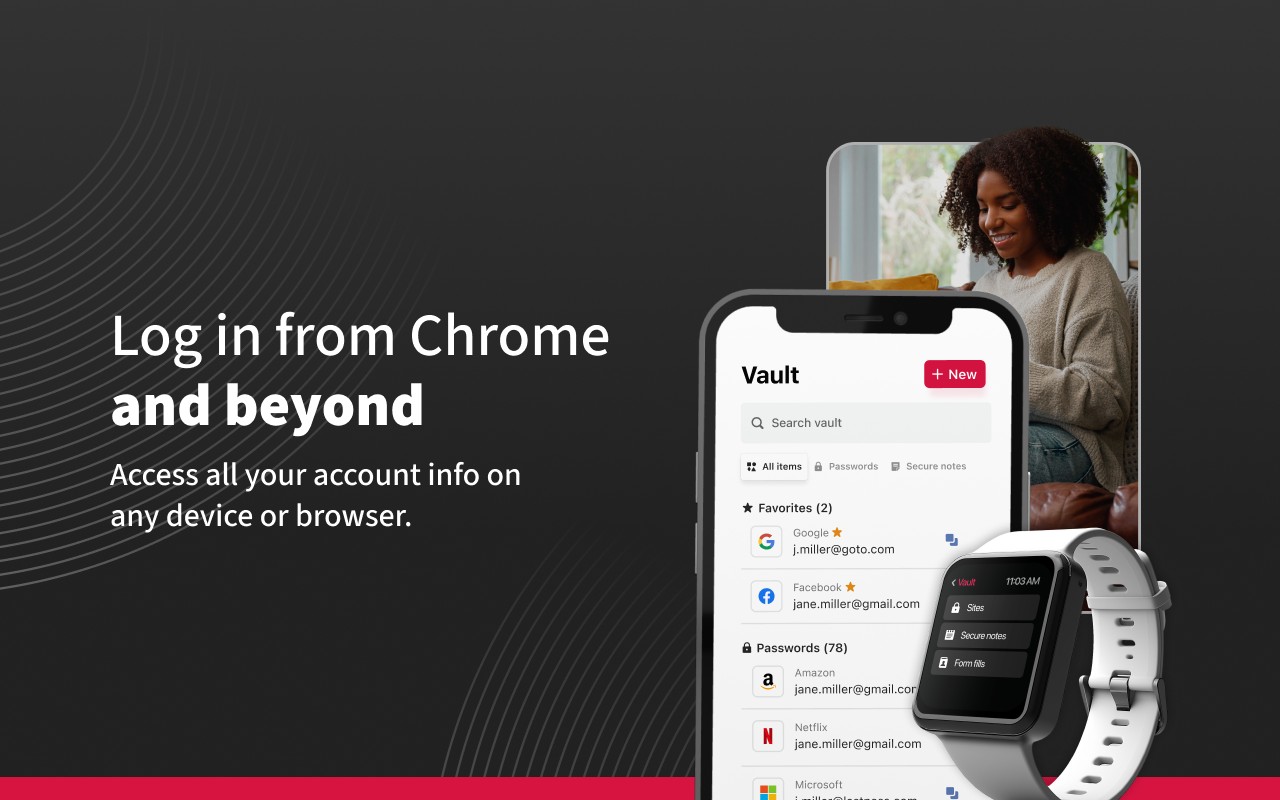
- Autofill: When visiting a website or opening an app, LastPass automatically fills in saved login credentials. This saves time and eliminates the need to type passwords manually. It works on both desktop and mobile browsers.
- One Master Password: Instead of remembering dozens of passwords, users remember just one. The master password is the key to the vault, and LastPass handles the rest.
- Store More Than Passwords: The vault can store credit card details, insurance information, social security numbers, and private notes. This makes it a central repository for sensitive data.
- Secure Sharing: Passwords and notes can be shared with family members, friends, or coworkers without exposing the actual credentials. The recipient gets access through their own LastPass account.
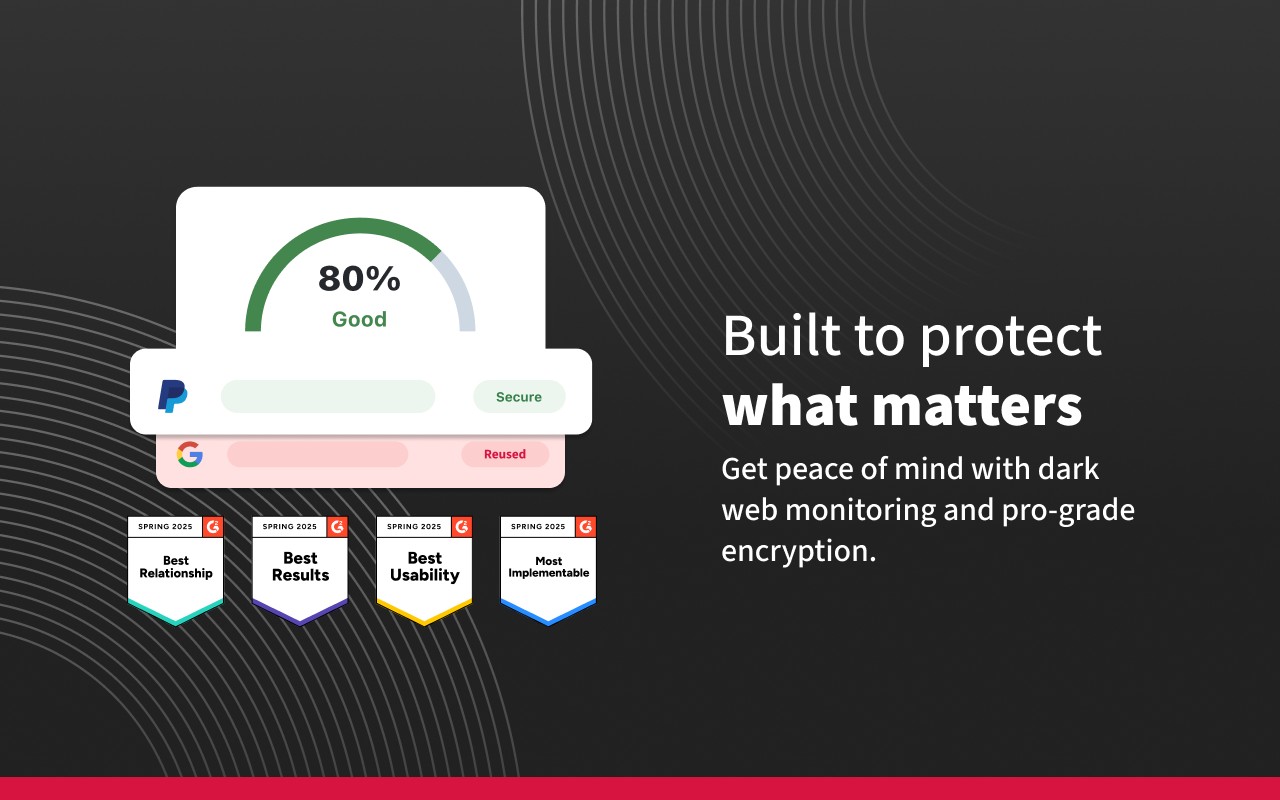
- Password Generator: When creating a new account or updating an existing password, the generator creates a strong, random password or passphrase. This helps prevent weak or reused passwords that are vulnerable to attacks.
- Multi-Factor Authentication (MFA): Additional security layers like one-time codes, biometrics, or hardware keys can be required when unlocking the vault. This protects against unauthorized access even if the master password is compromised.
- Cross-Device Sync: With a Premium subscription, passwords sync across all devices and browsers, including Chrome, Edge, Firefox, and mobile apps. This ensures credentials are available wherever needed.
- Emergency Access: Users can designate trusted contacts who can request access to the vault in case of an emergency. After a waiting period, the contact gains read-only access to critical passwords.
- Encrypted File Storage: Premium includes 1GB of storage for files like documents or images. These files are encrypted and accessible through the vault.
LastPass is designed for anyone who wants to simplify password management while maintaining strong security. It is suitable for individuals managing personal accounts, families sharing household logins, and businesses that need centralized credential management. The extension runs in the background and prompts users to save new passwords when they log in to a site. Over time, the vault grows to cover all frequently used accounts, reducing the need to reset forgotten passwords. The free tier is a good starting point, and Premium adds features for power users who need broader device support and advanced sharing. LastPass has been reviewed and recommended by major technology outlets for its balance of security and usability.
Extensions that do the same job
Matched by what these extensions actually do, not by store category, and sorted so the ones asking for the least access come first.
| Extension | Site access | Permissions | Users | Rating |
|---|---|---|---|---|
| LastPass: Free Password Manager — this page | All sites | 13 | 8M | 4.3★ |
| Password Generator | Limited | 0 | 3K | 3.7★ |
| Signer.Digital Digital Signature, PKI | All sites | 1 | 3M | 4.2★ |
| 2FA Authenticator | All sites | 4 | 100K | 3.4★ |
| MasterPassword for chrome | Limited | 6 | 2K | 4.7★ |
| NordPass® Password Manager & Digital Vault | All sites | 10 | 8M | 4.6★ |
| Bitwarden Password Manager | All sites | 16 | 7M | 4.3★ |
Want the same thing with less access? Password Generator, Signer.Digital Digital Signature, PKI, 2FA Authenticator ask for fewer permissions than this one.
Store data last checked August 14, 2026.