
Bitwarden Password Manager
Bitwarden Password Manager securely stores, generates, and autofills passwords and passkeys across devices with
What it does
Permissions and access
Taken from the extension's own manifest file inside the package. The store listing does not spell this out, so it is worth reading before you install.
| Permission | What it allows |
|---|---|
activeTab | Access the current tab when you click the extension |
alarms | Schedule background tasks |
clipboardRead | Read what you copy |
clipboardWrite | Copy data to your clipboard |
contextMenus | Add items to the right-click menu |
idle | Detect when you are away from the computer |
notifications | Show desktop notifications |
offscreen | Run hidden pages for background work |
scripting | Run its own code on pages |
sidePanel | Show a panel beside the page |
storage | Store its own settings and data |
tabs | See the addresses and titles of your open tabs |
unlimitedStorage | Store unlimited data on your computer |
webNavigation | See which pages you navigate to |
webRequest | Watch your network requests |
webRequestAuthProvider | webRequestAuthProvider |
Asks for these only when you use the matching feature:
nativeMessaging, privacy
Requests 16 permissions — extensions doing the same job average 8.9.
Technical details
Show all 63 languages
Keyboard shortcuts
| Shortcut | Action |
|---|---|
| Ctrl+Shift+Y | __MSG_commandOpenPopup__ |
| Ctrl+Shift+L | __MSG_commandAutofillLoginDesc__ |
| Ctrl+Shift+9 | __MSG_commandGeneratePasswordDesc__ |
Description
Bitwarden Password Manager helps you store, generate, and manage passwords, passkeys, and other sensitive data across all your devices. Whether you're at home, in the office, or traveling, your information remains protected with end-to-end encryption that only you can access. The extension automatically fills login forms and saves new credentials as you browse, reducing the risk of reusing weak passwords. By creating unique, strong passwords for each account, you can defend against data breaches and unauthorized access.
Key Features
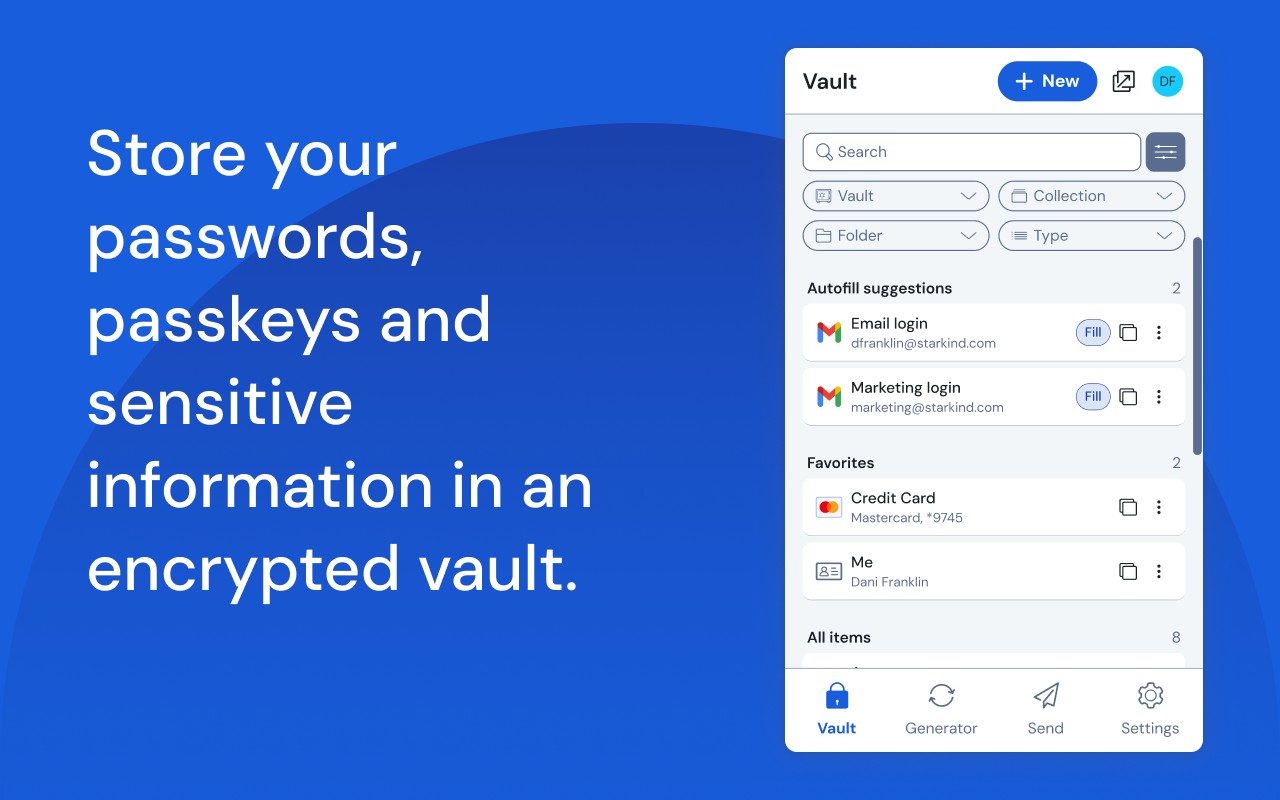
- Unlimited Password & Passkey Storage: Save an unlimited number of passwords, passkeys, and secure notes in an encrypted vault. Access them from any browser, mobile device, or desktop operating system without restrictions on the number of devices you use.
- Built-in Password Generator: Generate long, complex passwords and unique usernames directly from the extension. You can also integrate with email alias providers to create disposable email addresses for additional privacy when signing up for services.
- Autofill & Auto-Save: When you visit a website, Bitwarden automatically fills in your saved login credentials. If you create a new account, it prompts you to save the password, making it easy to maintain a secure vault without manual entry.
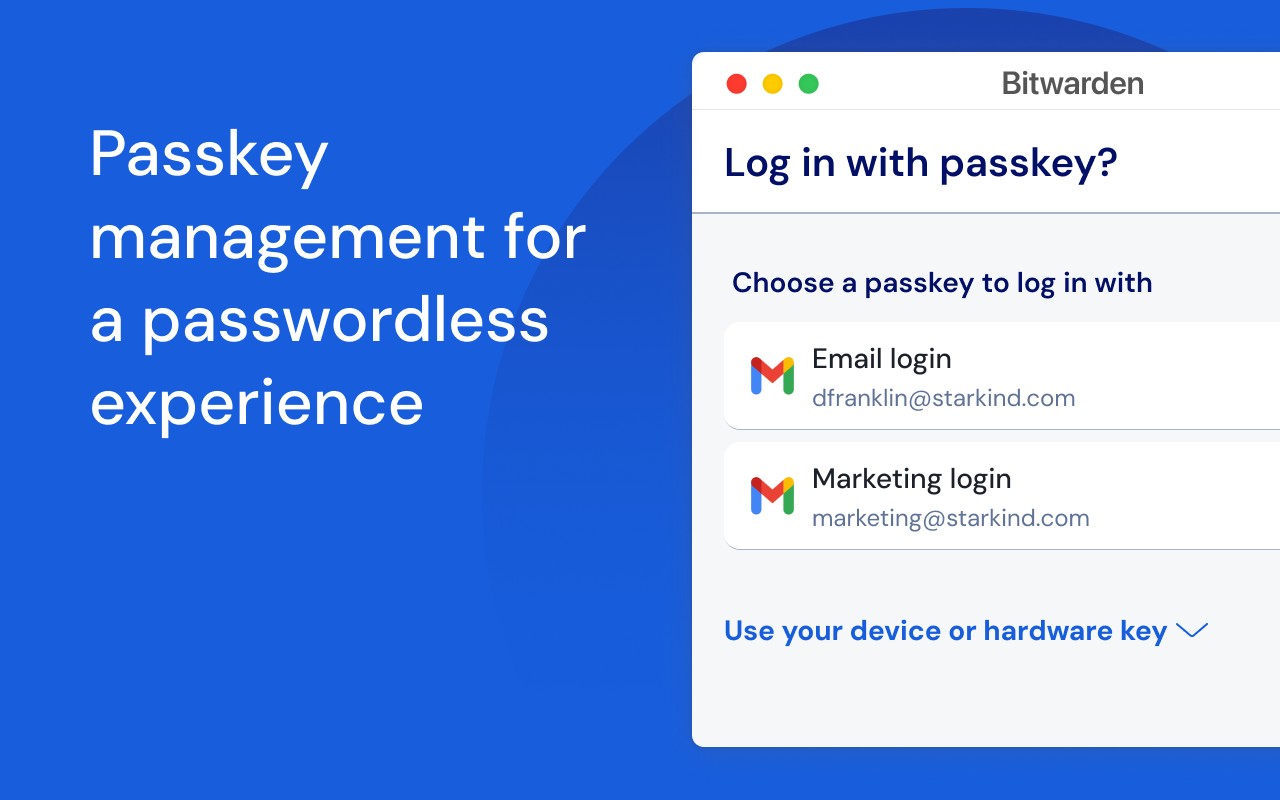
- Advanced Two-Factor Authentication (2FA): Secure your Bitwarden account with third-party authenticator apps, email codes, or FIDO2 WebAuthn credentials such as hardware security keys or passkeys. This adds an extra layer of protection beyond your master password.
- Bitwarden Send: Share sensitive information like passwords or files with others through a secure, end-to-end encrypted link. You can set expiration dates and limit the number of views to control access.
- Cross-Platform Sync: Your vault synchronizes across all your devices, including browsers, mobile phones, tablets, and desktop applications. Changes made on one device are instantly available on others.
- Self-Hosting Option: For users who want full control over their data, Bitwarden allows you to host your own server using the open-source code. This is especially useful for organizations with strict compliance requirements.
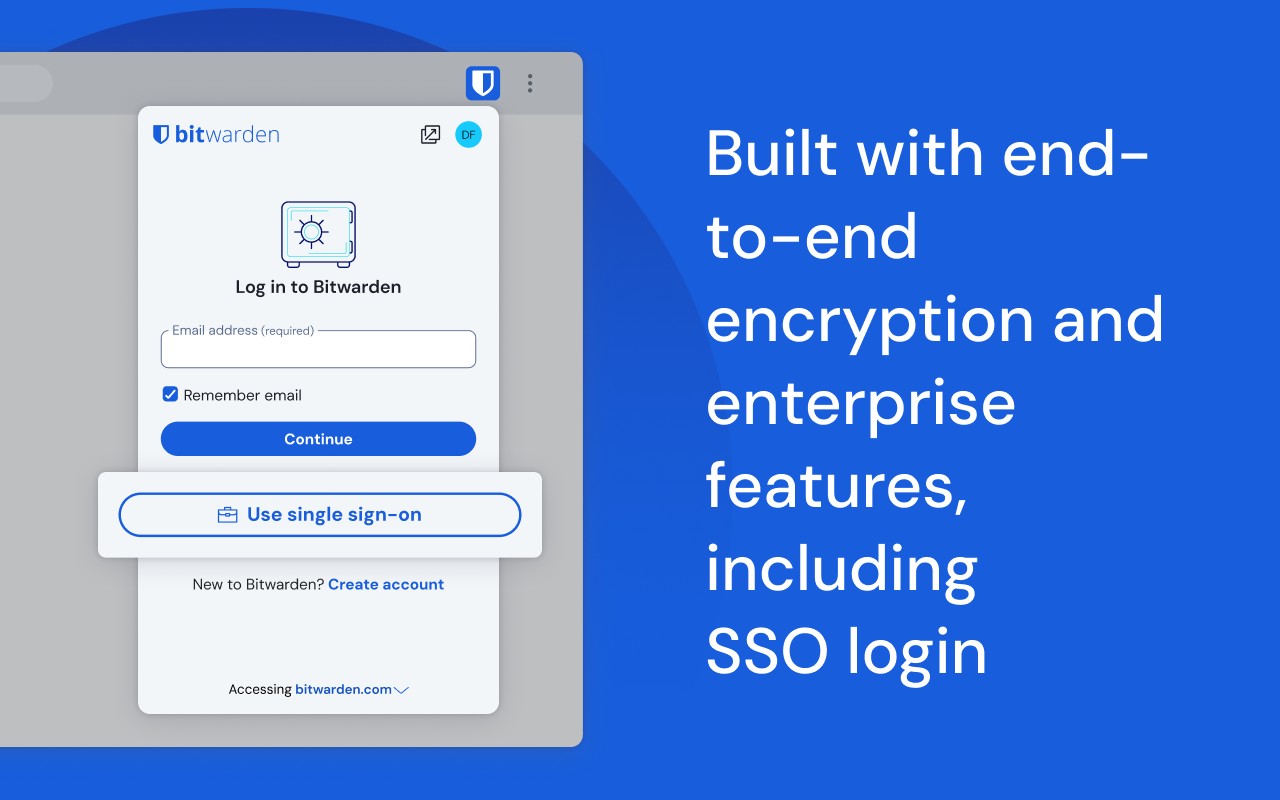
- Team & Enterprise Features: Business plans include Single Sign-On (SSO) integration, directory sync with SCIM provisioning, global security policies, API access, event logs, and user management. These tools help organizations enforce password policies and securely share credentials among team members.
- Security Audits & Encryption: Your data is protected with AES-256 bit encryption, salted hashing, and PBKDF2 SHA-256. Bitwarden undergoes annual third-party security audits, including source code reviews and penetration testing, to ensure the highest security standards.
- Global Language Support: The extension is translated into over 60 languages, thanks to contributions from the global community via Crowdin. This makes it accessible to a wide range of users worldwide.
Bitwarden is free to use with no ads and no selling of your data. Premium plans offer additional features such as advanced 2FA options, encrypted file attachments, and priority customer support. For organizations, Bitwarden provides solutions for managing developer secrets and passkey experiences through Bitwarden Secrets Manager and Passwordless.dev. Whether you are an individual looking to secure personal accounts or a business aiming to protect workforce credentials, Bitwarden offers a comprehensive, open-source password management solution.
Extensions that do the same job
Matched by what these extensions actually do, not by store category, and sorted so the ones asking for the least access come first.
| Extension | Site access | Permissions | Users | Rating |
|---|---|---|---|---|
| Bitwarden Password Manager — this page | All sites | 16 | 7M | 4.3★ |
| Password Generator | Limited | 0 | 3K | 3.7★ |
| Signer.Digital Digital Signature, PKI | All sites | 1 | 3M | 4.2★ |
| 2FA Authenticator | All sites | 4 | 100K | 3.4★ |
| MasterPassword for chrome | Limited | 6 | 2K | 4.7★ |
| LastPass: Free Password Manager | All sites | 13 | 8M | 4.3★ |
| NordPass® Password Manager & Digital Vault | All sites | 10 | 8M | 4.6★ |
Want the same thing with less access? Password Generator, Signer.Digital Digital Signature, PKI, 2FA Authenticator ask for fewer permissions than this one.
Store data last checked August 14, 2026.