
2FA Authenticator
Browser extension that generates TOTP 2FA codes, with vault, QR scanning, and optional typing biometrics.
What it does
Permissions and access
Taken from the extension's own manifest file inside the package. The store listing does not spell this out, so it is worth reading before you install.
| Permission | What it allows |
|---|---|
activeTab | Access the current tab when you click the extension |
clipboardWrite | Copy data to your clipboard |
storage | Store its own settings and data |
unlimitedStorage | Store unlimited data on your computer |
Requests 4 permissions — extensions doing the same job average 9.7.
Technical details
Show all 39 languages
Description
The 2FA Authenticator is a browser extension that generates two-factor authentication (2FA) codes directly in your browser, eliminating the need for a separate mobile device. It supports time-based one-time passwords (TOTP) conforming to industry standards, compatible with any online service that offers QR-based OTP authentication. The extension provides a secret keys vault for secure storage and allows you to scan QR codes directly from websites or display QR codes for easy phone scanning. You can import and export your codes to and from a file for backup or migration. Additionally, the Premium version includes an optional AI-based typing biometrics authentication layer developed by TypingDNA, which verifies your identity based on your unique typing pattern, adding an extra security measure beyond traditional passwords.
Key Features
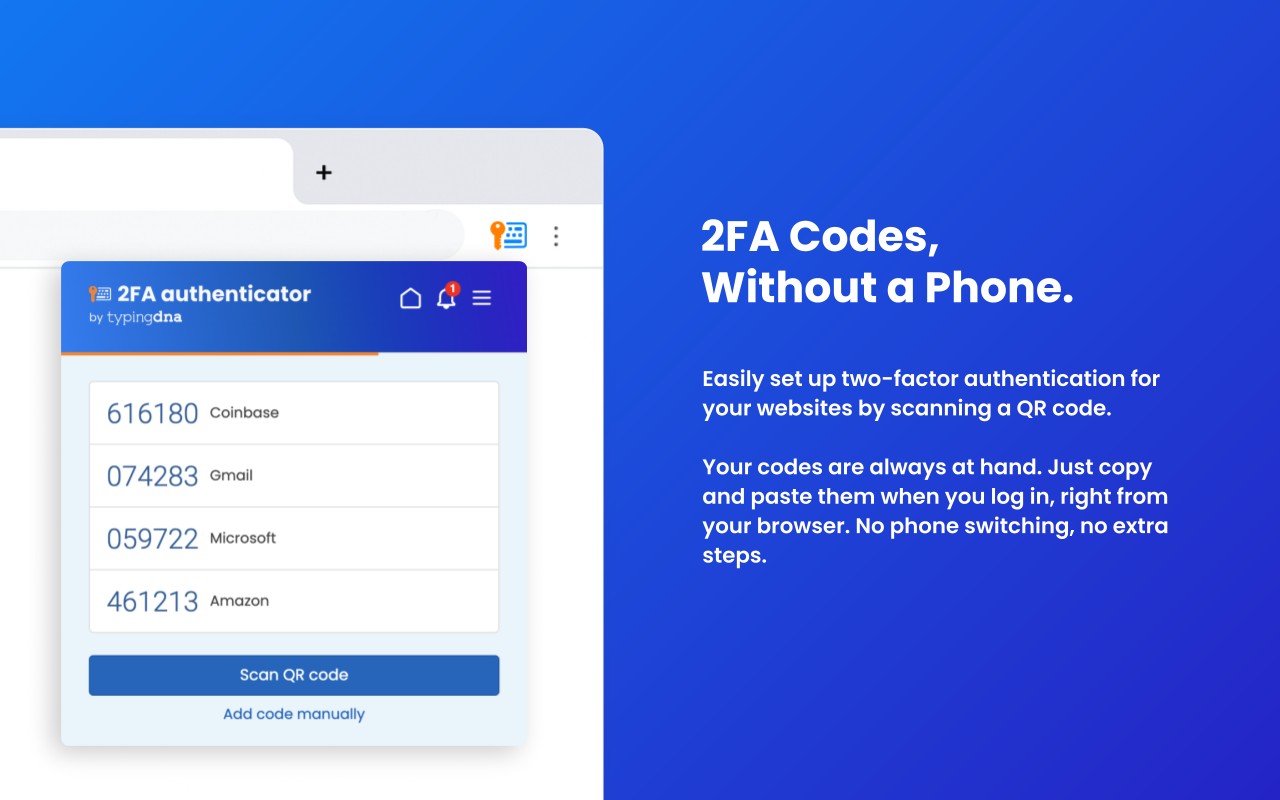
- In-Browser TOTP Code Generation: Generate time-based one-time passwords directly in your browser for any supported service. This is useful when you don't have your phone handy or prefer to manage all 2FA codes in one place.
- One-Click Copy and Paste: Quickly copy a verification code to your clipboard by selecting an account from the list, then paste it into the login field on a website or app. This saves time and reduces errors compared to manual entry.
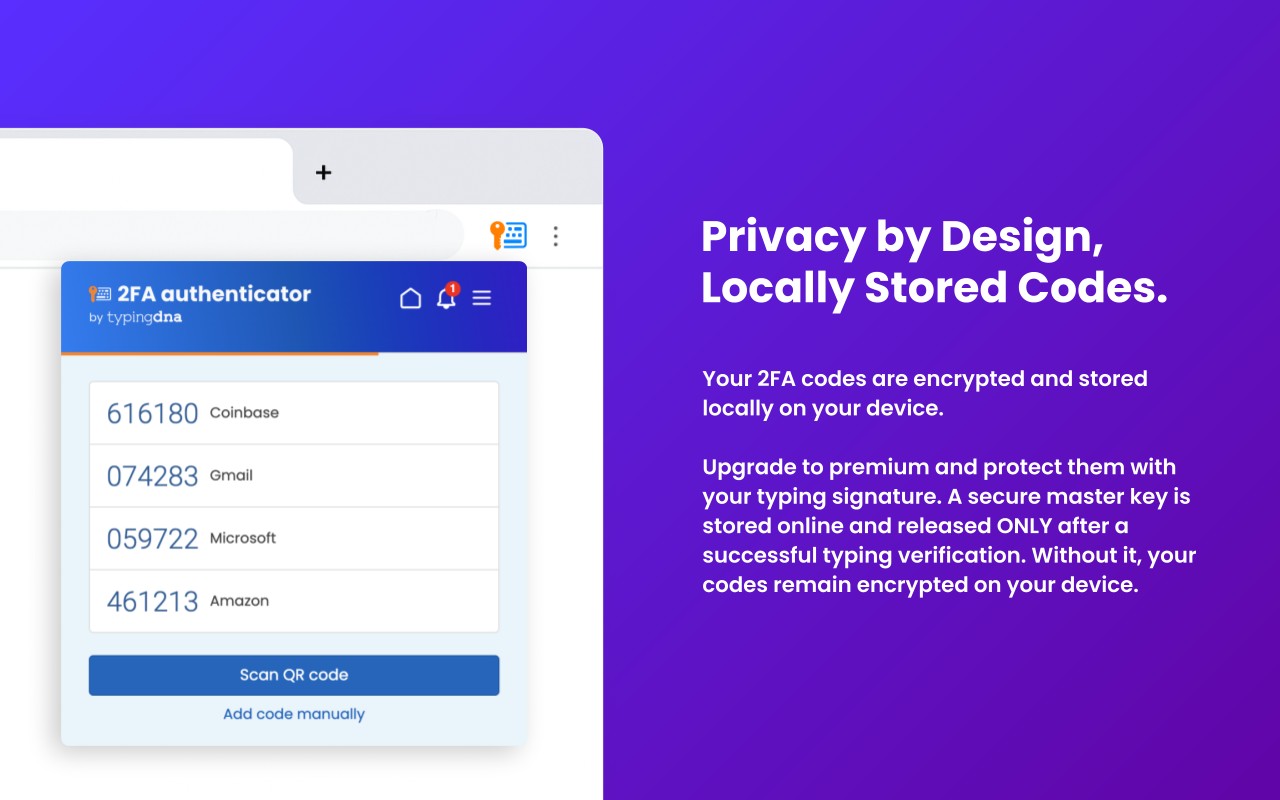
- Secret Keys Vault: Securely store all your secret keys within the extension. The vault ensures that your keys are encrypted and protected, accessible only when you unlock the extension.
- QR Code Scanning: Scan QR codes directly from websites using your browser's camera or upload an image. This streamlines the setup process when enabling 2FA on a new service.
- Show QR Codes for Quick Scan: Regenerate the initial QR code for any account, allowing you to rescan it with your phone's authenticator app. This feature is unique and not available in other authenticators like Google Authenticator.
- Import/Export Codes: Export your secret keys to a text file for backup, and import them later to restore your codes. This is essential for preventing data loss when switching devices or reinstalling the extension.
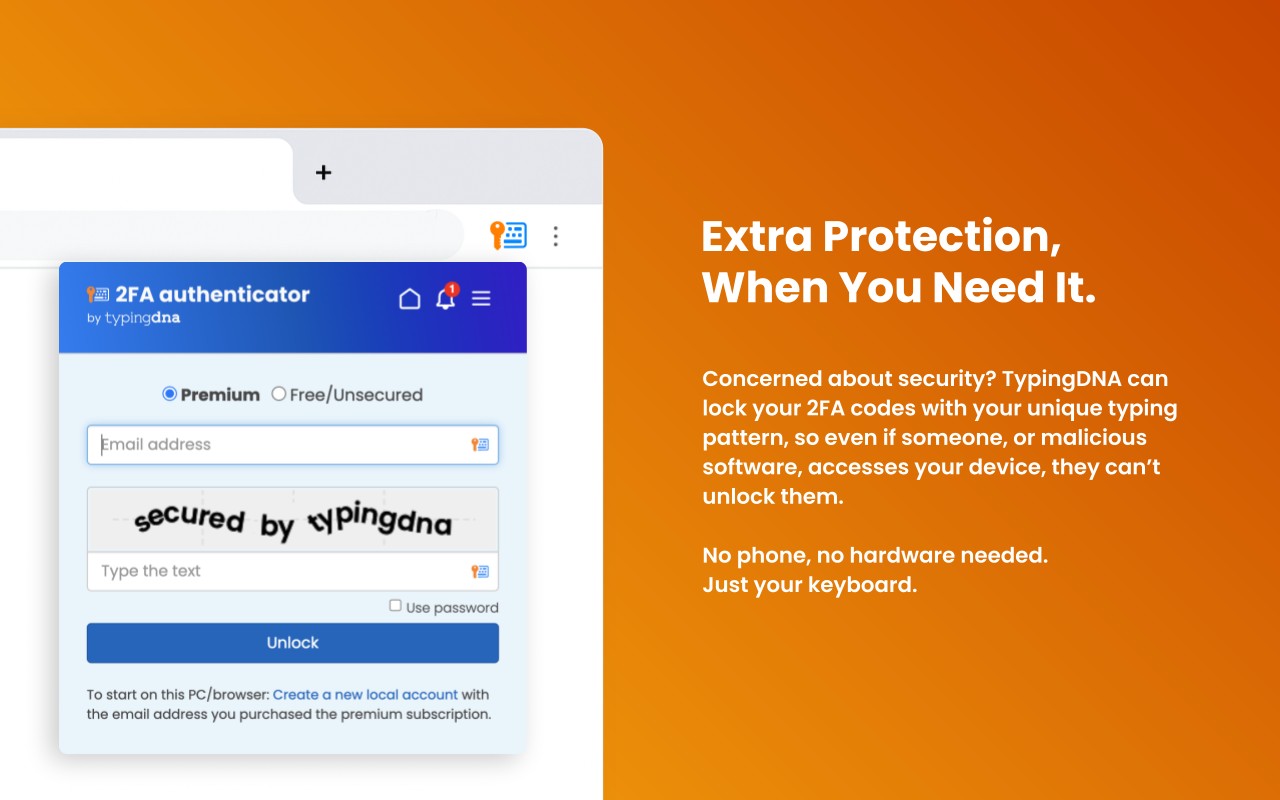
- AI-Based Typing Biometrics Authentication (Premium): Optionally enable TypingDNA's biometric verification. You type your email and a secure phrase (or password), and the extension analyzes your typing pattern in the background. Once verified, a master encryption key is released to unlock your vault locally. This adds a layer of security that protects your codes even if someone gains access to your browser.
The Free version offers all the core features without the biometric authentication, providing a faster experience without requiring login. However, it does not include the additional security layer, making it suitable for less sensitive accounts. The Premium version is recommended for securing sensitive work and personal accounts. For organizations, discounted premium licenses are available for teams. The extension stores your secret codes locally or in your Google Chrome sync account; the developers do not have access to them. It is your responsibility to keep backups of your secrets using the export feature.
Extensions that do the same job
Matched by what these extensions actually do, not by store category, and sorted so the ones asking for the least access come first.
| Extension | Site access | Permissions | Users | Rating |
|---|---|---|---|---|
| 2FA Authenticator — this page | All sites | 4 | 100K | 3.4★ |
| Password Generator | Limited | 0 | 3K | 3.7★ |
| Signer.Digital Digital Signature, PKI | All sites | 1 | 3M | 4.2★ |
| MasterPassword for chrome | Limited | 6 | 2K | 4.7★ |
| LastPass: Free Password Manager | All sites | 13 | 8M | 4.3★ |
| NordPass® Password Manager & Digital Vault | All sites | 10 | 8M | 4.6★ |
| Bitwarden Password Manager | All sites | 16 | 7M | 4.3★ |
Want the same thing with less access? Password Generator asks for fewer permissions than this one.
Store data last checked August 14, 2026.