
NordPass® Password Manager & Digital Vault
NordPass generates, stores, and autofills passwords, passkeys, credit cards, and files with XChaCha20 encryption and
What it does
Permissions and access
Taken from the extension's own manifest file inside the package. The store listing does not spell this out, so it is worth reading before you install.
| Permission | What it allows |
|---|---|
alarms | Schedule background tasks |
contextMenus | Add items to the right-click menu |
idle | Detect when you are away from the computer |
offscreen | Run hidden pages for background work |
privacy | Change your privacy settings |
scripting | Run its own code on pages |
storage | Store its own settings and data |
tabs | See the addresses and titles of your open tabs |
webNavigation | See which pages you navigate to |
webRequest | Watch your network requests |
Asks for these only when you use the matching feature:
clipboardRead, clipboardWrite
Requests 10 permissions — extensions doing the same job average 7.2.
Technical details
Show all 10 languages
Description
NordPass is a password manager designed by the cybersecurity experts behind NordVPN, offering a streamlined approach to managing digital identities. It helps users eliminate password-related stress by generating strong passwords, storing them securely, and automatically filling them in on websites and apps. Beyond passwords, NordPass functions as a digital vault for passkeys, credit card details, personal notes, and important files, with 3 GB of dedicated storage for file attachments. The extension prioritizes security with XChaCha20 encryption and a zero-knowledge architecture, ensuring that only the user can access their stored data.
Key Features
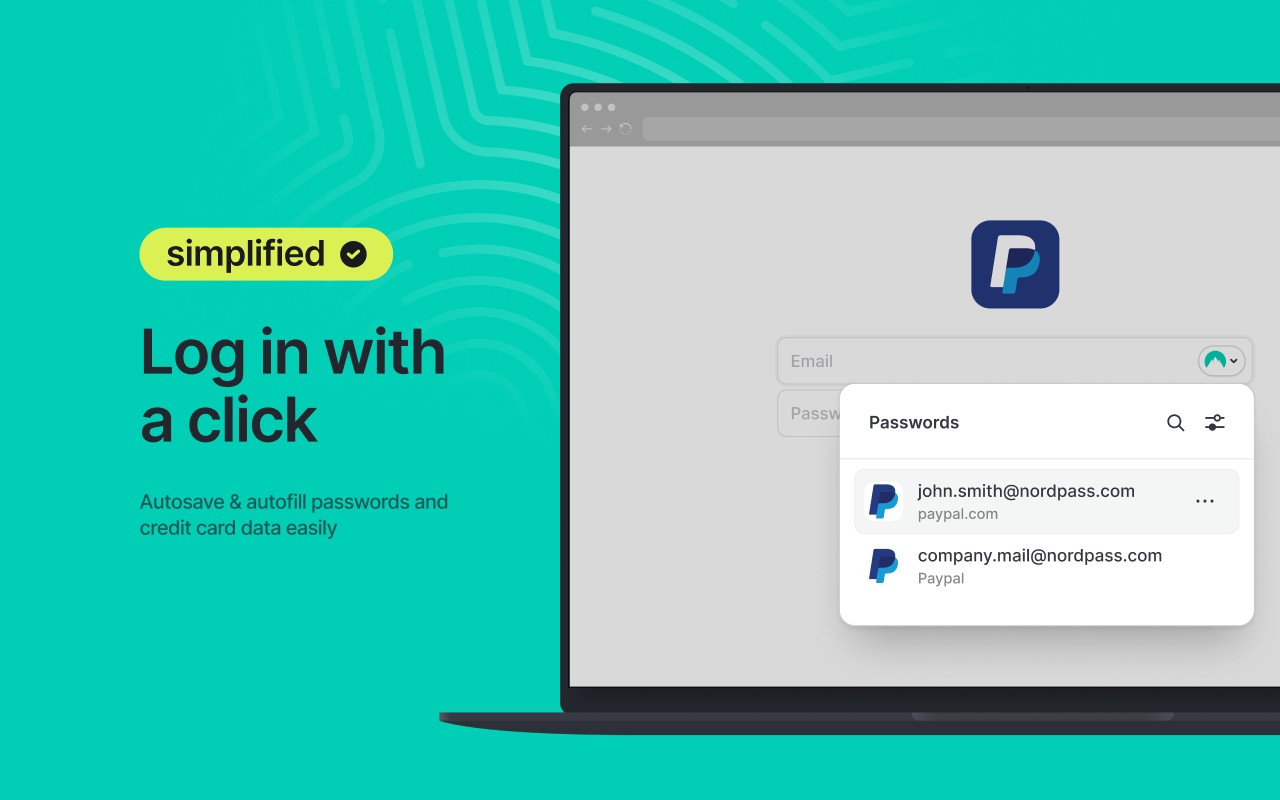
- Autofill and Autosave: When logging into a website, NordPass automatically fills in saved credentials, eliminating the need to type passwords manually. When creating a new account, it offers to save the new login details with a single click, streamlining the sign-up process.
- Password Generator: Generates strong, random passwords of customizable length and complexity directly in the browser. This is useful when creating new accounts or updating weak passwords, as it ensures each password is unique and resistant to brute-force attacks.
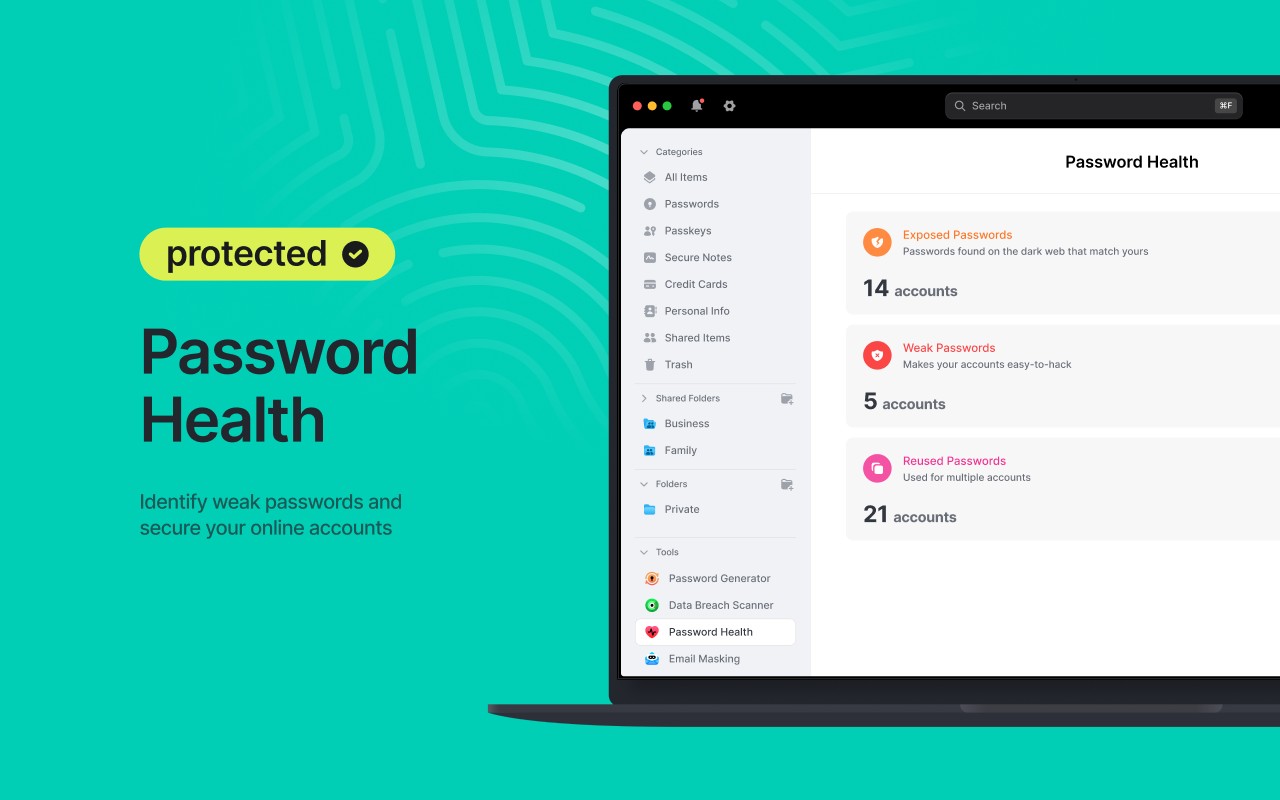
- Password Health: Scans all stored passwords and identifies weak, old, or reused ones. The tool provides a health score and suggests which passwords to change first, helping users maintain good password hygiene and reduce vulnerability to credential stuffing.
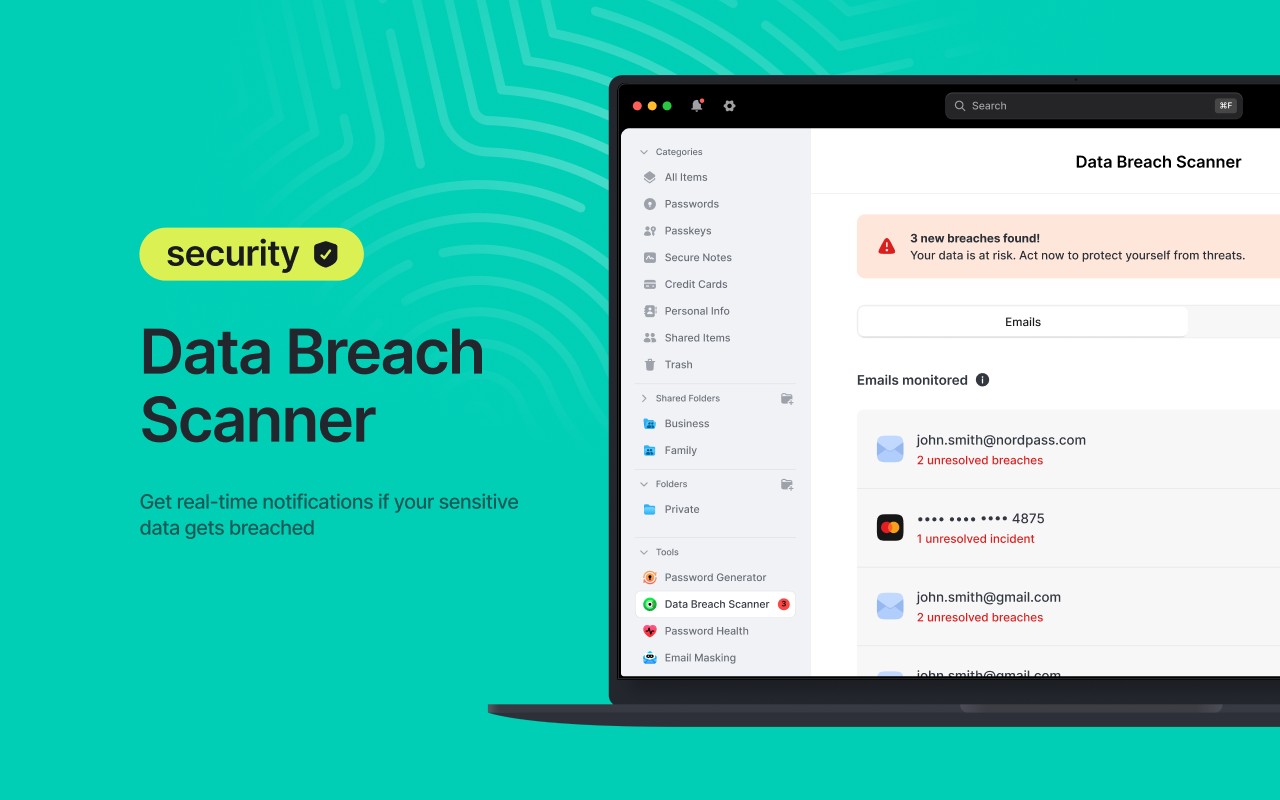
- Data Breach Scanner: Checks stored credentials against known data breaches to see if any have been compromised. If a match is found, the user is alerted so they can change that password immediately, preventing unauthorized access.
- Breach Monitoring: Continuously monitors for new data breaches and sends real-time alerts if any of the user's email addresses or sensitive data appear in a leak. This proactive feature allows users to take action before attackers exploit compromised information.
- Passkey Storage: Supports the storage of passkeys, a passwordless authentication method, alongside traditional passwords. Users can access and manage passkeys from any device, enabling secure and convenient login without typing a password.
- Credit Card and Personal Info Storage: Saves payment card details and personal information such as addresses and phone numbers. During online checkout or form filling, the extension autofills these fields, speeding up transactions and reducing manual entry errors.
- Secure Password Sharing: Allows users to share passwords or other items with trusted individuals securely. The shared data is encrypted end-to-end, and access can be revoked at any time, making it safe to share streaming service logins or shared accounts with family or colleagues.
- Emergency Access: Users can designate trusted contacts who can request access to their vault in case of an emergency. The vault owner sets a waiting period before access is granted, ensuring that requests are legitimate and providing peace of mind.
- File Attachments: Users can attach files up to 3 GB in total storage capacity to their vault items. This is useful for storing scanned copies of passports, IDs, insurance documents, or any sensitive files that need to be kept secure and accessible across devices.
- Document Management: Organize stored documents with custom fields such as expiry dates. The extension sends automatic reminders before documents expire, helping users keep their IDs and certifications up to date.
- Device Sync: Synchronizes the vault across all devices, including laptops, smartphones, and tablets. A password saved on one device is instantly available on others, ensuring seamless access while on the go, even offline.
- Multi-Factor Authentication (MFA) and Biometrics: Enhances vault security with options for multi-factor authentication, including authenticator apps and biometric verification (fingerprint or face unlock) on supported devices. This adds an extra layer of protection against unauthorized access.
- Password Import and Export: Supports importing passwords from other password managers or CSV files, making migration easy without losing data. Export functionality allows users to back up their vault in a portable format.
- XChaCha20 Encryption: All vault data is encrypted using the XChaCha20 algorithm, which is known for its speed and strong security properties. This ensures that even if data is intercepted, it remains unreadable without the user's master password.
- Zero-Knowledge Architecture: NordPass operates on a zero-knowledge model, meaning the company cannot access or decrypt user data. The encryption keys are derived from the user's master password, which is never transmitted to servers.
With its comprehensive feature set focused on security and convenience, NordPass helps users manage not only passwords but also passkeys, payment details, personal information, and files. The extension is designed for individuals who want to simplify their digital life without compromising on safety, offering tools to detect weak passwords, monitor data breaches, and securely share access. By integrating with browsers and syncing across devices, NordPass ensures that users have their digital vault available whenever and wherever they need it.
Extensions that do the same job
Matched by what these extensions actually do, not by store category, and sorted so the ones asking for the least access come first.
| Extension | Site access | Permissions | Users | Rating |
|---|---|---|---|---|
| NordPass® Password Manager & Digital Vault — this page | All sites | 10 | 8M | 4.6★ |
| Dashlane - Password Manager | All sites | 12 | 1M | 4.7★ |
| Guardio Protection for Chrome | All sites | 12 | 600K | 4.5★ |
| RoboForm Password Manager | All sites | 13 | 600K | 4.5★ |
| Trend Micro ID Protection | All sites | 11 | 100K | 4.4★ |
| LogMeOnce | All sites | 11 | 10K | 4.5★ |
| MindYourPass - Password Manager | All sites | 6 | 3K | 4.6★ |
Want the same thing with less access? MEGA, Virtru Email Protection, Plugins ask for fewer permissions than this one.
Store data last checked August 14, 2026.