
TikTok Video Downloader - Save Videos
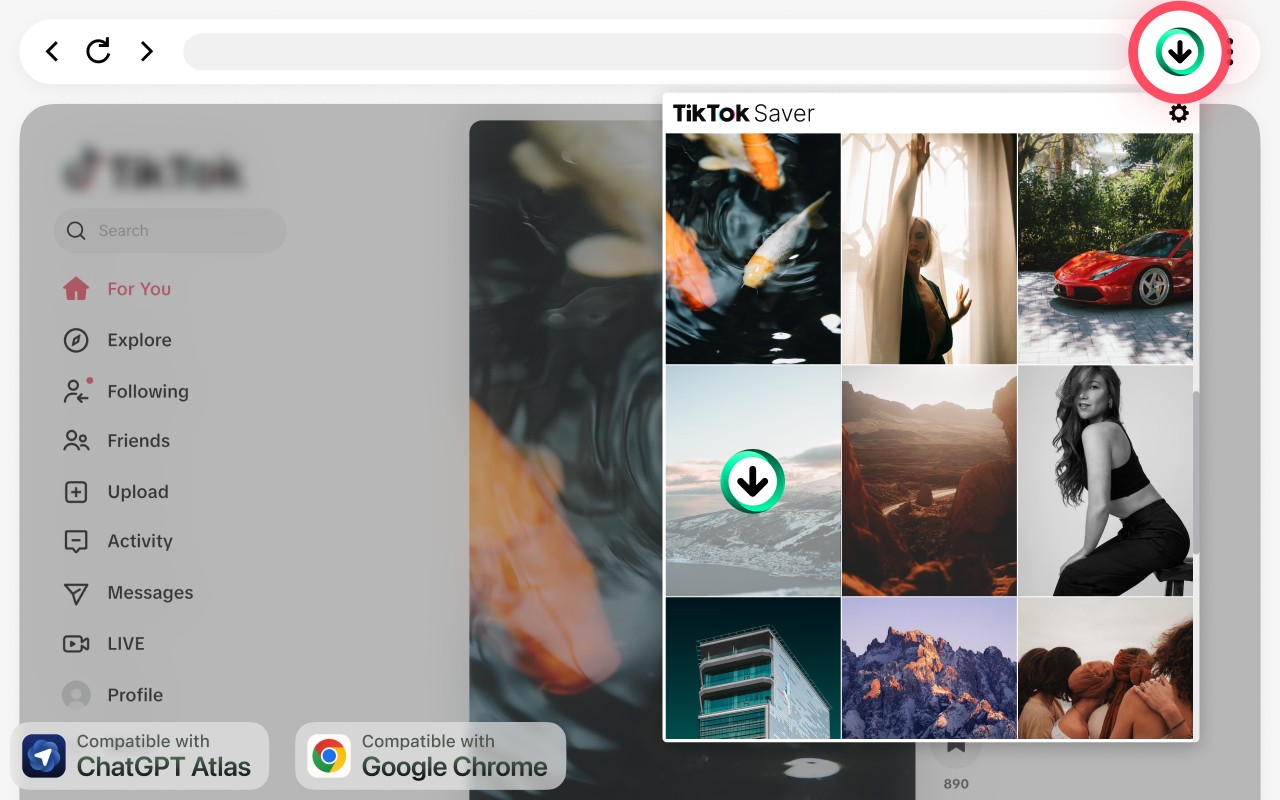
Downloads TikTok videos directly from TikTok.com in Chrome, often without watermark, with one click.
What it does
Description
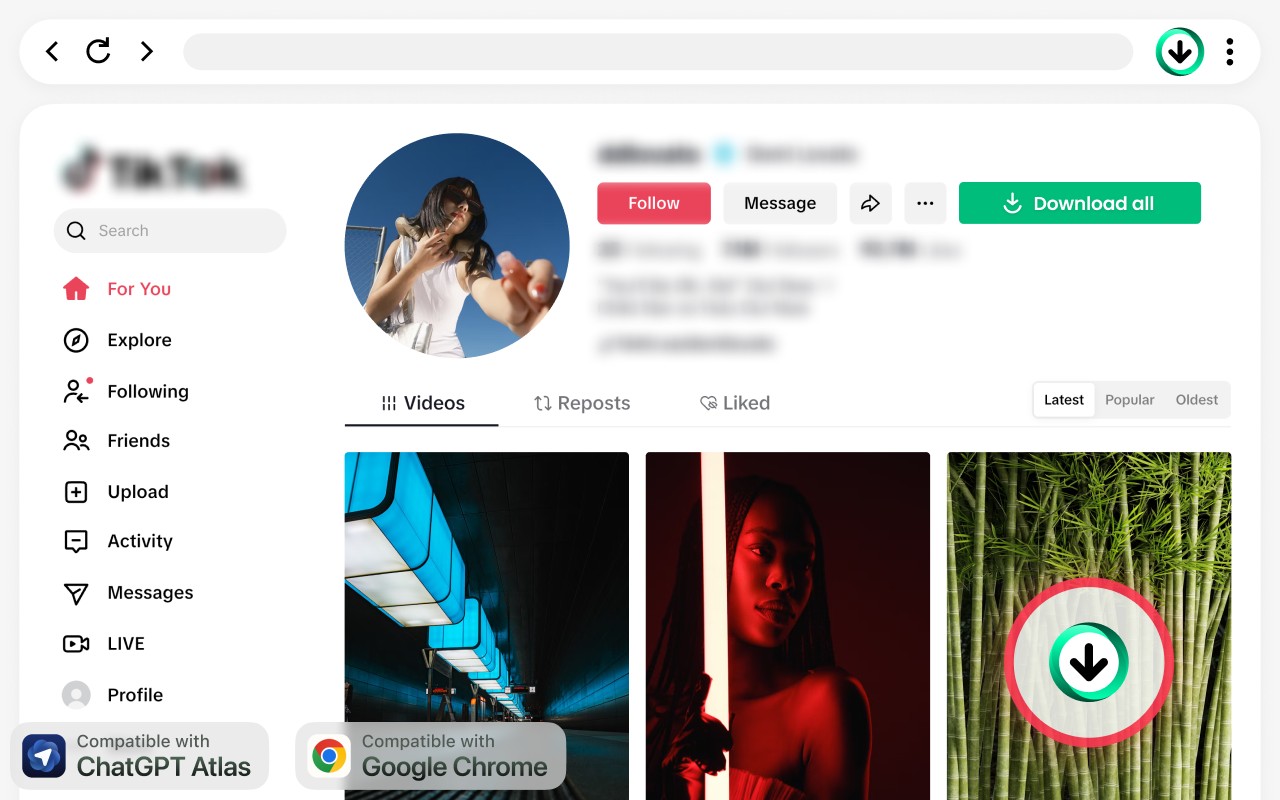
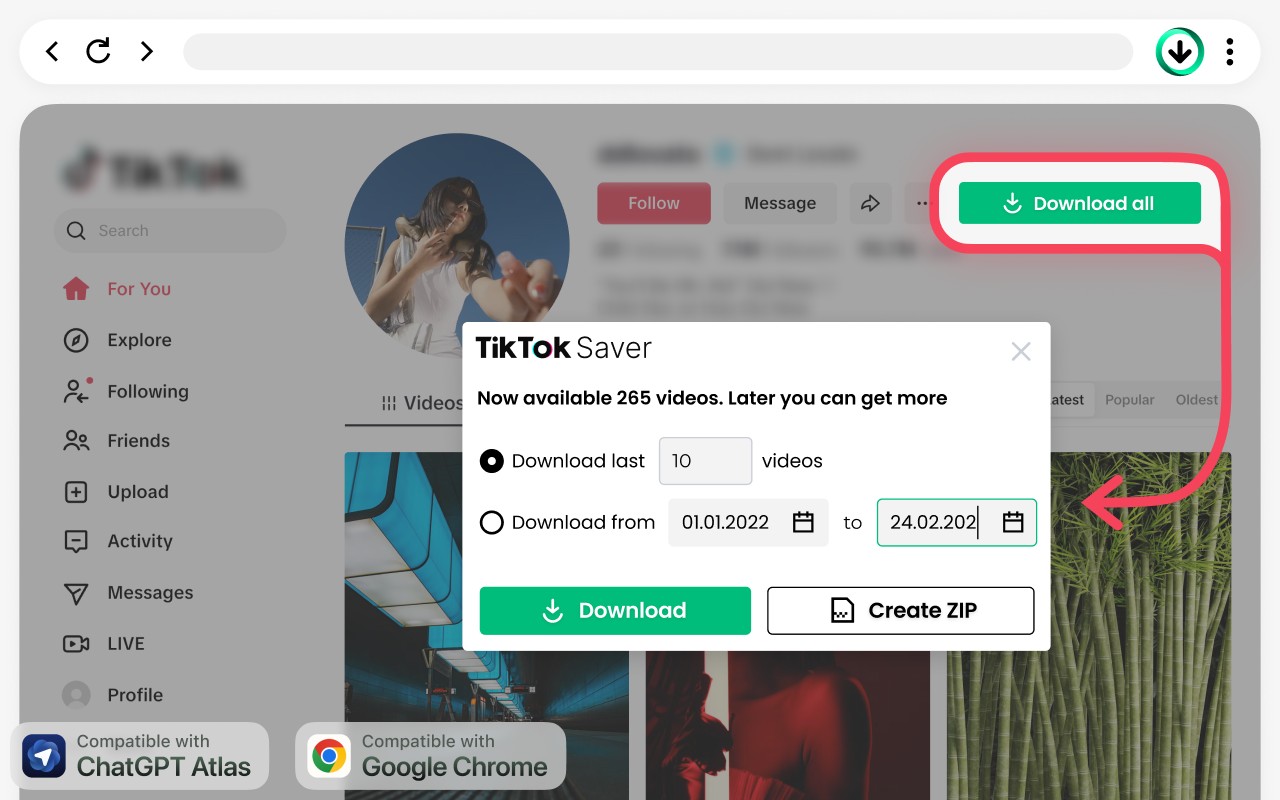
TikTok Video Downloader - Save Videos is a Chrome extension that lets you download TikTok videos directly from TikTok.com. It eliminates the need to copy links, open external websites, or use separate applications. When browsing TikTok, simply click the download button on supported videos to save them to your device, often without a watermark.
Key Features
- One-click download: A download button appears on supported TikTok pages. Click it to save the video instantly, without leaving the page or copying any links. This is useful when you want to quickly grab a video for later viewing or reference.
- Watermark-free option: When available, the extension downloads videos without the TikTok watermark. This is helpful for content creators who need clean footage for remixing or repurposing, or for anyone who prefers an unmarked clip.
- Direct browser saving: Videos are saved through Chrome's built-in download manager. You don't need to install any desktop software or use third-party downloader websites. This keeps your workflow simple and secure.
- Offline access: Downloaded videos are stored on your device, so you can watch them without an internet connection. This is useful for travelers, commuters, or when you want to preserve content that might be deleted from TikTok.
- No link copying: Unlike online downloader services, you don't have to copy-paste TikTok URLs into another site. The extension works directly on the TikTok page, saving time and reducing tab clutter.
- For creators and researchers: Social media managers can collect trend examples, marketers can save ad inspiration, and researchers can archive clips for analysis. Everyday users can build a personal collection of favorite videos.
The extension is intentionally focused on one task: downloading TikTok videos quickly and easily. There are no complicated settings or extra features. It works seamlessly within your Chrome browser while you browse TikTok.com. Please respect copyright and only download videos when you have permission or your use is allowed.
Extensions that do the same job
Matched by what these extensions actually do, not by store category, and sorted so the ones asking for the least access come first.
| Extension | Site access | Permissions | Users | Rating |
|---|---|---|---|---|
| TikTok Video Downloader - Save Videos — this page | — | — | 5K | 4.5★ |
| BetterTTV | Limited | 2 | 3M | 4.6★ |
| Looper for YouTube | Limited | 1 | 400K | 4.6★ |
| Subtitles for Language Learning (Prime Video) | Limited | 3 | 100K | 3.8★ |
| CocoShot: Screenshot & Screen Recorder | Limited | 4 | 70K | 4.9★ |
| EasySubs - Learn languages by watching films and series | Limited | 3 | 4K | 4.3★ |
| YouTube Fast Fullscreen Toggle | Limited | 0 | 3K | 4.6★ |
Store data last checked August 14, 2026. This extension is no longer available for install.