
Multi Chat - Messenger for WhatsApp
Multi Chat lets you access WhatsApp, Telegram, LINE, and Instagram from one browser extension with notifications.

What it does
Description
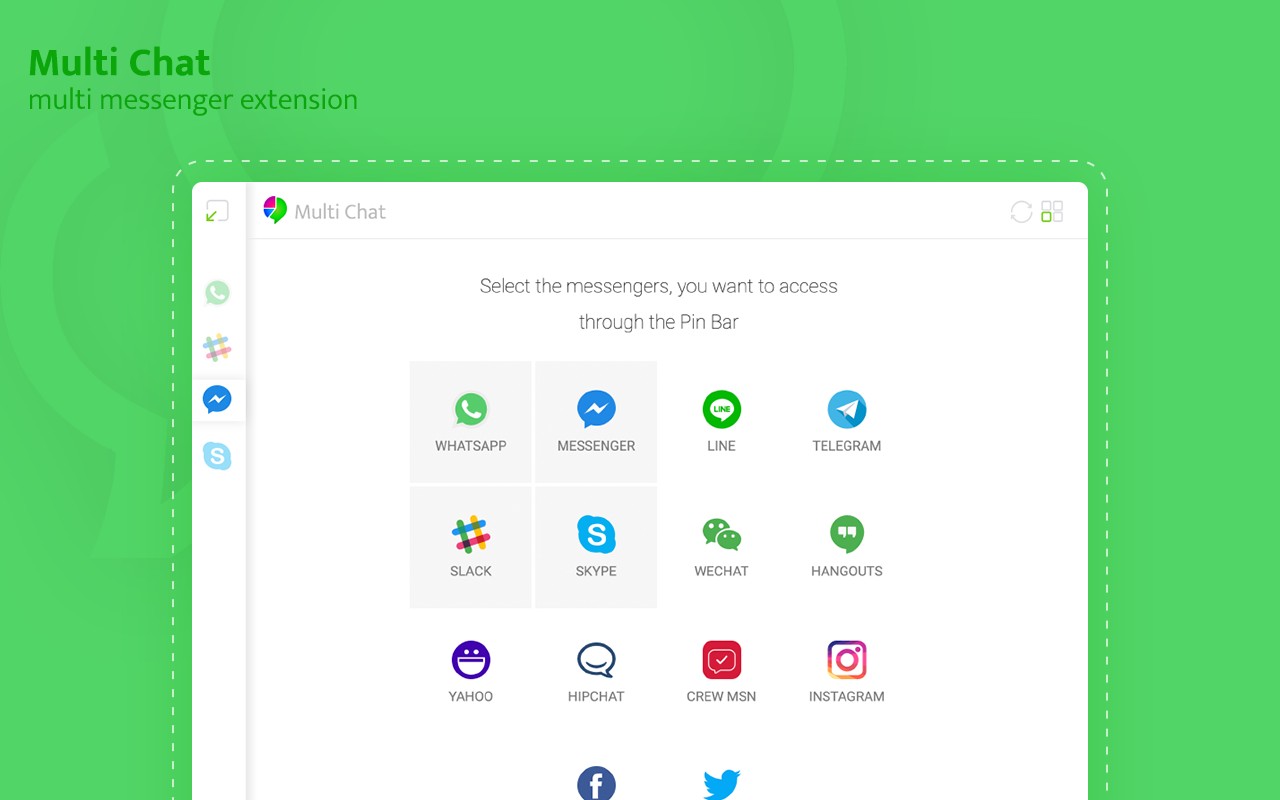
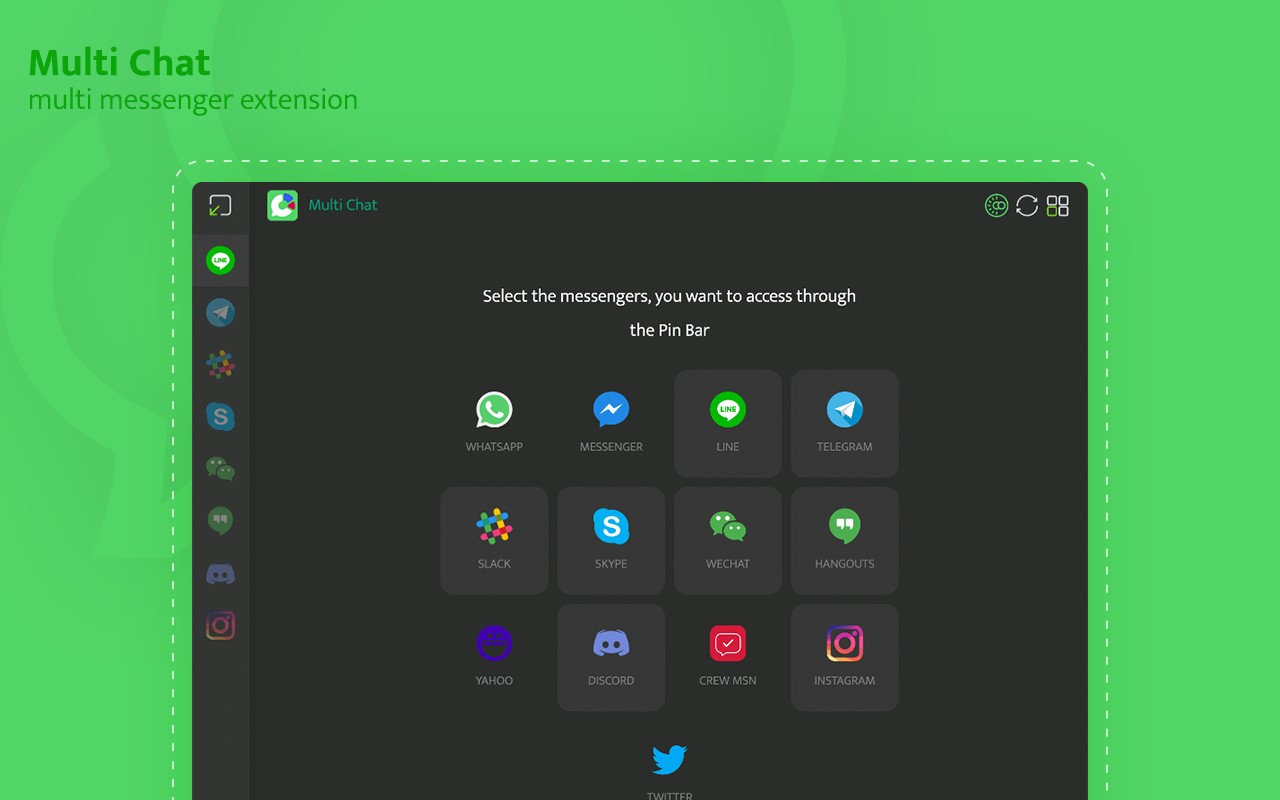
Multi Chat - Messenger for WhatsApp is a browser extension that consolidates multiple popular messaging platforms into a single, convenient interface within your Chrome browser. It provides direct access to WhatsApp, Telegram, LINE, and Instagram, allowing you to read and reply to messages from your desktop without needing to switch between tabs or pick up your phone. The extension mirrors conversations from your mobile apps, so you can stay connected using your computer's keyboard and larger screen.
Key Features
- Unified Messenger Client in Toolbar Popup: The extension adds an icon to your browser toolbar. Clicking it opens a popup window containing the web interfaces of supported messengers. You can quickly switch between WhatsApp, Telegram, LINE, and Instagram without opening separate tabs or windows, making it ideal for multitasking or when you need to keep an eye on multiple chats simultaneously.
- Desktop Notifications and Badge Alerts: When you receive a new message on any connected platform, the extension displays a badge count on the toolbar icon and can show desktop notifications. This ensures you never miss an important message, even if the browser is minimized or you are working in another tab. Clicking on a notification takes you directly to the relevant chat, saving time and reducing distraction.
- Always-On Background Mode: The extension can run in the background permanently, keeping your messaging apps active and notifications flowing even when the browser is not in focus. This is particularly useful for users who rely on instant messaging for work or personal communication and need real-time updates without manually keeping the web apps open.
- WhatsApp Web Integration: The extension loads WhatsApp Web in its popup, providing the same functionality as the official web version. You can send and receive messages, view media, and access your chat history. The badge notification updates with the count of unread messages, so you can see at a glance if there is new activity.
- Telegram Web Access: It opens the official Telegram Web version in a standalone window or tab, giving you full access to your Telegram chats, channels, and groups. This is useful for users who prefer a dedicated window for Telegram or want to keep it separate from other tabs.
- LINE Integration: The extension includes LINE's Chrome version, which offers free messaging, stickers, file sharing up to 1 GB, group chats, memo features, screen capture, and encrypted chats via Letter Sealing. You can send photos, videos, and large files directly from your desktop, and organize groups in a separate list for easy access.
- Instagram Direct Message Support: You can send and receive Instagram direct messages from your desktop, view photos, follow links, and get notified of new messages. This is helpful for managing Instagram DMs without using your phone, especially for social media managers or active Instagram users.
- Flexible Messenger Selection: The extension allows you to choose which messengers to use from a settings menu. You can enable or disable individual platforms based on your needs, keeping the interface clean and focused only on the services you actively use.
Multi Chat is an unofficial extension not affiliated with WhatsApp, Telegram, LINE, or Instagram. It acts as a wrapper around their official web versions, providing a convenient way to access them from a single browser extension. All trademarks belong to their respective owners. This extension is developed independently and is not endorsed by Google or the messaging platform companies.
Extensions that do the same job
Matched by what these extensions actually do, not by store category, and sorted so the ones asking for the least access come first.
| Extension | Site access | Permissions | Users | Rating |
|---|---|---|---|---|
| Multi Chat - Messenger for WhatsApp — this page | — | — | 40K | 4.4★ |
| CocoShot: Screenshot & Screen Recorder | Limited | 4 | 70K | 4.9★ |
| Ulti - Downloader for Instagram | Limited | 5 | 10K | 3.7★ |
| Vidyard - Screen Recorder & Screen Capture | All sites | 10 | 300K | 4.2★ |
| Screenity - Screen Recorder & Annotation Tool | All sites | 10 | 200K | 4.4★ |
| BetterTTV | Limited | 2 | 3M | 4.6★ |
| Looper for YouTube | Limited | 1 | 400K | 4.6★ |
Store data last checked August 14, 2026. This extension is no longer available for install.