
Twake Pass
Twake Pass securely stores and syncs passwords with client-side encryption and auto-fill across devices.
What it does
Permissions and access
Taken from the extension's own manifest file inside the package. The store listing does not spell this out, so it is worth reading before you install.
| Permission | What it allows |
|---|---|
activeTab | Access the current tab when you click the extension |
alarms | Schedule background tasks |
clipboardRead | Read what you copy |
clipboardWrite | Copy data to your clipboard |
contextMenus | Add items to the right-click menu |
idle | Detect when you are away from the computer |
offscreen | Run hidden pages for background work |
scripting | Run its own code on pages |
storage | Store its own settings and data |
tabs | See the addresses and titles of your open tabs |
unlimitedStorage | Store unlimited data on your computer |
webNavigation | See which pages you navigate to |
webRequest | Watch your network requests |
webRequestAuthProvider | webRequestAuthProvider |
Asks for these only when you use the matching feature:
nativeMessaging, privacy
Requests 14 permissions — extensions doing the same job average 7.4.
Technical details
Show all 2 languages
Keyboard shortcuts
| Shortcut | Action |
|---|---|
| Ctrl+Shift+Y | __MSG_commandOpenPopup__ |
| Ctrl+Shift+L | __MSG_commandAutofillLoginDesc__ |
| Ctrl+Shift+9 | __MSG_commandGeneratePasswordDesc__ |
Description
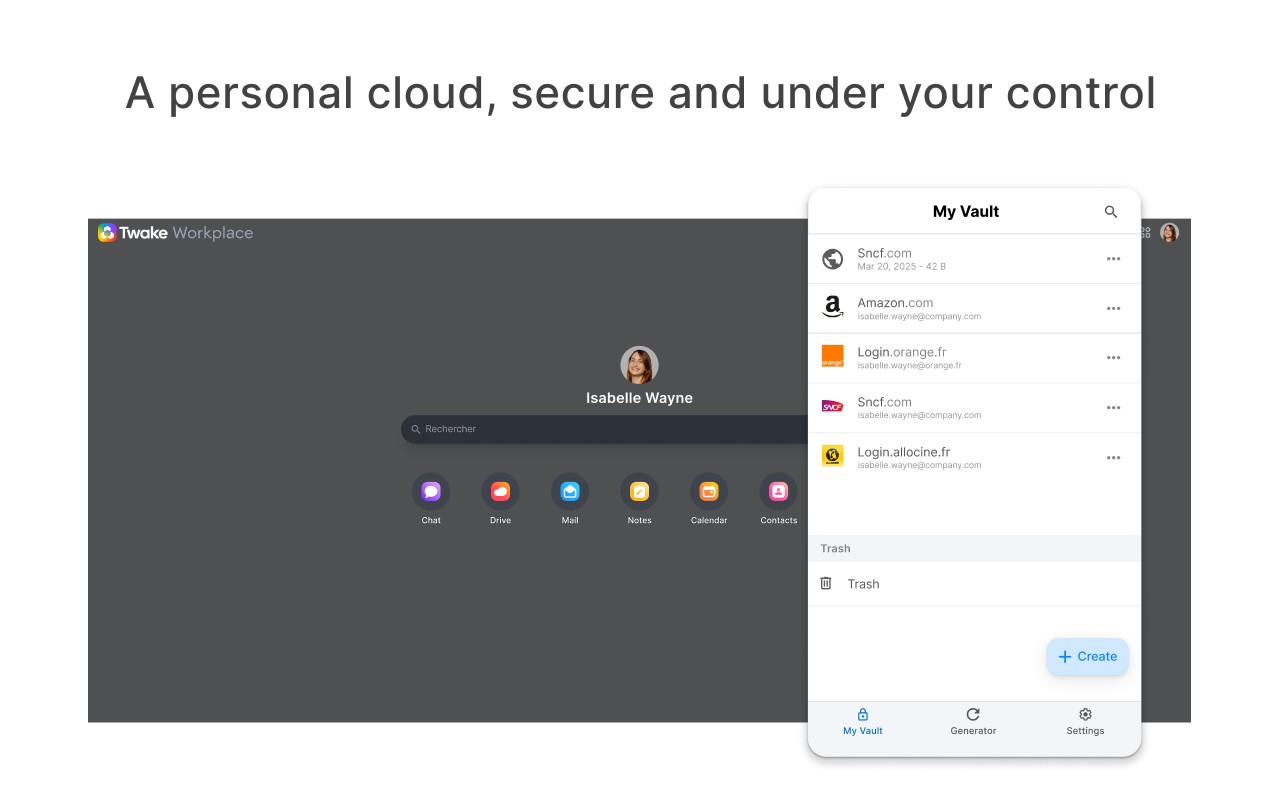
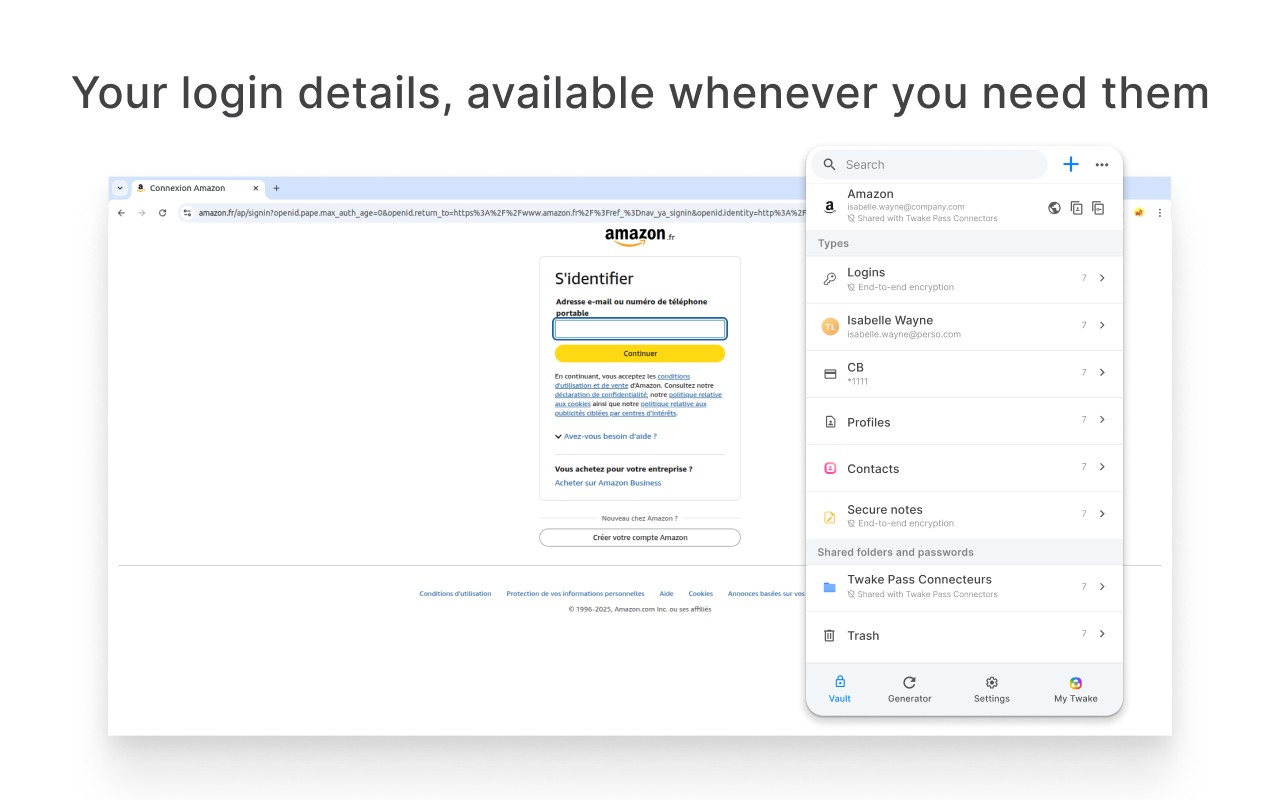
Twake Pass is a browser extension that securely stores and synchronizes your passwords across devices. It acts as both a password manager and a gateway to your personal cloud, letting you manage not just login credentials but also documents, photos, and other digital assets. All sensitive data is encrypted on your device before being sent to Twake's servers, so even Twake cannot read your passwords. The extension auto-fills logins and forms, generates strong passwords, supports TOTP two-factor authentication, and includes a security check for compromised passwords. It also enables secure sharing of passwords with family or friends.
Key Features
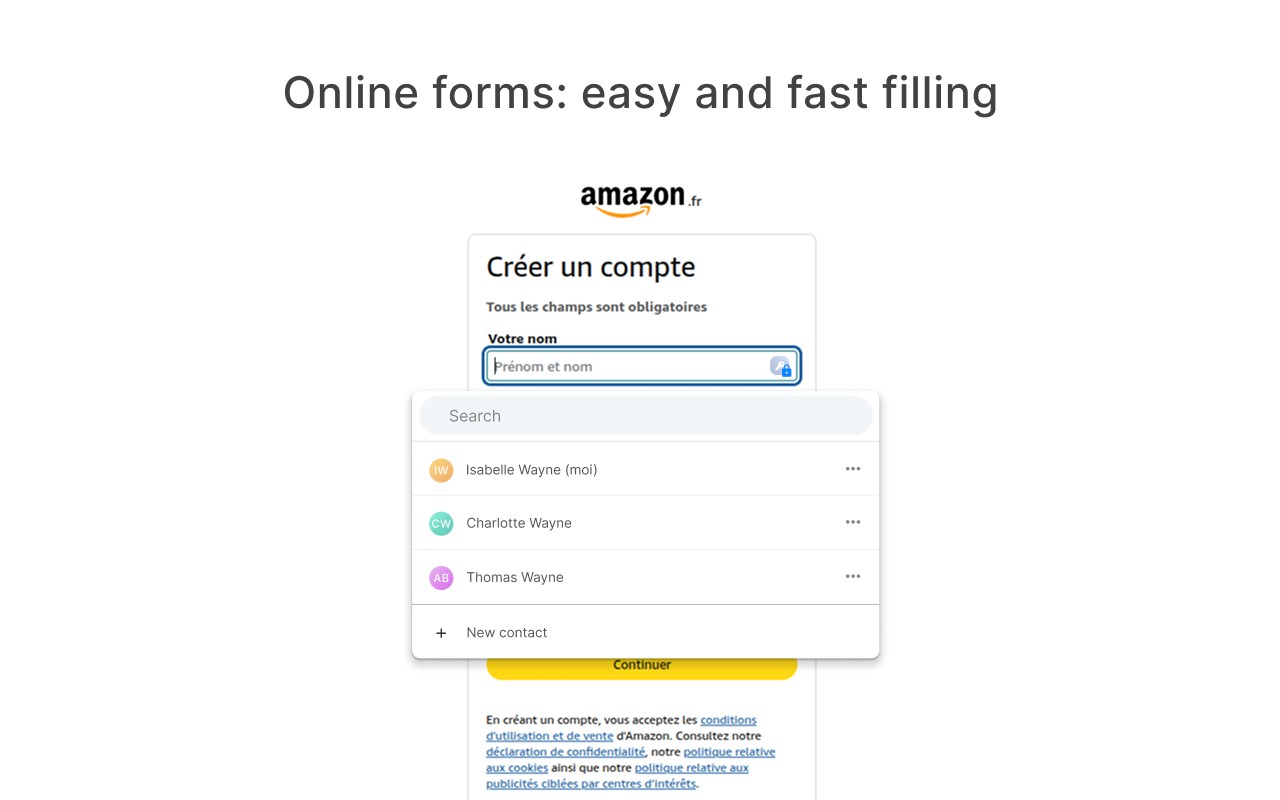
- Auto-fill logins and forms: When you visit a website, Twake Pass automatically fills your saved username and password. It can also populate other form fields like addresses or credit card numbers, saving you time during online shopping or registration.
- Cross-device synchronization: Your passwords and other data sync seamlessly between your browser extension and the Twake mobile app (Android/iOS). Changes made on one device are instantly available on others, so you always have access to up-to-date credentials.
- Compromised password check: The extension compares your saved passwords against known data breaches. If any of your passwords have been exposed, you'll receive an alert, prompting you to change them to maintain security.
- Secure sharing: You can share specific passwords or vault items with trusted contacts without revealing the actual password. This is useful for shared accounts like streaming services or household utilities.
- Password and passphrase generator: When creating a new account, the built-in generator suggests strong, random passwords or easier-to-remember passphrases. You can customize length and character types to meet site requirements.
- TOTP support: Twake Pass can generate time-based one-time passwords for two-factor authentication. Instead of using a separate authenticator app, you can store and auto-fill TOTP codes directly from the extension.
- Web access: Beyond the browser extension, you can access your vault from any device via the Twake web interface. This is helpful when using a public computer or a friend's device.
- Import and export: You can import passwords from other managers (like Bitwarden or LastPass) using CSV or JSON files. Similarly, you can export your data for backup or migration.
- Digital life management: Twake Pass is part of the larger Twake cloud platform, which can automatically fetch invoices, bank statements, tax documents, health reimbursements, and receipts from various online services. It also backs up mobile photos and provides an integrated OnlyOffice suite for editing documents, spreadsheets, and presentations.
- Self-hosting option: Because Twake is open source, you can deploy your own instance on your infrastructure. This gives you full control over your data and ensures that no third party, including Twake, can access it.
Twake Pass is designed for users who want a privacy-respecting alternative to big tech password managers. All encryption happens client-side, and the code is auditable by the community. The extension is free to use with a Twake account, and the cloud service is hosted in France under strict data protection laws.
Extensions that do the same job
Matched by what these extensions actually do, not by store category, and sorted so the ones asking for the least access come first.
| Extension | Site access | Permissions | Users | Rating |
|---|---|---|---|---|
| Twake Pass — this page | All sites | 14 | 1K | 4.6★ |
| NordPass® Password Manager & Digital Vault | All sites | 10 | 8M | 4.6★ |
| Dashlane - Password Manager | All sites | 12 | 1M | 4.7★ |
| Guardio Protection for Chrome | All sites | 12 | 600K | 4.5★ |
| RoboForm Password Manager | All sites | 13 | 600K | 4.5★ |
| Trend Micro ID Protection | All sites | 11 | 100K | 4.4★ |
| LogMeOnce | All sites | 11 | 10K | 4.5★ |
Want the same thing with less access? MEGA, Virtru Email Protection, Plugins ask for fewer permissions than this one.
Store data last checked August 14, 2026.