
Trend Micro ID Protection
Blocks ads and trackers, manages passwords, protects against phishing and malicious sites, and monitors social media
What it does
Permissions and access
Taken from the extension's own manifest file inside the package. The store listing does not spell this out, so it is worth reading before you install.
| Permission | What it allows |
|---|---|
activeTab | Access the current tab when you click the extension |
alarms | Schedule background tasks |
contextMenus | Add items to the right-click menu |
declarativeNetRequest | Block or modify network requests |
declarativeNetRequestFeedback | declarativeNetRequestFeedback |
downloads | Manage your downloads |
history | Read and change your browsing history |
management | See and manage your other extensions |
notifications | Show desktop notifications |
scripting | Run its own code on pages |
storage | Store its own settings and data |
Asks for these only when you use the matching feature:
browsingData, contentSettings, cookies, privacy, topSites
Requests 11 permissions — extensions doing the same job average 7.3.
Technical details
Show all 5 languages
Description
Trend Micro ID Protection (formerly known as Trend Micro Check) is a comprehensive browser extension that combines an ad blocker, password manager, and privacy protection tool into one unified solution. It helps you maintain control over your online security by blocking intrusive trackers and unwanted advertisements, protecting you from malicious websites, and safeguarding your social media accounts. Additionally, it provides access to the ID Protection portal and mobile app, which offer further features to guard against identity theft, fraud, and unauthorized access to your accounts.
Key Features
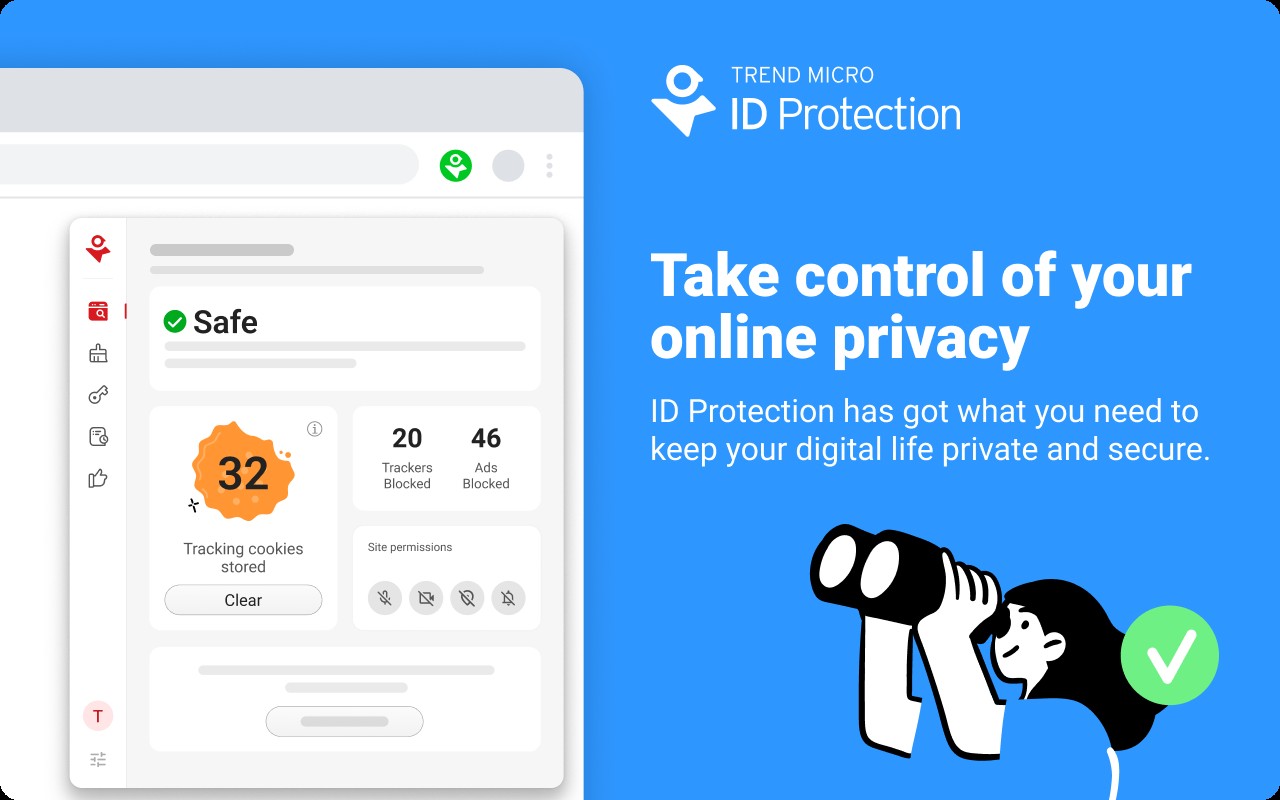
- Anti-Tracking & Privacy Protection: This feature automatically clears tracking cookies and blocks web trackers that attempt to collect your browsing data. You can also optimize privacy settings on social media platforms and remove stored browser information to reduce your digital footprint. This is particularly useful when you want to prevent advertisers and third parties from profiling your online behavior.
- Ad & Pop-Up Blocker: The extension blocks banner ads and pop-ups on all websites, including Facebook, creating a cleaner and faster browsing experience. If any ads slip through, you can manually block them with a single click. This is ideal for users who find ads distracting or want to reduce page load times and data usage.
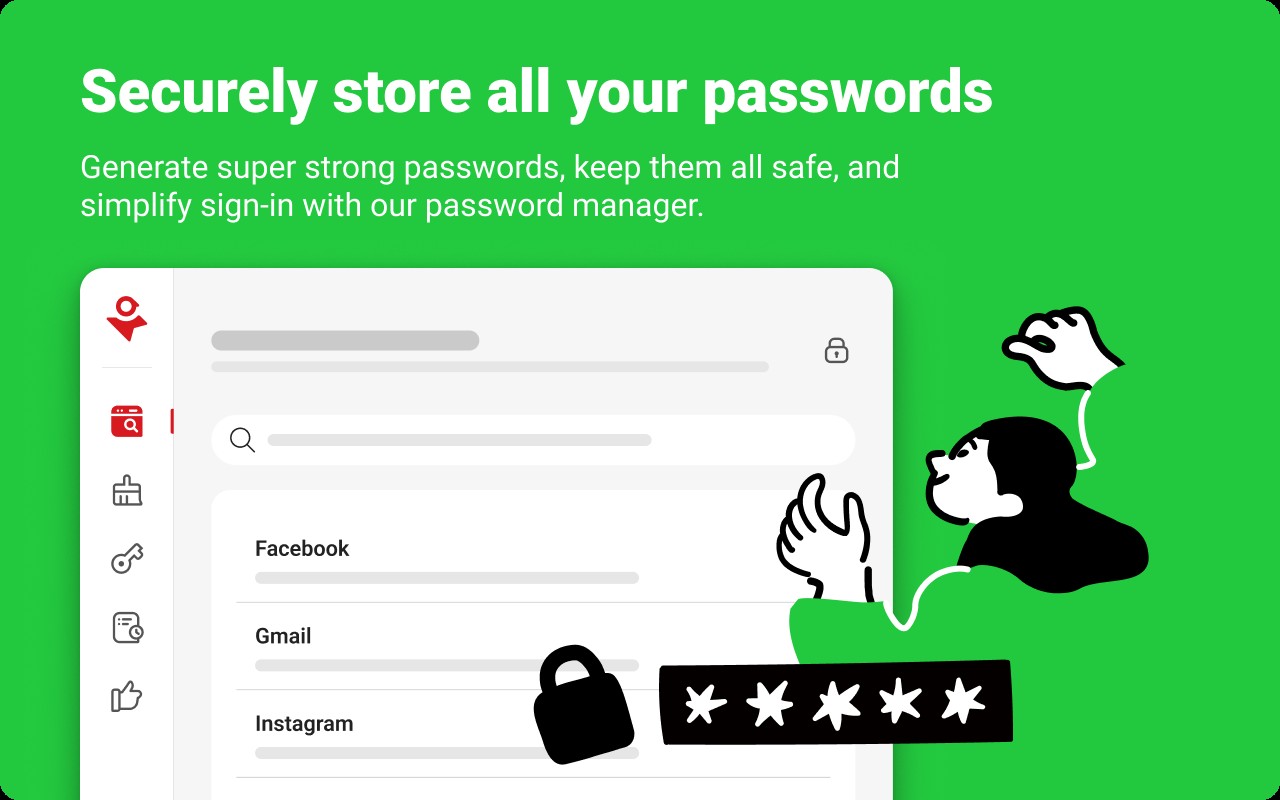
- Password Manager with Autofill: Store all your login credentials in a secure, encrypted vault, eliminating the need to remember multiple passwords or reuse them across sites. The autofill function automatically enters your username and password when you visit a site, streamlining the sign-in process. This helps you maintain strong, unique passwords for every account without the hassle of manual entry.
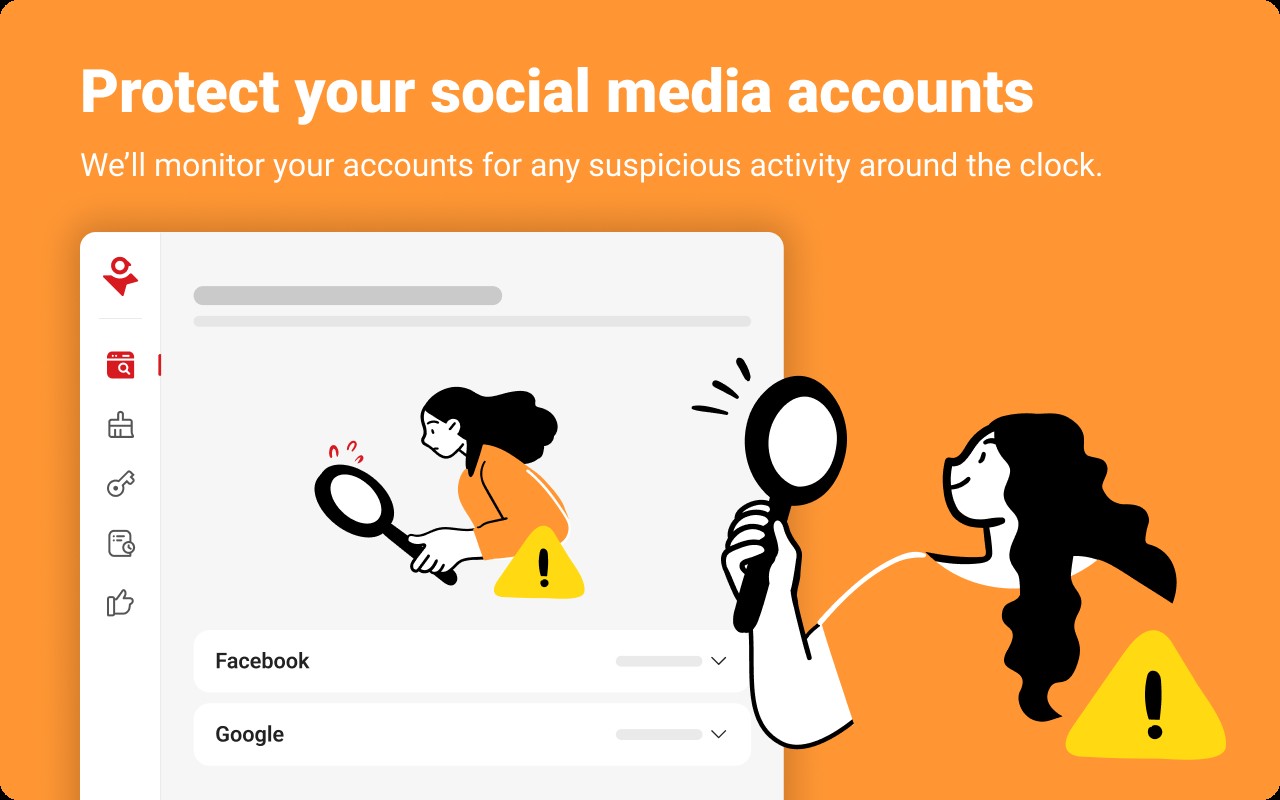
- Social Media Monitoring: Monitor your Facebook, Google, and Instagram accounts for suspicious activities, such as unauthorized posts or changes to account settings. You receive real-time alerts if any anomalies are detected, reducing the risk of identity theft and account takeover. This is especially valuable for users who actively manage multiple social media profiles and want early warnings of security breaches.
- Online Threat Protection: The extension shields you from phishing attempts, dangerous websites, and online scams by analyzing URLs and blocking malicious content before it can harm your device. It uses Trend Micro's proven threat detection technology, which is reported to block up to 99% of phishing sites. This feature is critical when browsing unfamiliar links or accessing sensitive information online.
- Safer Browsing: Before you visit a website, the extension checks its reputation and warns you if it is known for distributing malware, scams, or other harmful content. This proactive alert helps you avoid dangerous downloads and malicious sites, making it a valuable tool for everyday browsing.
- Page Ratings on Search Results: When you perform a web search, the extension displays safety ratings next to each result link, indicating whether the site is trustworthy or potentially harmful. This allows you to avoid phishing, scam, and malicious websites with ease, especially when searching for less-known or user-generated content.
By integrating these features into a single extension, Trend Micro ID Protection simplifies online security management. Whether you are shopping, banking, or social networking, it works in the background to protect your privacy and data. The companion portal and mobile app extend these capabilities to other devices and provide additional tools like identity theft monitoring and fraud alerts, ensuring comprehensive protection across your digital life.
Extensions that do the same job
Matched by what these extensions actually do, not by store category, and sorted so the ones asking for the least access come first.
| Extension | Site access | Permissions | Users | Rating |
|---|---|---|---|---|
| Trend Micro ID Protection — this page | All sites | 11 | 100K | 4.4★ |
| Malwarebytes Browser Guard | All sites | 13 | 11M | 3.9★ |
| Online Security | All sites | 18 | 10M | 3.6★ |
| Privacy Badger | All sites | 8 | 1M | 4.5★ |
| Guardio Protection for Chrome | All sites | 12 | 600K | 4.5★ |
| Osprey: Browser Protection | Limited | 3 | 10K | 4.9★ |
| AegisWeb3 | All sites | 2 | 70K | 4.8★ |
Want the same thing with less access? Osprey: Browser Protection, AegisWeb3, Netcraft Extension ask for fewer permissions than this one.
Store data last checked August 14, 2026.