
RoboForm Password Manager
RoboForm Password Manager autofills logins, generates strong passwords, and manages credentials securely across devices.
What it does
Permissions and access
Taken from the extension's own manifest file inside the package. The store listing does not spell this out, so it is worth reading before you install.
| Permission | What it allows |
|---|---|
contextMenus | Add items to the right-click menu |
favicon | Read site icons |
gcm | Receive push messages |
idle | Detect when you are away from the computer |
nativeMessaging | Talk to programs installed on your computer |
offscreen | Run hidden pages for background work |
privacy | Change your privacy settings |
scripting | Run its own code on pages |
storage | Store its own settings and data |
tabs | See the addresses and titles of your open tabs |
webNavigation | See which pages you navigate to |
webRequest | Watch your network requests |
webRequestAuthProvider | webRequestAuthProvider |
Asks for these only when you use the matching feature:
bookmarks, clipboardWrite, topSites
Requests 13 permissions — extensions doing the same job average 7.2.
Technical details
Show all 37 languages
Description
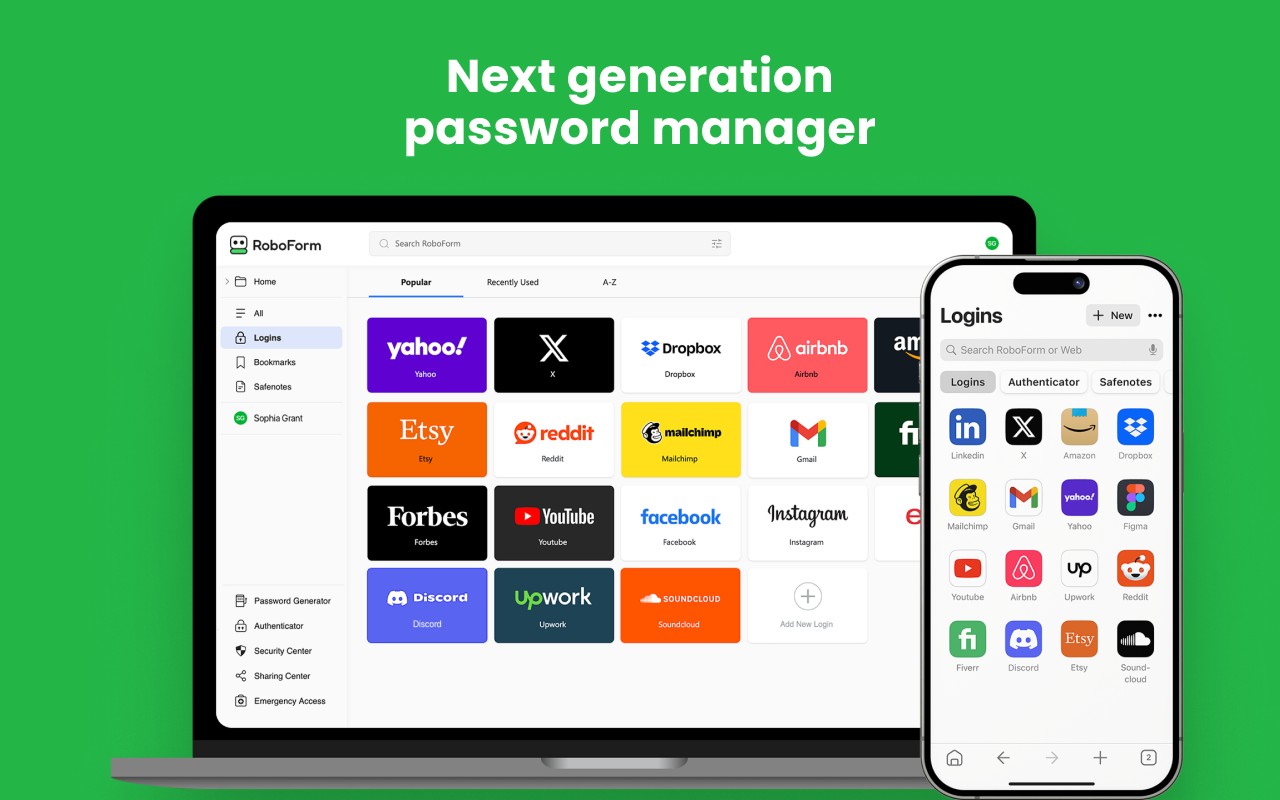
RoboForm Password Manager is a browser extension designed to simplify online credential management by automatically remembering passwords and filling login forms. It helps users generate strong, unique passwords for new accounts, manage passkeys, and autofill credentials across websites. The extension works seamlessly on all major browsers and devices, including Windows, Mac, iOS, and Android, ensuring a consistent experience whether you are at home or on the go.
Features
- Easy Import: Quickly import passwords from your browser or another password manager in seconds, making migration painless.
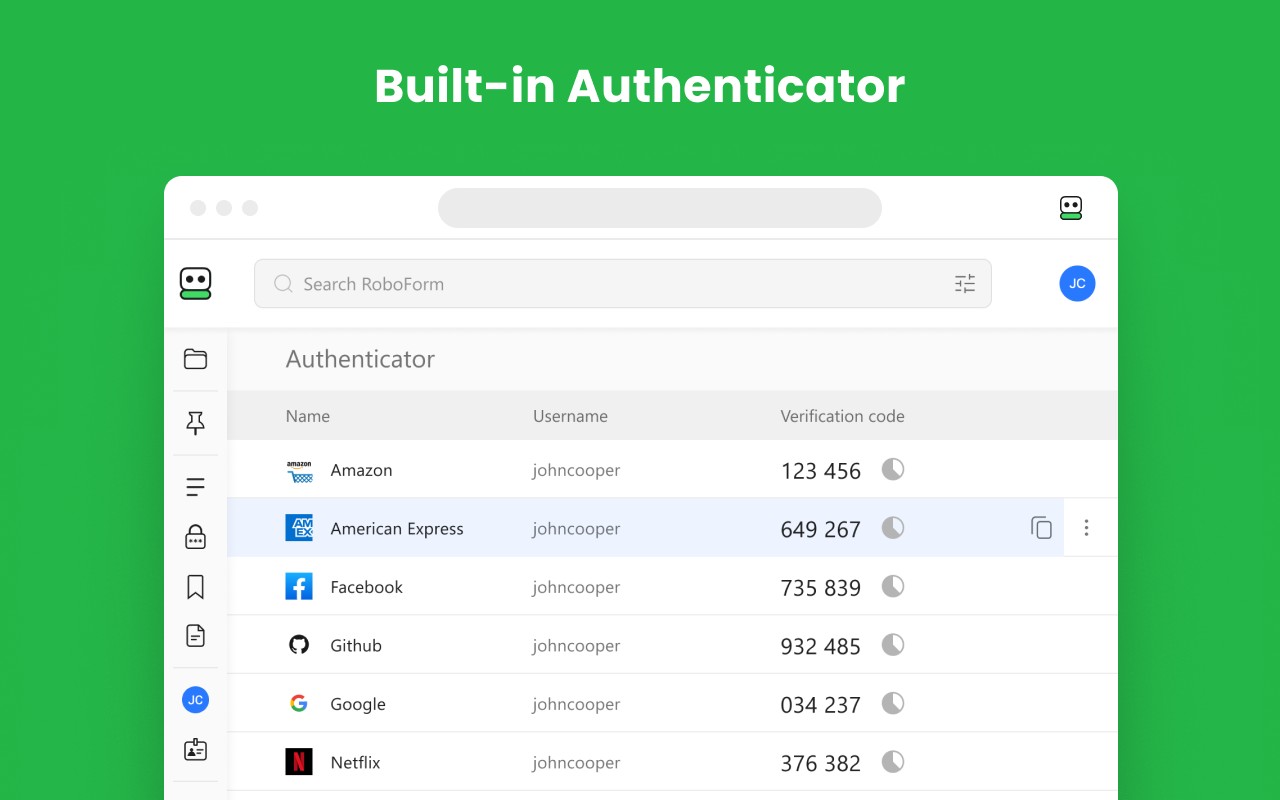
- All-in-One Management: Manage passwords, passkeys, and authenticator codes directly from the extension without needing separate apps.
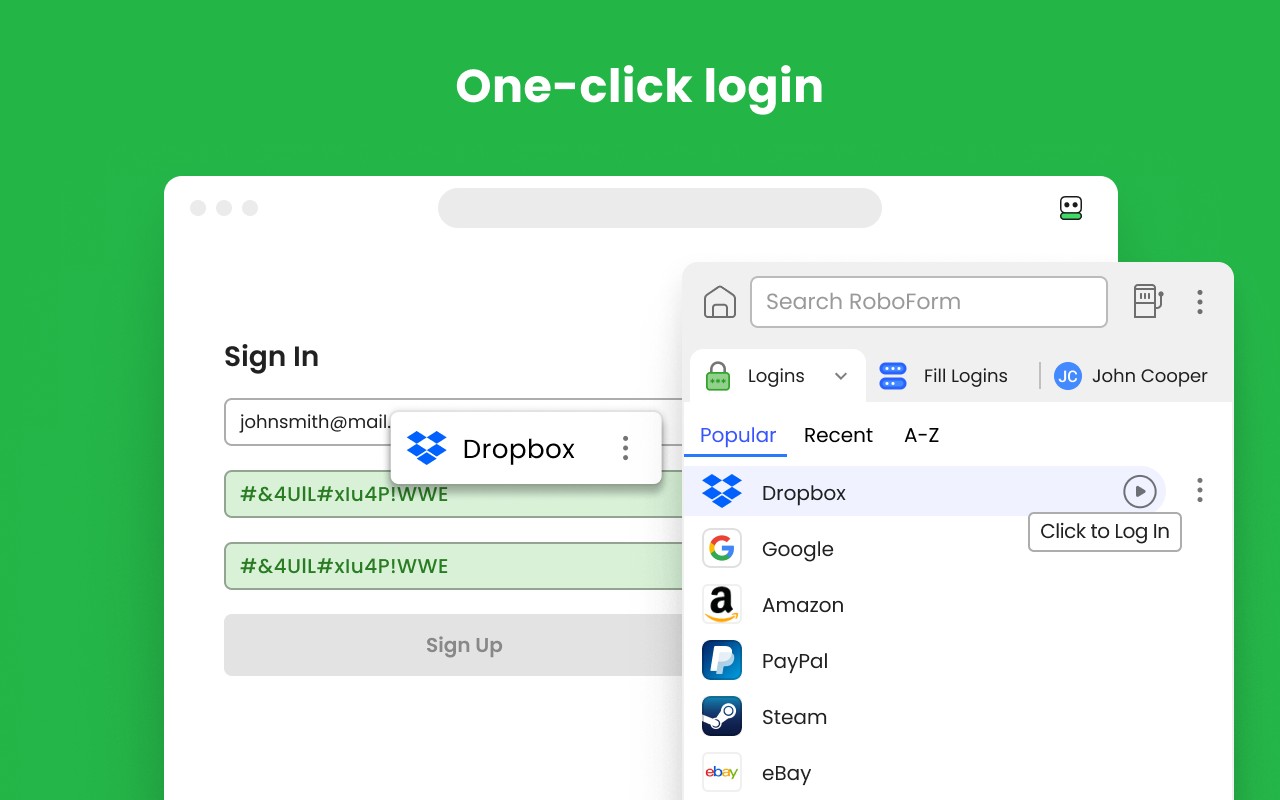
- One-Click Logins: When you open a Login item, RoboForm navigates to the website, fills in your credentials, and logs you in automatically-saving time and effort.
- Password Health Monitoring: The extension scans your vault for weak, reused, or compromised passwords and alerts you so you can update them promptly to improve security.
- Breach Alerts: Receive notifications for data breaches affecting up to five email addresses, along with recommended steps to mitigate risks.
- Zero-Knowledge Security: Your data is encrypted locally using your Master Password with AES-256, PBKDF2-SHA256, and full end-to-end encryption, so it is never transmitted to RoboForm's servers in readable form.
- Passwordless Unlock: Skip typing your Master Password by unlocking RoboForm with Windows Hello, Touch ID, passkeys, hardware security keys like YubiKey, or a trusted device such as your smartphone.
- Built-in Authenticator & Advanced 2FA: Use RoboForm as a TOTP authenticator for any website. Secure your account with passkeys, security keys, authenticator apps, or a trusted device for two-factor authentication.
- Secure Sharing: Share individual items or entire folders with end-to-end encryption, and assign specific permissions to each recipient for controlled access.
- Emergency Access: Grant trusted contacts secure, controlled access to your RoboForm data in case of an emergency, ensuring you are never locked out.
- Real Human Support: Access support via chat, phone, or 24/7 email whenever you need assistance.
RoboForm Password Manager combines robust security features with convenience, making it suitable for both personal and professional use. Whether you need to autofill passwords on multiple devices, monitor credential health, or securely share access with family or colleagues, this extension provides a comprehensive solution.
Extensions that do the same job
Matched by what these extensions actually do, not by store category, and sorted so the ones asking for the least access come first.
| Extension | Site access | Permissions | Users | Rating |
|---|---|---|---|---|
| RoboForm Password Manager — this page | All sites | 13 | 600K | 4.5★ |
| NordPass® Password Manager & Digital Vault | All sites | 10 | 8M | 4.6★ |
| Dashlane - Password Manager | All sites | 12 | 1M | 4.7★ |
| Guardio Protection for Chrome | All sites | 12 | 600K | 4.5★ |
| Trend Micro ID Protection | All sites | 11 | 100K | 4.4★ |
| LogMeOnce | All sites | 11 | 10K | 4.5★ |
| MindYourPass - Password Manager | All sites | 6 | 3K | 4.6★ |
Want the same thing with less access? MEGA, Virtru Email Protection, Plugins ask for fewer permissions than this one.
Store data last checked August 14, 2026.