
MindYourPass - Password Manager
Generates unique, strong passwords from a single master password without storing them, eliminating database breach
What it does
Permissions and access
Taken from the extension's own manifest file inside the package. The store listing does not spell this out, so it is worth reading before you install.
| Permission | What it allows |
|---|---|
activeTab | Access the current tab when you click the extension |
favicon | Read site icons |
privacy | Change your privacy settings |
storage | Store its own settings and data |
webNavigation | See which pages you navigate to |
webRequest | Watch your network requests |
Requests 6 permissions — extensions doing the same job average 7.3.
Technical details
Show all 2 languages
Description
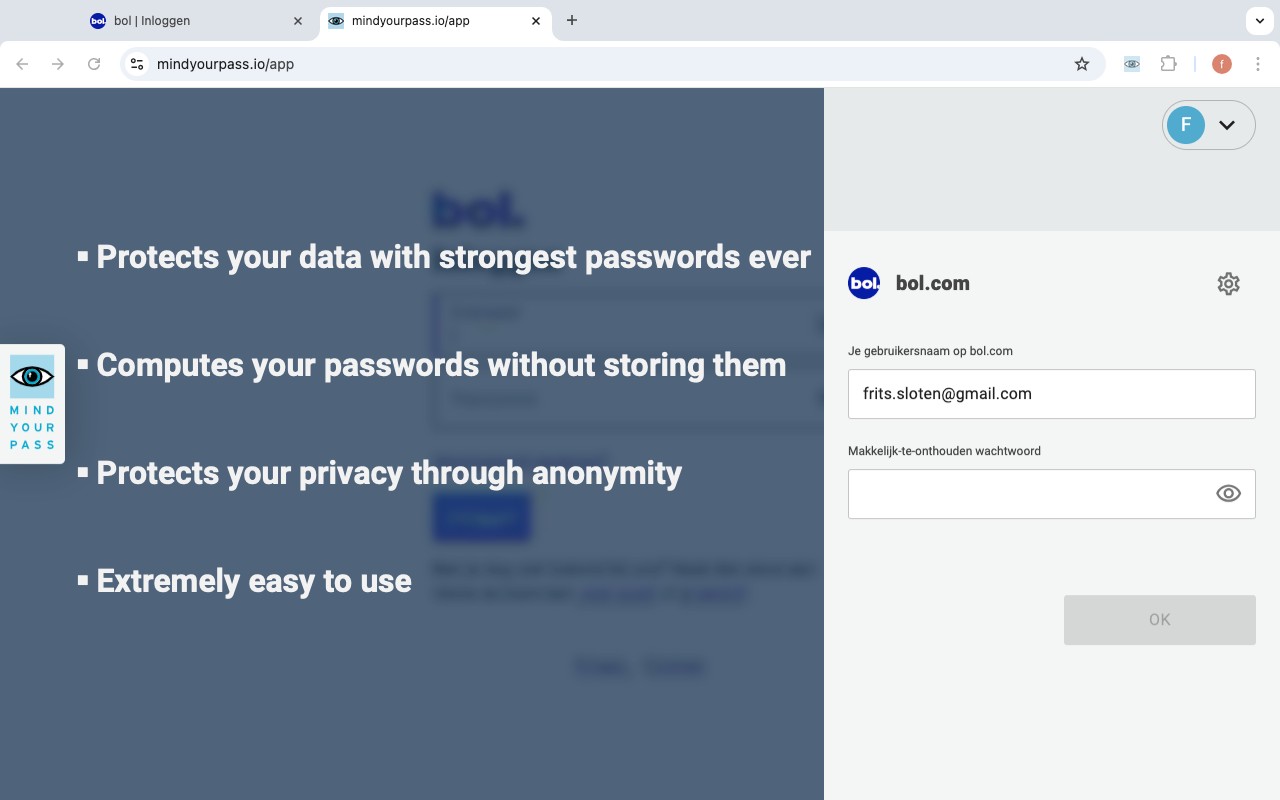
MindYourPass is a patented password manager that transforms a single, easy-to-remember master password into unique, strong passwords for each of your online accounts. Unlike traditional password managers that store your passwords in a vault or database, MindYourPass regenerates each password on demand using a cryptographic algorithm. This design eliminates the risk of a database breach or leak because no password data is ever stored anywhere. You can use the same memorable password across all your accounts, and MindYourPass will generate a distinct, complex password for each site. This approach removes the burden of creating and remembering dozens of different passwords while maintaining high security.
Key Features
- Password Generator: Creates strong, unique passwords for every website based on your master password and the site's domain. The generated passwords are always the same for a given site, so you don't need to store them.
- Easy to Use: No complex setup or configuration. Simply install the extension, set your master password, and start logging in with one click. The extension automatically fills in the generated password on login forms.
- Cross-Platform Compatibility: Works on every browser and device, including Chrome, Firefox, Safari, and mobile browsers. Your passwords are available wherever you need them, without syncing or cloud storage.
- Automatic Passwordless Login: For supported sites, MindYourPass can log you in automatically without entering a password, using cryptographic tokens. This speeds up access while reducing reliance on typed passwords.
- No Vault Storage: Since passwords are regenerated rather than stored, there is no password database to protect. This eliminates the attack vector of a stolen vault file or cloud sync breach.
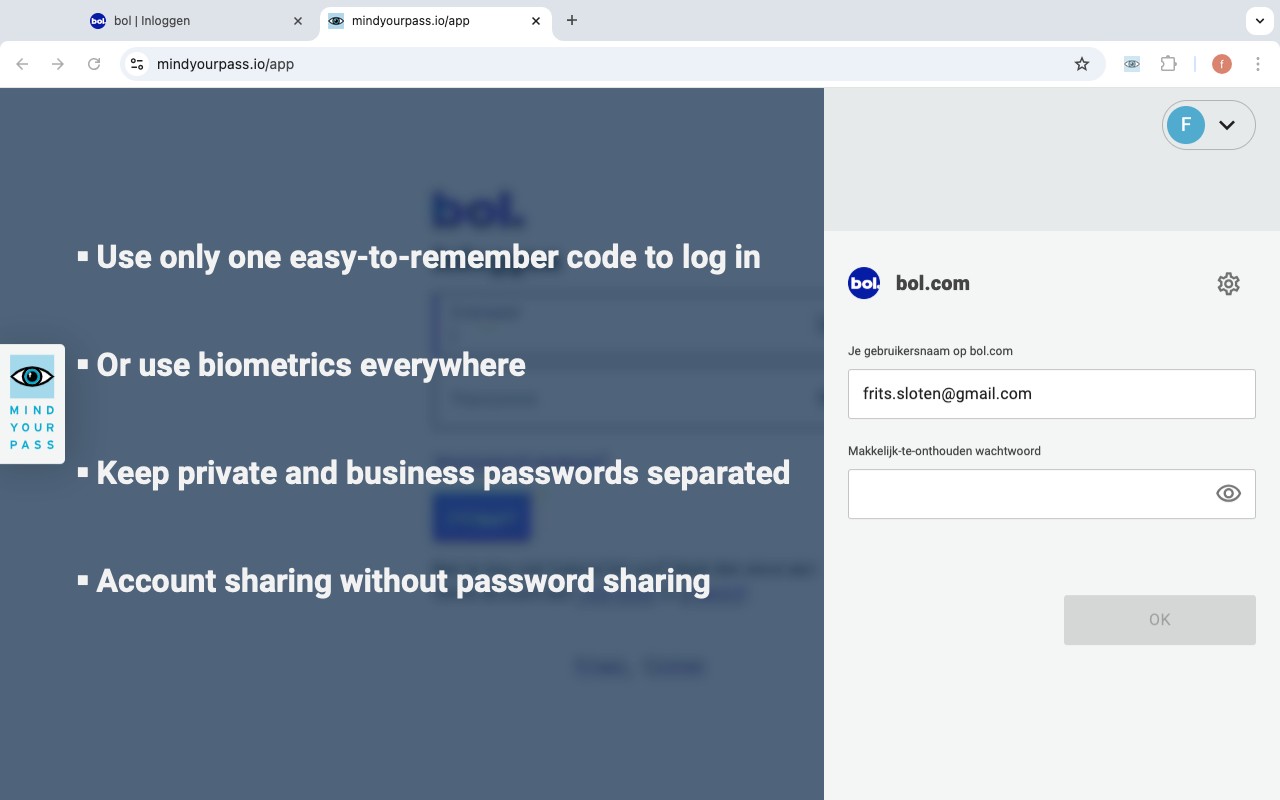
- Account Sharing: Securely share access to specific accounts with trusted individuals. The sharing mechanism uses encryption and does not expose your master password or the generated passwords.
- Multi-Factor Authentication (MFA) Everywhere: Integrates with MFA systems to add an extra layer of security. You can configure MFA for any site, and MindYourPass will handle the token generation or prompt.
- Passkey Support: Newly added support for passkeys, allowing you to use biometric or device-based authentication alongside generated passwords. This future-proofs your security as the industry moves toward passwordless standards.
- Phishing Protection: Automatically detects and warns you if you are on a fake login page that mimics a legitimate site. This prevents you from inadvertently entering your credentials into a phishing site.
MindYourPass is built on the principles of privacy by design and security by design. It does not store personally identifiable information such as your email address or any password data. Your master password never leaves your device, and the generated passwords are computed locally. This ensures that even if the MindYourPass servers are compromised, your credentials remain safe. To get started, visit mindyourpass.io/get-started.
Extensions that do the same job
Matched by what these extensions actually do, not by store category, and sorted so the ones asking for the least access come first.
| Extension | Site access | Permissions | Users | Rating |
|---|---|---|---|---|
| MindYourPass - Password Manager — this page | All sites | 6 | 3K | 4.6★ |
| NordPass® Password Manager & Digital Vault | All sites | 10 | 8M | 4.6★ |
| Dashlane - Password Manager | All sites | 12 | 1M | 4.7★ |
| Guardio Protection for Chrome | All sites | 12 | 600K | 4.5★ |
| RoboForm Password Manager | All sites | 13 | 600K | 4.5★ |
| Trend Micro ID Protection | All sites | 11 | 100K | 4.4★ |
| LogMeOnce | All sites | 11 | 10K | 4.5★ |
Want the same thing with less access? MEGA, Virtru Email Protection, Plugins ask for fewer permissions than this one.
Store data last checked August 14, 2026.