
Kee - Password Manager
Kee securely stores, generates, and autofills passwords using the KeePass format for private, offline-capable password
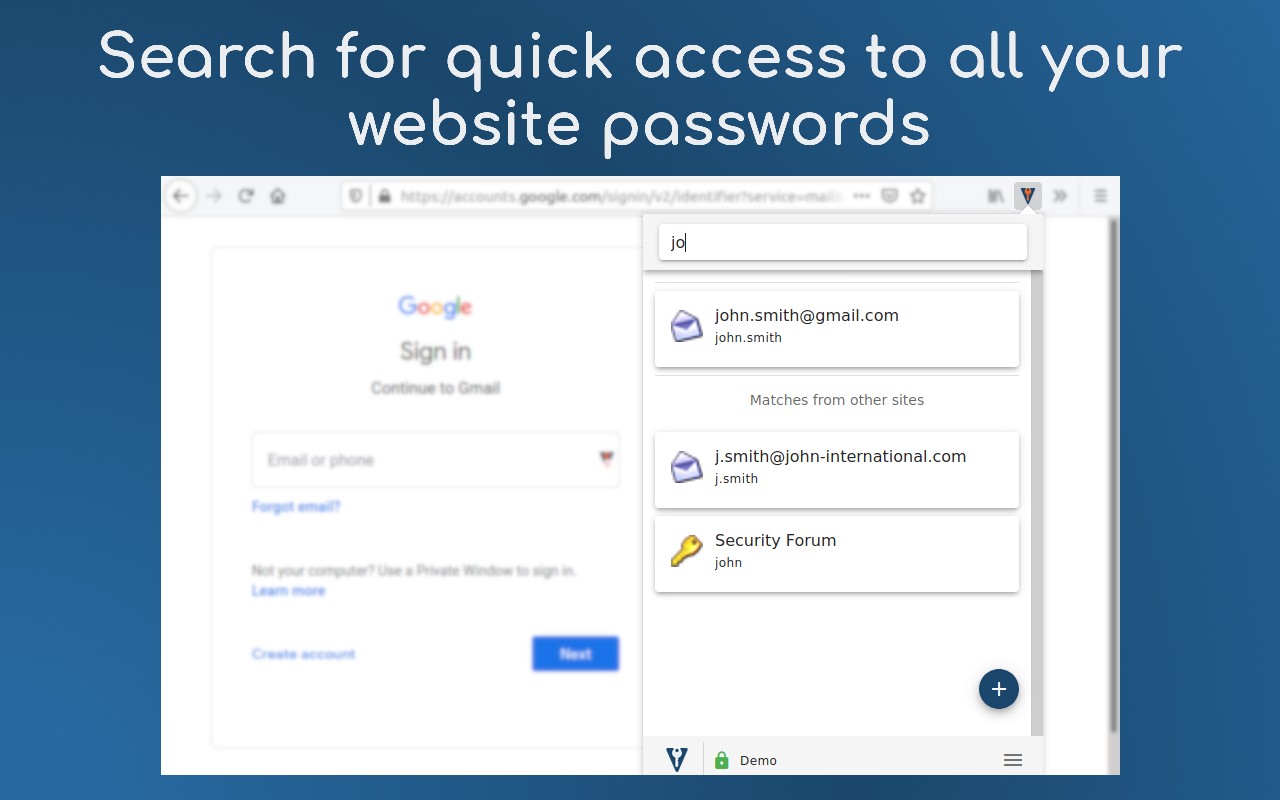
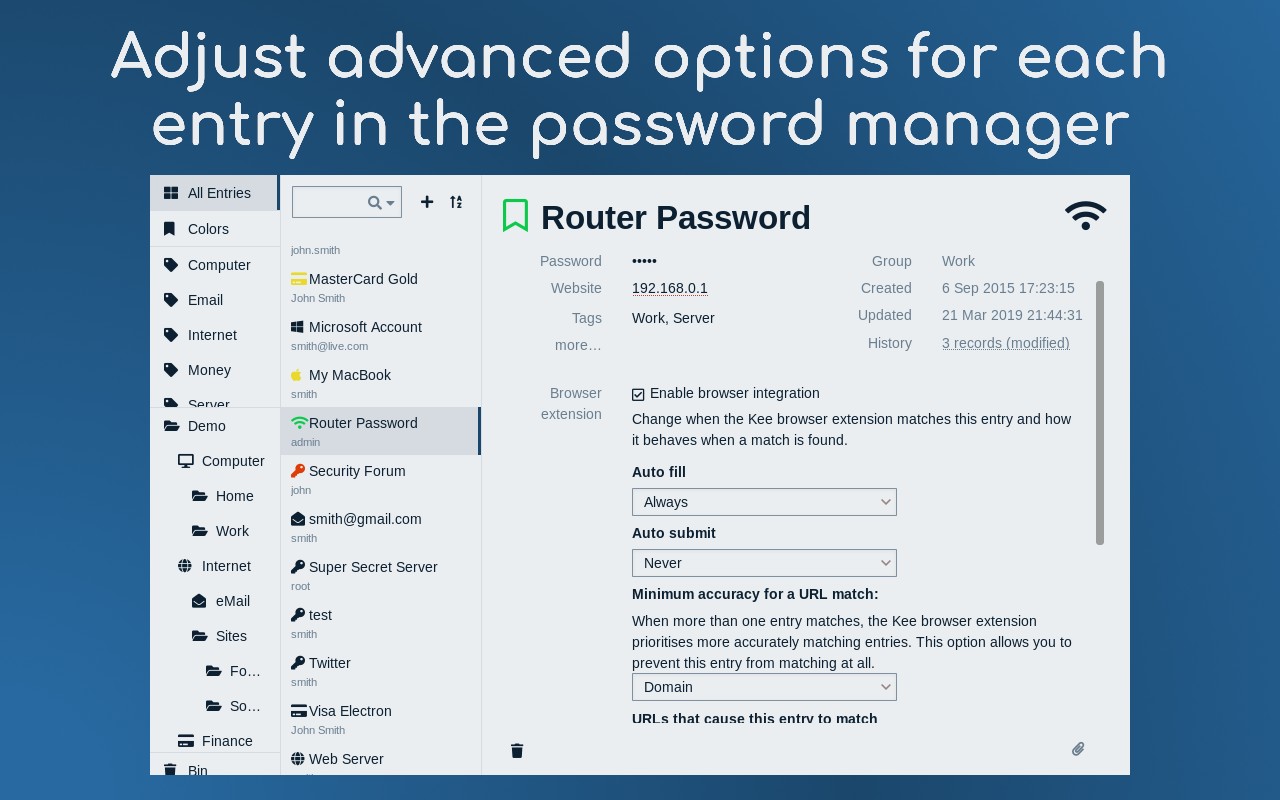
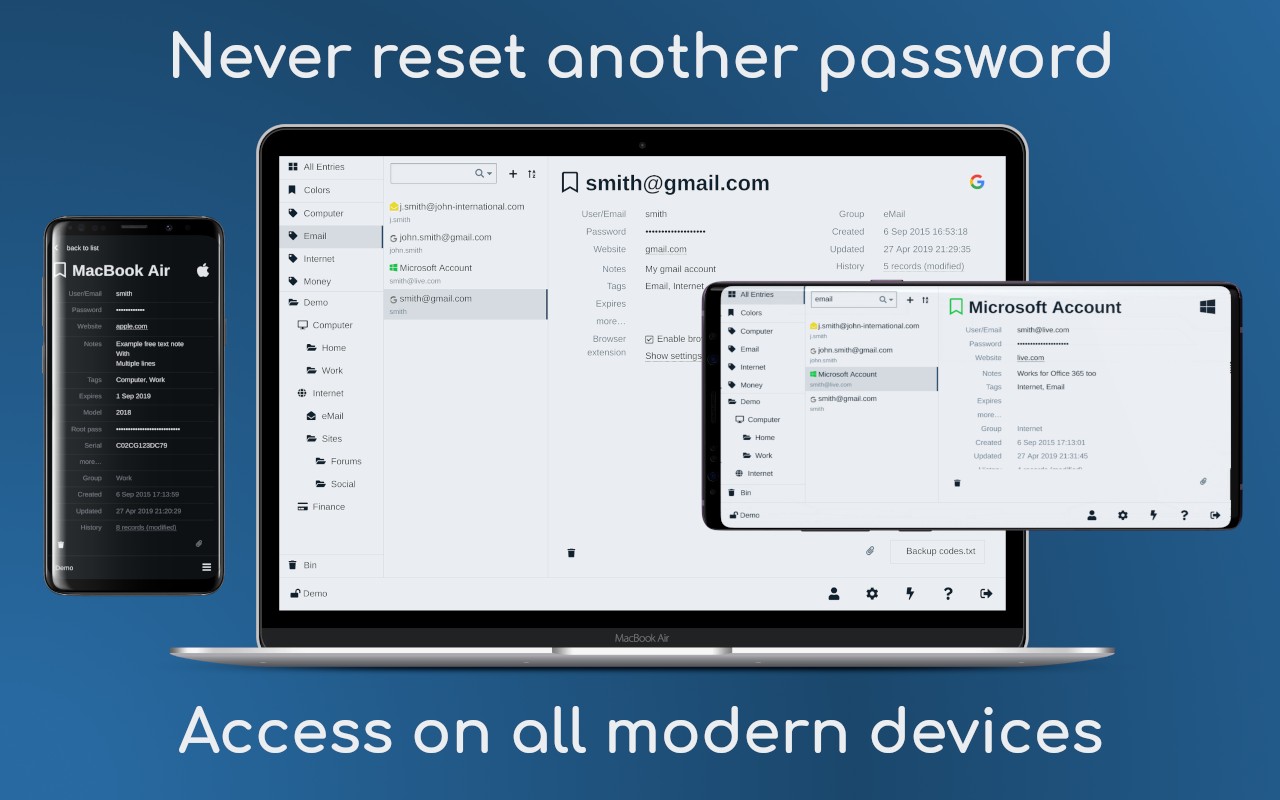
What it does
Permissions and access
Taken from the extension's own manifest file inside the package. The store listing does not spell this out, so it is worth reading before you install.
| Permission | What it allows |
|---|---|
activeTab | Access the current tab when you click the extension |
alarms | Schedule background tasks |
clipboardWrite | Copy data to your clipboard |
contextMenus | Add items to the right-click menu |
idle | Detect when you are away from the computer |
notifications | Show desktop notifications |
offscreen | Run hidden pages for background work |
privacy | Change your privacy settings |
scripting | Run its own code on pages |
storage | Store its own settings and data |
tabs | See the addresses and titles of your open tabs |
unlimitedStorage | Store unlimited data on your computer |
webNavigation | See which pages you navigate to |
webRequest | Watch your network requests |
webRequestAuthProvider | webRequestAuthProvider |
Requests 15 permissions — extensions doing the same job average 9.0.
Technical details
Show all 18 languages
Keyboard shortcuts
| Shortcut | Action |
|---|---|
| Alt+Shift+K | _execute_action |
| Alt+Shift+V | __MSG_KB_shortcut_simple_2_desc__ |
| Alt+Shift+G | __MSG_Menu_Button_copyNewPasswordToClipboard_label__ |
| Alt+Shift+M | __MSG_Menu_Button_fillCurrentDocument_label__ |
Description
Kee is a password management extension that helps you securely store, generate, and automatically fill passwords for websites. By integrating with the open-source KeePass Password Safe 2 format, Kee ensures your credentials remain under your control and protected by a well-audited encryption system. The extension saves you time by eliminating the need to remember complex passwords or repeatedly reset forgotten ones, while also safeguarding your personal and financial data from account theft.
Features
- Automatic Login: Kee automatically fills your saved credentials on supported websites, so you can sign in with a single click. This is especially useful when you have many accounts or use long, randomly generated passwords that are hard to type manually.
- Password Generation: When creating new accounts or updating passwords, Kee can generate strong, unique passwords for you. This reduces the risk of using weak or reused passwords that are vulnerable to hacking.
- Secure Storage: Your passwords are stored in a KeePass database file, which is encrypted using the industry-standard AES-256 algorithm. You can choose to store this file locally or sync it via cloud services like Dropbox, Google Drive, or the Kee Vault service.
- Open Source & No Ads: The extension's source code is publicly available for review, ensuring transparency and trust. There are no advertisements or hidden data collection, and the core functionality is free to use.
- Kee Vault Service: For users who prefer a managed solution, Kee offers the Kee Vault service, which handles synchronization and backup. A free trial is available without requiring a credit card, and the service is designed to be affordable for long-term use.
- Offline Compatibility: If you choose the local KeePass file option, Kee works entirely offline after the initial setup. This is ideal for users who are concerned about cloud security or have limited internet access.
- Cross-Platform Support: While the extension runs in Chrome, the underlying KeePass database can be accessed on Windows (via the KeePass software), and with additional configuration on Mac and Linux. Detailed guides are provided to assist with setup on each platform.
- Community Support: Kee has an active community forum where users can ask questions, report issues, and suggest features. The developers also provide comprehensive installation instructions, a getting started tutorial, and a permissions explanation page to help new users understand how the extension works.
Kee is designed for anyone who wants to improve their online security without sacrificing convenience. Whether you manage a few personal accounts or need to handle many logins for work, Kee reduces the friction of password management while keeping your data safe. The extension is particularly valuable for users who have experienced account breaches in the past or want to proactively protect themselves from phishing and credential theft. By using Kee, you can avoid the frustration of forgotten passwords and the risk of using the same password across multiple sites.
Extensions that do the same job
Matched by what these extensions actually do, not by store category, and sorted so the ones asking for the least access come first.
| Extension | Site access | Permissions | Users | Rating |
|---|---|---|---|---|
| Kee - Password Manager — this page | All sites | 15 | 60K | 4.4★ |
| Password Generator | Limited | 0 | 3K | 3.7★ |
| Signer.Digital Digital Signature, PKI | All sites | 1 | 3M | 4.2★ |
| 2FA Authenticator | All sites | 4 | 100K | 3.4★ |
| MasterPassword for chrome | Limited | 6 | 2K | 4.7★ |
| LastPass: Free Password Manager | All sites | 13 | 8M | 4.3★ |
| NordPass® Password Manager & Digital Vault | All sites | 10 | 8M | 4.6★ |
Want the same thing with less access? Password Generator, Signer.Digital Digital Signature, PKI, 2FA Authenticator ask for fewer permissions than this one.
Store data last checked August 14, 2026.