
Theater Mode
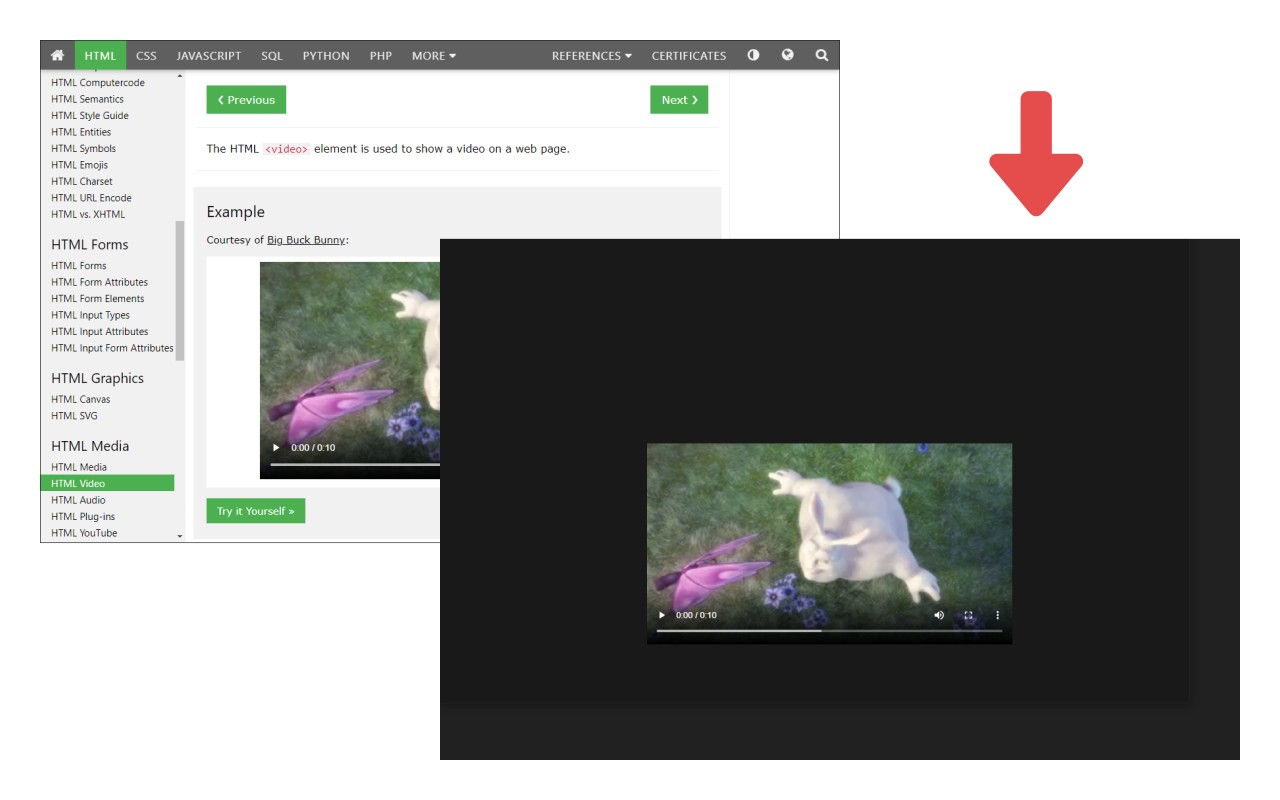
Darkens the entire page except the video player, focusing your attention on video content.
What it does
Permissions and access
Taken from the extension's own manifest file inside the package. The store listing does not spell this out, so it is worth reading before you install.
| Permission | What it allows |
|---|---|
activeTab | Access the current tab when you click the extension |
contextMenus | Add items to the right-click menu |
scripting | Run its own code on pages |
storage | Store its own settings and data |
Requests 4 permissions — extensions doing the same job average 3.5.
Technical details
Description
Theater Mode is a browser extension designed to enhance your video-watching experience by minimizing on-screen distractions. When you activate it, the extension dims or darkens the entire webpage, leaving only the video player fully visible and illuminated. This creates a focused viewing environment, similar to the theater mode found on many video platforms, but it works across any website that hosts video content.
Key Features and Use Cases
- One-Click Activation: After starting a video on any webpage, simply click the Theater Mode icon in your browser's toolbar. The page instantly darkens, and the video remains in its original position, allowing you to watch without visual clutter from surrounding content like comments, ads, or navigation menus.
- Ideal for Distraction-Free Viewing: This is especially useful when you want to watch long lectures, documentaries, or tutorials without being tempted by other page elements. It helps maintain concentration and reduces eye strain by focusing your attention solely on the video.
- Not for Regular Browsing: Theater Mode is intentionally designed only for video playback. If you enable it on a page without playing a video, the entire page will appear dark, which is not suitable for normal browsing. Therefore, it is recommended to activate it only when you intend to watch a video.
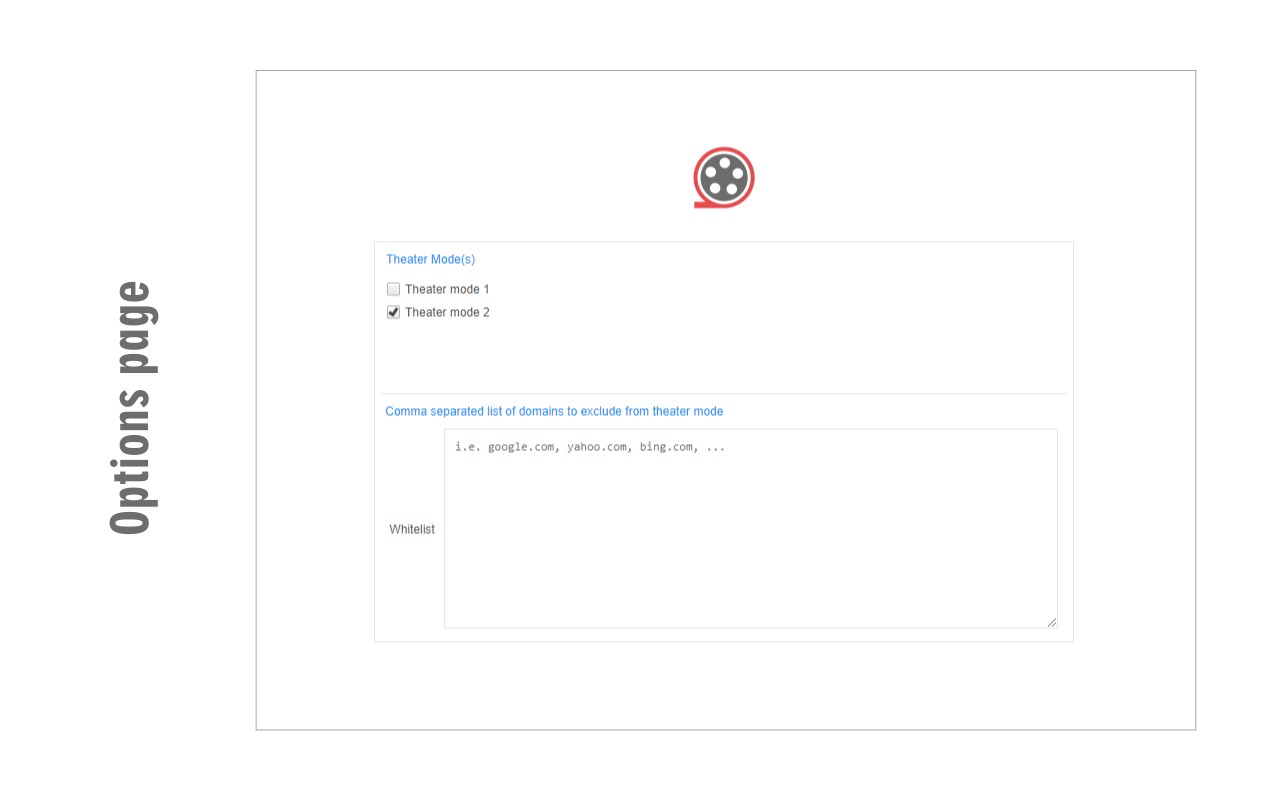
- Whitelist for Permanent Exclusions: If you frequently visit a site where you do not want Theater Mode to apply, you can add that site to a whitelist. This permanently excludes the site from the darkening effect, ensuring that your normal browsing experience remains unaffected.
- Flexible and User-Friendly: The extension works with any video content embedded in a webpage, including HTML5 players, YouTube embeds, and other video formats. It is designed to be lightweight and easy to use, with no complex settings to configure.
- Feedback and Support: If you encounter any issues or have suggestions for improvement, you can submit them via the bug report form on the official addon homepage at https://mybrowseraddon.com/theater-mode.html. This ensures continuous development and user satisfaction.
In summary, Theater Mode is a practical tool for anyone who wants to watch videos without distractions. By darkening the rest of the page, it transforms any video into a focused viewing experience, making it perfect for immersive watching sessions. Whether you are following a tutorial, enjoying a movie, or attending an online class, Theater Mode helps you stay engaged with the content you care about.
Extensions that do the same job
Matched by what these extensions actually do, not by store category, and sorted so the ones asking for the least access come first.
| Extension | Site access | Permissions | Users | Rating |
|---|---|---|---|---|
| Theater Mode — this page | Limited | 4 | 2K | 3.8★ |
| BetterTTV | Limited | 2 | 3M | 4.6★ |
| Looper for YouTube | Limited | 1 | 400K | 4.6★ |
| Subtitles for Language Learning (Prime Video) | Limited | 3 | 100K | 3.8★ |
| CocoShot: Screenshot & Screen Recorder | Limited | 4 | 70K | 4.9★ |
| EasySubs - Learn languages by watching films and series | Limited | 3 | 4K | 4.3★ |
| YouTube Fast Fullscreen Toggle | Limited | 0 | 3K | 4.6★ |
Store data last checked August 14, 2026.