
BetterPlayer - A Modern Video Player
Replaces the default HTML5 video player with enhanced keyboard shortcuts and a modern interface.
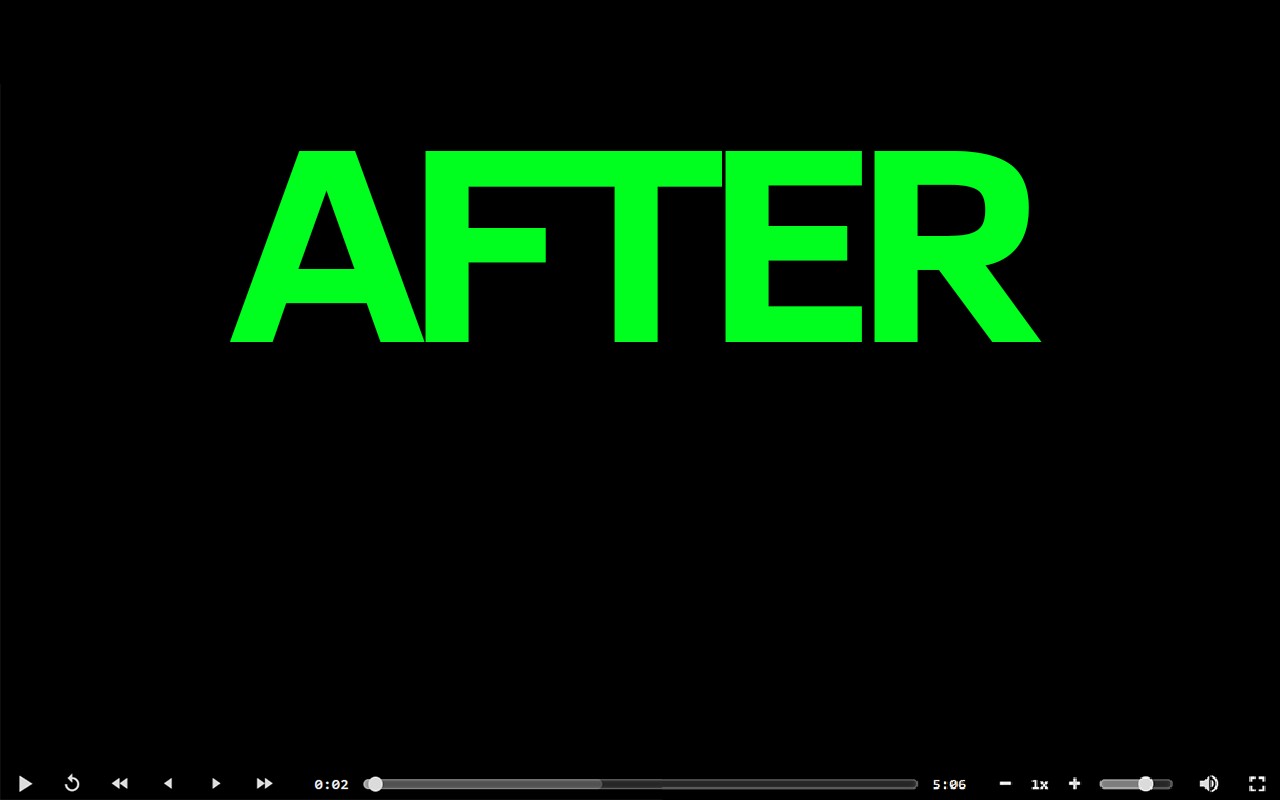
What it does
Permissions and access
Taken from the extension's own manifest file inside the package. The store listing does not spell this out, so it is worth reading before you install.
This extension requests no browser permissions at all — unusual, and a good sign.
Requests 0 permissions — extensions doing the same job average 3.7.
Technical details
Description
BetterPlayer replaces the default HTML5 video and audio player in Chrome with a modern, feature-rich interface. It enhances media playback control through an extensive set of keyboard shortcuts, making it ideal for users who frequently watch videos or listen to audio and want to navigate without using a mouse. The extension works on any webpage that uses standard HTML5 media elements, providing a consistent experience across sites like YouTube, Vimeo, or custom video players.
Keyboard Shortcuts
- Play/Pause: Press the Space key to toggle playback. Useful when you need to quickly pause a video to take notes or resume listening.
- Skip 10 Seconds: Use the Left or Right Arrow keys to jump backward or forward by 10 seconds. This helps in reviewing a specific segment or skipping through ads.
- Skip 30 Seconds: Hold Shift while pressing Left or Right Arrow to jump 30 seconds. Handy for longer skips during lectures or podcasts.
- Skip 60 Seconds: Hold Ctrl (or Cmd on Mac) while pressing Left or Right Arrow to jump a full minute. Efficient for navigating through lengthy videos.
- Previous/Next Frame: Press the comma key (,) to go back one frame, or the period key (.) to advance one frame. Useful for detailed analysis, such as in tutorials or sports replays.
- Captions: Press C to toggle subtitles or closed captions on and off. Helps when watching content in a noisy environment or learning a language.
- Reload: Press R to reload the video without refreshing the page. Useful if the player encounters a glitch or buffering issue.
- Fullscreen: Press F to enter or exit fullscreen mode. Provides an immersive viewing experience with a single key.
- Volume Control: Press the Down Arrow to decrease volume and Up Arrow to increase it. Press M to mute or unmute. These shortcuts allow quick adjustments without interrupting playback.
- Jump to Start/End: Press Home to go to the beginning of the video, or End to go to the end. Useful for restarting a video or checking the end credits.
- Jump to Percentage: Press any number key from 0 to 9 to jump to that percentage of the video duration (0 = 0%, 9 = 90%). For example, pressing 5 jumps to the midpoint. This allows rapid navigation to any approximate position.
All shortcuts are customizable via the extension's options page, so you can remap keys to suit your preferences. BetterPlayer also includes a sleek, minimalistic UI that adapts to your browser's theme, ensuring a seamless visual integration. The extension respects your privacy and does not collect any data.
Extensions that do the same job
Matched by what these extensions actually do, not by store category, and sorted so the ones asking for the least access come first.
| Extension | Site access | Permissions | Users | Rating |
|---|---|---|---|---|
| BetterPlayer - A Modern Video Player — this page | All sites | 0 | 1K | 4.0★ |
| BetterTTV | Limited | 2 | 3M | 4.6★ |
| Looper for YouTube | Limited | 1 | 400K | 4.6★ |
| Subtitles for Language Learning (Prime Video) | Limited | 3 | 100K | 3.8★ |
| CocoShot: Screenshot & Screen Recorder | Limited | 4 | 70K | 4.9★ |
| EasySubs - Learn languages by watching films and series | Limited | 3 | 4K | 4.3★ |
| YouTube Fast Fullscreen Toggle | Limited | 0 | 3K | 4.6★ |
Want the same thing with less access? BetterTTV, Looper for YouTube, Subtitles for Language Learning (Prime Video) ask for fewer permissions than this one.
Store data last checked August 14, 2026.