
ScratchTools for Scratch
Customizable Chrome extension that adds website and editor features to enhance the Scratch experience.
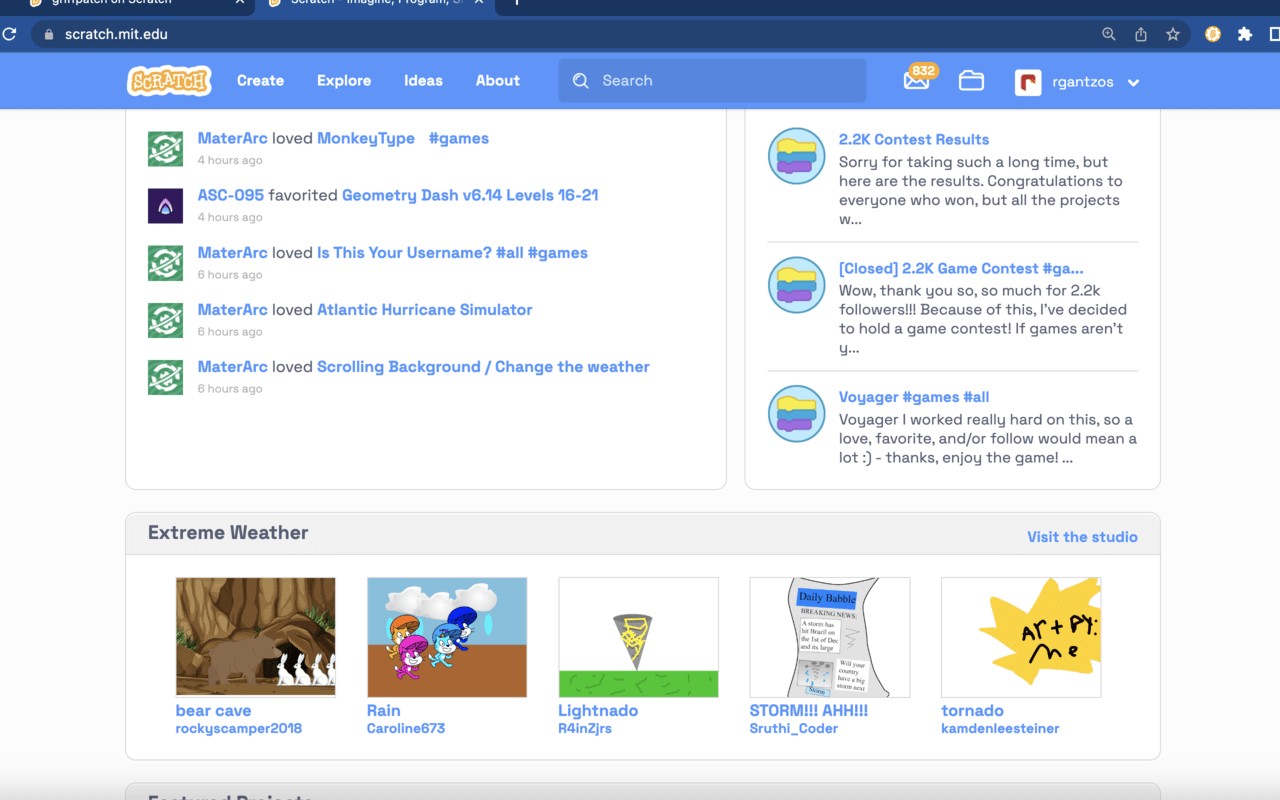
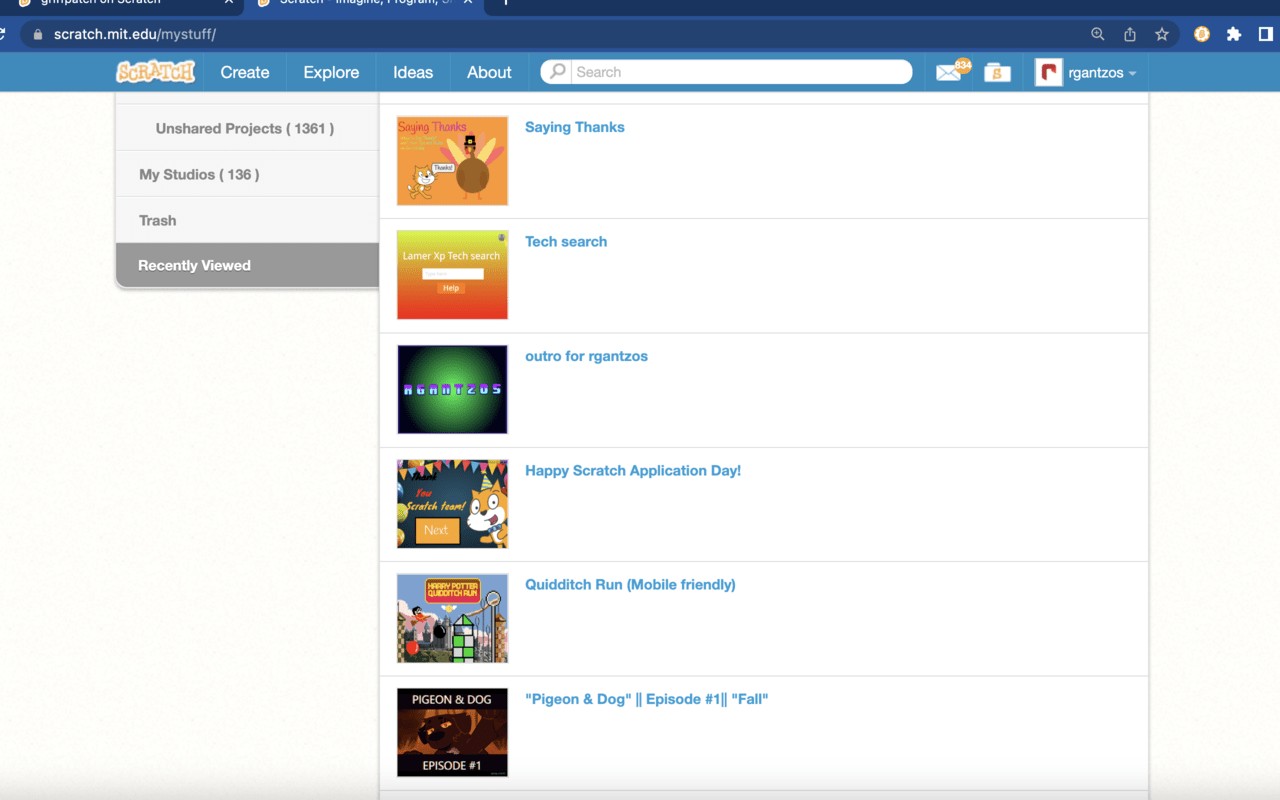
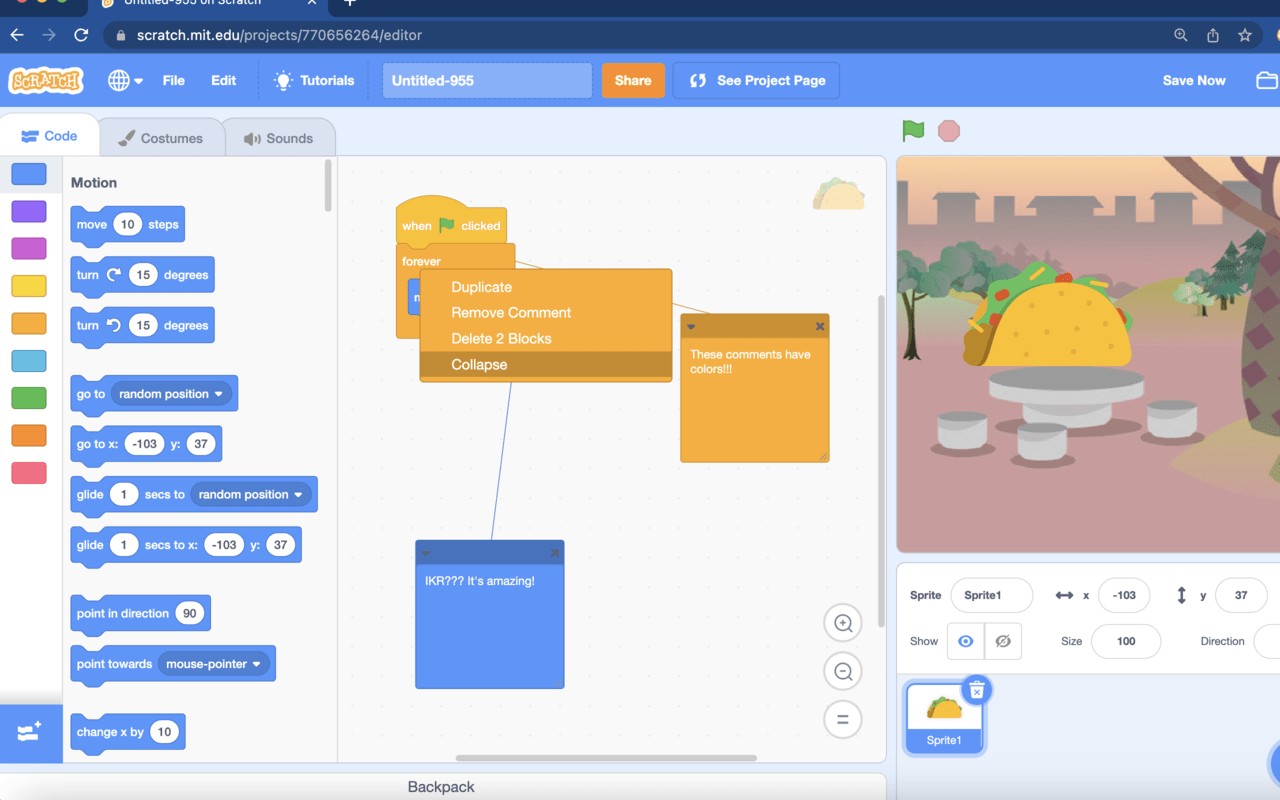
What it does
Permissions and access
Taken from the extension's own manifest file inside the package. The store listing does not spell this out, so it is worth reading before you install.
| Permission | What it allows |
|---|---|
alarms | Schedule background tasks |
scripting | Run its own code on pages |
storage | Store its own settings and data |
Requests 3 permissions — extensions doing the same job average 4.0.
Technical details
Show all 4 languages
Description
ScratchTools is a browser extension designed to enhance the Scratch website by adding a wide range of customizable features. It aims to improve usability and efficiency for Scratch users, from beginners to experienced creators. The extension offers both website and editor features that can be tailored to individual preferences, making the Scratch experience smoother and more productive.
Key Features
- Hide Generic Projects from Trending: This feature filters out generic or low-effort projects from the trending page, allowing users to discover more original and high-quality content. It is useful for users who want to explore creative projects without scrolling through repetitive entries.
- Custom Website Font: Users can change the font displayed on the Scratch website to a preferred typeface, enhancing readability or personalizing the visual appearance. This is helpful for users with specific accessibility needs or those who simply prefer a different aesthetic.
- Project Timer: A built-in timer that tracks how long a user spends on a project. This is beneficial for time management, especially for educators or users who want to limit their screen time while working on projects.
- Nicknames: Allows users to assign custom nicknames to other Scratch users, replacing their usernames on the website. This makes it easier to recognize friends or collaborators in comments and forums.
- Unlisted Projects: Enables users to view projects that are unlisted (not publicly searchable) if they have the direct link. This is useful for sharing projects privately with specific individuals without making them public.
- Search Context Menus: Adds right-click context menu options to search for selected text on Scratch or external resources. This speeds up looking up blocks, tutorials, or assets while editing.
- Collapse Scripts: Allows users to collapse script stacks in the editor, reducing visual clutter and making it easier to navigate complex projects with many scripts. This is especially useful for large projects with multiple sprites and scripts.
- Individual Sprite Clone Counter: Displays the number of clones for each sprite individually, helping users debug and manage clone limits more effectively. This is critical for projects that rely heavily on cloning.
- More Paint Editor Fonts: Adds additional font options to the Scratch paint editor, expanding creative possibilities for text and design in sprites and backdrops.
- Pause Audio: Provides a button to pause and resume audio playback in the Scratch player, giving users control over sound effects and music while testing projects.
These features represent only a selection of what ScratchTools offers. The extension is continuously updated with new functionality based on community feedback. Users can enable or disable each feature individually through the settings panel, ensuring a personalized experience that adapts to their specific workflow needs.
Extensions that do the same job
Matched by what these extensions actually do, not by store category, and sorted so the ones asking for the least access come first.
| Extension | Site access | Permissions | Users | Rating |
|---|---|---|---|---|
| ScratchTools for Scratch — this page | Limited | 3 | 20K | 3.9★ |
| Visual CSS Editor | Limited | 4 | 50K | 3.5★ |
| Material Icons for GitHub | Limited | 3 | 30K | 5.0★ |
| Refined GitHub | Limited | 5 | 100K | 4.8★ |
| Site Palette | All sites | 3 | 80K | 3.6★ |
| Auto Clicker - AutoFill | All sites | 11 | 200K | 4.0★ |
| BetterTTV | Limited | 2 | 3M | 4.6★ |
Store data last checked August 14, 2026.