
Material Icons for GitHub
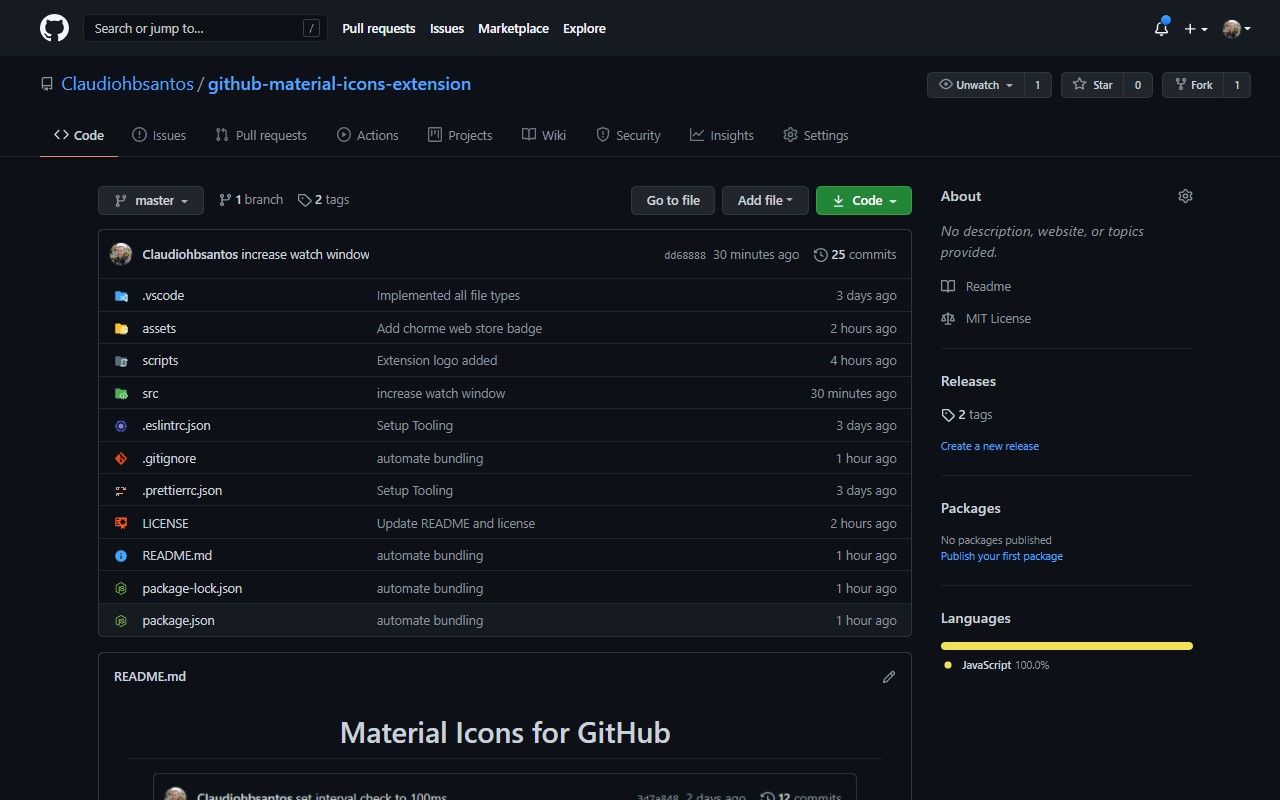
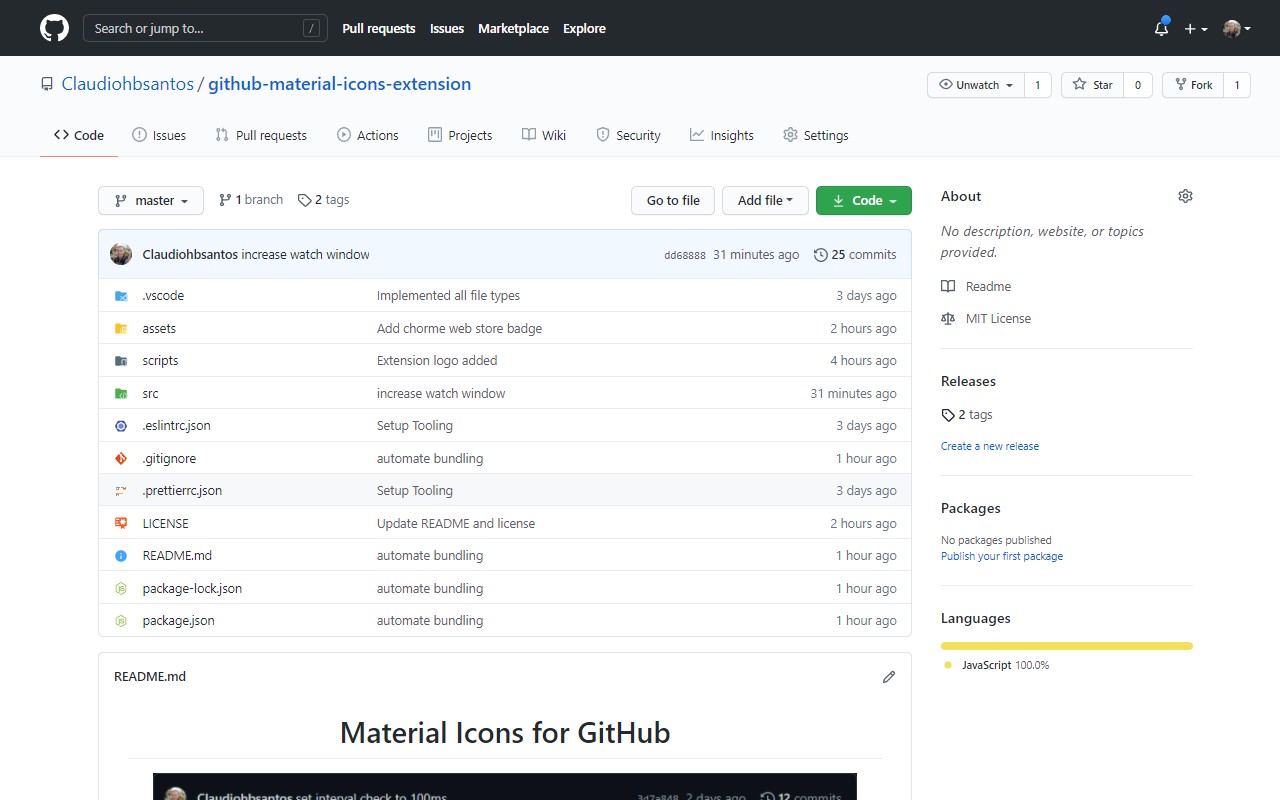
Replaces default icons on GitHub and other source control platforms with Material Icon Theme icons from VS Code.
What it does
Permissions and access
Taken from the extension's own manifest file inside the package. The store listing does not spell this out, so it is worth reading before you install.
| Permission | What it allows |
|---|---|
activeTab | Access the current tab when you click the extension |
scripting | Run its own code on pages |
storage | Store its own settings and data |
Requests 3 permissions — extensions doing the same job average 3.7.
Technical details
Description
Material Icons for GitHub is a browser extension that replaces the default file icons in the file browsers of popular source control platforms, such as GitHub, Azure DevOps, and Bitbucket, with icons from the widely-used Visual Studio Code Material Icon Theme. This makes it easy to visually identify file types, configuration files, and project scaffolding directly on these websites, matching the look and feel of your local code editor.
Features
- Consistent Iconography: The extension uses the same icon set as the Material Icon Theme in VS Code, ensuring that the icons you see on github.com or other supported platforms match those in your editor. This reduces cognitive load when switching between your IDE and web-based repositories.
- Wide Platform Support: Beyond GitHub, the extension works on other leading source control platforms like Azure and Bitbucket, providing a uniform icon experience across different services. This is particularly useful for developers who manage projects across multiple hosting services.
- Up-to-Date Icon Set: The extension pulls its icons and file-type mapping rules directly from the open-source vscode-material-icon-theme repository. This means that as new file types are added to the theme, they become available in the browser extension without requiring manual updates from the user.
- Open Source and Community-Driven: The extension is open source, and its development is transparent. Users can contribute by reporting issues or suggesting improvements on the project's GitHub repository. This fosters a collaborative environment where the tool evolves based on user feedback and the needs of the developer community.
- Easy Installation and Use: Once installed, the extension works automatically, requiring no configuration. It seamlessly integrates with the file browser views, so you can start benefiting from the enhanced iconography immediately.
This extension is ideal for developers who rely on visual cues to quickly scan repositories, identify file types, and understand project structures at a glance. Whether you are reviewing pull requests, exploring new codebases, or managing your own projects, the consistent icon set helps streamline your workflow and reduce the time spent deciphering file extensions.
Extensions that do the same job
Matched by what these extensions actually do, not by store category, and sorted so the ones asking for the least access come first.
| Extension | Site access | Permissions | Users | Rating |
|---|---|---|---|---|
| Material Icons for GitHub — this page | Limited | 3 | 30K | 5.0★ |
| Visual CSS Editor | Limited | 4 | 50K | 3.5★ |
| ScratchTools for Scratch | Limited | 3 | 20K | 3.9★ |
| Refined GitHub | Limited | 5 | 100K | 4.8★ |
| Site Palette | All sites | 3 | 80K | 3.6★ |
| Auto Clicker - AutoFill | All sites | 11 | 200K | 4.0★ |
| BetterTTV | Limited | 2 | 3M | 4.6★ |
Store data last checked August 14, 2026.