
ObservePoint Debugger
Chrome DevTools extension for debugging analytics tags, cookies, and accessibility compliance.
What it does
Permissions and access
Taken from the extension's own manifest file inside the package. The store listing does not spell this out, so it is worth reading before you install.
| Permission | What it allows |
|---|---|
cookies | Read and change cookies for the sites it runs on |
declarativeNetRequest | Block or modify network requests |
downloads | Manage your downloads |
scripting | Run its own code on pages |
storage | Store its own settings and data |
tabs | See the addresses and titles of your open tabs |
webNavigation | See which pages you navigate to |
webRequest | Watch your network requests |
Requests 8 permissions — extensions doing the same job average 4.6.
Technical details
Description
The ObservePoint Debugger is a free Chrome extension that helps you troubleshoot analytics tags, variables, events, cookies, and web accessibility directly within Chrome DevTools. It captures page-load and event-triggered requests and parses them into a clean, human-readable format, making debugging and compliance checks straightforward.
Key Features
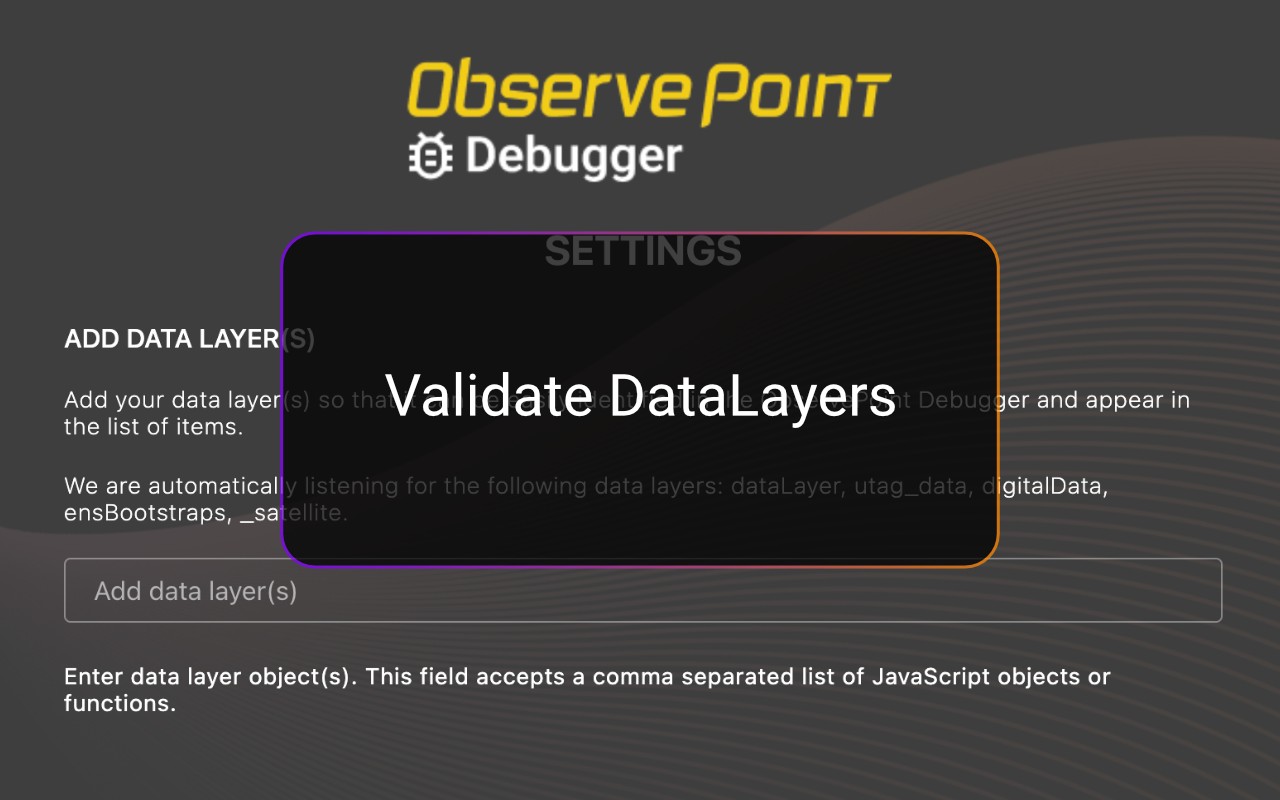
- Simulate GPC Signals Instantly: Validate and compare tag and cookie compliance with Global Privacy Control (GPC) enabled directly inside the extension. This eliminates the need for separate browser plugins or manual header workarounds, which is useful when testing how your site responds to privacy signals without modifying browser settings.
- Accessibility Testing: Instantly scan any page for WCAG compliance issues. Identify errors in color contrast, ARIA labels, heading structures, and more. This is valuable for developers and QA teams who need to ensure inclusive user experiences without leaving DevTools.
- Cookies Tab: Quickly inspect all browser cookies in one place, including those set by tags and scripts. Filter and sort by name, value, domain, path, and expiration to understand privacy implications. This is especially useful for privacy audits and cookie consent verification.
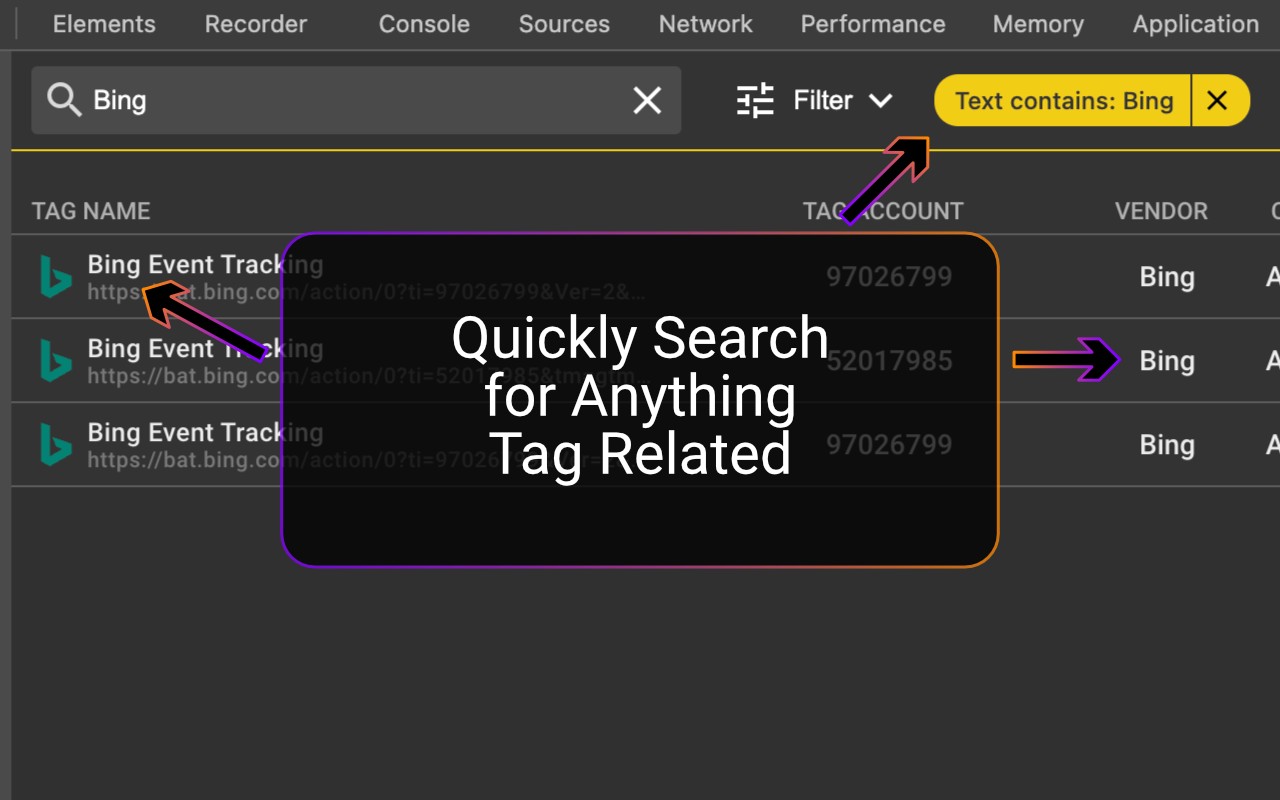
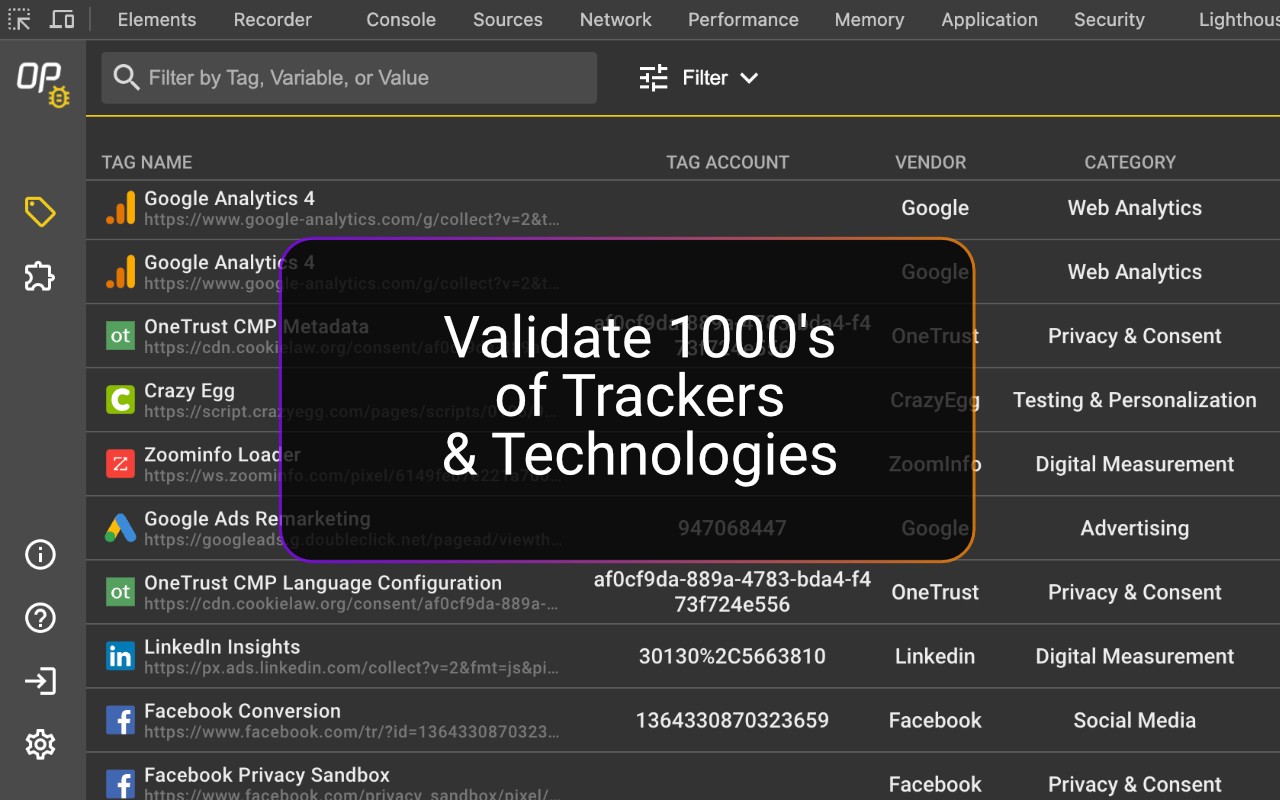
- Tag Inspection: See exactly what data is being sent to your analytics and marketing platforms in real-time. View tag details such as name (GA4, Adobe, OneTrust), Account ID, and Category, as well as performance metrics like status, request size, and latency. Click any item to view variables and decoded request data.
The Debugger is the first step toward comprehensive governance of your digital properties. It serves as a powerful alternative to WASP, OmniBug, Accessibility Insights, or Tag Inspector. After installation, open Chrome DevTools, select the ObservePoint tab, and refresh your page to see which tags, cookies, and accessibility violations appear. For cookies and accessibility, no refresh is required. You can also export your findings as an Excel file for easy sharing. The extension supports Adobe Analytics, Google Analytics, and thousands of other tags.
Extensions that do the same job
Matched by what these extensions actually do, not by store category, and sorted so the ones asking for the least access come first.
| Extension | Site access | Permissions | Users | Rating |
|---|---|---|---|---|
| ObservePoint Debugger — this page | All sites | 8 | 30K | 4.2★ |
| HeadingsMap | All sites | 3 | 100K | 4.5★ |
| Screen Ruler - Measure and Inspect the Web | Limited | 8 | 50K | 4.4★ |
| Figma | Limited | 4 | 200K | 4.2★ |
| GitZip for github | Limited | 2 | 100K | 4.1★ |
| IP Address and Domain Information | Limited | 1 | 100K | 4.4★ |
| Lightning Studio | Limited | 3 | 100K | 3.9★ |
Want the same thing with less access? HeadingsMap, Screen Ruler - Measure and Inspect the Web, Figma ask for fewer permissions than this one.
Store data last checked August 14, 2026.