
Check My Links
Scans webpages, Google Docs, and Sheets to identify broken or invalid links with one click.
What it does
Permissions and access
Taken from the extension's own manifest file inside the package. The store listing does not spell this out, so it is worth reading before you install.
| Permission | What it allows |
|---|---|
scripting | Run its own code on pages |
storage | Store its own settings and data |
webRequest | Watch your network requests |
windows | windows |
Requests 4 permissions — extensions doing the same job average 4.0.
Technical details
Keyboard shortcuts
| Shortcut | Action |
|---|---|
| Ctrl+Shift+L | Open Check My Links |
Description
Check My Links is a browser extension that automatically scans any webpage, Google Doc, or Google Sheet to identify broken or invalid hyperlinks. It helps content editors, developers, and SEO professionals quickly verify link integrity without manual checking. With a single click, the extension crawls all links on the current page, highlights valid ones in green, and marks broken or redirected links in red or other customizable colors. This tool is especially useful when preparing content for publication, auditing existing pages for maintenance, or ensuring that external references in documents and spreadsheets remain functional.
Key Features
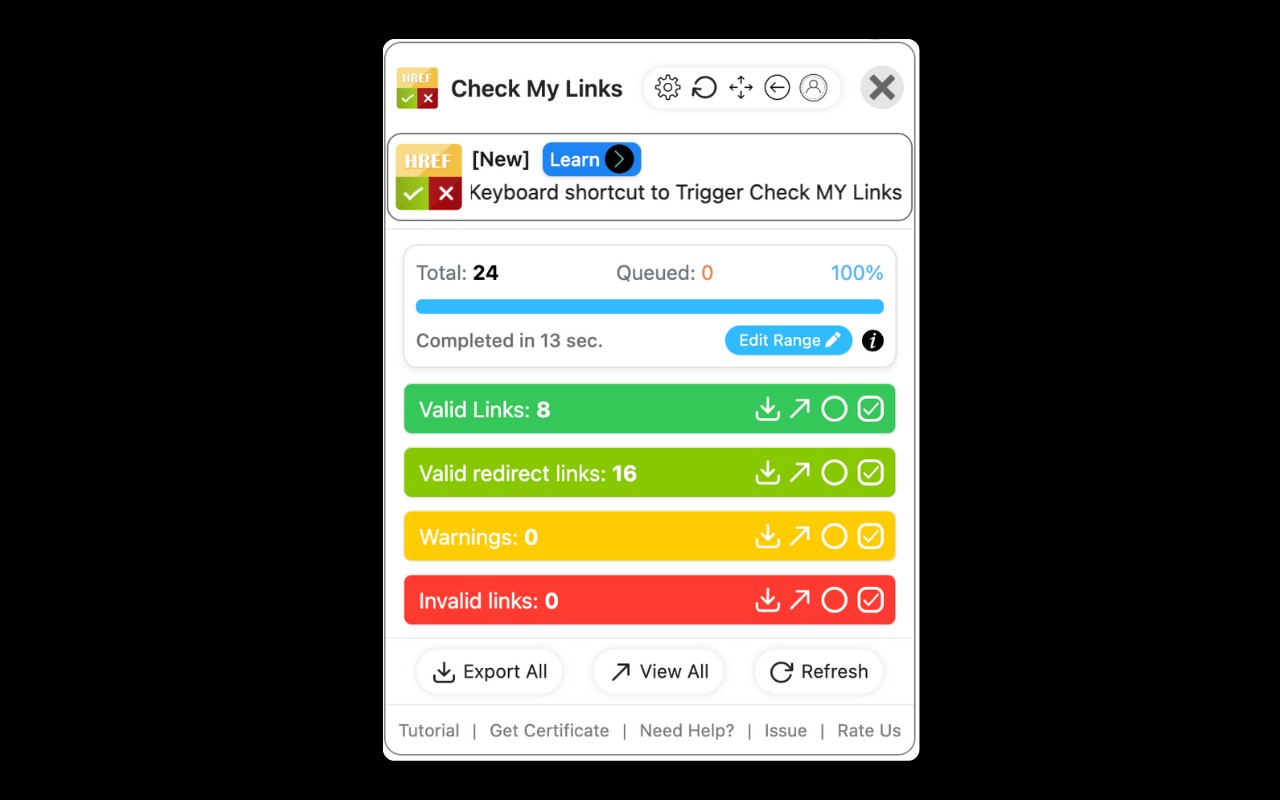
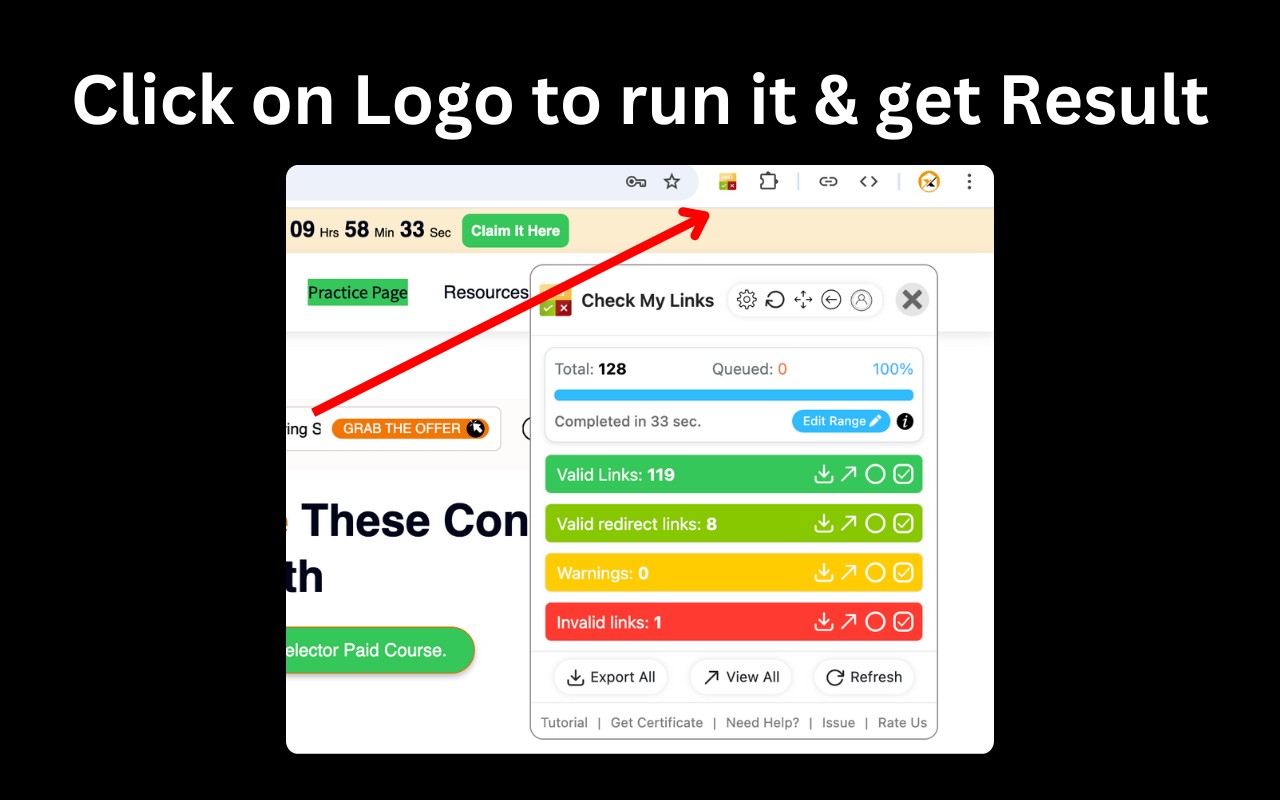
- One-click link scanning: Activate the extension on any webpage or supported document to instantly analyze all hyperlinks present. No configuration or prior setup is required - just click the toolbar icon and results appear directly on the page.
- Visual link status indicators: Valid links are highlighted in green, broken links in red, and redirected links in a distinct color. This color-coding allows you to spot problematic links at a glance without reading through a report.
- Customizable highlight colors: You can change the highlight colors for valid, broken, and redirected links to suit your preferences or match your workflow. Alternatively, you may disable color highlighting entirely if you prefer a cleaner view.
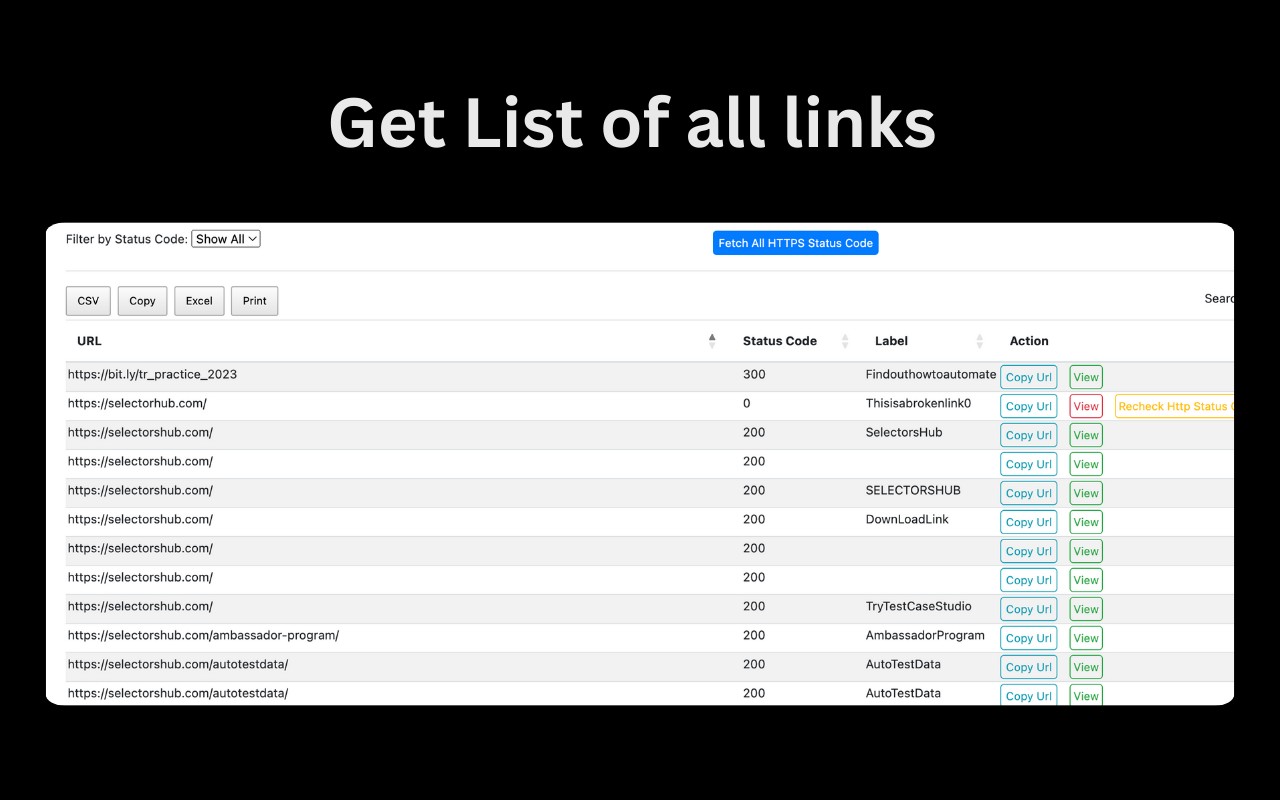
- Detailed reports for broken and invalid links: After scanning, you can download a report or view an on-screen list of all broken and invalid links. This report includes the link URL and its location on the page, making it easy to fix issues systematically.
- Works with Google Docs and Sheets: The extension now supports scanning hyperlinks embedded in Google Docs and Google Sheets, extending its utility beyond standard webpages. This is particularly valuable for teams that collaborate on documents containing external references.
- Faster and accurate validation: The scanner is optimized for speed and accuracy, reducing false positives and ensuring that only truly broken links are flagged. This reliability is crucial for time-sensitive tasks like pre-launch content audits.
- Advanced feature key for hiding tips: After installation, the extension may occasionally display product tips. If you prefer a distraction-free interface, you can obtain an advanced feature key from the developer's website to permanently hide these informational messages.
- Default exclusion of noisy URLs: By default, the extension excludes URLs from domains like doubleclick.net and appliedsemantics.com to prevent unnecessary clutter from ad-related or analytics links. You can remove these exclusions in the settings if you need to scan those links.
For technical support or questions, contact the developer at [email protected]. Additional documentation and the advanced feature key are available at https://selectorshub.com/checkmylinks/.
Extensions that do the same job
Matched by what these extensions actually do, not by store category, and sorted so the ones asking for the least access come first.
| Extension | Site access | Permissions | Users | Rating |
|---|---|---|---|---|
| Check My Links — this page | All sites | 4 | 90K | 4.4★ |
| IP Address and Domain Information | Limited | 1 | 100K | 4.4★ |
| HeadingsMap | All sites | 3 | 100K | 4.5★ |
| Checkbot: SEO, Web Speed & Security Tester 🚀 | All sites | 1 | 70K | 4.9★ |
| Figma | Limited | 4 | 200K | 4.2★ |
| GitZip for github | Limited | 2 | 100K | 4.1★ |
| Lightning Studio | Limited | 3 | 100K | 3.9★ |
Want the same thing with less access? IP Address and Domain Information, Figma, GitZip for github ask for fewer permissions than this one.
Store data last checked August 14, 2026.