
Sokuji - AI Meeting Translator
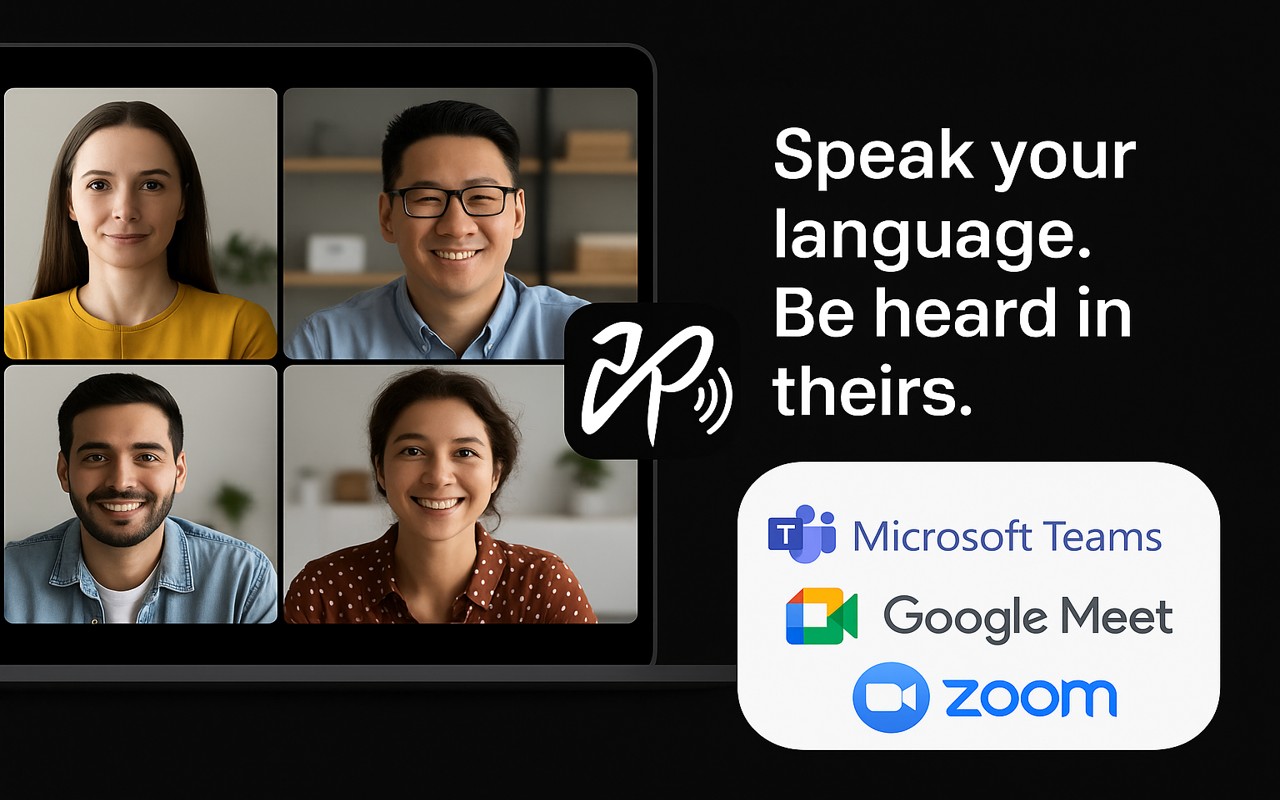
Real-time AI voice translation for video meetings. Speak your language, be heard in theirs - works with Meet, Teams,
What it does
Permissions and access
Taken from the extension's own manifest file inside the package. The store listing does not spell this out, so it is worth reading before you install.
| Permission | What it allows |
|---|---|
activeTab | Access the current tab when you click the extension |
declarativeNetRequest | Block or modify network requests |
sidePanel | Show a panel beside the page |
storage | Store its own settings and data |
tabCapture | Capture the contents of a tab |
tabs | See the addresses and titles of your open tabs |
Requests 6 permissions — extensions doing the same job average 5.1.
Technical details
Show all 55 languages
Description
Sokuji is a Chrome extension that provides real-time AI-powered voice translation for video meetings. It is designed to remove language barriers by translating spoken words into the listener's language and playing them aloud through a virtual microphone, making conversations flow naturally without the need for text-based translation or external applications. The extension works directly within popular web-based meeting platforms such as Google Meet, Microsoft Teams, and Zoom, and it supports any other web meeting tool that allows microphone selection.
Key Features and Use Cases
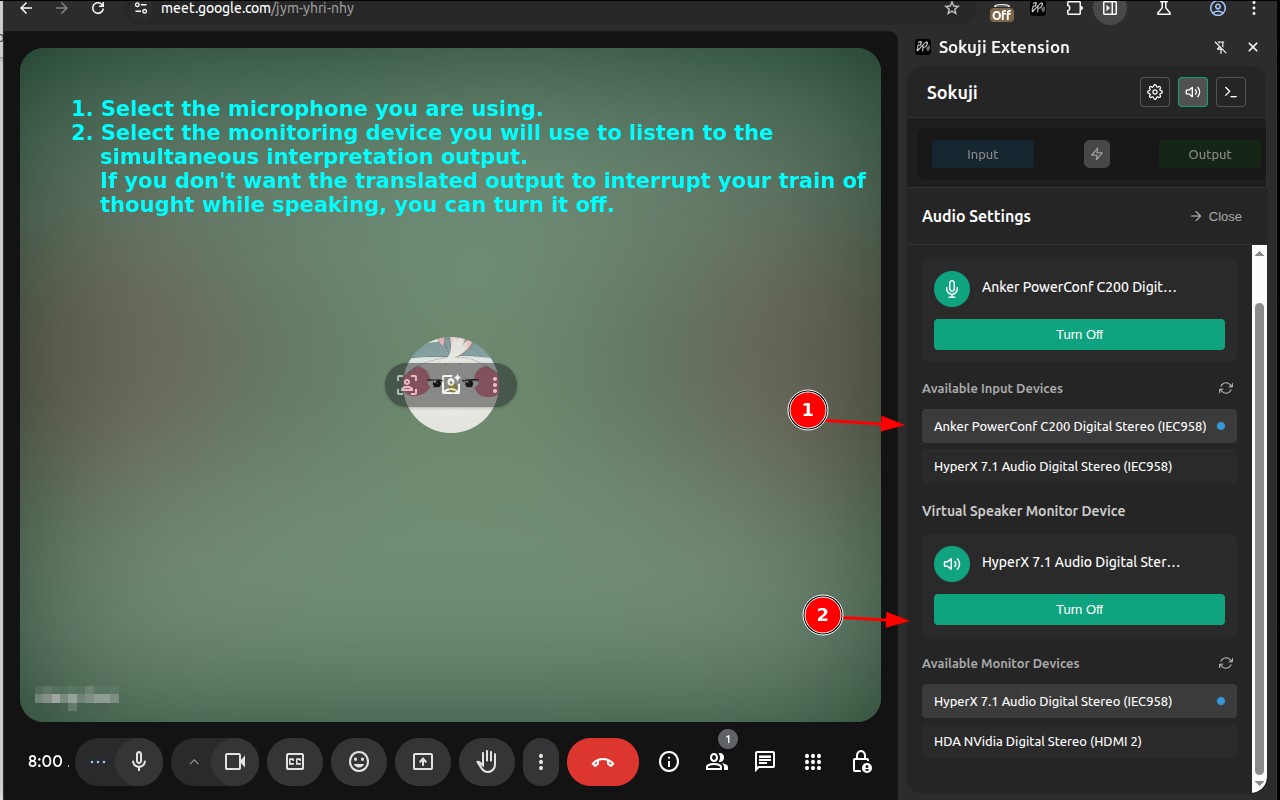
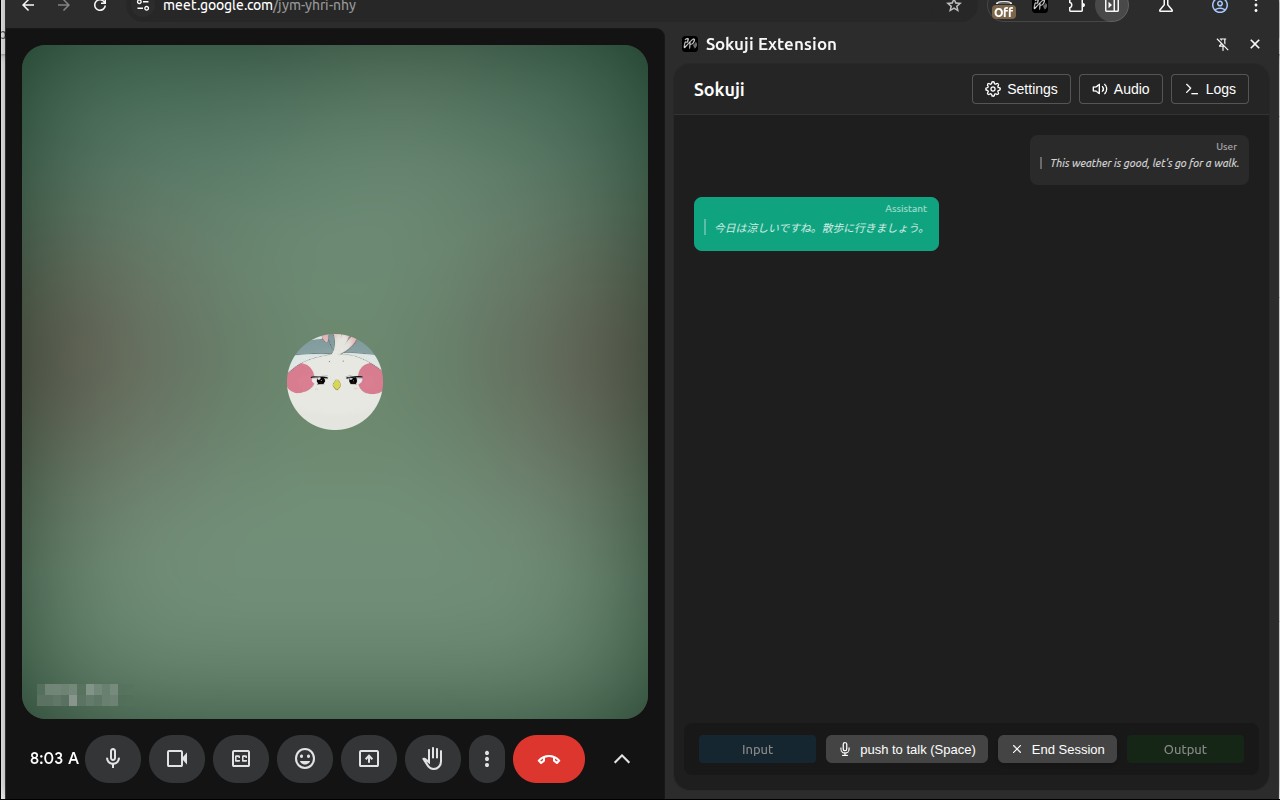
- Real-time voice-to-voice translation: Unlike conventional translators that only display text, Sokuji translates your speech and speaks it out loud in the target language. This ensures that the conversation maintains its natural pace, which is especially useful in fast-moving discussions like daily standups or brainstorming sessions where reading text would cause delays.
- Virtual microphone integration: By selecting "Sokuji Virtual Microphone" in your meeting's audio settings, your translated voice is transmitted directly to other participants. This means they hear the translation without needing to install any software, making it ideal for meetings with external clients or partners who cannot install extensions.
- Multiple AI engine options: Users can choose from OpenAI, Google Gemini, Volcengine (ByteDance Doubao), Palabra AI, or Kizuna AI. This flexibility allows you to select an engine based on factors like translation quality, cost, or data residency requirements. For instance, an organization in a region with restrictive data laws might prefer an engine that offers local processing.
- Offline AI models: Sokuji includes built-in AI models that run entirely on your device, providing translation without an internet connection or API key. This is beneficial for users in areas with unreliable internet, or for those who need to ensure that sensitive meeting content never leaves their computer. It is also completely free, making it accessible for individuals or small teams with budget constraints.
- Privacy by design: The extension is architected so that your voice never passes through Sokuji's servers. In offline mode, audio is processed locally. In cloud mode, you use your own API keys, and data flows directly between you and the chosen AI provider, with Sokuji not acting as an intermediary. This is crucial for organizations that handle confidential information and cannot risk third-party access to their conversations.
- Support for 35+ languages: From major languages like English, Japanese, Chinese, Arabic, and Hindi, to many others, the extension covers a wide range of linguistic needs. This makes it suitable for international teams, global conferences, and cross-border customer support.
- Open source: The code is available on GitHub, allowing security-conscious users to audit how the extension handles data. This transparency builds trust and enables customization for specific enterprise requirements.
Sokuji is particularly useful for international teams that hold regular meetings with members speaking different languages, reducing the need for interpreters and improving communication efficiency. It also assists customer-facing roles in overcoming language barriers, facilitates participation in global webinars, and helps remote workers collaborate across countries. Additionally, language learners can practice in real conversations, and content creators can work seamlessly with international collaborators. Privacy-conscious organizations can benefit from the offline mode, ensuring that no audio data is transmitted externally. The extension is available as a Chrome/Edge browser extension and also as a desktop app for Windows, macOS, and Linux, providing flexibility across different work environments.
Extensions that do the same job
Matched by what these extensions actually do, not by store category, and sorted so the ones asking for the least access come first.
| Extension | Site access | Permissions | Users | Rating |
|---|---|---|---|---|
| Sokuji - AI Meeting Translator — this page | Limited | 6 | 3K | 4.6★ |
| NoteGPT: YouTube Summary, Chat with AI Assistant, ChatGPT DeepSeek Claude | Limited | 3 | 400K | 4.9★ |
| Ddict: AI Translation & Writing Assistant | All sites | 4 | 100K | 4.2★ |
| Immersive Translate: AI Web, PDF & Video Translator | All sites | 9 | 3M | 4.1★ |
| Chat with all AI models (Gemini, Claude, DeepSeek…) & AI Agents | AITOPIA | All sites | 6 | 900K | 4.9★ |
| Merlin AI | All sites | 8 | 900K | 4.8★ |
| Ntro.io: Free Job Interview Copilot for Technical & Behavioral Interviews | All sites | 10 | 6K | 4.8★ |
Want the same thing with less access? NoteGPT: YouTube Summary, Chat with AI Assistant, ChatGPT DeepSeek Claude, Fathom AI Note Taker for Google Meet, Subtitles for Language Learning (Prime Video) ask for fewer permissions than this one.
Store data last checked August 16, 2026.