
Merlin AI
AI-powered browser agent by Merlin
What it does
Permissions and access
Taken from the extension's own manifest file inside the package. The store listing does not spell this out, so it is worth reading before you install.
| Permission | What it allows |
|---|---|
alarms | Schedule background tasks |
contextMenus | Add items to the right-click menu |
scripting | Run its own code on pages |
sidePanel | Show a panel beside the page |
storage | Store its own settings and data |
tabs | See the addresses and titles of your open tabs |
webNavigation | See which pages you navigate to |
webRequest | Watch your network requests |
Asks for these only when you use the matching feature:
identity
Requests 8 permissions — extensions doing the same job average 5.3.
Technical details
Show all 56 languages
Keyboard shortcuts
| Shortcut | Action |
|---|---|
| Ctrl+M | Open Merlin AI |
Description
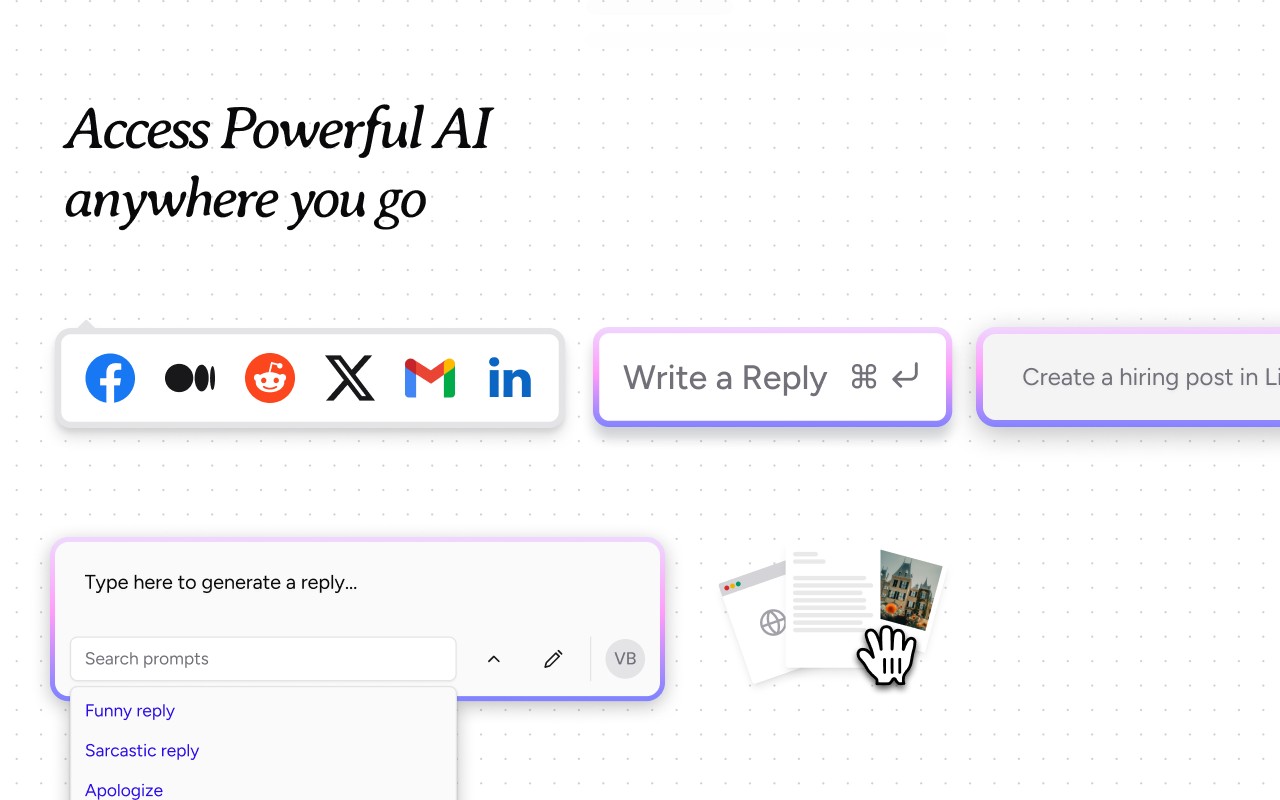
Merlin AI is a comprehensive browser extension that integrates multiple artificial intelligence models directly into your browsing experience, eliminating the need to switch between tabs or applications. It functions as an all-in-one AI assistant for research, content rewriting, summarization, translation, and writing, supporting over 128 languages. The extension is designed to work seamlessly across various websites, allowing you to interact with the content you are viewing, whether it’s a webpage, YouTube video, PDF, or document, without leaving the page.
Key Features
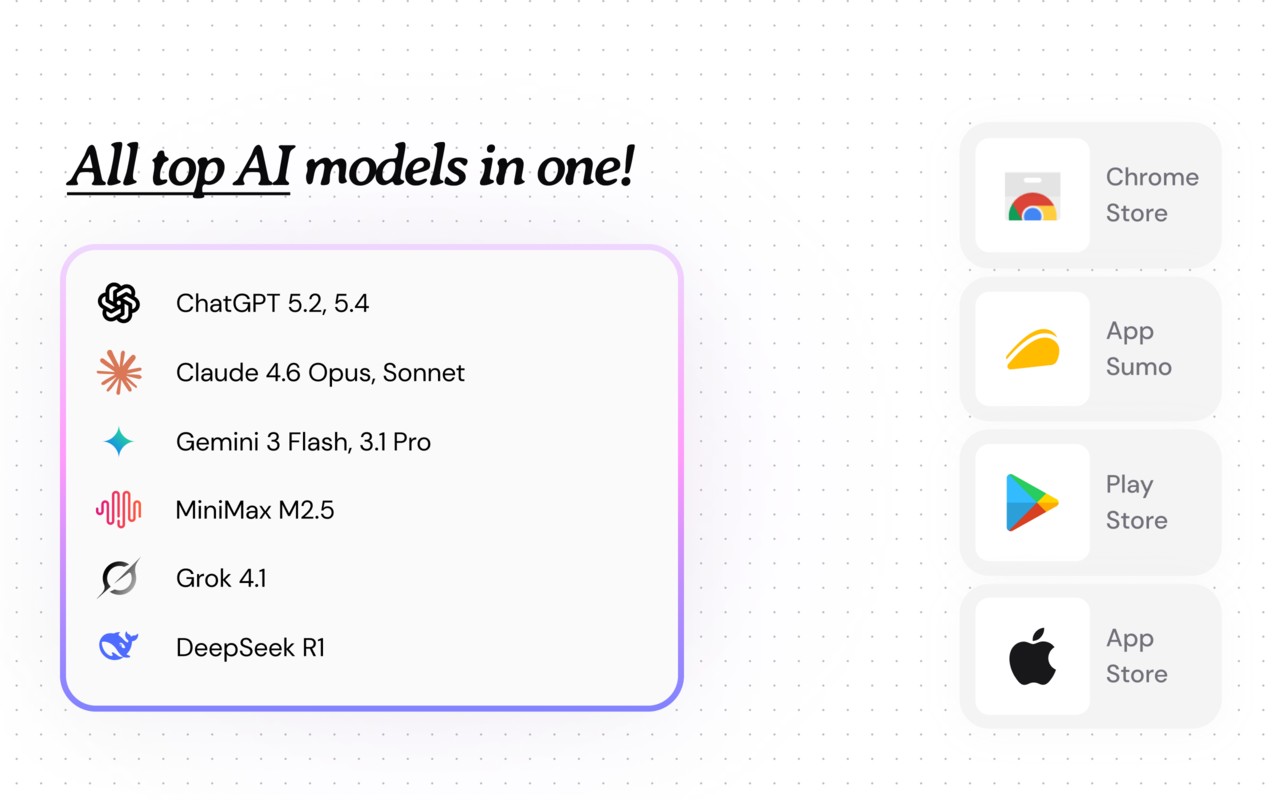
- Unified Model Hub: Access the latest AI models from OpenAI, Anthropic, and Google, including ChatGPT, Gemini, and Claude, as soon as they are released. This ensures you always have cutting-edge AI capabilities at your fingertips.
- Live Web & File Fusion: Pull real-time data from open tabs, PDFs, or cloud drives directly into any chat conversation. This is particularly useful when you need to reference current information or multiple documents simultaneously.
- Cross-Platform Login: Use a single account across Chrome, iOS, Android, and Windows, ensuring your settings and conversations are synchronized across all devices.
- Built-In AI Utilities: Includes an AI detector and humanizer, code explainer, slide maker, and voice-to-text functionality. These tools can enhance your workflow with just a click, whether you’re checking content originality, understanding code, creating presentations, or dictating notes.
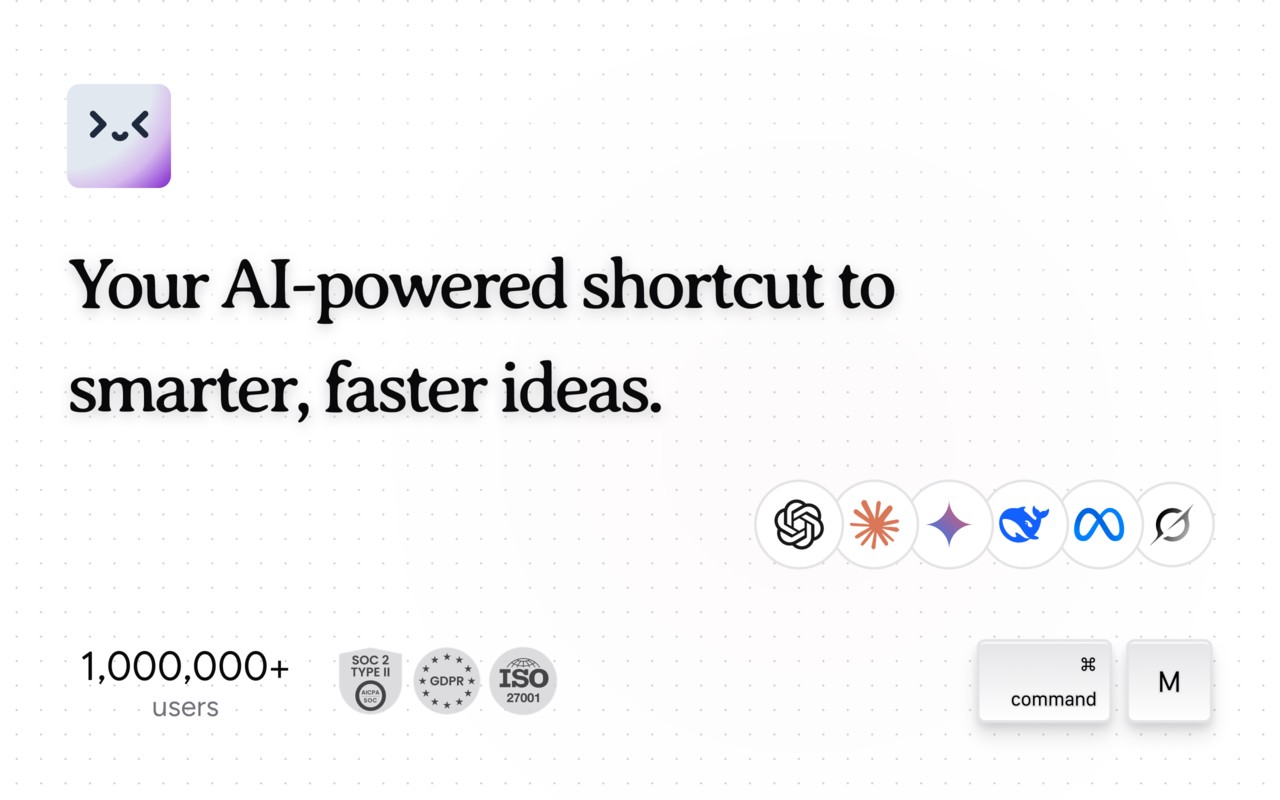
- Shortcut Activation (Ctrl+M / Cmd+M): Instantly summon any AI model from any tab, making multitasking easier and faster without juggling multiple browsers or extensions.
- AI Playground: Get early access to the newest AI models from OpenAI, Google, Anthropic, and others as they launch, allowing you to experiment with emerging technologies.
- Context-Aware Assistance: Merlin acts as an in-context AI assistant, understanding the content you are reading, replying to, or searching, and providing relevant assistance without manual context switching.
- Save Prompts: Store and manage your favorite prompts, and deploy them anywhere online with ease. Use the “/” shortcut to quickly retrieve custom prompts for repetitive tasks.
- Chat with Webpages: Open the extension as a sidebar on any website to summarize, translate, extract key points, and more, directly on the spot.
- Side Panel Chat: Engage with multiple AI models in one interface, switch engines mid-conversation without losing context, and handle multimodal inputs like images, PDFs, and audio snippets, receiving cited answers or transcripts.
- Projects: Create custom AI assistants trained on your Notion space, Google Drive folders, S3 buckets, or any URL list. Centralize knowledge with semantic search and vector-based retrieval, and set up specialized writers or code reviewers with adjustable parameters like temperature and tone.
- Crafts: Generate full-stack React apps, Mermaid diagrams, SQL schemas, or Python notebooks from plain English using any connected model. Preview results live, export to GitHub, CodeSandbox, or ZIP, and perform advanced data workflows with drag-and-drop CSV/JSON files, instant EDA, chart creation, and automated refreshes.
- Chat with Files: Convert screenshots to editable text, ask AI to explain dashboards, create alt-text for accessibility, summarize or translate PDFs, DOCX, and scanned images via OCR. Get webpage and video overviews from links, including bilingual subtitles for videos, and conduct interactive Q&A across multiple files with cited page and line numbers.
- Reading Assistance: Receive article and paper digests with auto-generated keywords, concept maps, and follow-up questions. Smart highlights offer definitions, related research, and inline translations on hover.
- Writing Assistance: Get inline suggestions in email clients, social platforms, CMS editors, and IDE comments. One-click paraphrasing, tone shifts, and structured outlines for SEO, academic, or storytelling formats. Voice-to-draft feature lets you dictate ideas and expand them into polished prose.
- Translate Assistance: Supports over 130 languages with side-by-side comparison of model outputs for nuance control. Provides real-time bilingual YouTube captions and automatic voice-over for short clips.
- Website Enhancements: AI-powered search overlays on Google, Bing, DuckDuckGo, and Perplexity with concise, citation-rich answers. Inbox copilot for writing, summarizing, or scheduling Gmail responses. Community boosters auto-draft answers on Quora, StackOverflow, and Reddit with reference links. YouTube key points display timestamps of important moments.
Getting started is simple: install the extension from the Chrome Web Store, pin it to your toolbar, create an account to unlock all features, and explore the full capabilities by visiting the Merlin chat interface. The extension is compatible with Chrome, Edge, and Brave browsers. For support or feedback, you can email [email protected] or submit feature requests and bug reports via the feedback portal. Merlin also supports charitable giving through its partnership with AI 4 All, where optional commissions from affiliate programs can be donated to the organization, with the option to disable this feature at any time.
Extensions that do the same job
Matched by what these extensions actually do, not by store category, and sorted so the ones asking for the least access come first.
| Extension | Site access | Permissions | Users | Rating |
|---|---|---|---|---|
| Merlin AI — this page | All sites | 8 | 900K | 4.8★ |
| NoteGPT: YouTube Summary, Chat with AI Assistant, ChatGPT DeepSeek Claude | Limited | 3 | 400K | 4.9★ |
| Linnk AI - Academic & Professional Research Assistant | All sites | 8 | 3K | 4.4★ |
| Fathom AI Note Taker for Google Meet | Limited | 4 | 500K | 4.9★ |
| Record, Transcribe & ChatGPT/Claude for Google Meet | All sites | 3 | 400K | 4.6★ |
| NotebookLM Web Importer | Limited | 5 | 300K | 4.7★ |
| Careerflow AI Job Application Tracker, ATS Resume Checker, Autofill & more | All sites | 3 | 200K | 4.4★ |
Want the same thing with less access? NoteGPT: YouTube Summary, Chat with AI Assistant, ChatGPT DeepSeek Claude, Fathom AI Note Taker for Google Meet, Record, Transcribe & ChatGPT/Claude for Google Meet ask for fewer permissions than this one.
Store data last checked August 14, 2026.