
Table Capture
Copies HTML tables to clipboard or exports to Excel, CSV, Google Sheets, and more.
What it does
Permissions and access
Taken from the extension's own manifest file inside the package. The store listing does not spell this out, so it is worth reading before you install.
| Permission | What it allows |
|---|---|
contextMenus | Add items to the right-click menu |
storage | Store its own settings and data |
tabs | See the addresses and titles of your open tabs |
webNavigation | See which pages you navigate to |
Asks for these only when you use the matching feature:
downloads, identity, userScripts
Requests 4 permissions — extensions doing the same job average 5.5.
Technical details
Show all 3 languages
Keyboard shortcuts
| Shortcut | Action |
|---|---|
| Ctrl+Shift+E | Launch Workshop |
| Ctrl+Shift+D | __MSG_keyboardShortcutInlineActions__ |
Description
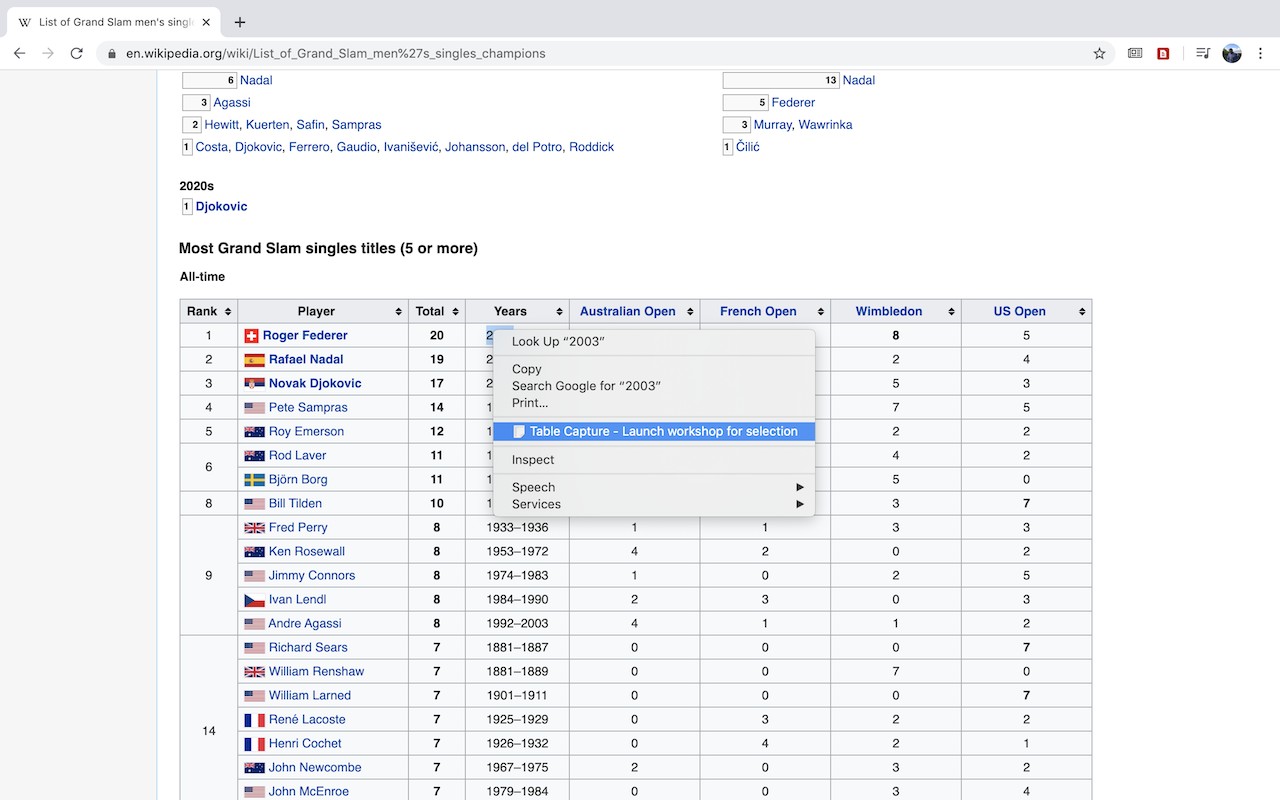
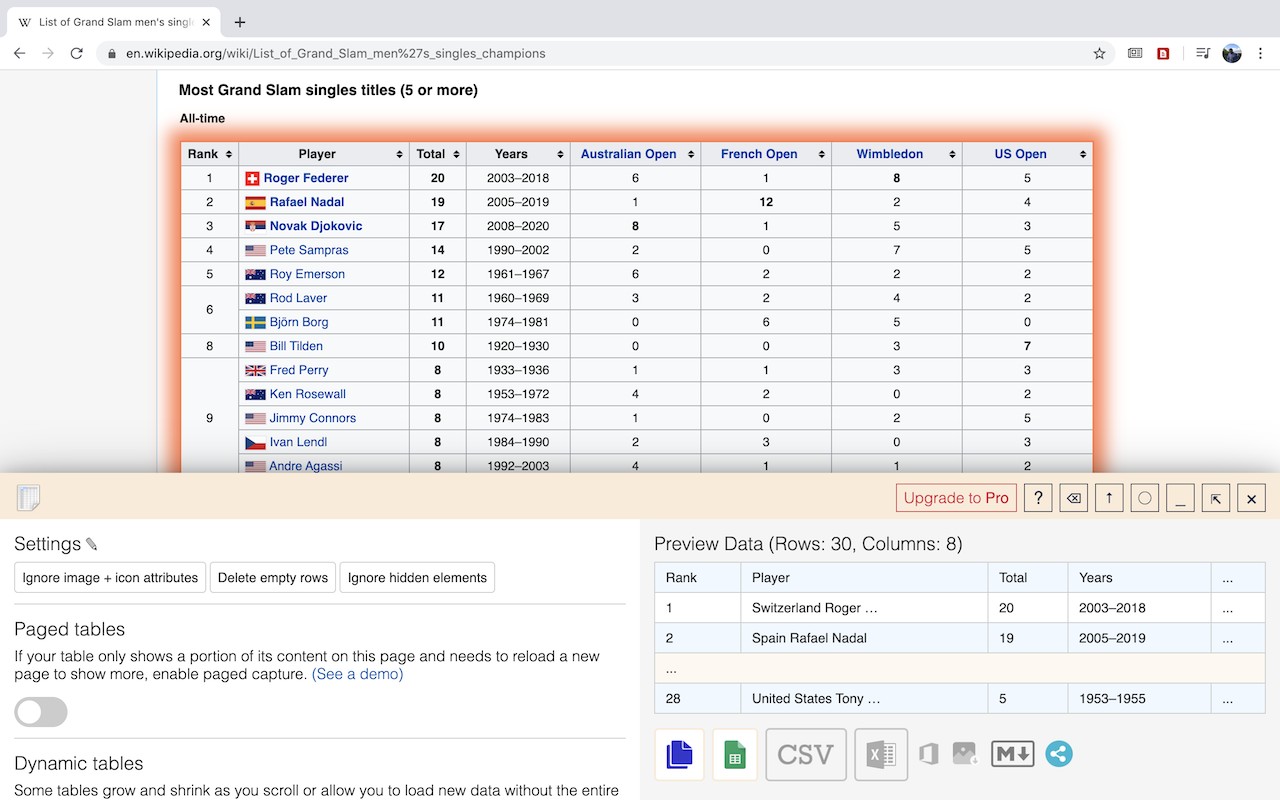
Table Capture is a browser extension that extracts HTML tables from web pages and makes them available for use in spreadsheet applications. It copies tables to the clipboard with proper row and column separators, so pasting into Excel, Google Sheets, or Open Office preserves the structure. You can also export directly to Google Sheets or download as Excel or CSV files. The extension handles both standard <table> elements and <div>-based layouts where repeated items form a table-like structure. It supports batch operations to capture multiple tables at once and exports up to 250 rows per table in the free version.
Features
- Clipboard Copy with Correct Separators: Copies tables to the clipboard using tab and newline characters so that pasting into any spreadsheet retains rows and columns. Useful when you quickly want to paste data into an email or a document without saving a file.
- Export to Google Sheets: Sends table data directly to a new or existing Google Sheets spreadsheet. Ideal for collaborative editing or when you want to leverage Google Sheets' built-in functions and sharing.
- Batch Export: Capture multiple tables from a page in one action and export them all to clipboard, Excel, or Google Sheets simultaneously. Saves time on data-heavy pages like comparison charts or product listings.
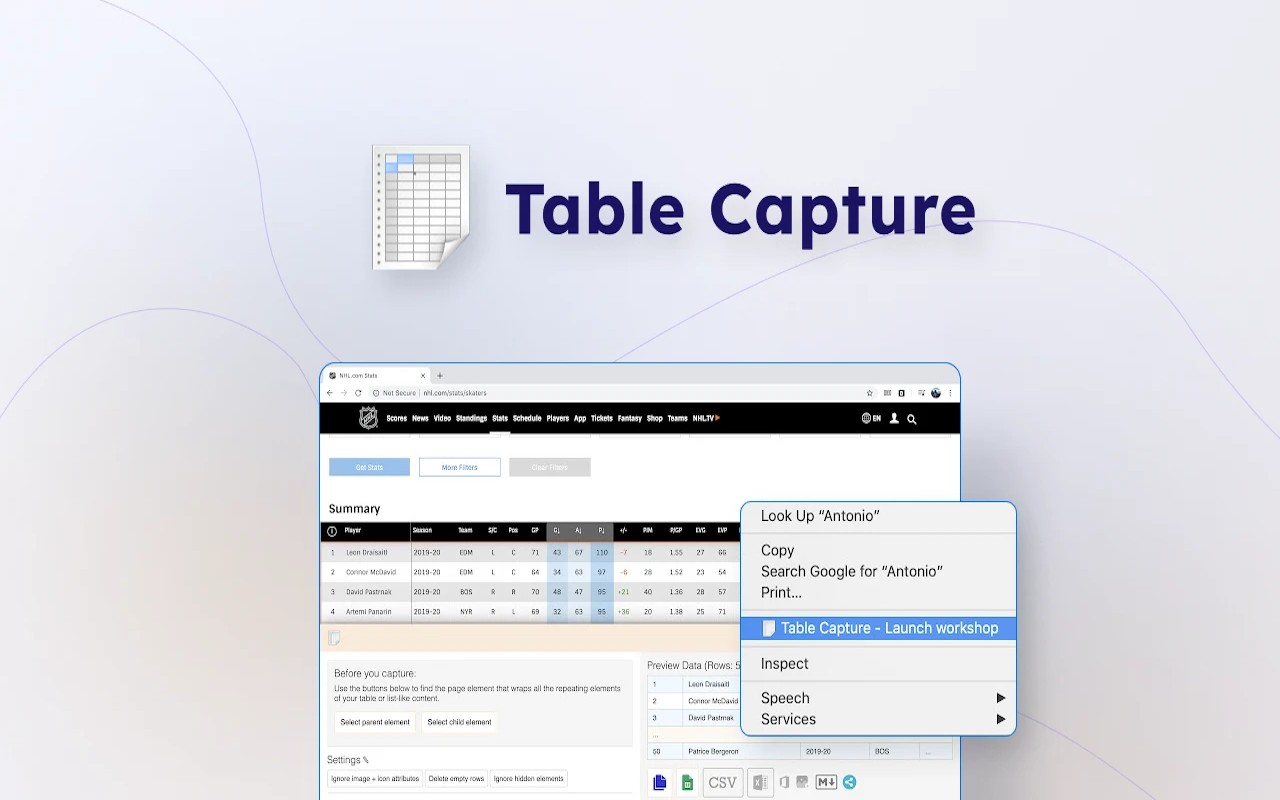
- Capture Div Tables: Recognizes repeating
<div>elements as table rows, enabling extraction from modern websites that use CSS layouts instead of traditional HTML tables. Essential for sites built with frameworks like Bootstrap or React. - 250-Row Export Limit: The free version exports up to 250 rows per table, sufficient for moderate datasets like monthly reports or product catalogs.
- Pro: Direct Excel/CSV Download: With a subscription, download tables as .xlsx or .csv files with one click. Useful for offline analysis or sharing with colleagues who don't use cloud services.
- Pro: Multi-Page and Infinite Scroll Tables: Captures tables that span multiple paginated pages or load more rows as you scroll. Essential for large datasets in web applications like CRM or analytics dashboards.
- Pro: Markdown Clipboard Copy: Copies tables as Markdown format, ready to paste into documentation, README files, or Markdown editors like Typora or GitHub.
- Pro: Table Screenshot (PNG): Saves a screenshot of the table as a PNG image. Useful for including in presentations or reports where you need a visual snapshot.
- Pro: Export to Office 365: Sends data directly to Excel Online or other Office 365 apps. Good for users in corporate environments that rely on Microsoft's ecosystem.
- Pro: Recipes for Specific Sites: Create automated rules that define how to extract tables from particular websites. For example, a recipe can automatically handle the structure of a stock market site or a government data portal.
- Pro: PDF Table Export: Extracts tables from PDF files, both locally stored and on the web. Useful for converting financial statements or academic papers into editable spreadsheets.
- Cloud: Real-Time Google Sheets Sync: Automatically pushes table updates to a Google Sheet in real time as you browse. Great for monitoring live data like sports scores or stock prices.
- Cloud: Magic Columns (AI Parsing): Uses AI to split columns intelligently, for instance separating “City, State” into two columns. Saves manual data cleaning.
- Cloud: Table Talk (ChatGPT Integration): Ask natural language questions about your table data, such as “What is the average sales per region?” Powered by ChatGPT. No need to write formulas.
- Cloud: Ollama Integration: Connect to a local large language model for on-device data processing, ensuring privacy. Useful for sensitive data that cannot be sent to cloud services.
Table Capture is tested on a variety of table structures. For verification, you can try the extension on the sample tables provided at the support website. The extension is developed and supported by georgemike.com.
Extensions that do the same job
Matched by what these extensions actually do, not by store category, and sorted so the ones asking for the least access come first.
| Extension | Site access | Permissions | Users | Rating |
|---|---|---|---|---|
| Table Capture — this page | All sites | 4 | 200K | 4.3★ |
| Photo Math Solver | All sites | 5 | 2K | 4.4★ |
| CocoShot: Screenshot & Screen Recorder | Limited | 4 | 70K | 4.9★ |
| Snippet Highlighter - Web & PDF | All sites | 4 | 10K | 4.2★ |
| Gemini Reader: Free AI Text to Speech with Google Voices, TTS | Limited | 5 | 3K | 4.2★ |
| Immersive Translate: AI Web, PDF & Video Translator | All sites | 9 | 3M | 4.1★ |
| Chat with all AI models (Gemini, Claude, DeepSeek…) & AI Agents | AITOPIA | All sites | 6 | 900K | 4.9★ |
Want the same thing with less access? CocoShot: Screenshot & Screen Recorder, Snippet Highlighter - Web & PDF, Gemini Reader: Free AI Text to Speech with Google Voices, TTS ask for fewer permissions than this one.
Store data last checked August 14, 2026.