
Photo Math Solver
Solve math problems from images, screenshots, or PDFs with step-by-step explanations.

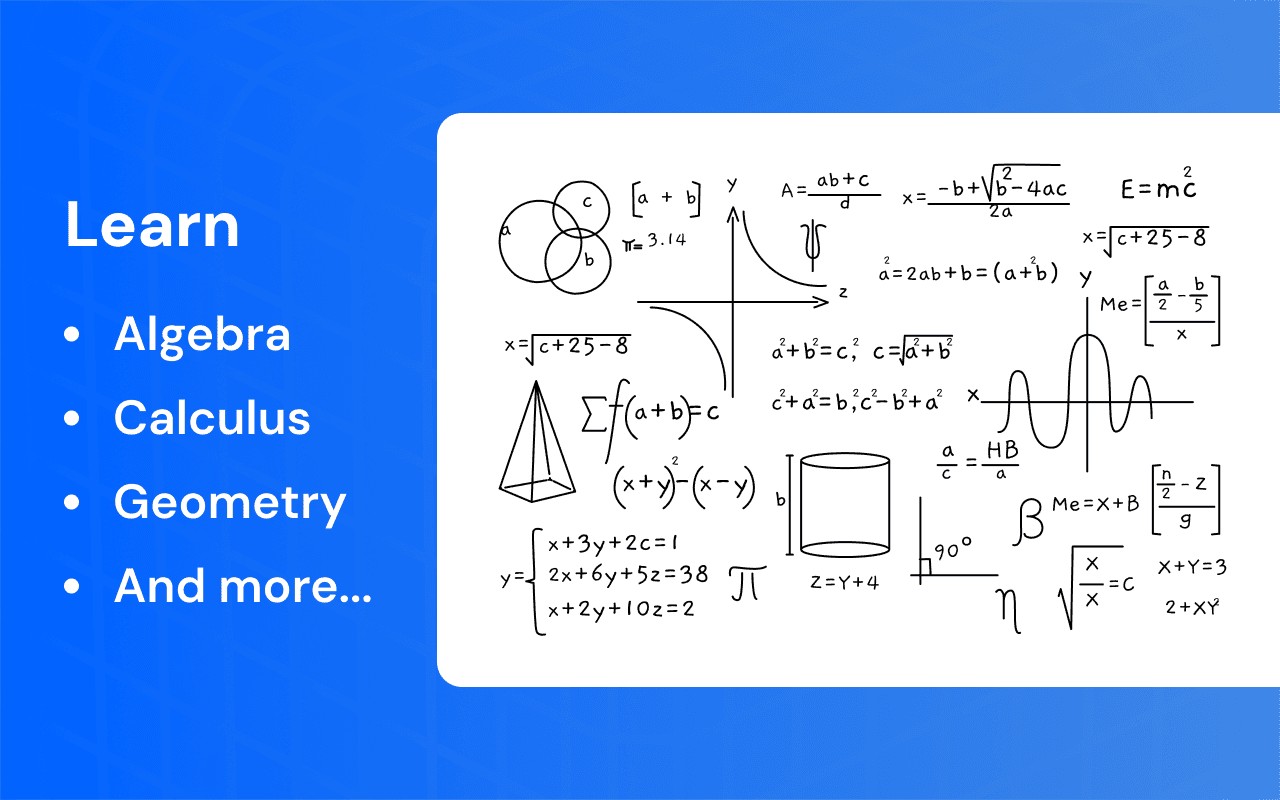
What it does
Permissions and access
Taken from the extension's own manifest file inside the package. The store listing does not spell this out, so it is worth reading before you install.
| Permission | What it allows |
|---|---|
activeTab | Access the current tab when you click the extension |
scripting | Run its own code on pages |
sidePanel | Show a panel beside the page |
storage | Store its own settings and data |
tabs | See the addresses and titles of your open tabs |
Requests 5 permissions — extensions doing the same job average 5.5.
Technical details
Show all 34 languages
Keyboard shortcuts
| Shortcut | Action |
|---|---|
| Alt+C | Toggle screenshot capture |
Description
Photo Math Solver is a browser extension that turns any image, screenshot, or PDF into a solvable math problem. Instead of typing equations, you visually select a problem on your screen and receive a step-by-step explanation. This tool is built for learning: it breaks down each solution into logical steps so you understand the process, not just the answer. It works with handwritten notes, printed textbooks, scanned assignments, or digital documents - any visual math content you encounter while browsing or studying.
Key Features
- Photo-based math solving: Capture a problem from any image source: screenshots, photos, PDFs, or web pages. No manual input required; the extension analyzes the visual content and extracts the equation automatically.
- Step-by-step explanations: Each solution is presented as a structured breakdown. You see the reasoning behind every transformation, from initial setup to final answer. This is especially useful for learning how to approach similar problems independently.
- Broad topic coverage: Handles arithmetic, algebra, geometry, systems of equations, multi-step transformations, fractions, and more. Whether you're dealing with complex fractions, linear systems, or algebraic manipulations, the solver provides a clear path through the problem.
- Simple visual workflow: Open the extension on any webpage, capture or upload an image, highlight the exact problem area, and receive the explanation. No formatting worries or rewriting of expressions.
- Clean, distraction-free interface: The extension focuses entirely on solving and explaining. There are no ads, cluttered menus, or unrelated features-just the problem and its solution.
This approach is particularly valuable when working with handwritten notes or scanned textbook pages, where copying the problem manually would be time-consuming and error-prone. Students can quickly verify homework steps, parents can assist without struggling to interpret complex notation, and teachers can demonstrate solutions visually during lessons. By showing how each step follows from the previous one, the extension helps users build problem-solving skills that transfer to future assignments.
Extensions that do the same job
Matched by what these extensions actually do, not by store category, and sorted so the ones asking for the least access come first.
| Extension | Site access | Permissions | Users | Rating |
|---|---|---|---|---|
| Photo Math Solver — this page | All sites | 5 | 2K | 4.4★ |
| Table Capture | All sites | 4 | 200K | 4.3★ |
| CocoShot: Screenshot & Screen Recorder | Limited | 4 | 70K | 4.9★ |
| Snippet Highlighter - Web & PDF | All sites | 4 | 10K | 4.2★ |
| Gemini Reader: Free AI Text to Speech with Google Voices, TTS | Limited | 5 | 3K | 4.2★ |
| Immersive Translate: AI Web, PDF & Video Translator | All sites | 9 | 3M | 4.1★ |
| Chat with all AI models (Gemini, Claude, DeepSeek…) & AI Agents | AITOPIA | All sites | 6 | 900K | 4.9★ |
Want the same thing with less access? CocoShot: Screenshot & Screen Recorder, Snippet Highlighter - Web & PDF, Gemini Reader: Free AI Text to Speech with Google Voices, TTS ask for fewer permissions than this one.
Store data last checked August 14, 2026.