
QR Code Reader
Scans, decodes, and generates QR codes directly in your browser with automatic detection and context menu integration.
What it does
Permissions and access
Taken from the extension's own manifest file inside the package. The store listing does not spell this out, so it is worth reading before you install.
| Permission | What it allows |
|---|---|
activeTab | Access the current tab when you click the extension |
contextMenus | Add items to the right-click menu |
scripting | Run its own code on pages |
storage | Store its own settings and data |
tabs | See the addresses and titles of your open tabs |
unlimitedStorage | Store unlimited data on your computer |
Requests 6 permissions — extensions doing the same job average 4.9.
Technical details
Show all 41 languages
Keyboard shortcuts
| Shortcut | Action |
|---|---|
| Ctrl+Shift+S | _execute_action |
Description
QR Code Reader is a comprehensive Chrome extension that brings powerful QR code scanning, decoding, and generation capabilities directly into your browser. It is designed for users who frequently encounter QR codes on websites and need a quick, reliable way to interact with them, as well as for those who need to create QR codes on the fly for sharing links, text, or other data. The extension integrates seamlessly with your browsing experience, offering both automatic detection and manual scanning options.
Key Features
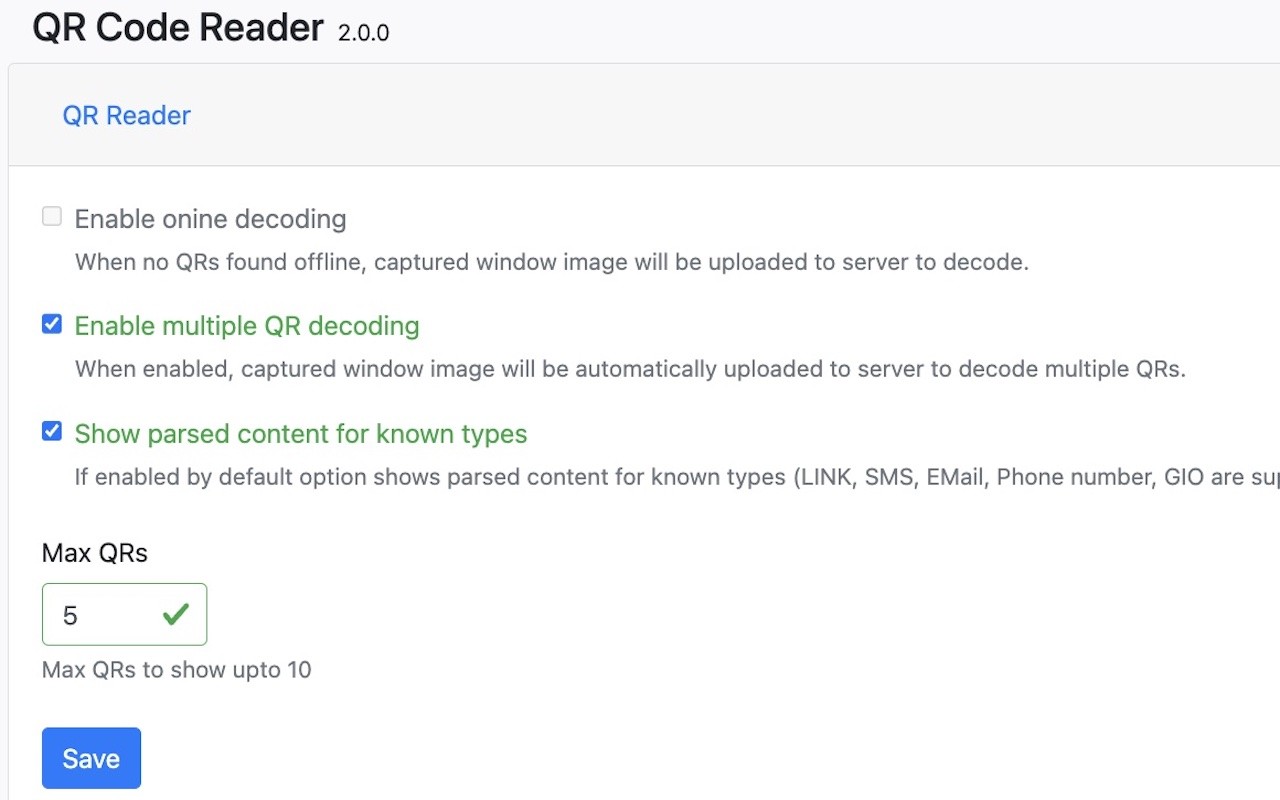
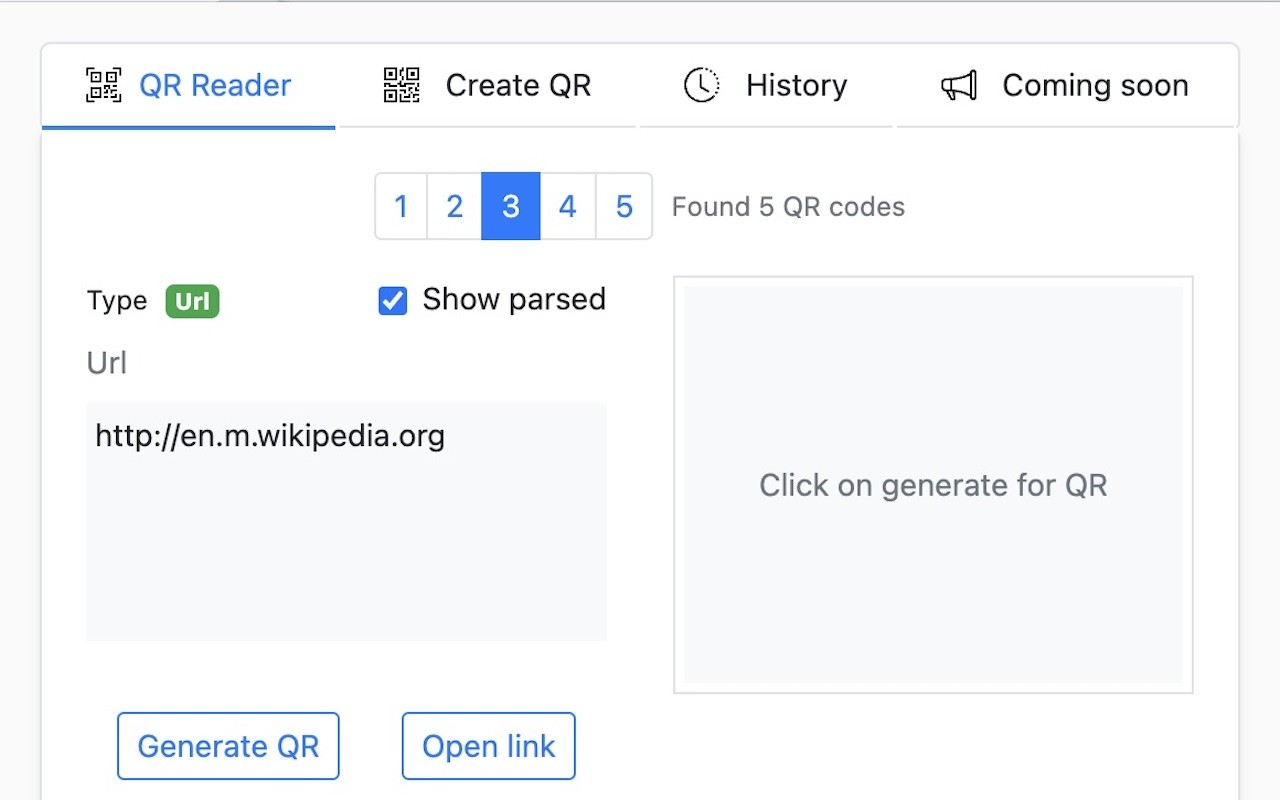
- Smart QR Code Detection: Automatically detects and decodes QR codes present on any webpage. It supports multiple QR code detection, allowing you to scan up to 10 codes simultaneously. The advanced offline and online decoding capabilities ensure accurate results even for complex codes. You can trigger instant results with a simple keyboard shortcut (Ctrl+Shift+S for Windows/Linux, Cmd+Shift+S for Mac), making it ideal for quickly accessing information without interrupting your workflow.
- QR Code Generator: Create QR codes for a variety of content types, including URLs, plain text, SMS messages, email addresses, phone numbers, and more. You can customize the QR code design by adjusting colors, error correction levels, and margins to suit your preferences or branding. The generated codes can be saved in popular image formats such as PNG, JPEG, and WebP. Dynamic QR codes with short URLs and analytics are planned for future releases, but the core generator is fully functional now.
- Intelligent Content Recognition: Automatically parses the decoded content and displays it in a formatted, user-friendly manner. For example, if a QR code contains a URL, it becomes a clickable link; if it contains an email address, it offers a mailto option; phone numbers can be dialed directly; SMS messages can be composed; geographic locations can be opened in maps; WiFi credentials can be used to connect; and calendar events can be added to your calendar. This feature saves time by eliminating the need to manually interpret raw text.
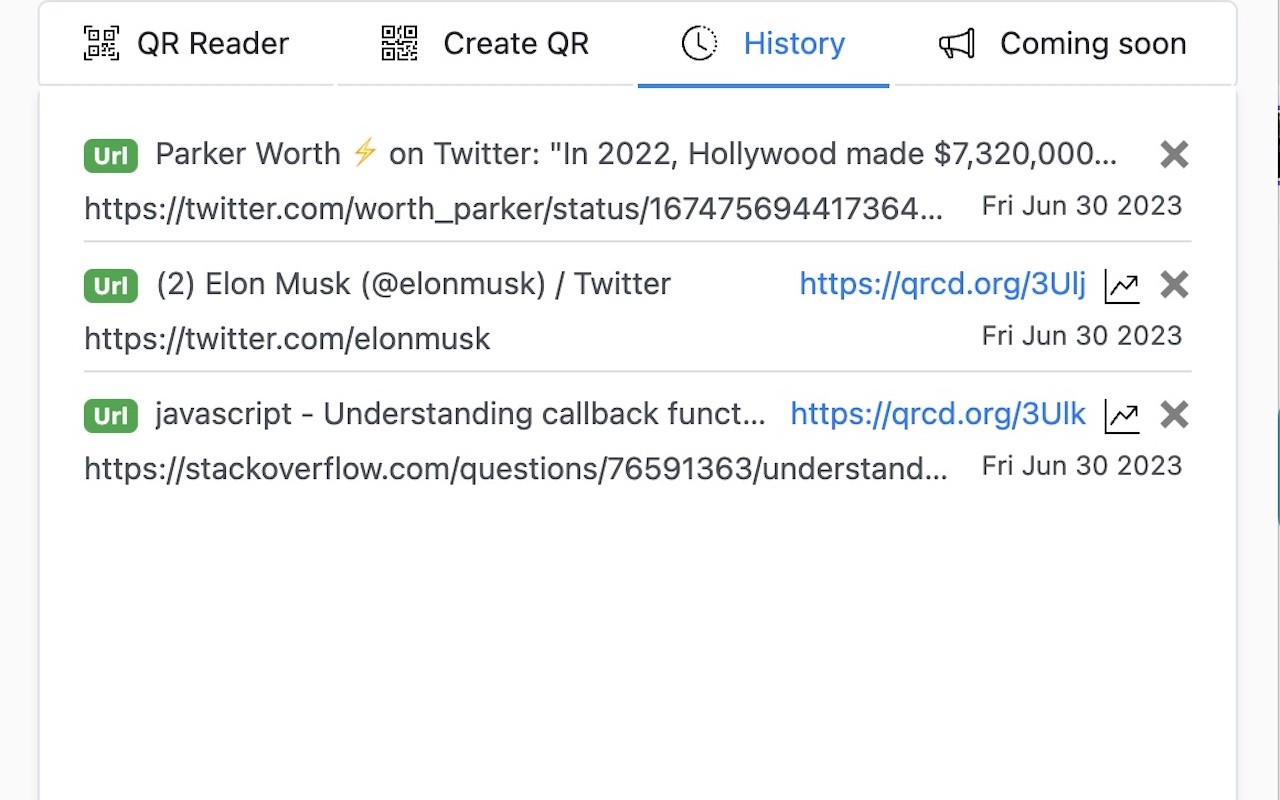
- History & Management: Keeps a comprehensive history of all scanned and created QR codes, allowing you to revisit past codes easily. You can customize the history limit from 1 to 500 items, so you can control how much data is stored. Scanned codes are auto-saved, and you have the option to export or share any code from your history, which is useful for reference or sharing with others.
- Context Menu Integration: Right-click on any image on a webpage to scan it for QR codes, or generate a QR code from selected text or links. You can also upload local image files to decode QR codes from them. This integration provides quick access to all features without needing to navigate away from your current page.
- Advanced Options: Enable online decoding for complex QR codes that may require server-side processing. Customize the appearance of generated QR codes by setting foreground and background colors. Adjust error correction levels (Low, Medium, Quartile, High) to balance data density and scannability. Configure the maximum number of QR codes to display when multiple are detected, ensuring the interface remains uncluttered.
QR Code Reader also supports over 40 languages, making it accessible to a global audience. The extension is continuously evolving, with upcoming features including user accounts for cloud sync, advanced analytics and reporting, custom short links, branded QR codes, additional QR code types, enhanced security features, password-protected codes, expiry dates, and scan tracking. Whether you are a professional who needs to manage QR codes regularly or a casual user who occasionally encounters them, QR Code Reader offers a robust and intuitive solution.
Extensions that do the same job
Matched by what these extensions actually do, not by store category, and sorted so the ones asking for the least access come first.
| Extension | Site access | Permissions | Users | Rating |
|---|---|---|---|---|
| QR Code Reader — this page | Limited | 6 | 200K | 3.6★ |
| Genie - Extemp, Congress, Debate | Limited | 3 | 20K | 4.7★ |
| L.O.C | Limited | 5 | 300K | 4.3★ |
| SN Utils - Tools for ServiceNow | Limited | 6 | 100K | 4.9★ |
| Snippet Highlighter - Web & PDF | All sites | 4 | 10K | 4.2★ |
| InsC - Instagram comment picker & exporter | Limited | 4 | 3K | 4.6★ |
| Evernote Web Clipper | All sites | 7 | 2M | 4.7★ |
Want the same thing with less access? Genie - Extemp, Congress, Debate, Open Multiple URLs, Fathom AI Note Taker for Google Meet ask for fewer permissions than this one.
Store data last checked August 14, 2026.