
Evernote Web Clipper
Save web pages, articles, PDFs, and screenshots to your Evernote account with tagging and annotation.
What it does
Permissions and access
Taken from the extension's own manifest file inside the package. The store listing does not spell this out, so it is worth reading before you install.
| Permission | What it allows |
|---|---|
activeTab | Access the current tab when you click the extension |
contextMenus | Add items to the right-click menu |
cookies | Read and change cookies for the sites it runs on |
notifications | Show desktop notifications |
scripting | Run its own code on pages |
storage | Store its own settings and data |
tabs | See the addresses and titles of your open tabs |
Requests 7 permissions — extensions doing the same job average 4.8.
Technical details
Show all 26 languages
Description
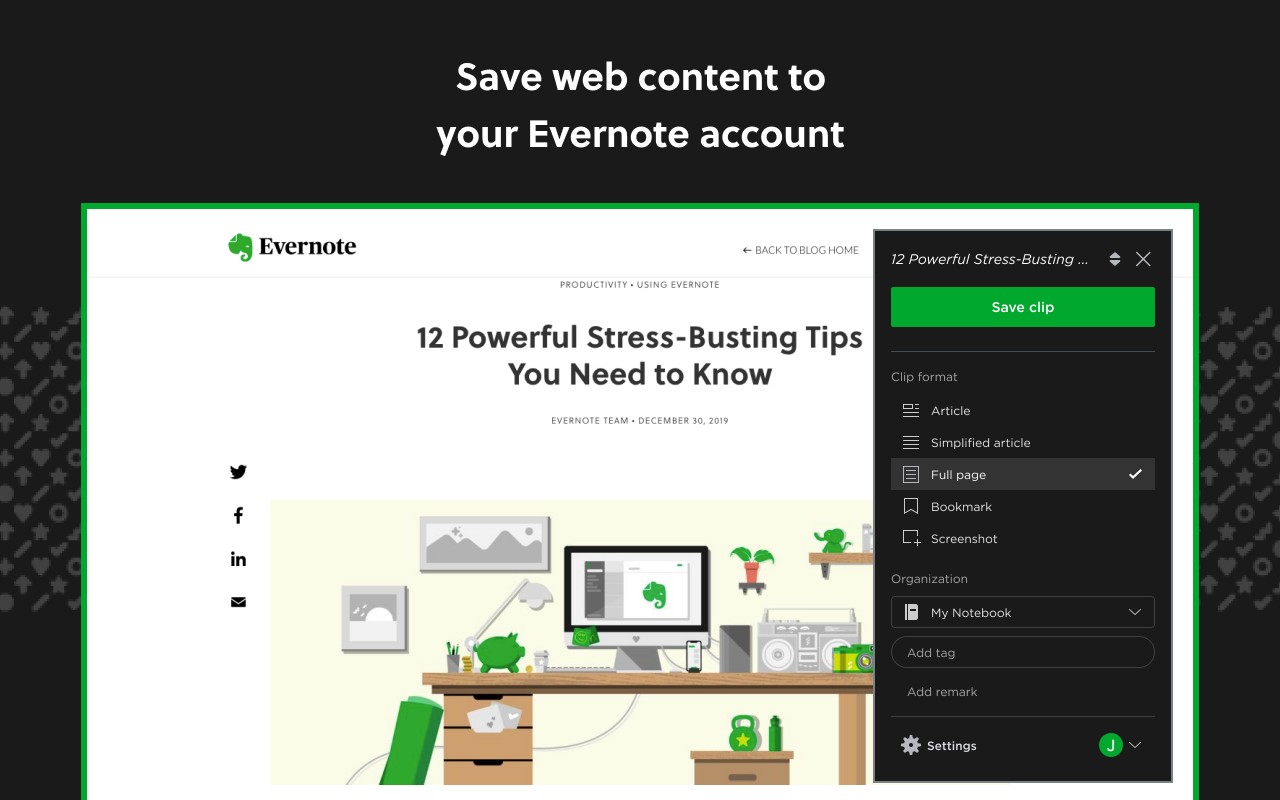
The Evernote Web Clipper is a browser extension that seamlessly integrates your web browsing with your Evernote account. It allows you to capture and save online content directly to your Evernote notebooks without leaving the page you are on. Whether you are researching for a project, collecting recipes, saving travel inspiration, or storing important documents, this tool ensures that nothing you find online gets lost. With just a few clicks, you can preserve articles, web pages, PDFs, images, and even full-page screenshots, all organized within your Evernote library.
Key Features
- Clip web pages and articles: Save the full text and layout of any article or webpage directly into Evernote. This is particularly useful for saving long-form content like news articles, blog posts, or online guides that you want to read later or reference offline. The clipping process retains the essential content, making it easy to access your saved material anytime, even without an internet connection.
- Save PDFs and other documents: Easily capture PDF files and other document types you encounter online. This is handy for storing manuals, whitepapers, academic papers, or any downloadable document that you need for work or study. The extension keeps the file intact, so you can view or share it later from your Evernote account.
- Screen capture with customization: Take screenshots of entire web pages or select only the portions you need. The extension allows you to crop out distracting ads, sidebars, or unrelated content, so you get a clean, focused image. After capturing, you can annotate your screenshot by adding highlights, text boxes, arrows, or other markings. This is ideal for visual research, design inspiration, or creating instructional materials that emphasize specific details.
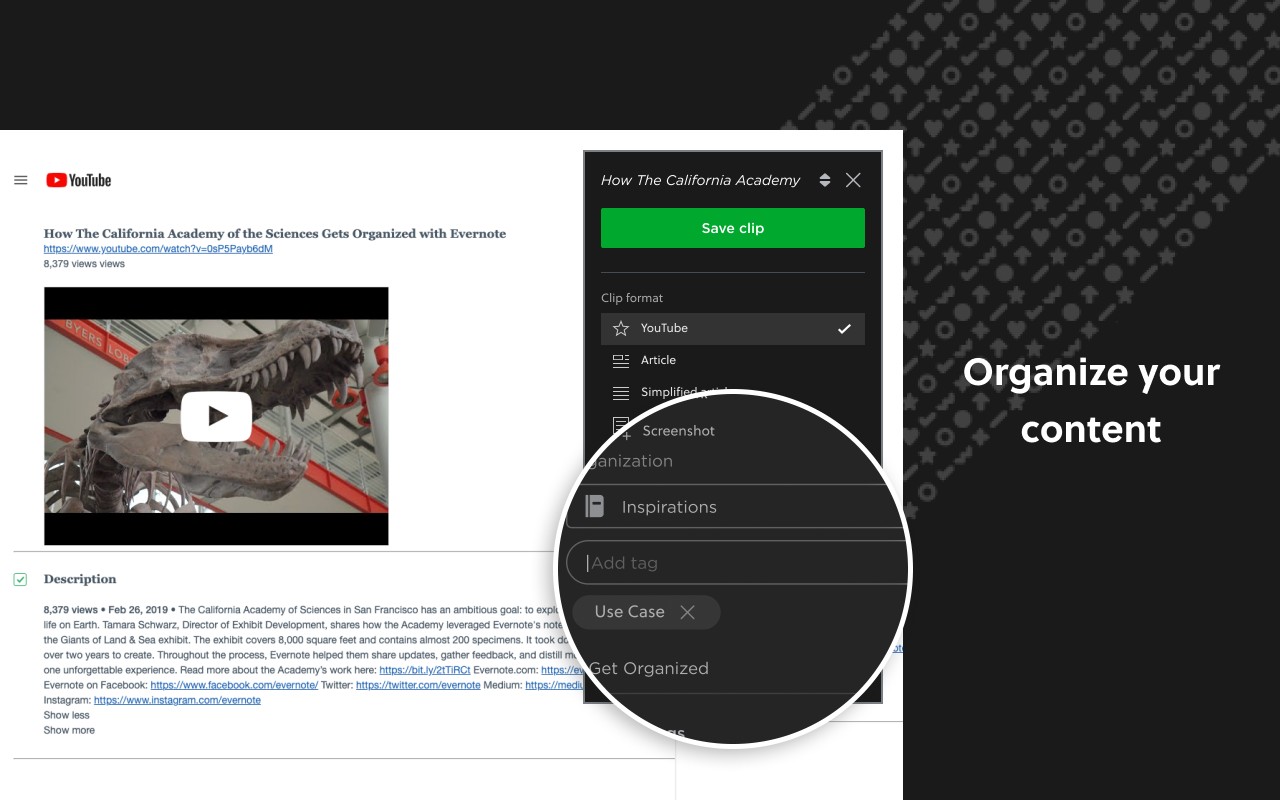
- Organize with tags, titles, and notebooks: When you clip content, you can assign tags, add a custom title, and choose which notebook to save it into. This organizational structure makes it easy to categorize and retrieve your saved items later. For example, you might tag a recipe with 'dinner' and save it to your 'Cooking' notebook, or tag a research article with 'marketing' and save it to a work-related notebook. Using keywords, you can quickly search and filter your saved content, turning your Evernote into a powerful knowledge base.
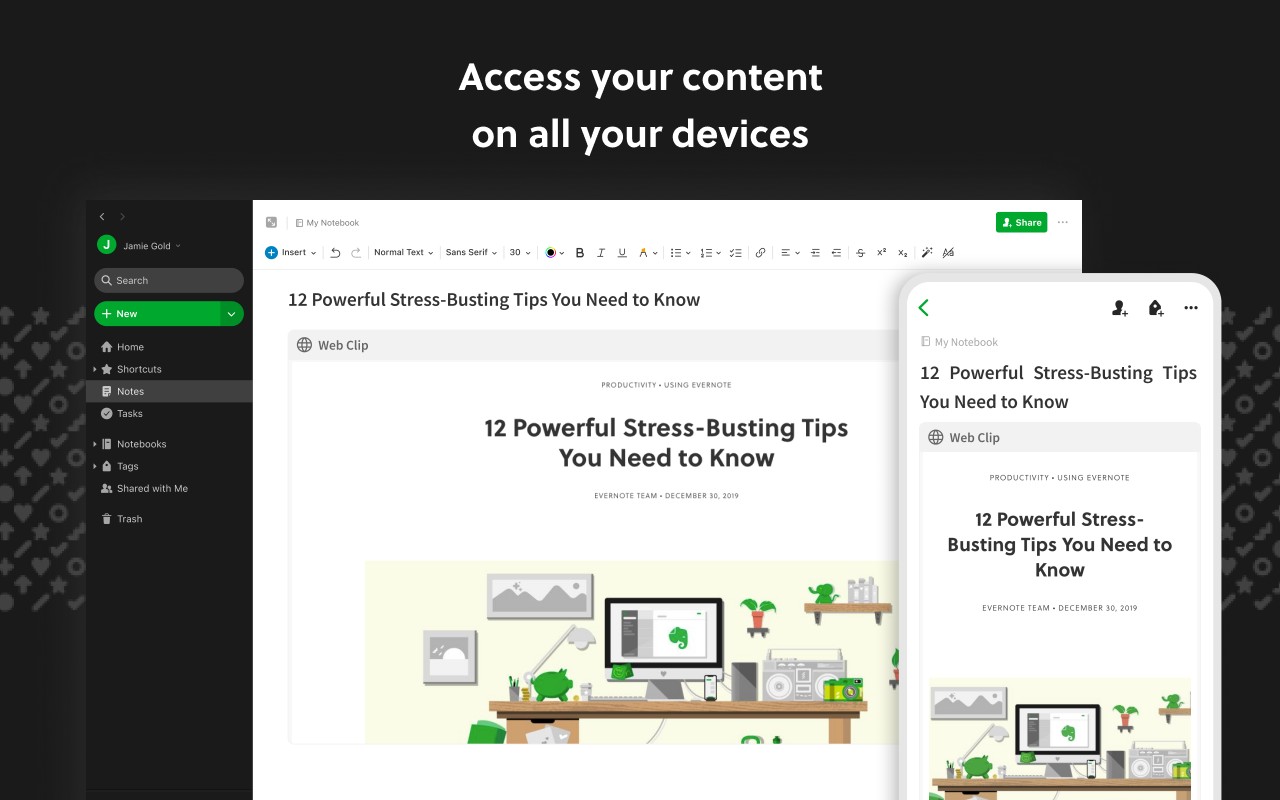
- Go beyond bookmarks: Unlike traditional bookmarks that only store a link, the Web Clipper saves the actual content-text, images, and metadata-into Evernote. This ensures that even if the original webpage is changed or removed, your saved copy remains intact. It also allows you to view and annotate the content without needing to visit the site again. This is particularly valuable for preserving information that might be ephemeral, such as news articles, product listings, or event pages.
The Evernote Web Clipper is designed to streamline your research and information gathering. It bridges the gap between the web and your personal knowledge repository, ensuring that everything you find useful is stored in a searchable, organized, and accessible format. Whether you are a student compiling sources, a professional tracking industry trends, or a casual user saving inspiration, this extension provides a robust solution for capturing and managing online content.
Extensions that do the same job
Matched by what these extensions actually do, not by store category, and sorted so the ones asking for the least access come first.
| Extension | Site access | Permissions | Users | Rating |
|---|---|---|---|---|
| Evernote Web Clipper — this page | All sites | 7 | 2M | 4.7★ |
| Snippet Highlighter - Web & PDF | All sites | 4 | 10K | 4.2★ |
| QR Code Reader | Limited | 6 | 200K | 3.6★ |
| BibTeX Connect - Powered by CiteDrive | All sites | 2 | 3K | 4.0★ |
| InsC - Instagram comment picker & exporter | Limited | 4 | 3K | 4.6★ |
| Simplify Copilot - Autofill job applications, job tracker & AI resumes | All sites | 10 | 500K | 4.9★ |
| NCapture | All sites | 6 | 400K | 3.1★ |
Want the same thing with less access? Snippet Highlighter - Web & PDF, QR Code Reader, BibTeX Connect - Powered by CiteDrive ask for fewer permissions than this one.
Store data last checked August 14, 2026.