
Liner: ChatGPT AI Copilot for Web&YouTube&PDF
AI copilot for web, YouTube, and PDF: ask questions, summarize, highlight, and bookmark.
What it does
Permissions and access
Taken from the extension's own manifest file inside the package. The store listing does not spell this out, so it is worth reading before you install.
| Permission | What it allows |
|---|---|
clipboardWrite | Copy data to your clipboard |
contextMenus | Add items to the right-click menu |
scripting | Run its own code on pages |
storage | Store its own settings and data |
tabs | See the addresses and titles of your open tabs |
Requests 5 permissions — extensions doing the same job average 5.2.
Technical details
Show all 54 languages
Keyboard shortcuts
| Shortcut | Action |
|---|---|
| Ctrl+I | Open/Close Copilot side panel |
Description
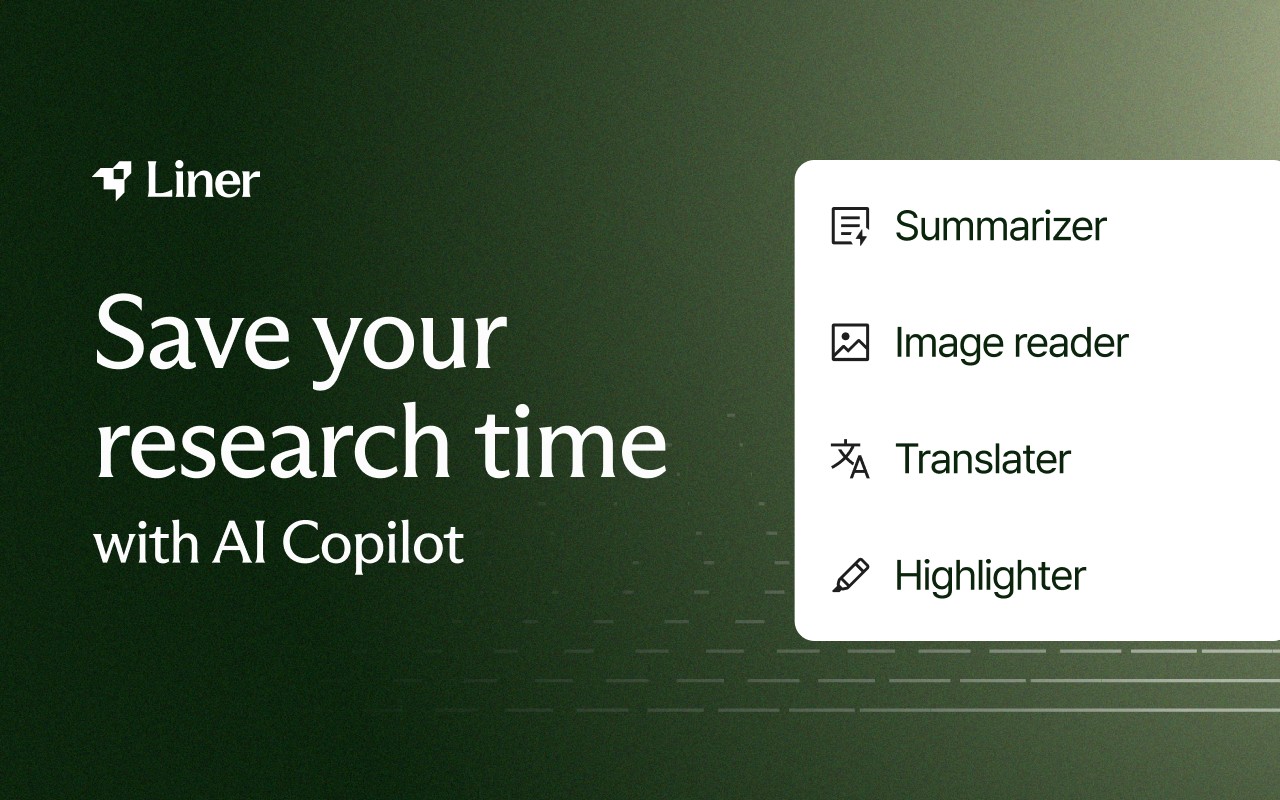
Liner: ChatGPT AI Copilot for Web&YouTube&PDF is a browser extension that brings the power of ChatGPT directly into your browsing experience. It acts as a personal AI assistant that works across websites, YouTube videos, and PDF files, helping you digest information more efficiently and accelerate your research. Whether you are reading a lengthy article, watching a long video, or skimming through a PDF, Liner Copilot offers tools to ask questions, get summaries, and highlight important content without leaving the page.
Key Features
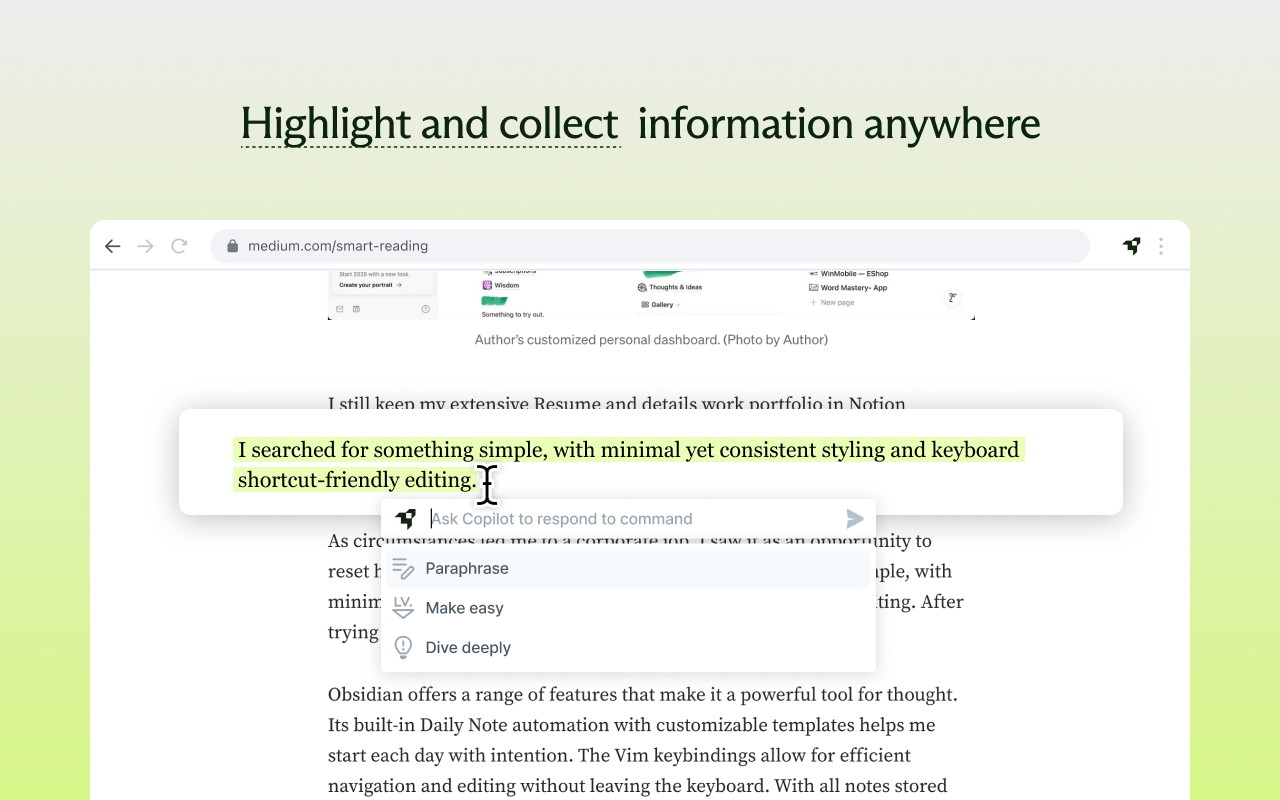
- Instant AI Search: You can ask questions directly to the AI Copilot while on any webpage. This is useful when you need quick clarification on a term, concept, or data point without opening a separate search engine tab. Simply highlight text or type your query, and the AI provides relevant answers in real time.
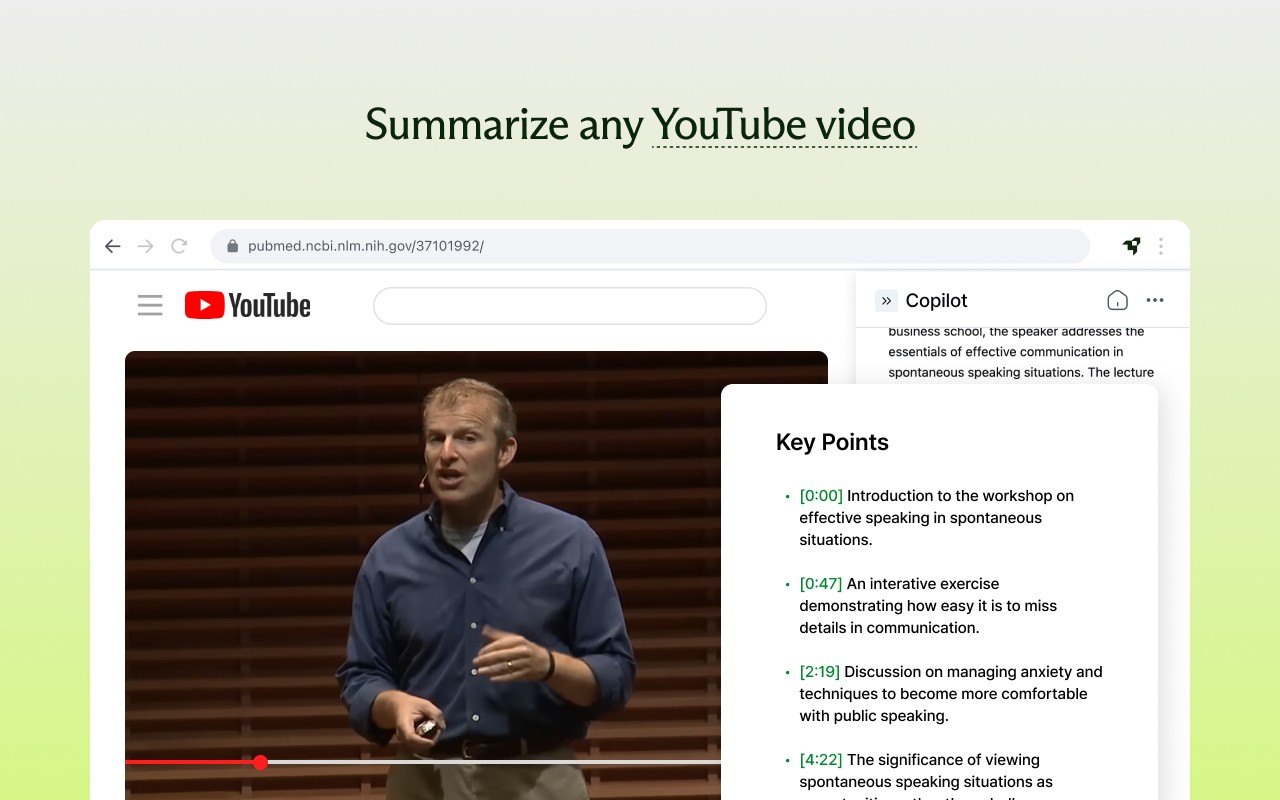
- Web/PDF/YouTube Summary: The extension generates concise summaries with key points for long-form content. For example, if you are reading a dense research paper in PDF format, Liner can condense it into a digestible summary. Similarly, for lengthy YouTube videos, you can get a summary of the main talking points without watching the entire video, which saves time and helps you decide if the content is worth your attention.
- Highlighter: You can highlight and capture important insights on any article or video. This feature is particularly useful for students and researchers who need to mark key passages or quotes for later reference. The highlights are stored within the extension, making it easy to revisit them.
- Bookmark & Organize: Manage and revisit your findings in one place. You can save highlights, summaries, and AI-generated answers, organizing them into a personal knowledge base. This is beneficial for long-term projects, where you need to keep track of information from multiple sources.
Liner offers a free tier (Liner Basic) that includes all the features listed above, making it accessible to everyone. For those who need more advanced capabilities, Liner Pro provides access to various AI models and unlocks a file upload feature, allowing you to interact with your own documents. Whether you are a student, researcher, or professional, Liner Copilot is designed to streamline your information consumption and research process, allowing you to get more done in less time.
Extensions that do the same job
Matched by what these extensions actually do, not by store category, and sorted so the ones asking for the least access come first.
| Extension | Site access | Permissions | Users | Rating |
|---|---|---|---|---|
| Liner: ChatGPT AI Copilot for Web&YouTube&PDF — this page | All sites | 5 | 300K | 4.4★ |
| Fathom AI Note Taker for Google Meet | Limited | 4 | 500K | 4.9★ |
| NoteGPT: YouTube Summary, Chat with AI Assistant, ChatGPT DeepSeek Claude | Limited | 3 | 400K | 4.9★ |
| Record, Transcribe & ChatGPT/Claude for Google Meet | All sites | 3 | 400K | 4.6★ |
| NotebookLM Web Importer | Limited | 5 | 300K | 4.7★ |
| Careerflow AI Job Application Tracker, ATS Resume Checker, Autofill & more | All sites | 3 | 200K | 4.4★ |
| AI Chrome Extension powered by ChatGPT - Magictool AI | All sites | 3 | 9K | 4.8★ |
Want the same thing with less access? Fathom AI Note Taker for Google Meet, NoteGPT: YouTube Summary, Chat with AI Assistant, ChatGPT DeepSeek Claude, Record, Transcribe & ChatGPT/Claude for Google Meet ask for fewer permissions than this one.
Store data last checked August 14, 2026.