
Full Screen
Adds a fullscreen toggle button to the toolbar and right-click menu.
What it does
Permissions and access
Taken from the extension's own manifest file inside the package. The store listing does not spell this out, so it is worth reading before you install.
| Permission | What it allows |
|---|---|
contextMenus | Add items to the right-click menu |
storage | Store its own settings and data |
Requests 2 permissions — extensions doing the same job average 4.8.
Technical details
Show all 2 languages
Description
The Full Screen extension adds a button to your Chrome toolbar and an entry to the right-click context menu, enabling you to toggle full-screen mode with a single mouse click. This is particularly useful on devices without a dedicated F11 key or when using a browser on a TV or tablet where keyboard shortcuts are not available. The extension replicates the functionality of the F11 key (or fn+F on Mac) without requiring any special permissions to access your data or websites.
Features
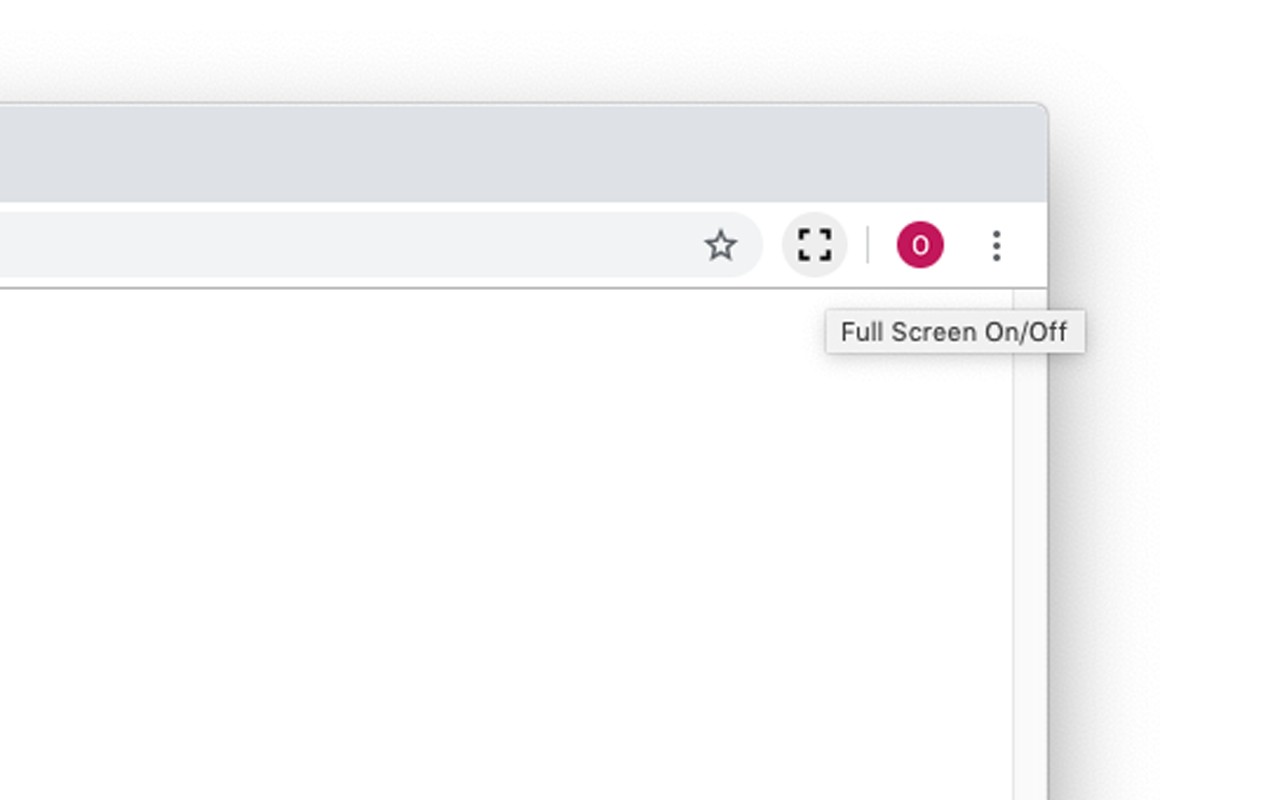
- Toolbar Button: A clickable icon appears in the Chrome toolbar. Clicking it immediately toggles full-screen mode on or off. This is helpful when you want to quickly maximize viewing space for videos, presentations, or reading without reaching for the keyboard.
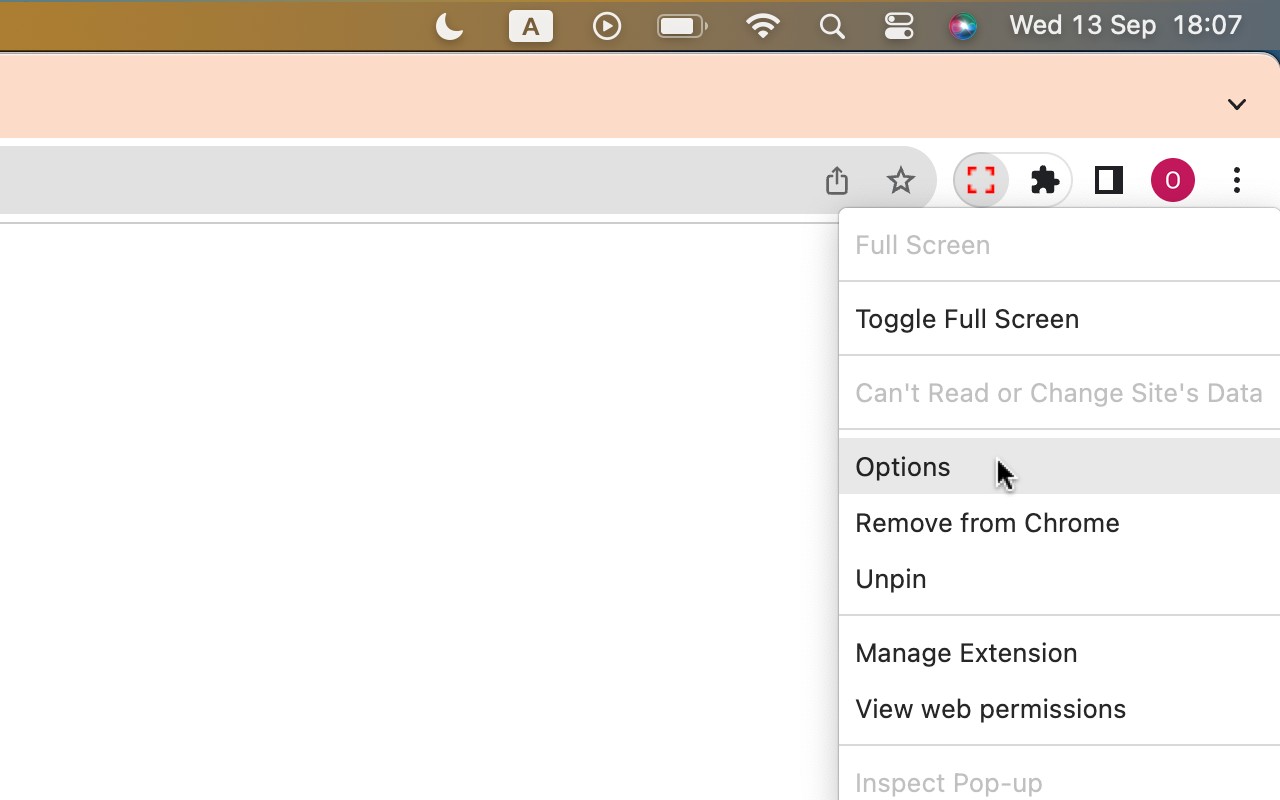
- Context Menu Entry: Right-clicking anywhere on a webpage shows an option to enter or exit full screen. This is especially valuable when already in full-screen mode, as the toolbar is hidden; the context menu provides a way to exit full screen using only the mouse.
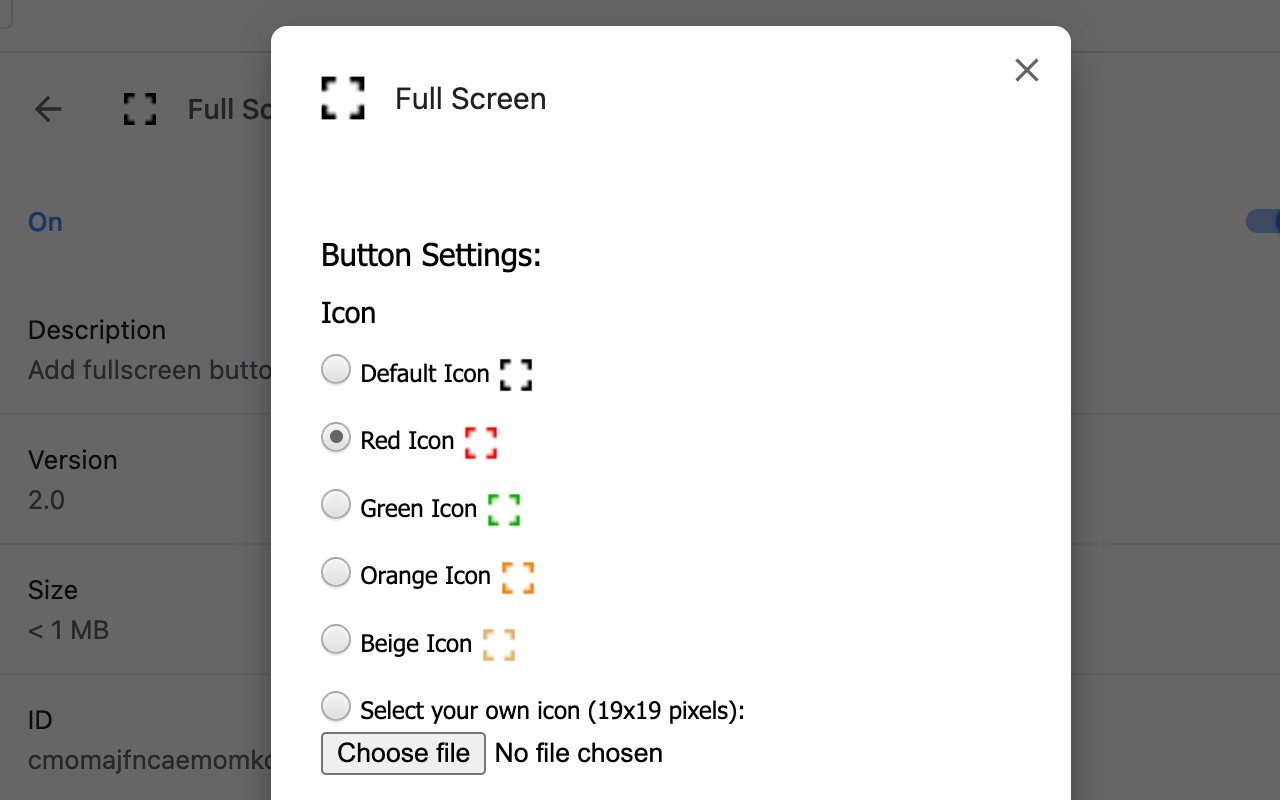
- Customizable Icon: Through the options page (accessible by right-clicking the extension icon and selecting "Options"), you can change the color of the toolbar icon to match your Chrome theme or personal preference. You can also upload a custom icon image, giving you full control over the appearance.
- Lightweight Permissions: The extension only requests two permissions: "contextMenu" to add the right-click option, and "storage" to remember your chosen icon. It does not read or modify any website data, ensuring your privacy is fully protected.
In summary, Full Screen is a minimal, focused tool that solves a specific problem: enabling full-screen toggling via mouse interaction. It is ideal for users who rely on mouse navigation, use browsers on non-standard devices, or simply prefer clicking over keyboard shortcuts. The extension's simplicity means it loads quickly and does not interfere with other browser functions.
Extensions that do the same job
Matched by what these extensions actually do, not by store category, and sorted so the ones asking for the least access come first.
| Extension | Site access | Permissions | Users | Rating |
|---|---|---|---|---|
| Full Screen — this page | Limited | 2 | 1K | 3.6★ |
| Open Multiple URLs | Limited | 3 | 700K | 4.7★ |
| Plugins | Limited | 3 | 400K | 3.8★ |
| Extensity | Limited | 2 | 200K | 4.8★ |
| Split Screen for Google Chrome | Limited | 4 | 200K | 3.7★ |
| Genie - Extemp, Congress, Debate | Limited | 3 | 20K | 4.7★ |
| ChromeTabsPlus | Limited | 3 | 1K | 3.1★ |
Store data last checked August 14, 2026.