
Allow Copy - Select & Enable Right Click
Enables right-click, text selection, and copy on websites that block them, with per-domain toggle.
What it does
Permissions and access
Taken from the extension's own manifest file inside the package. The store listing does not spell this out, so it is worth reading before you install.
| Permission | What it allows |
|---|---|
storage | Store its own settings and data |
tabs | See the addresses and titles of your open tabs |
Requests 2 permissions — extensions doing the same job average 4.9.
Technical details
Show all 31 languages
Description
Many websites employ scripts to disable the right-click context menu, block text selection, or prevent copying. This extension, Allow Copy - Select & Enable Right Click, is a practical tool designed to override such restrictions, giving you back the ability to interact freely with web content. Whether you need to copy a passage from an article, select text for note-taking, or simply use the familiar right-click menu for tasks like opening links in a new tab, this extension ensures that these essential browser functions work on every site.
Key Features
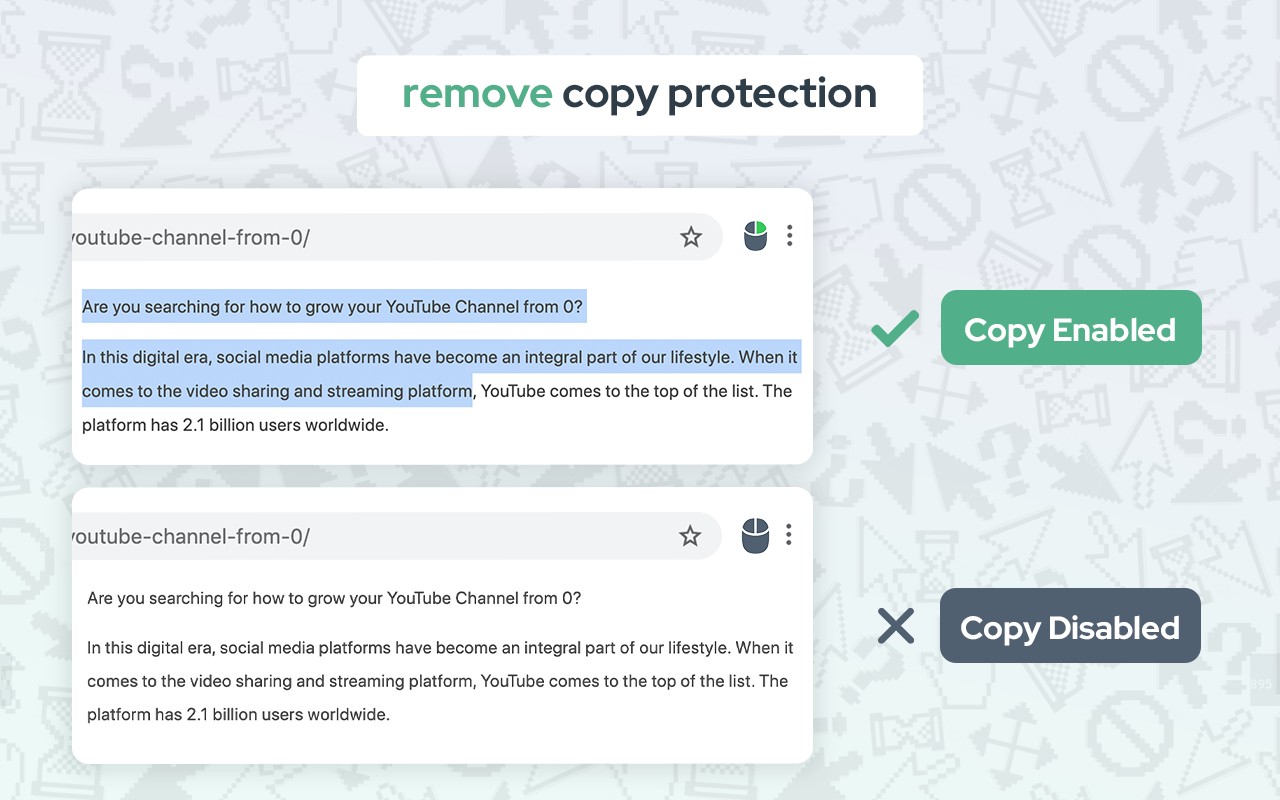
- Remove copy protection: The extension disables the scripts that block copying text, allowing you to copy content from any webpage. This is particularly useful for research, education, or when you need to quote a passage from a website that has disabled copying.
- Enable text selection: On sites where text selection is disabled, this extension re-enables the ability to highlight text with your mouse or keyboard. This is essential for selecting snippets for reference, sharing, or translation.
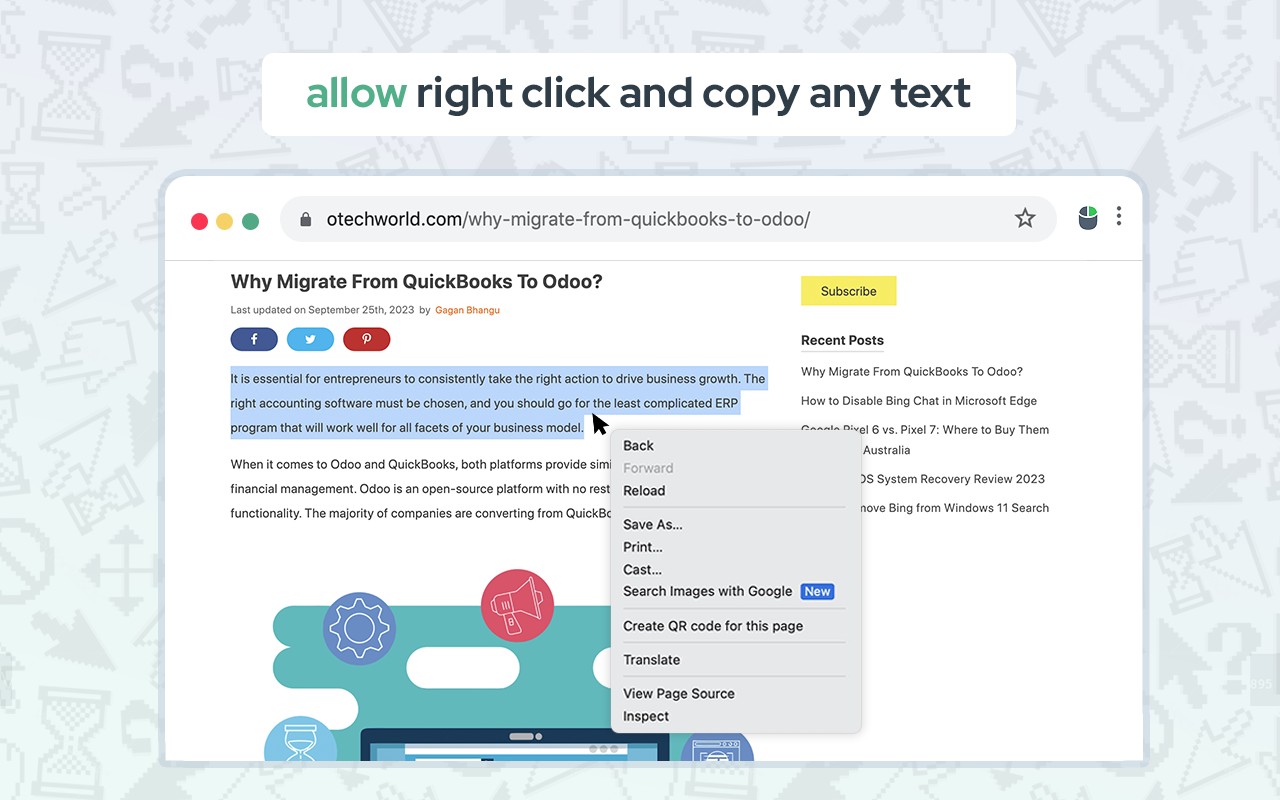
- Allow right-click and context menu: It restores the right-click context menu on websites that suppress it. This means you can again access browser features like "Open link in new tab," "Inspect," "Save image as," or any other menu item you rely on.
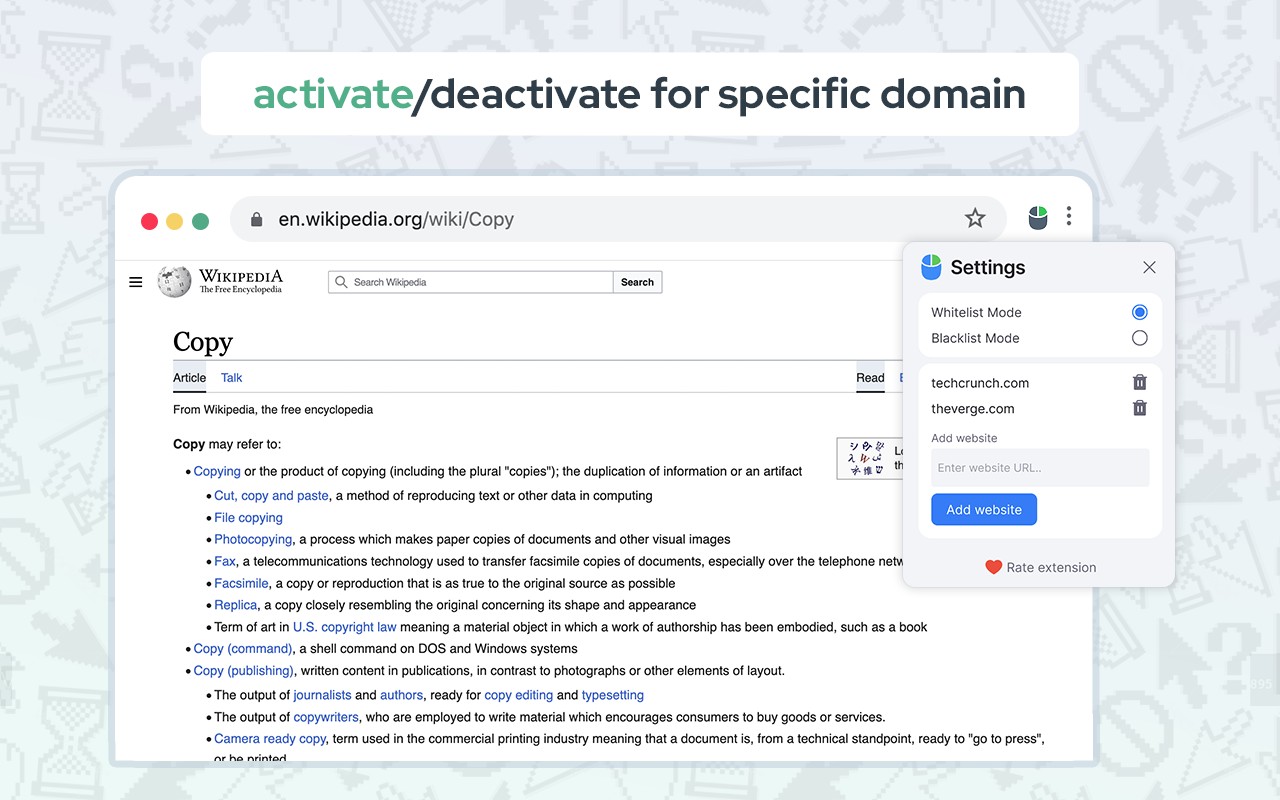
- Domain-specific activation: You can choose to enable or disable the extension for specific websites. This is handy when you only need the functionality on certain sites, or if a site has issues when the extension is active. The toggle is easy to use and persists per domain.
- Free and easy to use: The extension is completely free, with no hidden costs. It is designed to be user-friendly: simply click the extension icon on a restricted page, and the page reloads with the protections removed. There are no complex settings to configure.
Unlike many similar extensions that can break website functionality, this extension uses a unique technology that minimizes interference with the normal operation of websites. It specifically targets the code that prevents right-click, selection, and copy, leaving other scripts and features untouched. This means you can keep the extension active on all sites without worrying about layout issues or broken interactive elements.
In practice, you might encounter a site that blocks copying an important article or a forum where you cannot right-click to open a link in a new tab. With this extension, you simply click its icon, and the page refreshes, instantly restoring these capabilities. You can then select, copy, and paste as you would on any unrestricted site. The extension also works on pages that block context menu items like "Inspect Element," which is valuable for developers and curious users.
Take back control of your browsing experience. No longer will you be hindered by restrictive website settings. Copy and paste text, images, and more with ease, and enjoy a seamless, efficient, and productive browsing journey. If you find this tool helpful, please consider leaving a review to support its development.
Extensions that do the same job
Matched by what these extensions actually do, not by store category, and sorted so the ones asking for the least access come first.
| Extension | Site access | Permissions | Users | Rating |
|---|---|---|---|---|
| Allow Copy - Select & Enable Right Click — this page | All sites | 2 | 200K | 4.4★ |
| Allow Right-Click | Limited | 5 | 400K | 4.3★ |
| HeadingsMap | All sites | 3 | 100K | 4.5★ |
| Screen Ruler - Measure and Inspect the Web | Limited | 8 | 50K | 4.4★ |
| Talkie: text-to-speech (TTS) | Limited | 5 | 30K | 3.6★ |
| Stark Accessibility Checker | All sites | 3 | 20K | 3.8★ |
| Paper To Audio | All sites | 2 | 1K | 4.1★ |
Store data last checked August 14, 2026.