
Bitly | Short links and QR Codes
Create short links and QR codes from any page with one click.
What it does
Permissions and access
Taken from the extension's own manifest file inside the package. The store listing does not spell this out, so it is worth reading before you install.
| Permission | What it allows |
|---|---|
activeTab | Access the current tab when you click the extension |
clipboardWrite | Copy data to your clipboard |
contextMenus | Add items to the right-click menu |
storage | Store its own settings and data |
Requests 4 permissions — extensions doing the same job average 3.0.
Technical details
Description
Bitly is a versatile tool that lets you create short, shareable links and QR codes directly from your browser. Whether you're posting on social media, sending an email, or printing promotional materials, Bitly helps you condense long URLs into compact, memorable formats that are easier to share and track. By placing a Bitly button in your browser toolbar, you can generate a shortened link for any page you visit with a single click, making it effortless to incorporate into your daily workflow.
Key Features
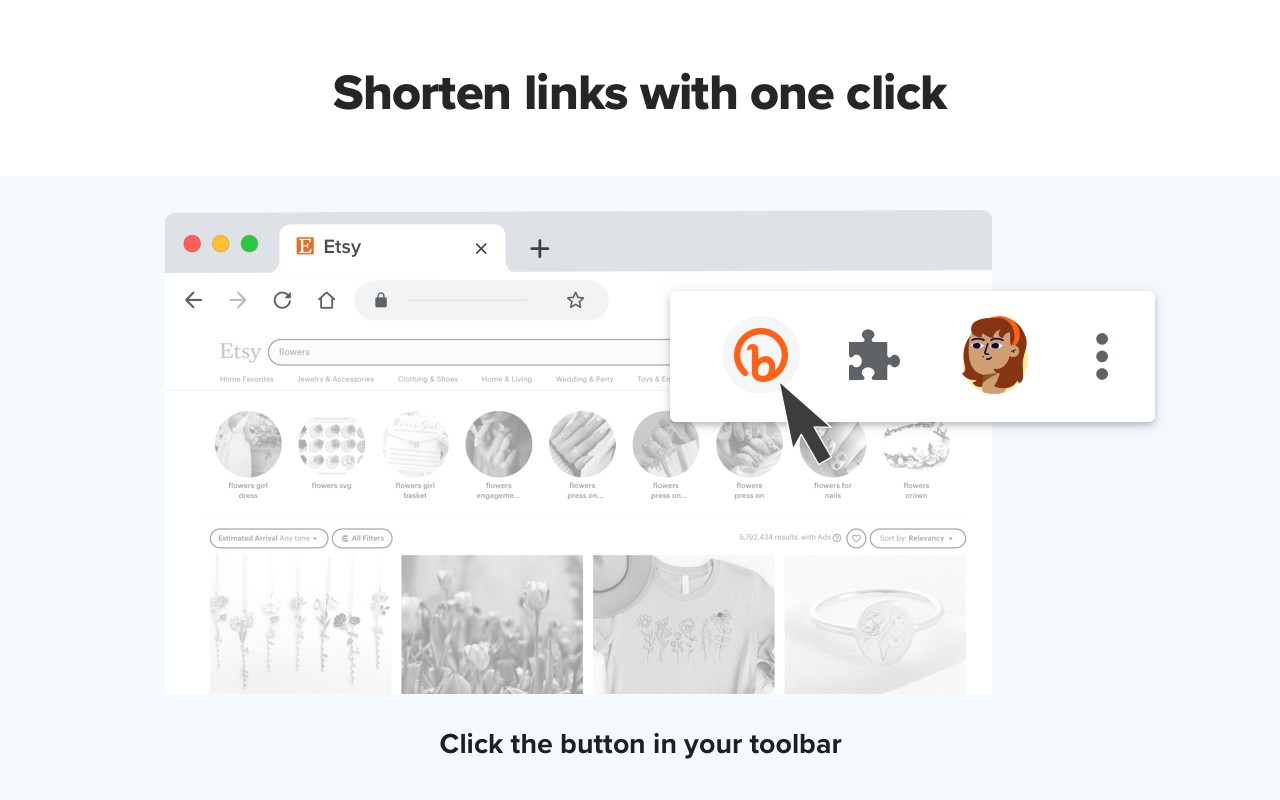
- One-Click Link Shortening: Click the Bitly button in your toolbar to instantly create a unique short link for the current URL. The link is automatically copied to your clipboard, so you can paste it directly into a social media post, message, or document without extra steps. This is ideal for quick sharing when you're on the go or need to send a link in a chat.
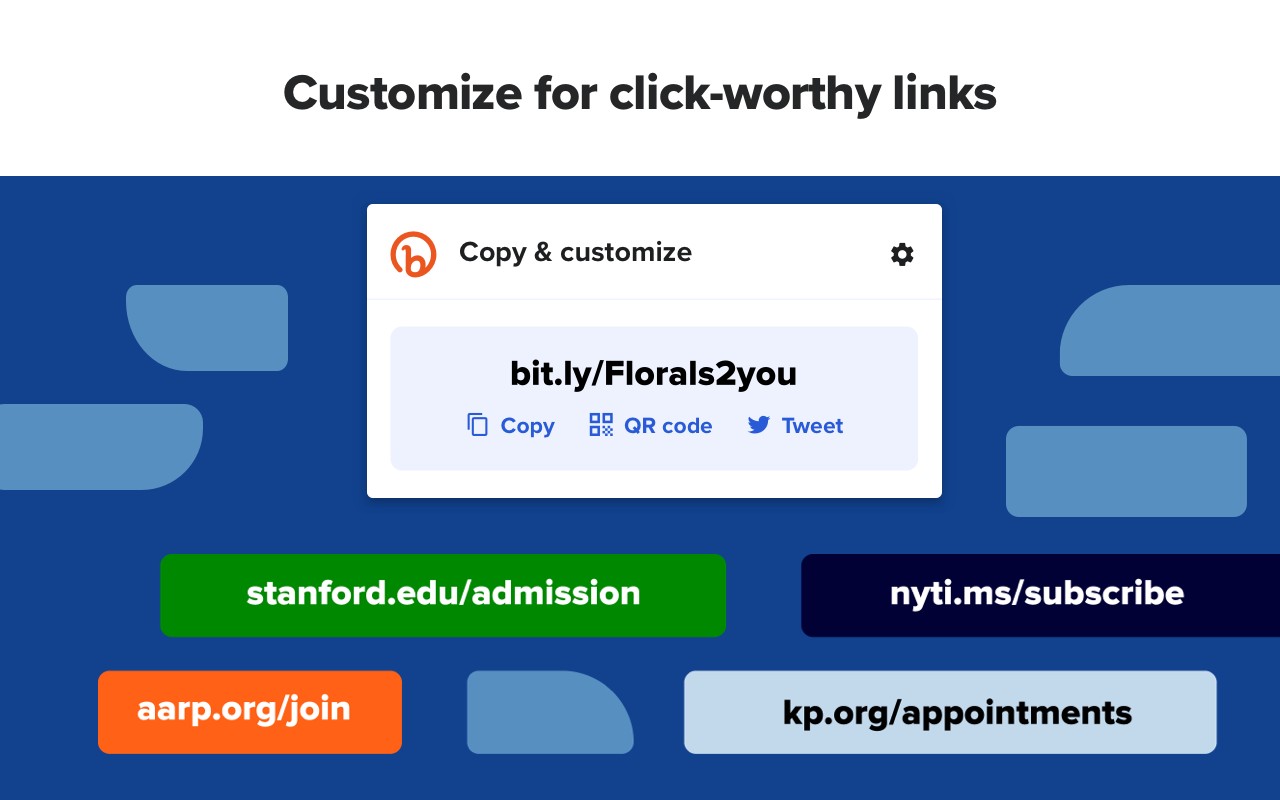
- Link Customization: If the default bit.ly link doesn't suit your needs, you can customize the back-half (the part after the domain) to make it more relevant or brandable. For example, you could change a generic link to include your campaign name or a memorable keyword. This feature is especially useful for creating click-worthy links in marketing campaigns or when you want to make a link easier to remember for your audience.
- Branded Domains (via Account Upgrade): For a more professional appearance, you can upgrade your Bitly account to replace the generic "bit.ly" domain with your own custom domain. This helps reinforce your brand identity and increases trust among your audience, as they see your domain in every link you share. This is particularly valuable for businesses and influencers who want to maintain a consistent brand image across all their shared content.
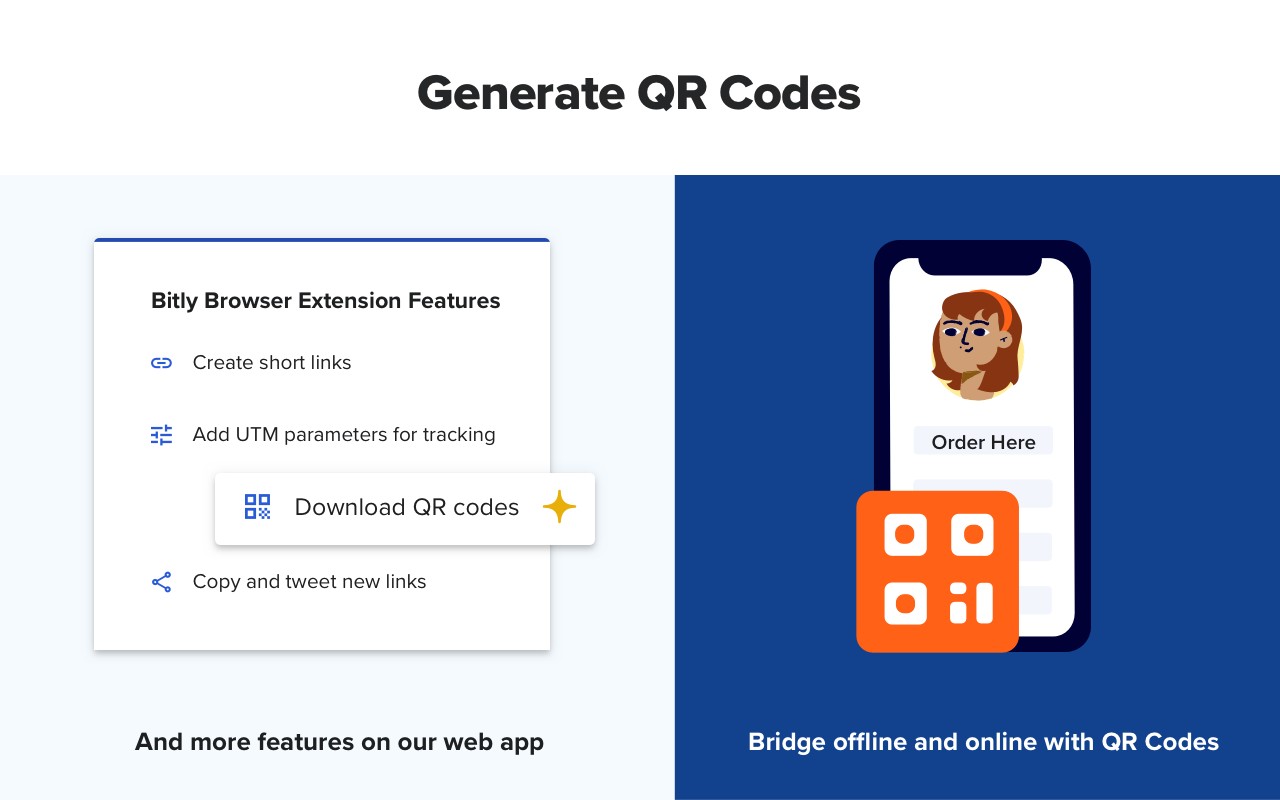
- QR Code Generation: Bitly allows you to create QR codes for any link, which are perfect for print materials like posters, business cards, flyers, or outdoor advertisements. Unlike static QR codes that become outdated when your content changes, Bitly's QR codes are dynamic-you can change the destination URL at any time without needing to reprint the code. This flexibility ensures your offline campaigns remain up-to-date and effective, allowing you to redirect users to new content, offers, or landing pages whenever needed.
In summary, Bitly streamlines the process of sharing links and QR codes, offering both basic shortening and advanced customization options. Whether you're a casual user looking to tidy up a URL or a marketer running multi-channel campaigns, Bitly provides the tools to make your links more engaging and manageable.
Extensions that do the same job
Matched by what these extensions actually do, not by store category, and sorted so the ones asking for the least access come first.
| Extension | Site access | Permissions | Users | Rating |
|---|---|---|---|---|
| Bitly | Short links and QR Codes — this page | Limited | 4 | 400K | 3.7★ |
| BetterTTV | Limited | 2 | 3M | 4.6★ |
| Markdown Reader | Limited | 2 | 100K | 4.7★ |
| Old Reddit Redirect | Limited | 1 | 100K | 4.7★ |
| Visual CSS Editor | Limited | 4 | 50K | 3.5★ |
| Material Icons for GitHub | Limited | 3 | 30K | 5.0★ |
| Page Edit | Limited | 3 | 30K | 4.6★ |
Store data last checked August 14, 2026.