
Password Alert
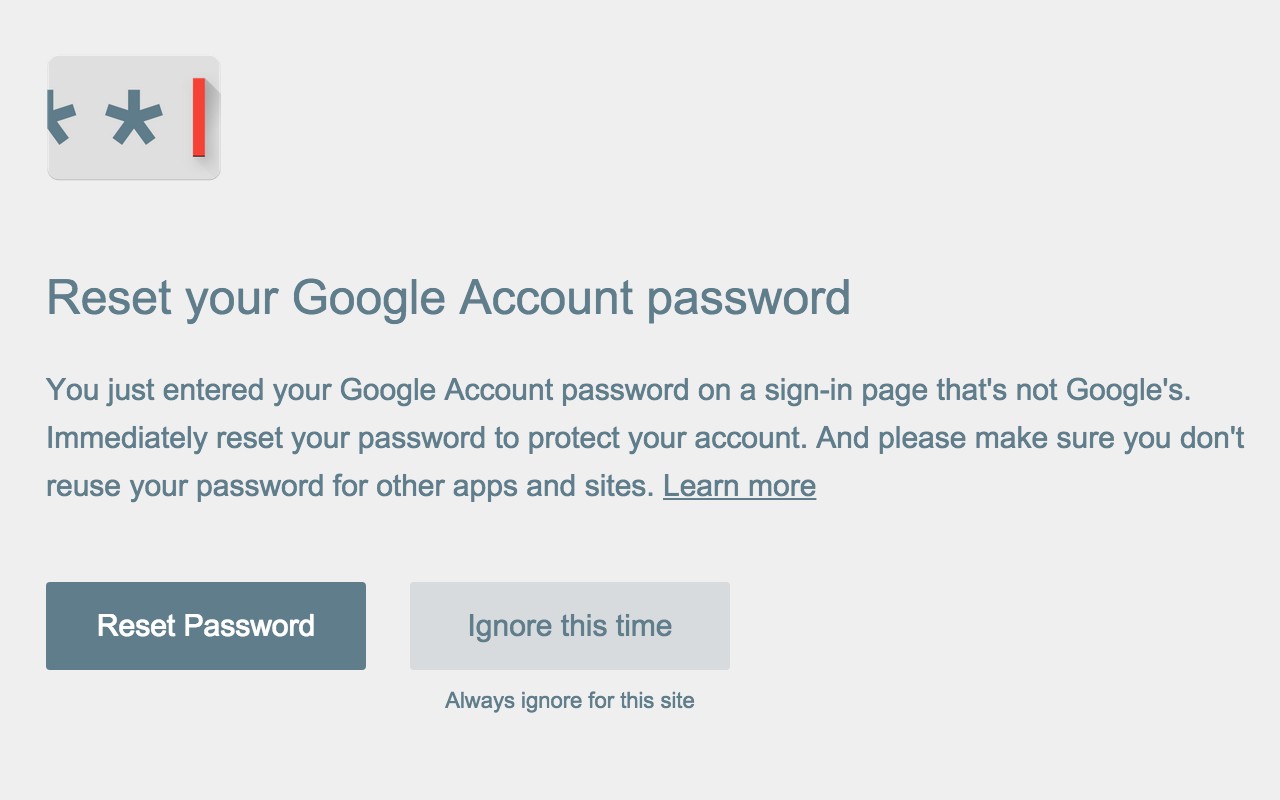
Alerts you when you enter your Google password on non-Google sites and detects fake Google sign-in pages.
What it does
Permissions and access
Taken from the extension's own manifest file inside the package. The store listing does not spell this out, so it is worth reading before you install.
| Permission | What it allows |
|---|---|
identity | Sign you in with your Google account |
identity.email | identity.email |
notifications | Show desktop notifications |
scripting | Run its own code on pages |
storage | Store its own settings and data |
tabs | See the addresses and titles of your open tabs |
Requests 6 permissions — extensions doing the same job average 7.3.
Technical details
Show all 72 languages
Description
Password Alert is a Chrome extension designed to protect you from phishing attacks. It focuses on keeping your Google Account and Google for Work credentials safe. When you enter your Google Account password or Google for Work password on any website other than the official Google sign-in page, Password Alert immediately notifies you. This gives you the chance to change your password quickly if you suspect your credentials may have been compromised. The extension also proactively checks every page you visit to detect if it is impersonating Google's sign-in page, and alerts you if such a page is encountered.
Features
- Real-time phishing alerts: If you type your Google password into a non-Google site, you receive an immediate alert, allowing you to take action before your account is compromised.
- Impersonation detection: Password Alert scans each page you visit for signs that it is mimicking Google's sign-in page, warning you if it finds one.
- Secure design: The extension does not store your password or keystrokes. Instead, it stores a secure thumbnail (a hashed representation) of your password, which is compared against a thumbnail of your most recent keystrokes within Chrome. This ensures your actual password is never stored.
- Privacy-friendly: When used with a personal Google Account, Password Alert does not send any data from your local computer. If your Google for Work administrator deploys it across your domain, the administrator receives alerts when the extension triggers, helping to protect the organization.
- Open source: The entire codebase is available on GitHub, allowing security researchers and users to inspect how it works.
Password Alert is most useful for individuals and organizations that rely on Google services. For individuals, it provides peace of mind when browsing the web, especially if you tend to click on links in emails or social media. For Google for Work administrators, it offers a way to monitor and protect users from phishing attempts that target corporate credentials. The extension is easy to install and starts working the next time you enter your password on accounts.google.com. However, it is important to note that Password Alert only operates within the Chrome browser when JavaScript is enabled. It does not protect Chrome Apps or Chrome Extensions, and it only protects incognito tabs if you have configured it to do so in the chrome://extensions settings. Additionally, it does not protect passwords for non-Google services. For more details, you can visit the full FAQ at the provided support link or explore the open-source code. By installing this extension, you agree to Google's Terms of Service and Privacy Policy.
Extensions that do the same job
Matched by what these extensions actually do, not by store category, and sorted so the ones asking for the least access come first.
| Extension | Site access | Permissions | Users | Rating |
|---|---|---|---|---|
| Password Alert — this page | All sites | 6 | 400K | 4.3★ |
| NordPass® Password Manager & Digital Vault | All sites | 10 | 8M | 4.6★ |
| Dashlane - Password Manager | All sites | 12 | 1M | 4.7★ |
| Guardio Protection for Chrome | All sites | 12 | 600K | 4.5★ |
| RoboForm Password Manager | All sites | 13 | 600K | 4.5★ |
| Trend Micro ID Protection | All sites | 11 | 100K | 4.4★ |
| LogMeOnce | All sites | 11 | 10K | 4.5★ |
Want the same thing with less access? NordPass® Password Manager & Digital Vault, Dashlane - Password Manager, Guardio Protection for Chrome ask for fewer permissions than this one.
Store data last checked August 21, 2026.