
Move Tab to Next Window
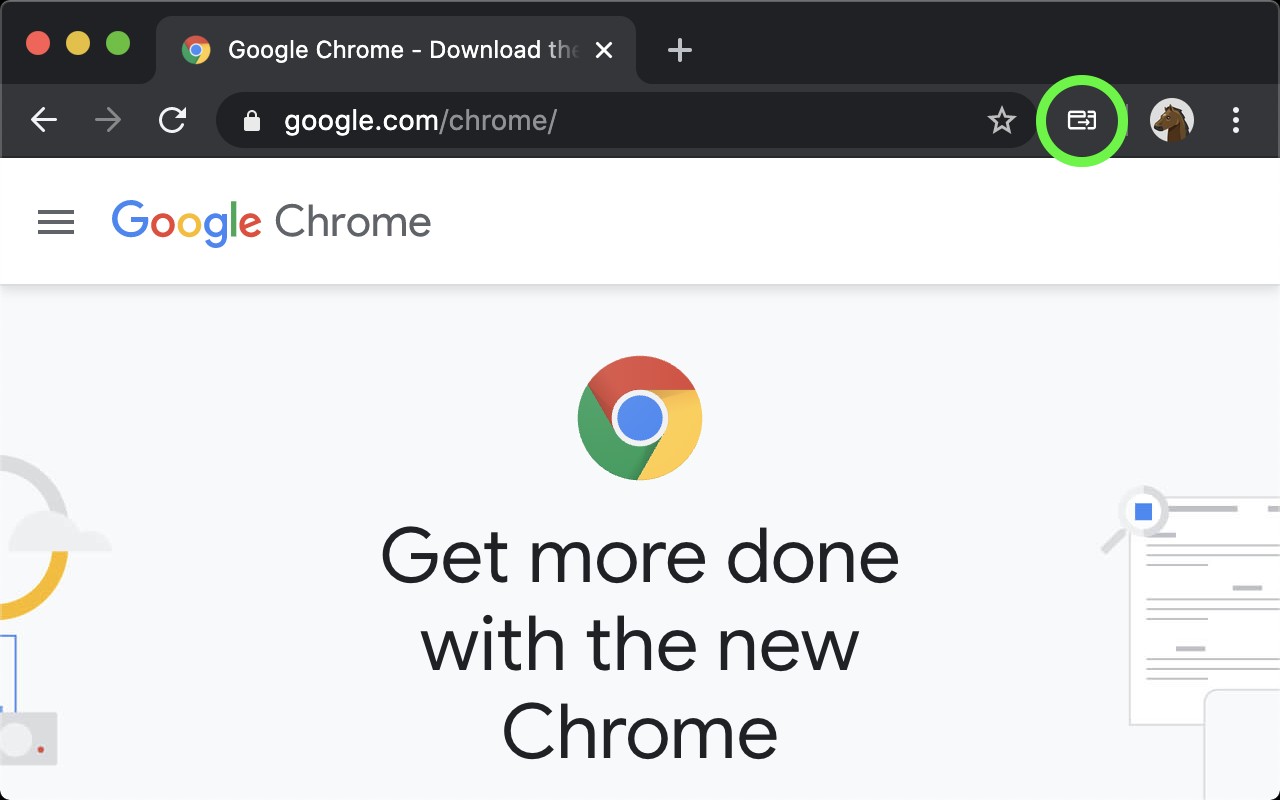
One-click to move a tab to the next Chrome window, preserving position and tab groups.
What it does
Permissions and access
Taken from the extension's own manifest file inside the package. The store listing does not spell this out, so it is worth reading before you install.
| Permission | What it allows |
|---|---|
storage | Store its own settings and data |
tabGroups | Manage tab groups |
Requests 2 permissions — extensions doing the same job average 4.8.
Technical details
Description
Move Tab to Next Window lets you transfer one or more tabs to another Chrome window with a single click. This is especially handy for multi-monitor setups where dragging tabs between windows can be cumbersome. Instead of manually dragging, you just click the extension icon (or use a keyboard shortcut) and the tab moves to the next available window.
Key Features
- Preserved tab position: When you move a tab to another window, its original position within the source window is remembered. If you later move it back to that window, it returns to exactly where it was before.
- Tab group support: If the tab belongs to a group, moving it creates or reuses an identical group in the destination window. When moved back, the tab rejoins its original group automatically.
- Move multiple tabs at once: You can select several tabs by holding Shift (for a range) or Ctrl/Cmd (for individual selection) and move them all together. They will appear in the same order in the destination window.
- Automatic new window: If only one Chrome window is open, the extension creates a new window and moves the tab there, so you always have a destination.
- Keyboard shortcut: You can assign a custom keyboard shortcut via Chrome's extension settings to move tabs even faster without clicking the icon.
The extension is open source, hosted on GitHub, so you can inspect the code for transparency. There is no data collection or unnecessary permissions-it only does what it says: move tabs between windows.
Extensions that do the same job
Matched by what these extensions actually do, not by store category, and sorted so the ones asking for the least access come first.
| Extension | Site access | Permissions | Users | Rating |
|---|---|---|---|---|
| Move Tab to Next Window — this page | Limited | 2 | 1K | 4.6★ |
| Open Multiple URLs | Limited | 3 | 700K | 4.7★ |
| Plugins | Limited | 3 | 400K | 3.8★ |
| Extensity | Limited | 2 | 200K | 4.8★ |
| Split Screen for Google Chrome | Limited | 4 | 200K | 3.7★ |
| Genie - Extemp, Congress, Debate | Limited | 3 | 20K | 4.7★ |
| ChromeTabsPlus | Limited | 3 | 1K | 3.1★ |
Store data last checked August 14, 2026.