
WordPress Theme Detector and Plugin Detector
Detects WordPress themes and plugins on any website you visit.
What it does
Permissions and access
Taken from the extension's own manifest file inside the package. The store listing does not spell this out, so it is worth reading before you install.
| Permission | What it allows |
|---|---|
activeTab | Access the current tab when you click the extension |
scripting | Run its own code on pages |
tabs | See the addresses and titles of your open tabs |
Requests 3 permissions — extensions doing the same job average 3.9.
Technical details
Description
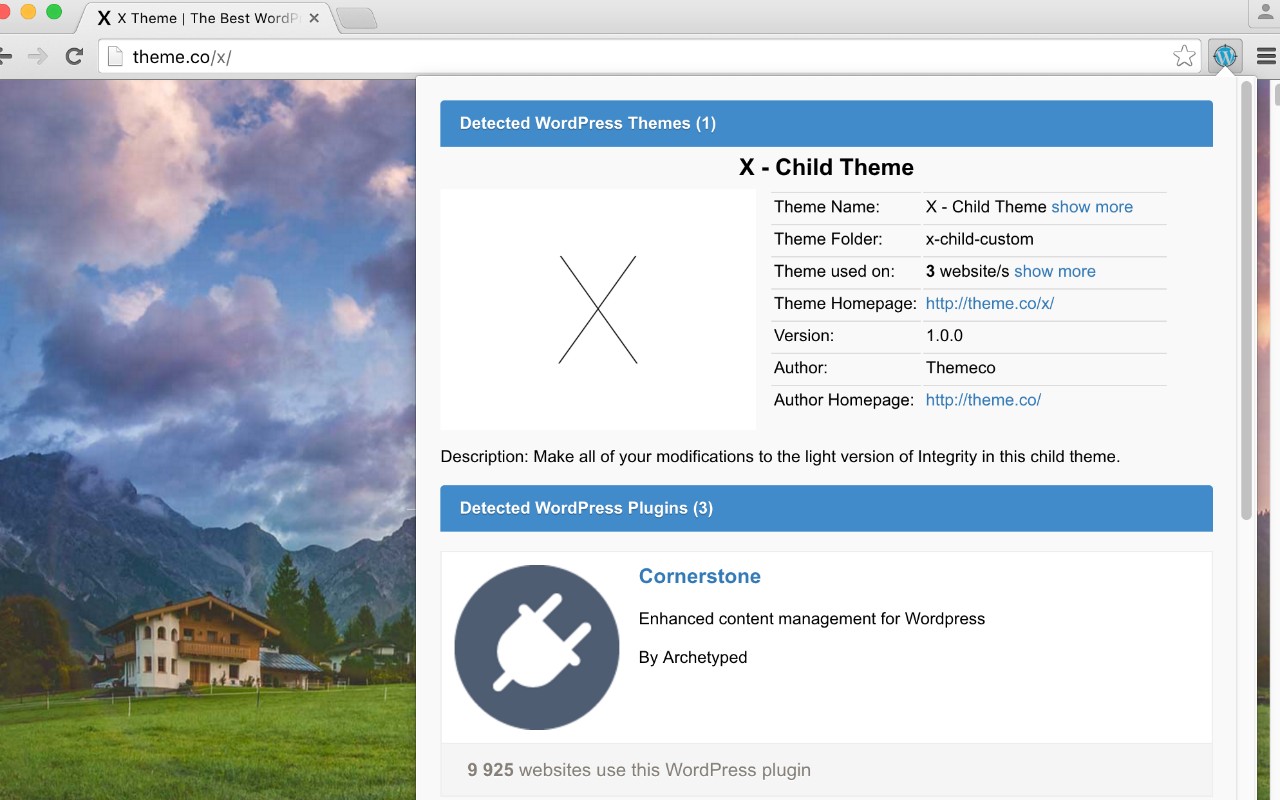
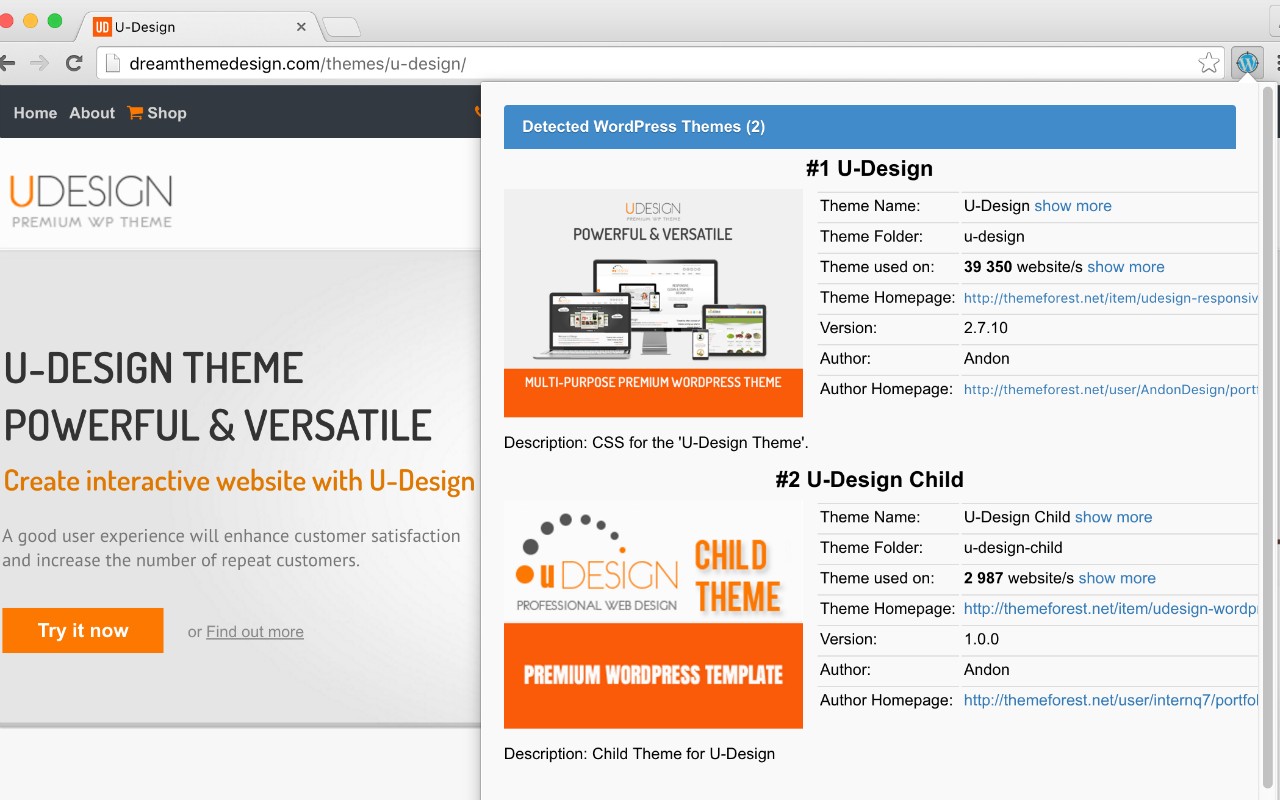
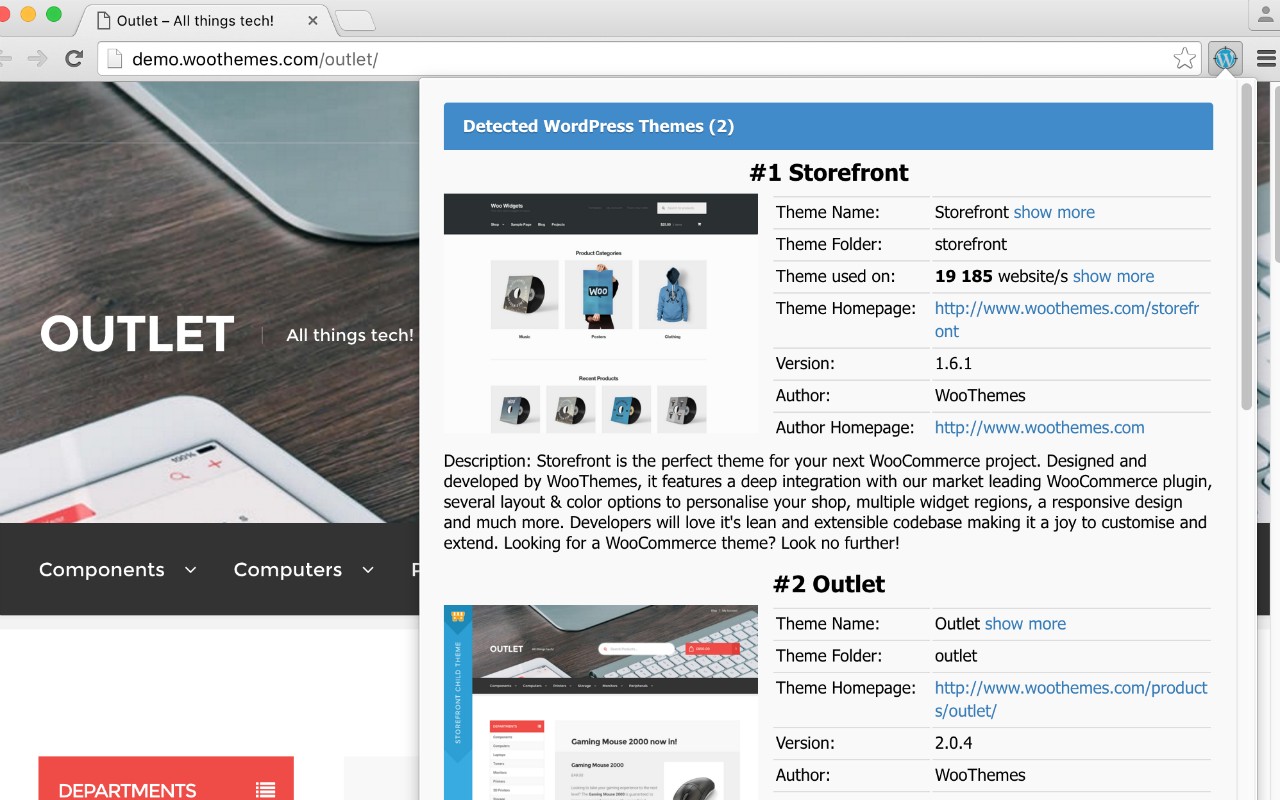
The WordPress Theme Detector and Plugin Detector extension identifies the themes and plugins powering any WordPress site you visit. When you land on a page, the extension checks if it runs on WordPress and, if so, reveals the active theme and installed plugins. This tool is ideal for web developers, designers, and site owners who want to analyze competitors, find inspiration, or troubleshoot compatibility issues.
Key Features
- Real-time detection: As you browse, the extension instantly scans the current website and lists all detectable WordPress themes and plugins. It works on any page-blogs, e-commerce stores, news sites, or portfolios.
- Server-side analysis for speed: The detection runs on a remote API, not your browser, so it won't slow down your computer or consume local resources. Results are fetched quickly without impacting your browsing experience.
- Visual status indicator: The extension icon changes color to show whether the site uses WordPress: blue indicates WordPress is detected, while grey means the site does not run on WordPress. This gives you an immediate visual cue without clicking.
- No performance impact: Because the heavy lifting is done server-side, you can keep the extension active all the time without noticing any lag or increased memory usage.
- Useful for competitive analysis: Quickly see what themes and plugins popular websites use to build their features. This helps you choose the right tools for your own projects or understand the technology stack behind a site.
- Plugin and theme inventory: Get a comprehensive list of both active themes and active plugins, which can be helpful for security audits, learning about best practices, or finding alternatives.
Whether you are a WordPress developer scouting for new ideas, a designer comparing theme implementations, or a site owner checking your own site's setup, this detector provides accurate information with minimal effort. Just browse normally, and the extension does the rest.
Extensions that do the same job
Matched by what these extensions actually do, not by store category, and sorted so the ones asking for the least access come first.
| Extension | Site access | Permissions | Users | Rating |
|---|---|---|---|---|
| WordPress Theme Detector and Plugin Detector — this page | All sites | 3 | 100K | 4.2★ |
| Figma | Limited | 4 | 200K | 4.2★ |
| GitZip for github | Limited | 2 | 100K | 4.1★ |
| IP Address and Domain Information | Limited | 1 | 100K | 4.4★ |
| Lightning Studio | Limited | 3 | 100K | 3.9★ |
| Pixel Measurement | Limited | 3 | 100K | 4.5★ |
| AI Code Finder, Alerts, Ask Questions about Papers: CatalyzeX | Limited | 3 | 50K | 4.8★ |
Want the same thing with less access? Figma, GitZip for github, IP Address and Domain Information ask for fewer permissions than this one.
Store data last checked August 14, 2026.