
Pixel Measurement
An online ruler that shows mouse coordinates and measures pixel distances on any webpage.
What it does
Permissions and access
Taken from the extension's own manifest file inside the package. The store listing does not spell this out, so it is worth reading before you install.
| Permission | What it allows |
|---|---|
activeTab | Access the current tab when you click the extension |
scripting | Run its own code on pages |
storage | Store its own settings and data |
Requests 3 permissions — extensions doing the same job average 3.9.
Technical details
Show all 52 languages
Description
Pixel Measurement is a practical browser extension that turns your screen into a digital ruler, allowing you to measure distances in pixels directly on any webpage. It is designed to assist frontend developers, UI/UX designers, and QA testers in verifying layout dimensions, element sizes, and spacing with precision. By providing real-time mouse coordinates, the tool eliminates the need for manual estimation or external screenshot tools, making it easier to ensure pixel-perfect designs.
Key Features
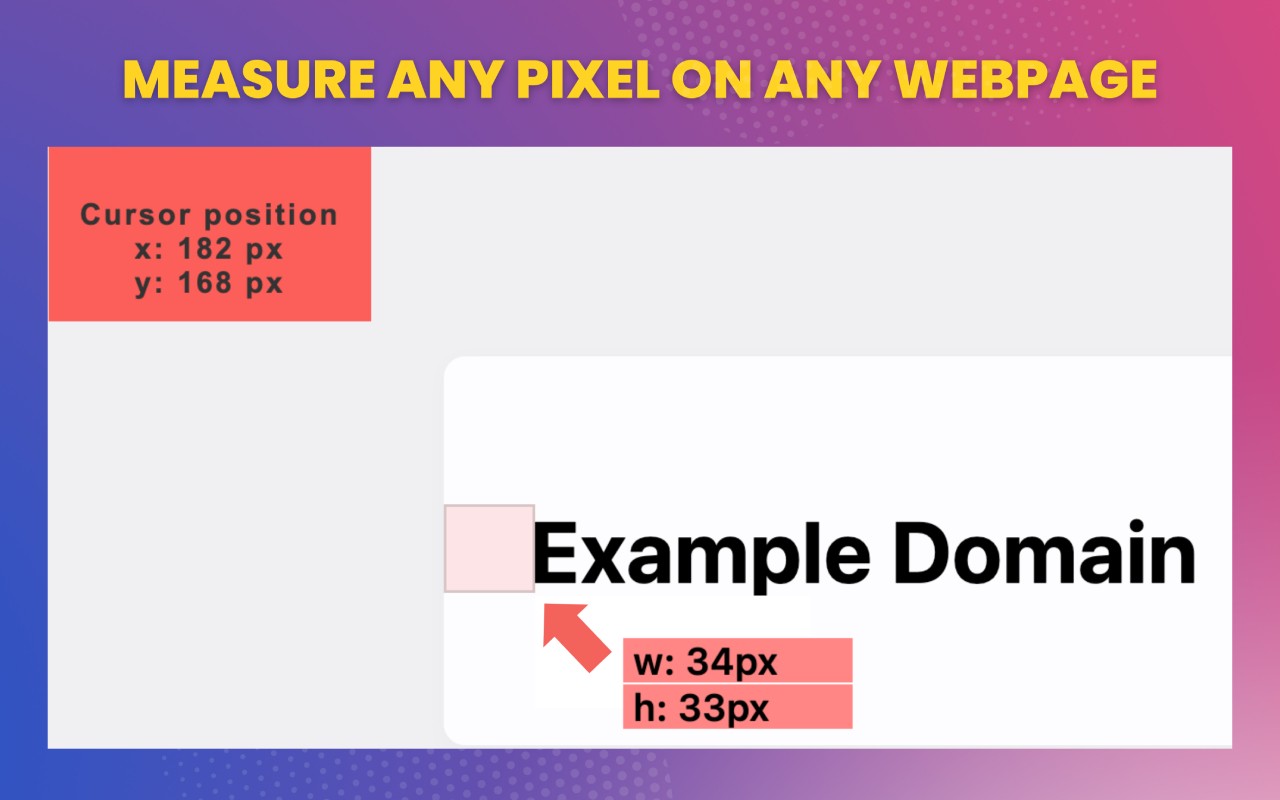
- Mouse Coordinate Tracking: As you move your cursor across the page, the extension displays the current X and Y coordinates in a small overlay. This is invaluable when you need to pinpoint the exact position of an element relative to the viewport or document, such as when aligning components or debugging CSS positioning issues.
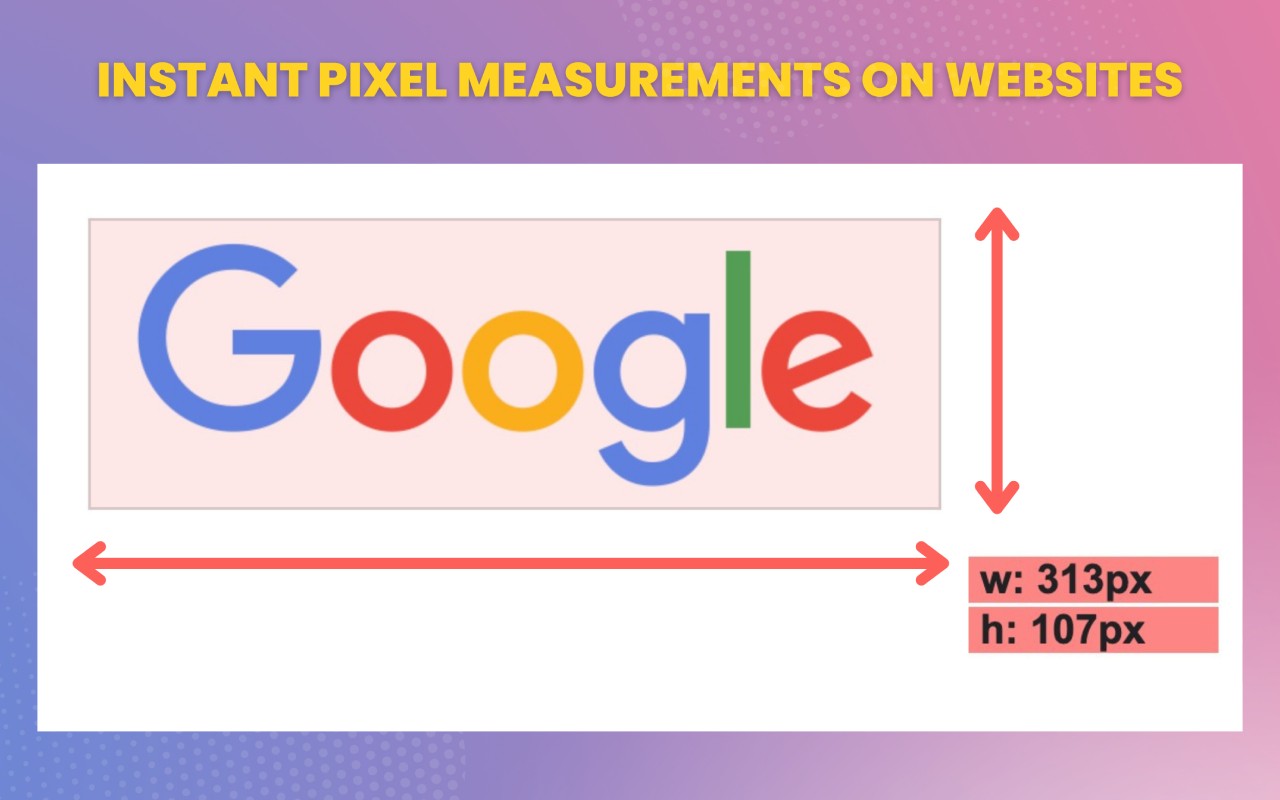
- Distance Measurement: You can click and drag to measure the horizontal and vertical distance between two points. This is particularly useful for checking margins, paddings, gaps between elements, or the dimensions of a specific UI component without accessing the browser's developer tools.
- Smart Mode: Instead of manually hovering over each element, Smart Mode automatically detects and outlines all interactive and structural elements on the page, displaying their coordinates and dimensions. This feature speeds up workflow when you need to inspect multiple components quickly, such as when auditing a page's layout consistency.
- Compatibility with Chrome DevTools Device Mode: The extension works seamlessly within Chrome's Device Mode, which simulates different screen sizes and mobile devices. This allows you to measure elements in responsive design scenarios, ensuring that layouts adapt correctly across various viewport dimensions.
Whether you're a frontend developer fine-tuning a web application, a designer verifying that a prototype matches the final implementation, or a tester reporting precise positional bugs, Pixel Measurement provides a lightweight, always-accessible solution for on-screen measurement tasks.
Extensions that do the same job
Matched by what these extensions actually do, not by store category, and sorted so the ones asking for the least access come first.
| Extension | Site access | Permissions | Users | Rating |
|---|---|---|---|---|
| Pixel Measurement — this page | Limited | 3 | 100K | 4.5★ |
| Figma | Limited | 4 | 200K | 4.2★ |
| GitZip for github | Limited | 2 | 100K | 4.1★ |
| IP Address and Domain Information | Limited | 1 | 100K | 4.4★ |
| Lightning Studio | Limited | 3 | 100K | 3.9★ |
| AI Code Finder, Alerts, Ask Questions about Papers: CatalyzeX | Limited | 3 | 50K | 4.8★ |
| Visual CSS Editor | Limited | 4 | 50K | 3.5★ |
Store data last checked August 14, 2026.