
Web Maker
An offline code editor for HTML, CSS, and JavaScript that runs in a new tab, with preprocessor support, collaboration,
What it does
Permissions and access
Taken from the extension's own manifest file inside the package. The store listing does not spell this out, so it is worth reading before you install.
| Permission | What it allows |
|---|---|
offscreen | Run hidden pages for background work |
storage | Store its own settings and data |
tabs | See the addresses and titles of your open tabs |
Asks for these only when you use the matching feature:
downloads
Requests 3 permissions — extensions doing the same job average 4.0.
Technical details
Description
Web Maker is a code editor that runs entirely in your browser, enabling you to write and test HTML, CSS, and JavaScript code without an internet connection. It is designed for developers who need a quick and accessible playground for frontend experiments, whether they are prototyping a new idea, learning a new technique, or debugging a snippet. Because it works offline, you can use it anywhere-on a plane, in a coffee shop with spotty Wi-Fi, or in a secure environment that restricts internet access. The extension replaces your Chrome new tab page (configurable) so you can start coding immediately without navigating away from your browser.
Key Features
- Offline Operation: All core editing and preview functionality works without an internet connection. Your code is processed locally, ensuring fast feedback and privacy.
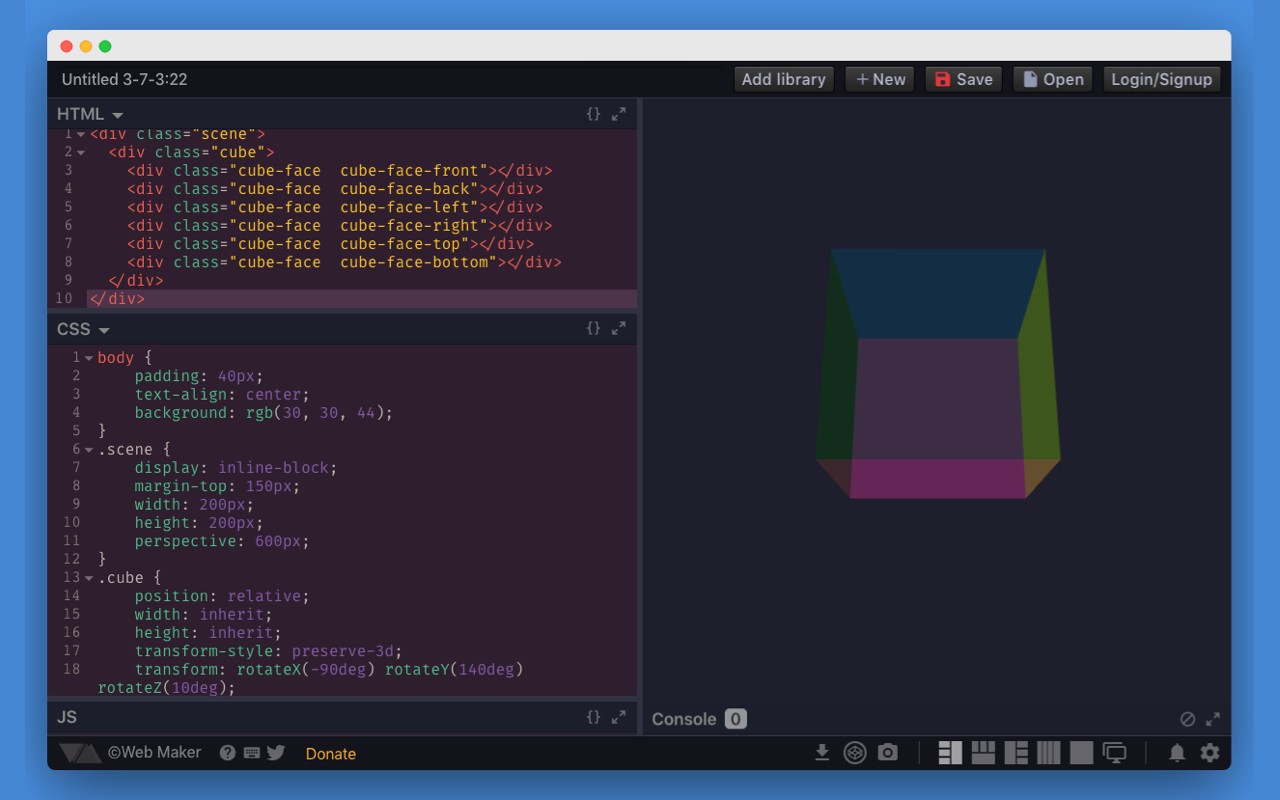
- Preprocessor Support: Write in modern syntaxes like Jade or Markdown for HTML, SCSS, LESS, Atomic CSS, or Stylus for CSS, and ES6, CoffeeScript, or TypeScript for JavaScript. The editor compiles these into standard HTML, CSS, and JS in real-time.
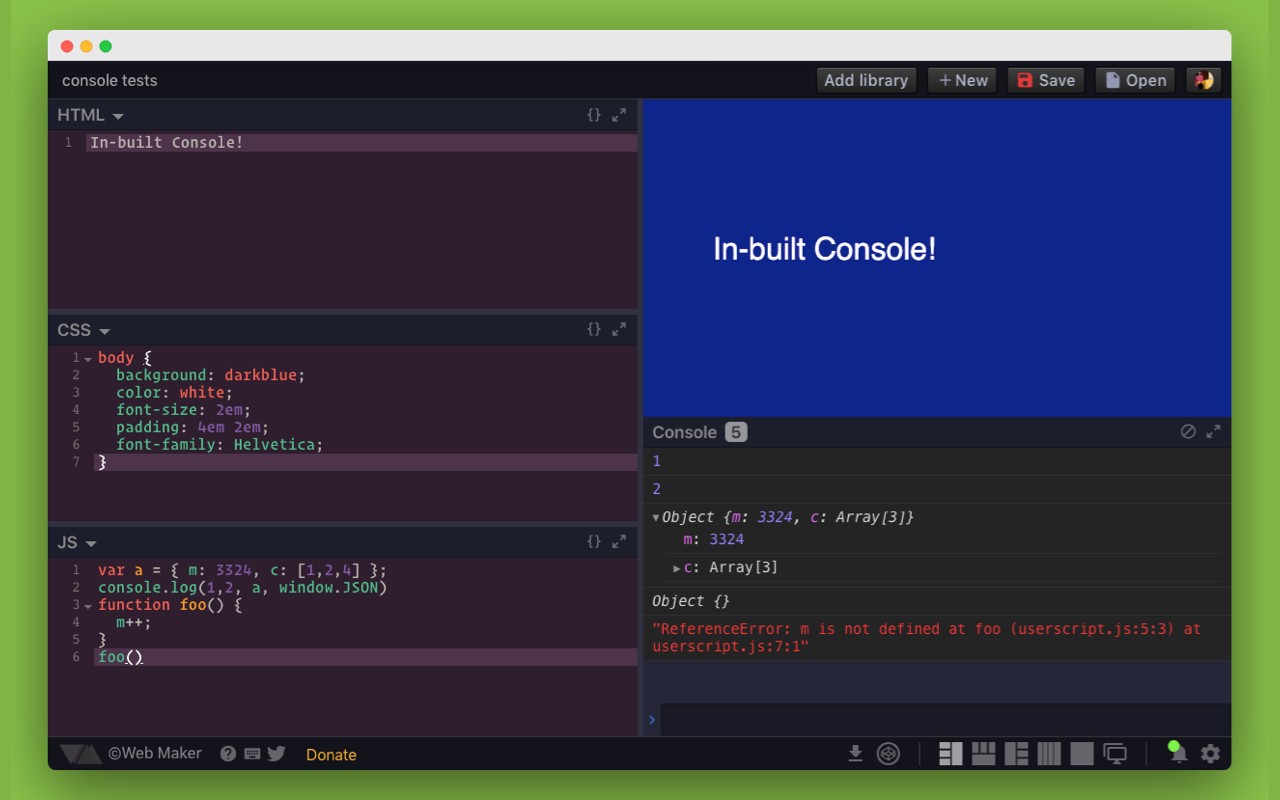
- Built-in Console: View JavaScript errors, logs, and debug output directly within the editor, eliminating the need to open browser developer tools for quick checks.
- Asset Hosting (PRO): Upload and host images, CSS, and JavaScript files, making it easy to include external assets in your projects without relying on third-party services.
- Public Sharing: Share your creations with others via a unique URL. This feature is available even in the free plan, allowing you to showcase your work or collaborate with peers.
- Unlimited File Mode Creations (PRO): Create and save an unlimited number of projects in file mode, which organizes your code into separate files for larger projects.
- User Accounts: Create an account to sync your creations across devices, manage your projects, and access PRO features if subscribed.
- Multi-player Collaboration: Work on the same project simultaneously with other developers in real-time, useful for pair programming or remote teaching.
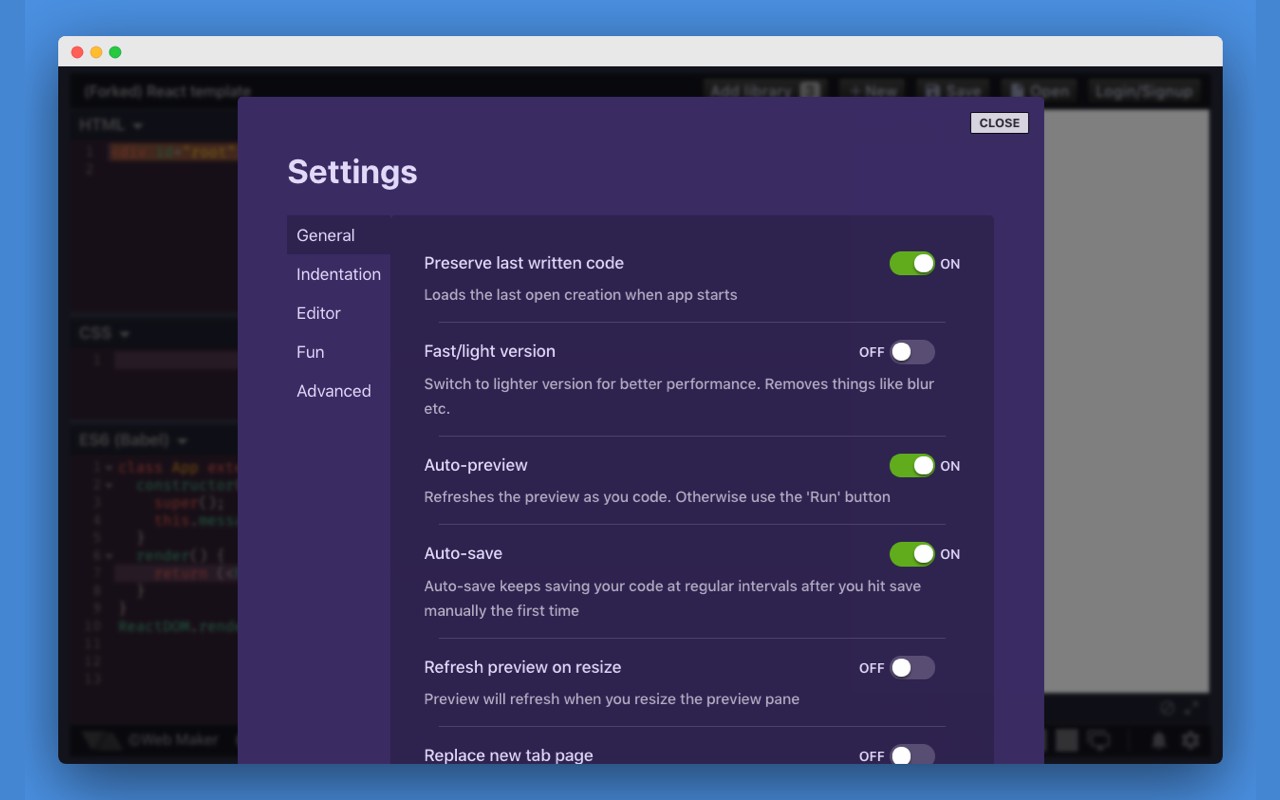
- Auto-save: Your work is automatically saved as you type, preventing data loss. You can also manually save and load projects.
- Fork Any Creation: Copy any existing project (yours or public) to create a new version, ideal for remixing or building upon others' work.
- Templates: Start quickly with pre-configured templates for popular libraries and frameworks like React, Vue, Tailwind CSS, and more.
- Detached Preview: Open the live preview in a separate window or monitor, allowing you to view your output while editing on another screen-useful for multi-monitor setups.
- Import & Export: Download your projects as JSON files or save them as standalone HTML files. Import projects from other sources to continue editing.
- Multiple Editor Themes: Choose from various color schemes for the code editor, including light and dark themes, to suit your visual preference.
- Font Options: Select from different editor fonts or use any font installed on your system for a personalized coding experience.
- Code Autocompletion: Get suggestions as you type, speeding up coding and reducing typos. Supports HTML, CSS, and JavaScript.
- Multiple Layouts: Arrange code panes horizontally, vertically, or in a tabbed layout. Collapse panes to focus on specific parts of your code.
- Preview Screenshot Capture: Take a screenshot of your live preview and save it as an image, useful for documentation or sharing on social media.
- Edit in CodePen: Open your current project directly in CodePen for further editing or sharing on that platform.
- Open Source: The project is open source on GitHub, allowing you to contribute, inspect the code, or report issues.
Web Maker uses minimal permissions: it reads the URL of the opened page only to detect when a new tab is created, so it can optionally replace the default new tab page. The extension does not track personal data; it uses Google Analytics for aggregated usage statistics to improve features. You can opt-out of analytics via Google's opt-out tool or ad-blocking software. For support, visit the GitHub discussions or the official website at webmaker.app.
Extensions that do the same job
Matched by what these extensions actually do, not by store category, and sorted so the ones asking for the least access come first.
| Extension | Site access | Permissions | Users | Rating |
|---|---|---|---|---|
| Web Maker — this page | All sites | 3 | 50K | 4.8★ |
| Figma | Limited | 4 | 200K | 4.2★ |
| GIPHY for Chrome | Limited | 1 | 200K | 3.5★ |
| GitZip for github | Limited | 2 | 100K | 4.1★ |
| IP Address and Domain Information | Limited | 1 | 100K | 4.4★ |
| Lightning Studio | Limited | 3 | 100K | 3.9★ |
| Pixel Measurement | Limited | 3 | 100K | 4.5★ |
Want the same thing with less access? Figma, GIPHY for Chrome, GitZip for github ask for fewer permissions than this one.
Store data last checked August 14, 2026.