
Tag Explorer
Browser extension to visualize, analyze, and debug tracking tags on any webpage using Tag Inspector's library.
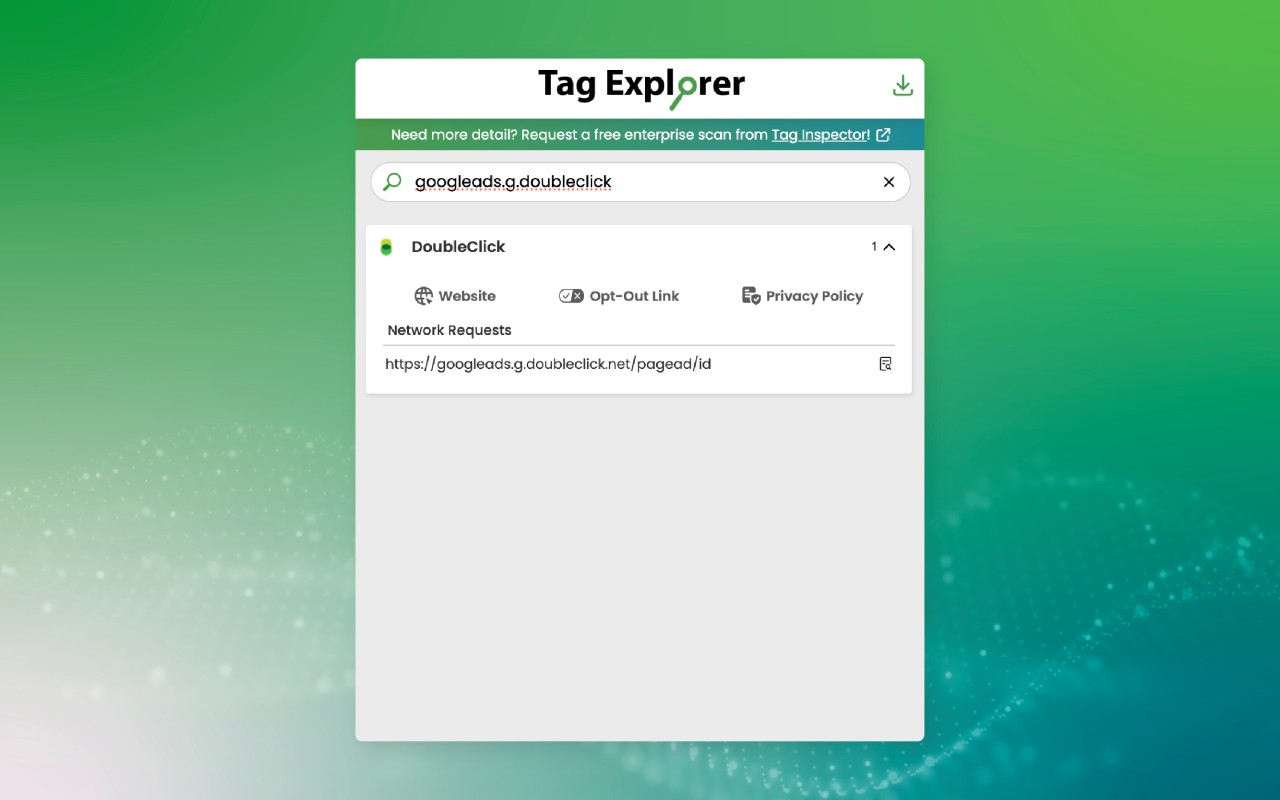
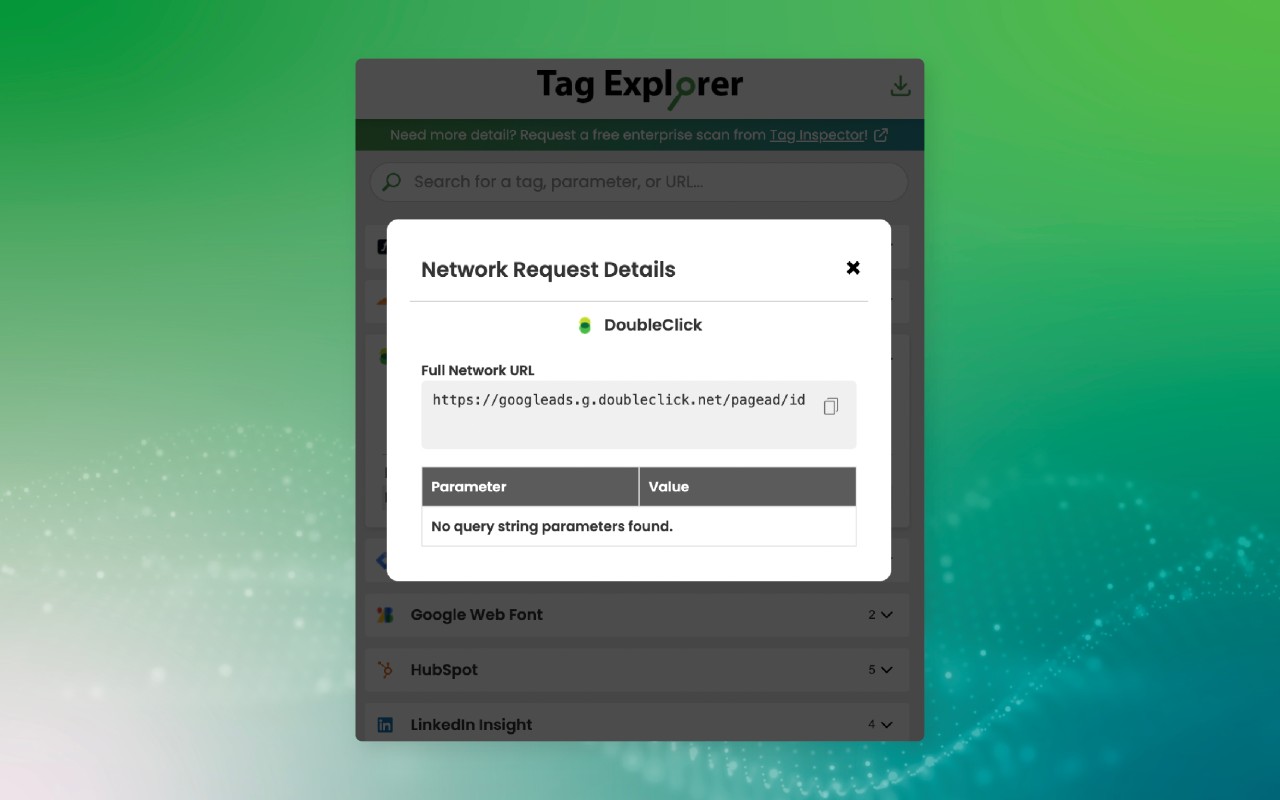
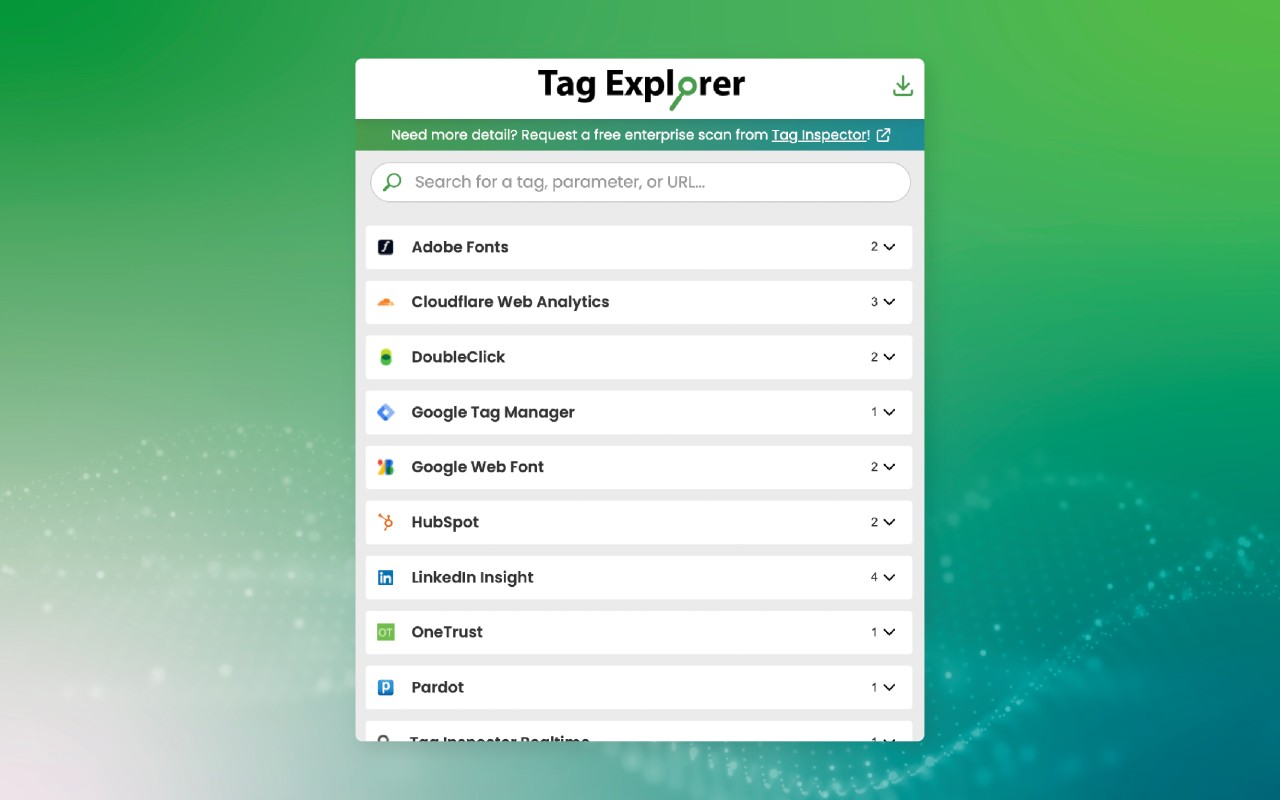
What it does
Permissions and access
Taken from the extension's own manifest file inside the package. The store listing does not spell this out, so it is worth reading before you install.
| Permission | What it allows |
|---|---|
contextMenus | Add items to the right-click menu |
sidePanel | Show a panel beside the page |
storage | Store its own settings and data |
tabs | See the addresses and titles of your open tabs |
webNavigation | See which pages you navigate to |
webRequest | Watch your network requests |
windows | windows |
Requests 7 permissions — extensions doing the same job average 3.9.
Technical details
Keyboard shortcuts
| Shortcut | Action |
|---|---|
| Ctrl+Shift+E | Open Tag Explorer popup |
| Ctrl+Shift+Y | Open the side panel |
Description
Tag Explorer is a browser extension that provides a detailed overview of all tracking tags present on any webpage. By leveraging the comprehensive tag library from Tag Inspector, its parent product, it enables users to see which tags are firing, what data they collect, and whether any issues exist. This tool is especially useful for marketers, analysts, and privacy professionals who need to audit tag implementations without leaving the browser.
Key Features
- Visualize Tags: The extension displays all detected tags in a structured panel, showing the tag name, vendor, and status. This helps users quickly understand the tag landscape of a page, including tags from analytics, advertising, and marketing platforms.
- Analyze Data Payloads: For each tag, you can inspect the data being sent, such as user identifiers, event parameters, and page metadata. This is critical for verifying that tags are sending accurate information and for detecting unintended data leakage.
- Detect and Resolve Issues: Tag Explorer identifies common problems like duplicate tags, missing triggers, or firing errors. It provides actionable insights to fix these issues, ensuring data quality and compliance with privacy regulations.
- Sidebar Interface: The latest update introduces a sidebar view, making it easier to interact with tag details without navigating away from the current page. The sidebar can be toggled on/off for convenience.
Tag Explorer is ideal for ongoing tag monitoring during development, QA testing, or routine audits. It works on any webpage and requires no additional configuration. For a comprehensive site-wide scan, users can upgrade to Tag Inspector's enterprise solution. Additionally, those working with Google Consent Mode can use the companion extension Consent Mode Inspector for specialized debugging.
Extensions that do the same job
Matched by what these extensions actually do, not by store category, and sorted so the ones asking for the least access come first.
| Extension | Site access | Permissions | Users | Rating |
|---|---|---|---|---|
| Tag Explorer — this page | All sites | 7 | 50K | 4.3★ |
| Figma | Limited | 4 | 200K | 4.2★ |
| GitZip for github | Limited | 2 | 100K | 4.1★ |
| IP Address and Domain Information | Limited | 1 | 100K | 4.4★ |
| Lightning Studio | Limited | 3 | 100K | 3.9★ |
| Pixel Measurement | Limited | 3 | 100K | 4.5★ |
| AI Code Finder, Alerts, Ask Questions about Papers: CatalyzeX | Limited | 3 | 50K | 4.8★ |
Want the same thing with less access? Figma, GitZip for github, IP Address and Domain Information ask for fewer permissions than this one.
Store data last checked August 14, 2026.