
RestMan
Browser extension for testing REST APIs by sending HTTP requests and inspecting responses.
What it does
Permissions and access
Taken from the extension's own manifest file inside the package. The store listing does not spell this out, so it is worth reading before you install.
| Permission | What it allows |
|---|---|
storage | Store its own settings and data |
Requests 1 permission — extensions doing the same job average 4.0.
Technical details
Description
RestMan is a browser extension designed for developers and API testers to interact with REST APIs over HTTP and HTTPS. It provides a straightforward interface for constructing and sending HTTP requests, viewing responses, and managing request history. Whether you are debugging an API endpoint, testing a new feature, or exploring third-party services, RestMan helps you quickly inspect request and response data without leaving your browser.
Key Features
- HTTP Method Support: Choose from GET, POST, PUT, DELETE, PATCH, and OPTIONS methods to cover common REST API operations. This flexibility allows you to test CRUD actions and discover available endpoints using OPTIONS.
- Custom Request Headers: Add, edit, or remove headers to simulate authentication tokens, content types, or custom parameters. Useful when testing endpoints that require specific headers like Authorization or Accept.
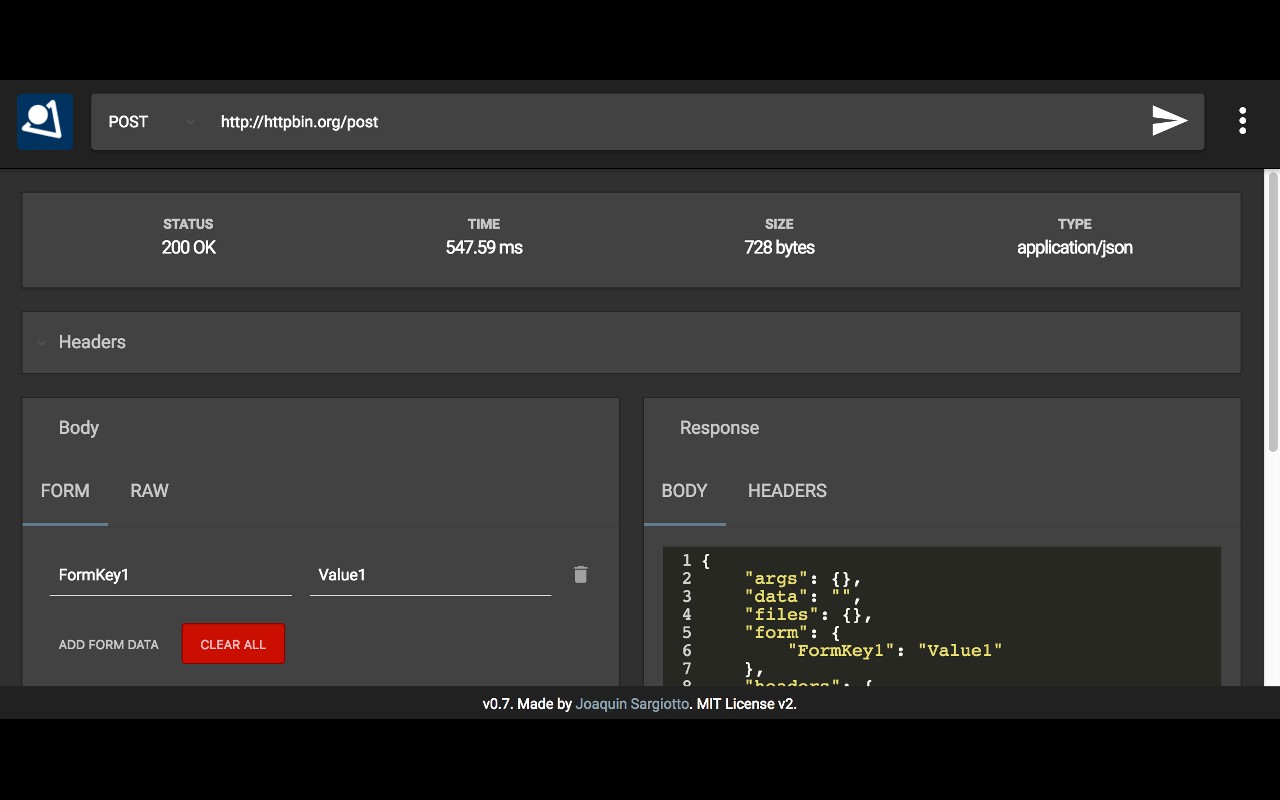
- Request Body Options: Send raw data (e.g., JSON or XML) or use form-data encoding for simulating HTML form submissions. This accommodates various API designs and simplifies testing of POST/PUT endpoints.
- Response Details: After sending a request, view the response time, size, and content type. The response content is displayed in a dedicated panel, with options for raw view or HTML preview (with security restrictions that block scripts and external resources). Response headers are also visible for troubleshooting.
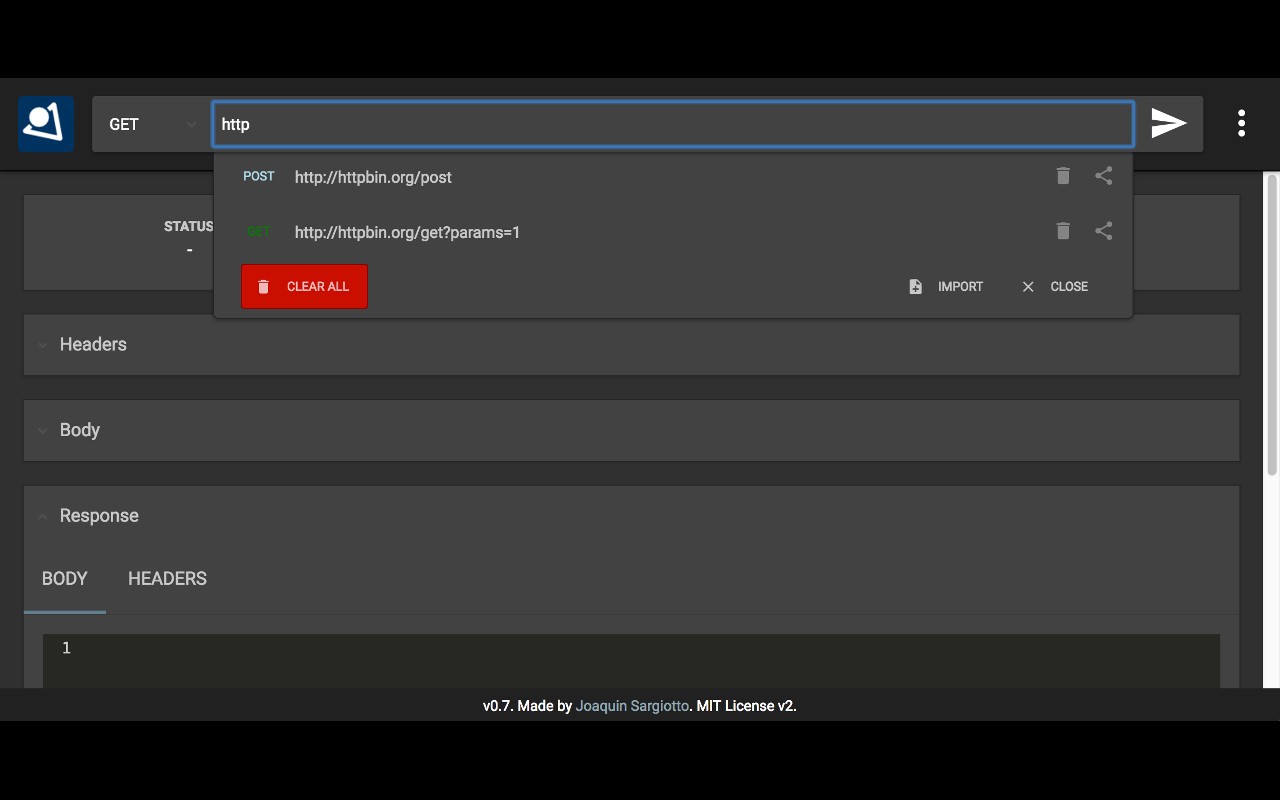
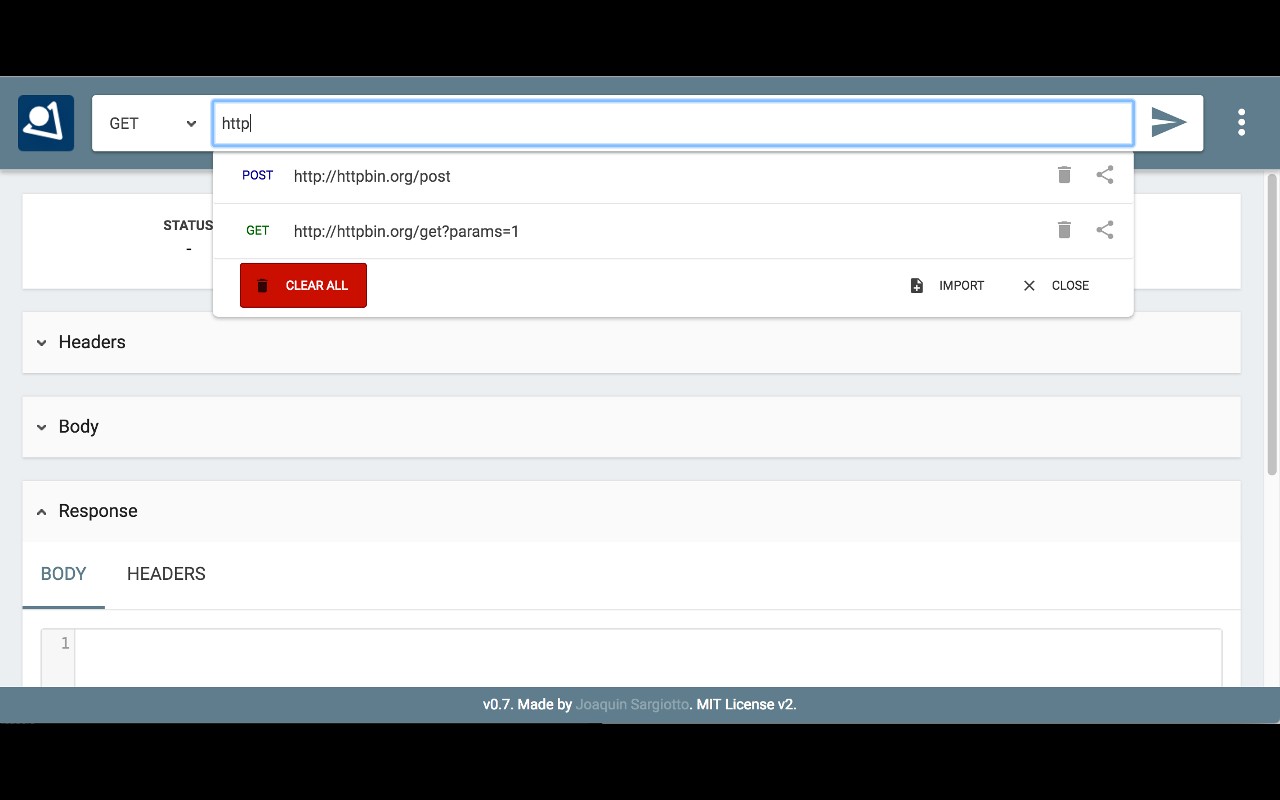
- History Management: A dropdown from the URL bar stores previous requests. It filters entries as you type, supports keyboard navigation (up/down keys, Enter to select), and automatically scrolls long lists. This speeds up re-testing of frequently used endpoints.
- Share Requests: Export or share a request configuration with colleagues, making collaboration on API debugging easier.
- Theme and Layout Options: Choose between a light or dark material-design theme. The layout can be set to side-by-side (body and response panels) or stacked. These preferences are saved per session via an options popup.
- Keyboard Shortcuts: Press Ctrl+Enter or simply Enter when the URL field is focused to send the request, reducing repetitive clicks.
- Performance Optimizations: The extension conserves resources when idle (Manifest V3 migration ensures better efficiency). The running indicator has been improved to give clear feedback during request execution.
- Visual Cues: Each HTTP method is color-coded (e.g., GET in one color, POST in another) for quick identification. The method dropdown background works correctly on Windows, and the URL input area has been expanded for longer addresses.
RestMan is a lightweight tool that integrates seamlessly into your browser's toolbar. Its history and sharing features make it practical for day-to-day API development, while the customizable theme and layout adapt to personal preferences. The extension does not require unnecessary permissions, and it avoids duplicating history entries to keep the list clean.
Extensions that do the same job
Matched by what these extensions actually do, not by store category, and sorted so the ones asking for the least access come first.
| Extension | Site access | Permissions | Users | Rating |
|---|---|---|---|---|
| RestMan — this page | All sites | 1 | 60K | 4.4★ |
| Figma | Limited | 4 | 200K | 4.2★ |
| GitZip for github | Limited | 2 | 100K | 4.1★ |
| IP Address and Domain Information | Limited | 1 | 100K | 4.4★ |
| Lightning Studio | Limited | 3 | 100K | 3.9★ |
| Pixel Measurement | Limited | 3 | 100K | 4.5★ |
| AI Code Finder, Alerts, Ask Questions about Papers: CatalyzeX | Limited | 3 | 50K | 4.8★ |
Want the same thing with less access? Figma, GitZip for github, IP Address and Domain Information ask for fewer permissions than this one.
Store data last checked August 14, 2026.